
1. Introducción
Gracias por la compraasing the JVC XS-N3123PB Party Bluetooth Speaker. This speaker is designed to deliver powerful audio with an 8-inch woofer, 40W RMS output, and a built-in RGB light show. It features a rechargeable battery for portability and multiple connectivity options. This manual provides essential information for safe and optimal use of your speaker.

Frente view of the JVC XS-N3123PB Party Bluetooth Speaker, showcasing its design and active RGB lighting.
2. Información de seguridad
Lea atentamente todas las instrucciones de seguridad antes de usar este producto. Conserve este manual para futuras consultas.
- No exponga el altavoz a temperaturas extremas, humedad o luz solar directa.
- Evite dejar caer o someter el altavoz a impactos fuertes.
- No desmonte, repare ni modifique la unidad usted mismo. Encargue cualquier servicio técnico a personal cualificado.
- Keep the speaker away from water or other liquids to prevent electric shock.
- Use only the charging cable provided or recommended by the manufacturer.
- Ensure proper ventilation around the speaker during use and charging.
- Do not operate the speaker at excessively high volumes for prolonged periods to avoid hearing damage.
3. Contenido del paquete
Verifique que todos los artículos estén presentes en el paquete:
- JVC XS-N3123PB Party Bluetooth Speaker
- Charging Cable (AC adapter not included)
- Manual de usuario
4. Producto terminadoview
Familiarícese con los componentes y controles del altavoz.
Panel frontal

The front of the speaker features the main 8-inch woofer with integrated RGB lighting and a display panel at the top.
Panel de control superior

The top panel includes buttons for LED control, EQ, Record, TWS pairing, Menu, Mode/Next, Play/Pause, Scan, and Volume controls.
Panel trasero y puertos
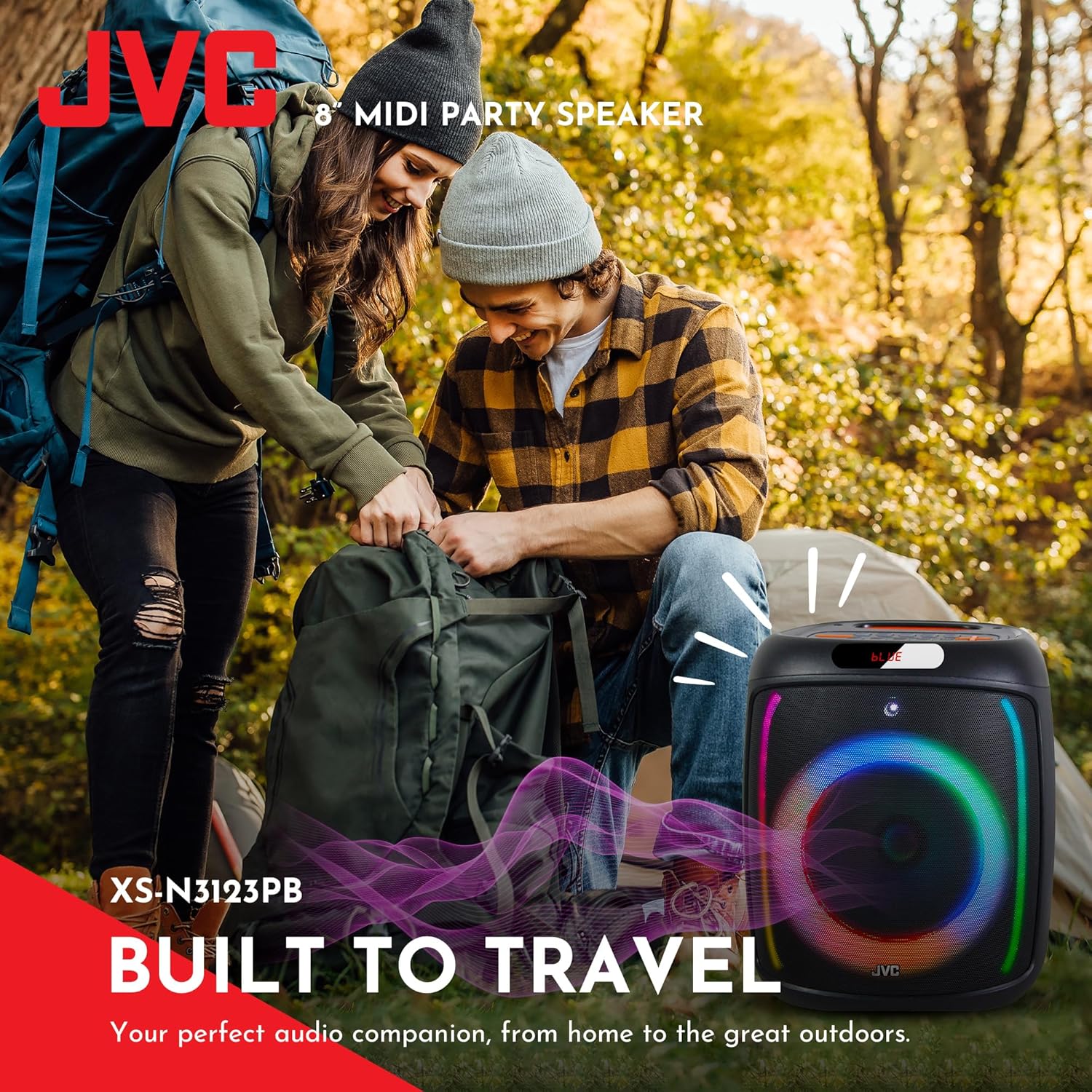
The rear panel provides ports for USB, SD card, AUX input, and microphone input.
5. Configuración
5.1 Carga del altavoz
Before first use, fully charge the speaker. Connect the charging cable to the speaker's charging port and to a suitable power source (e.g., USB wall adapter, computer USB port). The charging indicator will illuminate. Once fully charged, the indicator may change color or turn off. A full charge provides up to 6 hours of playback.
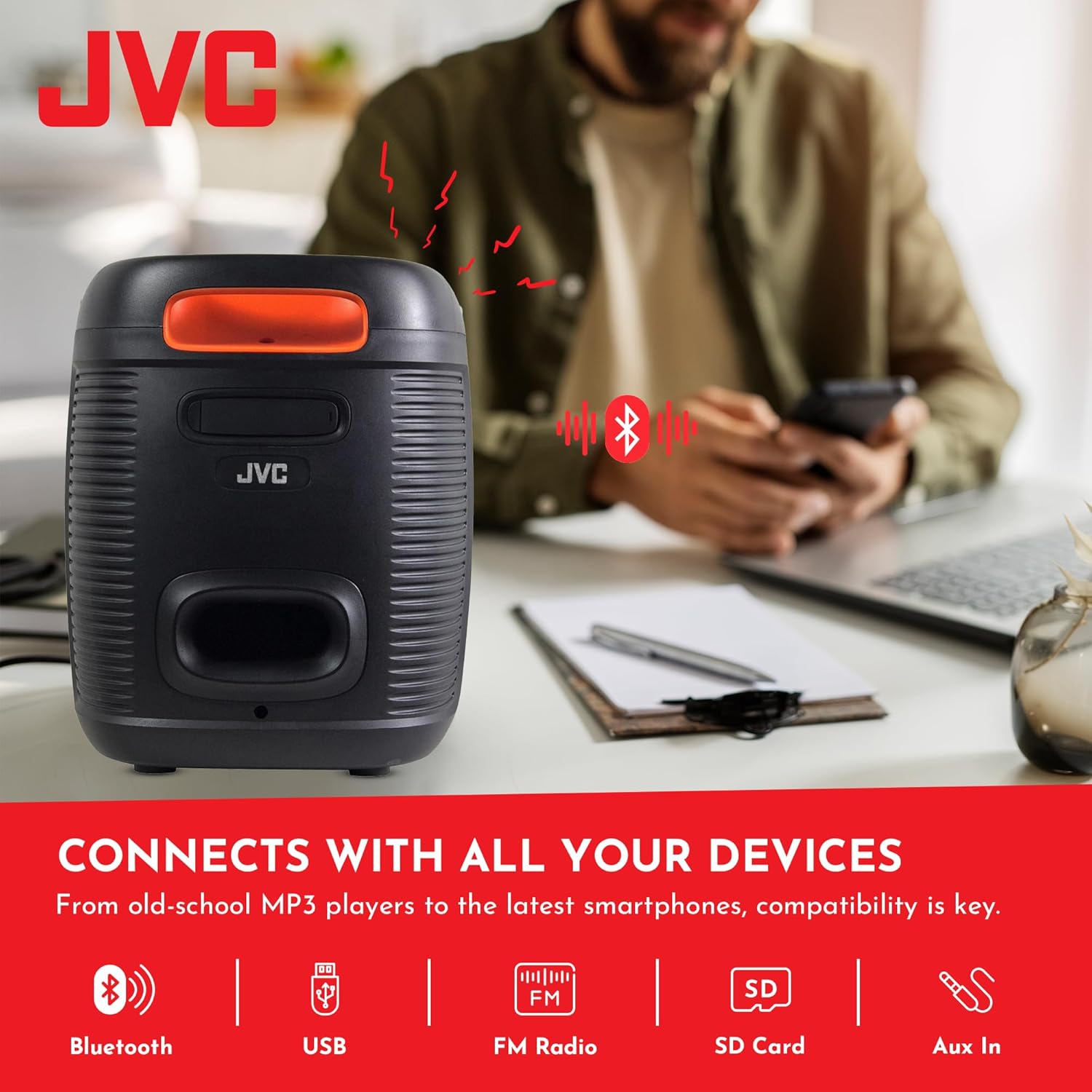
The speaker features a 4000mAh rechargeable battery for extended use.
5.2 Encendido / Apagado
Mantenga presionado el botón de encendido (U) on the top control panel for a few seconds to turn the speaker on or off.
6. Instrucciones de funcionamiento
6.1 Emparejamiento Bluetooth
- Turn on the speaker. It will automatically enter Bluetooth pairing mode, indicated by a flashing 'BLUE' on the display and an audible prompt.
- Habilite Bluetooth en su dispositivo móvil (teléfono inteligente, tableta, etc.).
- Buscar available Bluetooth devices and select "JVC XS-N3123PB" from the list.
- Once paired, the speaker will emit an audible confirmation, and 'BLUE' on the display will stop flashing.
- Ahora puedes reproducir audio desde tu dispositivo a través del altavoz.
6.2 Reproducción de USB y tarjeta SD
Inserte una unidad flash USB o una tarjeta SD (con audio MP3 files) into the respective port on the rear panel. The speaker will automatically switch to USB/SD mode and begin playing music. Use the control buttons on the top panel to navigate tracks (Previous/Next) and control playback (Play/Pause).
6.3 Radio FM
- Presione el MODO Botón para cambiar al modo de radio FM.
- Presione el ESCANEAR Botón para escanear y guardar automáticamente las estaciones de FM disponibles.
- Utilice los botones Anterior/Siguiente para cambiar entre las estaciones guardadas.
6.4 entrada auxiliar
Connect an external audio device (e.g., MP3 player, laptop) to the AUX IN port on the rear panel using a 3.5mm audio cable. The speaker will automatically switch to AUX mode. Control playback from your connected device.
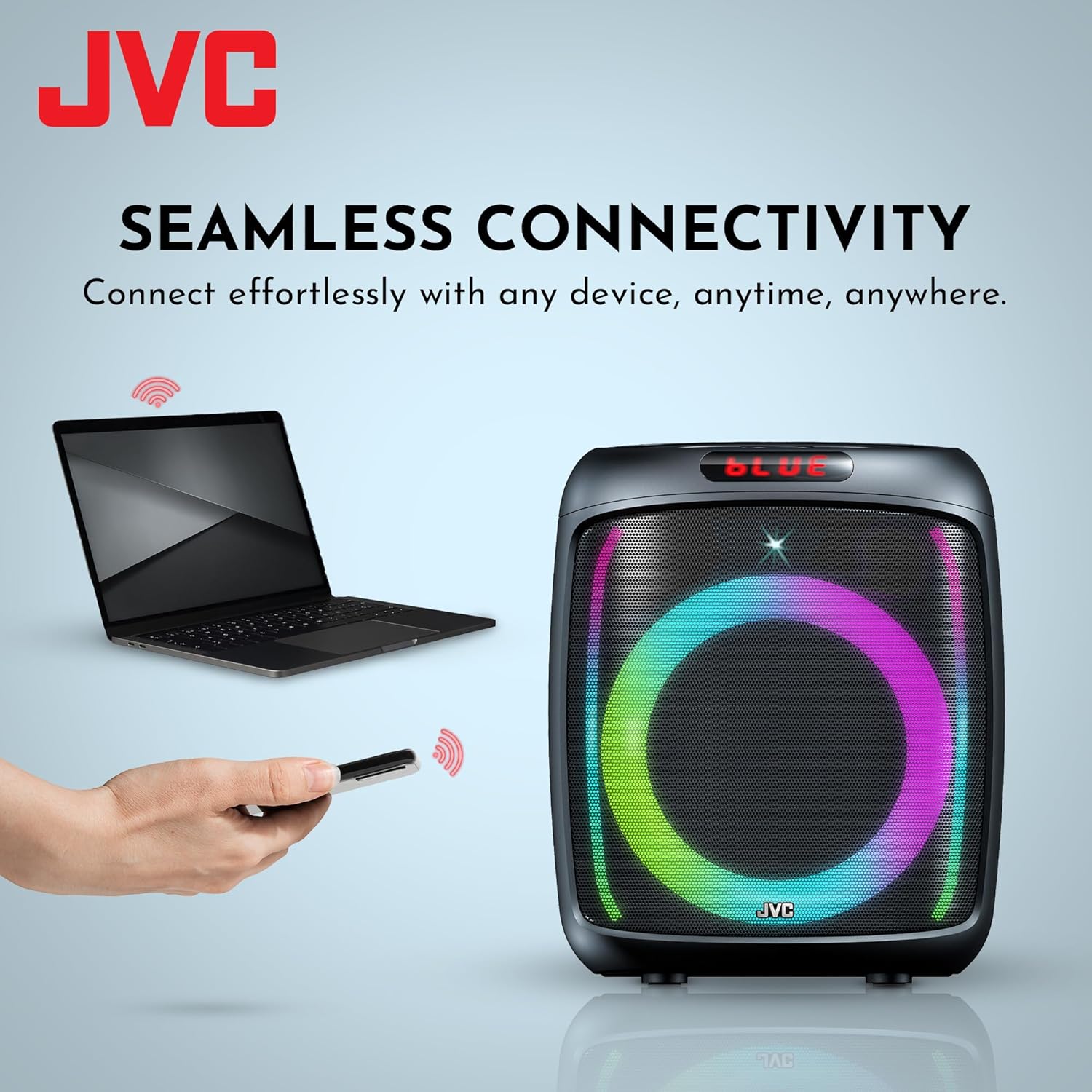
The speaker offers versatile connectivity including Bluetooth, USB, FM Radio, SD Card, and Aux In.
6.5 Función de micrófono y karaoke
Connect a microphone to the MIC IN port on the rear panel. You can use the microphone for announcements or karaoke. The speaker supports recording functionality (REC button) when a USB drive or SD card is inserted.

The speaker includes built-in karaoke and recording capabilities.
6.6 Espectáculo de luces RGB
The speaker features an integrated RGB light show that pulses with the music. Press the CONDUJO button on the top control panel to cycle through different light modes or turn the lights off.
6.7 Función estéreo inalámbrica verdadera (TWS)
If you have two JVC XS-N3123PB speakers, you can pair them together for a True Wireless Stereo experience. Refer to the TWS pairing instructions in the full manual for detailed steps.
7. Mantenimiento
7.1 Limpieza
Wipe the speaker with a soft, dry cloth. Do not use abrasive cleaners, waxes, or solvents. Ensure no liquids enter the speaker openings.
7.2 Almacenamiento
When not in use for extended periods, store the speaker in a cool, dry place, away from direct sunlight and extreme temperatures. It is recommended to charge the battery periodically to maintain its lifespan.
8. Solución de problemas
Si tiene problemas con su altavoz, consulte los siguientes problemas y soluciones comunes:
| Problema | Posible causa | Solución |
|---|---|---|
| El altavoz no se enciende | La batería está agotada | Cargue el altavoz completamente. |
| Sin sonido | Volume is too low or muted; Incorrect input mode; Device not connected properly | Increase volume; Select correct input mode (Bluetooth, USB, AUX); Reconnect device. |
| El emparejamiento de Bluetooth falla | Speaker not in pairing mode; Device Bluetooth off; Speaker too far from device | Asegúrese de que el altavoz esté en modo de emparejamiento; encienda el Bluetooth del dispositivo; acerque el altavoz al dispositivo (dentro de los 10 metros). |
| La recepción de radio FM es deficiente | Señal débil; Interferencia | Relocate the speaker; Extend the antenna if available (not explicitly mentioned for this model, but general advice). |
9. Especificaciones
| Característica | Especificación |
|---|---|
| Número de modelo | AP-G278 |
| Marca | JVC |
| Potencia máxima de salida del altavoz | 40 vatios RMS |
| Tecnología de conectividad | Bluetooth |
| Modo de salida de audio | Mono (Stereo encoding for audio) |
| Vol de entradatage | 9 voltios |
| Tipo de montaje | Montaje de mesa |
| Material | Plástico |
| Tipo de altavoz | Exterior |
| Color | Negro |
| Tamaño del altavoz | 8 pulgadas |
| Dimensiones del artículo (Pr. x An. x Al.) | 28D x 28.5W x 33.5H centímetros |
| Número de baterías | 2 baterías de iones de litio (incluidas) |
| Recuento de unidades | 1 Conteo |

Lado view del altavoz, ilustrando su diseño compacto y portátil.
10. Garantía y soporte
10.1 Información de garantía
This JVC XS-N3123PB Party Bluetooth Speaker comes with a Garantía de 1 años A partir de la fecha de compra. Esta garantía cubre defectos de fabricación. No cubre daños causados por mal uso, accidentes, modificaciones no autorizadas ni desgaste normal. Conserve su comprobante de compra para reclamaciones de garantía.
10.2 Atención al cliente
For technical assistance, warranty claims, or further inquiries, please contact JVC customer support through their official website or the retailer where the product was purchased. Provide your model number (XS-N3123PB) and proof of purchase when contacting support.