
1. Introducción
Welcome to the user manual for your Linsoul 7Hz x Crinacle Zero:2 In-Ear Monitors. These high-fidelity in-ear monitors are designed for musicians, audiophiles, and gamers, offering an updated 10mm dynamic driver for an enhanced audio experience. This manual provides essential information on setting up, operating, maintaining, and troubleshooting your device to ensure optimal performance and longevity.
2. Producto terminadoview
2.1 Características principales
- 7Hz x Crinacle Collaboration: Tuned in collaboration with renowned audio reviewer Crinacle, ensuring an optimal tonal balance.
- Enhanced Bass and Tonal Excellence: Features 3dB more in low frequencies for a powerful and engaging bass presence, with improved bass impact, extension, and a warmer midrange.
- New 10mm Dynamic Driver: Incorporates a newly developed 10mm dual-cavity dynamic driver with an upgraded PU+Metal composite diaphragm for increased responsiveness, faster diaphragm movement, and precise audio reproduction across a 10Hz to 20kHz frequency range.
- Improved Custom Cable: Equipped with a high-purity oxygen-free copper cable with silver plating, featuring a coaxial structure for enhanced strength and superior audio transmission. The cable is detachable for user customization and extended product life.
2.2 ¿Qué hay en la caja?

Description: The complete package contents of the Linsoul 7Hz x Crinacle Zero:2, featuring the in-ear monitors, detachable cable, a variety of colorful ear tips, and the user manual.
- Linsoul 7Hz x Crinacle Zero:2 In-Ear Monitors (Silver)
- Detachable OFC IEM Cable
- Various Silicone Ear Tips
- Manual de usuario
2.3 Imágenes del producto

Description: A pair of Linsoul 7Hz x Crinacle Zero:2 In-Ear Monitors in silver, showcasing their transparent housing and metallic faceplate, connected by their detachable cable.

Descripción: Un primer plano view of one Linsoul 7Hz x Crinacle Zero:2 In-Ear Monitor, highlighting its updated 10mm dynamic driver and a red ear tip, resting on a smartphone.

Description: An exploded diagram illustrating the internal components of the Linsoul 7Hz x Crinacle Zero:2 In-Ear Monitor, including the alloy faceplate, imported voice coil, custom diaphragm, and medical-grade resin housing.
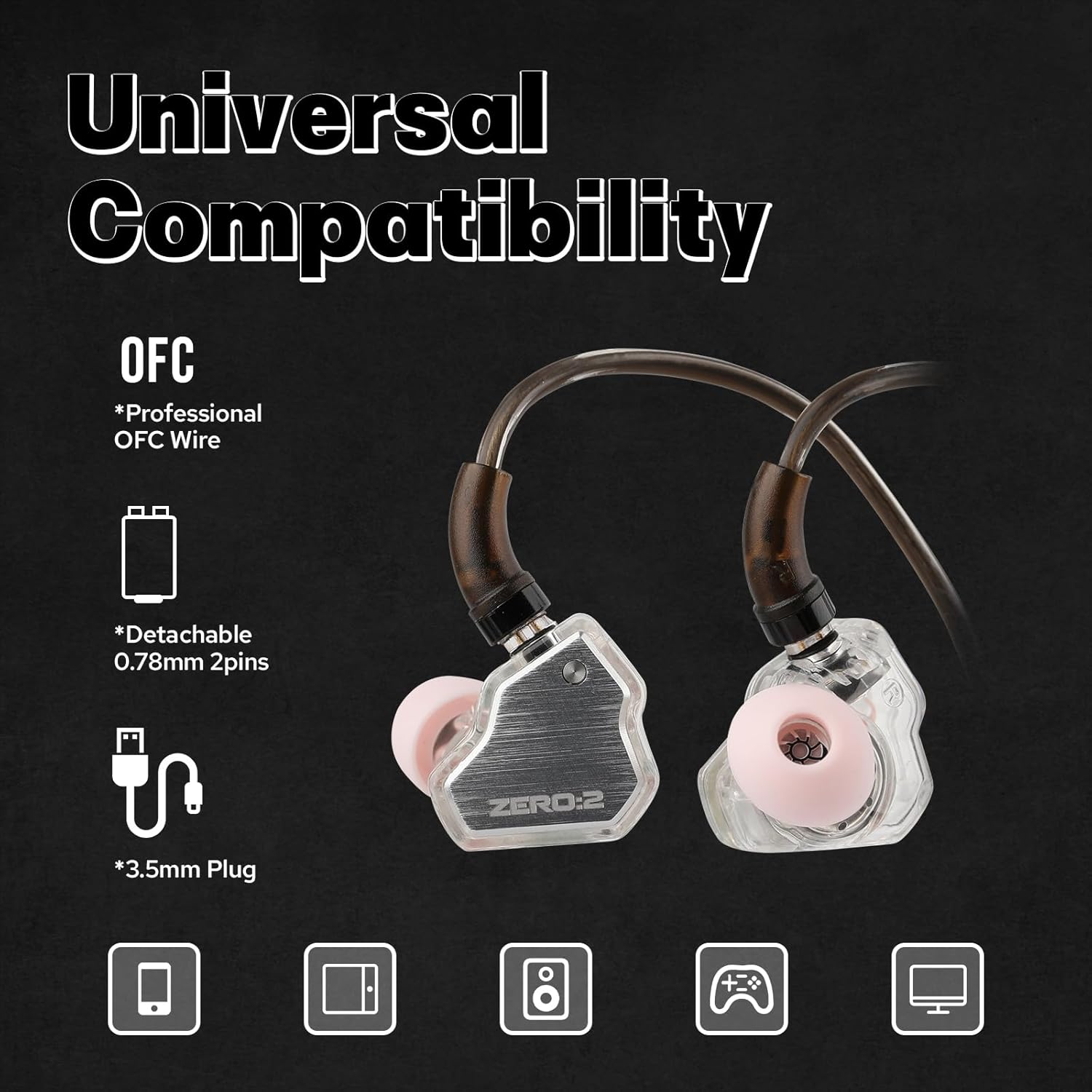
Description: The Linsoul 7Hz x Crinacle Zero:2 In-Ear Monitors with their detachable OFC cable and 3.5mm plug, indicating compatibility with various devices like phones, tablets, and gaming consoles.
2.4 Vídeo del producto terminadoview
Description: This short video provides a quick overview of the Linsoul 7Hz x Crinacle Zero:2 In-Ear Monitors, highlighting their design and main functionalities.
3. Configuración
3.1 Conexión del cable
- Identifique los auriculares izquierdo (L) y derecho (R) y los conectores correspondientes en el cable.
- Align the 2-pin connector on the cable with the receptacle on each earpiece. Ensure the pins are correctly oriented.
- Presione suavemente el conector del cable en el auricular hasta que encaje firmemente. No fuerce la conexión.
- Repita esto para el otro auricular.
3.2 Elección y colocación de las puntas de los oídos
Selecting the correct ear tips is crucial for sound quality and comfort. Experiment with the various sizes provided to find the best fit for your ears.
- Retire con cuidado las puntas de los oídos preinstaladas tirando de ellas hacia afuera de la boquilla.
- Select a pair of ear tips that feel comfortable and create a good seal in your ear canal. A good seal is essential for optimal bass response and noise isolation.
- Push the new ear tips onto the nozzle of the earpiece until they are firmly attached.
3.3 Cómo usar los IEM
- Inserte los auriculares en los canales auditivos.
- Route the cable over the top of your ears. The cable is designed to loop around the ear for a secure and comfortable fit, reducing microphonics.
- Adjust the earpieces until they feel snug and comfortable, ensuring a proper seal.
4. Operación
4.1 Escucha básica
- Connect the 3.5mm jack of the cable to your audio source (e.g., smartphone, tablet, laptop, digital audio player).
- Start playing audio from your device.
- Adjust the volume on your audio source to a comfortable listening level. Avoid excessively high volumes to protect your hearing.
4.2 Cable Control (if applicable)
If your specific cable variant includes a microphone and remote control, you can use it for:
- Playing/Pausing music.
- Skipping tracks.
- Answering/Ending calls.
Refer to your audio source device's manual for specific compatibility and control functions.
5. Mantenimiento
5.1 Limpieza de los IEM y las almohadillas para los oídos
- Regularly clean your IEMs to prevent earwax buildup and maintain hygiene.
- Gently wipe the earpieces with a soft, dry, lint-free cloth.
- Remove ear tips and wash them with mild soap and water. Rinse thoroughly and allow them to air dry completely before reattaching.
- Use a small brush or earwax removal tool to carefully clear any debris from the nozzle of the earpieces.
5.2 Cuidado del cable
- Evite curvas cerradas o tirones excesivos del cable.
- Al guardarlo, enrolle el cable sin apretar para evitar que se enrede y se dañe.
- If the cable becomes dirty, wipe it with a soft, damp paño.
5.3 Almacenamiento
When not in use, store your IEMs in a protective case to prevent damage from impacts, dust, and moisture.
6. Solución de problemas
| Problema | Posible causa | Solución |
|---|---|---|
| Sin sonido o sonido intermitente | Loose cable connection, incorrect audio source selection, low volume, damaged cable. | Ensure cable is securely connected to both IEMs and audio source. Check audio output settings on your device. Increase volume. Test with another cable if available. |
| Poor sound quality (e.g., lack of bass, distorted audio) | Improper ear tip seal, earwax buildup, low-quality audio file. | Adjust ear tips for a better seal. Clean ear tips and IEM nozzles. Try a higher quality audio file o fuente. |
| Los IEM se caen fácilmente | Incorrect ear tip size, improper wearing technique. | Try different sized ear tips for a more secure fit. Ensure the cable is looped over your ears correctly. |
7. Especificaciones

Description: A frequency response graph for the 7Hz x Crinacle Zero:2 In-Ear Monitors, showing the audio performance across the frequency spectrum from 20Hz to 20kHz.
| Característica | Detalle |
|---|---|
| Marca | Alma linólea |
| Número de modelo | 7Hz x Crinacle Zero:2 |
| Color | Plata |
| Colocación de orejas | En el oído |
| Factor de forma | En el oído |
| Impedancia | 32 ohmios |
| Control de ruido | Ninguno |
| Sensibilidad | 108 dB |
| Respuesta de frecuencia | 10-20000 Hz |
| Tipo de controlador de audio | Controlador dinámico |
| Tamaño del controlador de audio | 10 milímetros |
| Características del cable | Detachable, High-purity oxygen-free copper |
| Toma de auriculares | 3.5 mm Jack |
| Tecnología de conectividad de red | Cableado |
| Material | Plástico |
| Peso del artículo | 0.07 kilogramos |
| Tipo de control | Control por cable |
| Método de control | Remoto |
| Dispositivos compatibles | Celulares, Tabletas, Portátiles, Computadoras de Escritorio |
| Usos específicos del producto | Música, Juegos |
| Nivel de resistencia al agua | No resistente al agua |
8. Garantía y soporte
Your Linsoul 7Hz x Crinacle Zero:2 In-Ear Monitors come with a standard manufacturer's warranty. Please refer to the warranty card included in your package or visit the official Linsoul webSitio para conocer los términos y condiciones detallados de la garantía.
For technical support, product inquiries, or warranty claims, please contact Linsoul customer service through their official websitio o distribuidores autorizados.