
Introducción
Thank you for choosing the Baseus Bowie MA10S Wireless Earbuds. This manual provides detailed instructions on how to set up, operate, and maintain your earbuds to ensure optimal performance and longevity. Please read this manual thoroughly before using the product.

Image: The Baseus Bowie MA10S Wireless Earbuds, showing both earbuds and their open charging case with a digital battery display.
Contenido del paquete
Asegúrese de que todos los artículos estén presentes en el paquete:
- Baseus Bowie MA10S Wireless Earbuds (Left and Right)
- Estuche de carga
- S/M/L Eartips (Left and Right pairs)
- S/M/L Earwings (Left and Right pairs)
- Cable de carga USB-C
- Manual de usuario (este documento)

Image: All components included in the Baseus Bowie MA10S package: the earbuds in their charging case, a USB-C charging cable, and various sizes of ear tips and ear wings.
Configuración
1. Carga inicial
Before first use, fully charge the earbuds and the charging case. Connect the USB-C charging cable to the charging case and a power source. The digital display on the case will show the battery percentage. Los auriculares se cargarán automáticamente cuando se coloquen dentro del estuche.

Image: The Baseus Bowie MA10S charging case demonstrating both USB-C wired charging and wireless charging capabilities, with a clear view of the digital power display showing "100%".
The charging case supports both wired USB-C charging and wireless charging. A full charge provides up to 38 hours of total playtime with the charging case, and 8 hours on a single charge for the earbuds.
2. Emparejamiento Bluetooth
- Abre el estuche de carga. Los auriculares entrarán automáticamente en modo de emparejamiento.
- En su dispositivo (teléfono inteligente, tableta, computadora portátil), habilite Bluetooth.
- Buscar "Baseus Bowie MA10S" in the list of available Bluetooth devices.
- Select "Baseus Bowie MA10S" to connect. Once connected, a voice prompt will confirm the successful pairing.
The earbuds feature Bluetooth 5.3 for instant pairing, stable connection, and better interference resistance. They also support multipoint connection, allowing seamless pairing to two devices simultaneously.

Image: A visual representation of the Bluetooth 5.3 chip, highlighting its role in providing instant pairing and stable connections.

Image: A man seamlessly connected to both a smartphone and a laptop with the Baseus Bowie MA10S earbuds, illustrating the multipoint connection feature.
3. Instalación de la aplicación Baseus
For enhanced features and customization, download the official Baseus App from your device's app store. The app allows you to:
- Adjust Noise Cancelling levels (10 levels available)
- Select from 12 Preset Equalizers (EQs) or create custom ones
- Customize touch gestures for controls

Image: Screenshots of the Baseus App interface, demonstrating options for ambient sound control, equalizer presets, and custom gesture settings.
Instrucciones de funcionamiento
Controles táctiles
The Baseus Bowie MA10S earbuds feature intuitive touch controls. Refer to the following table for default functions. Custom gestures can be configured via the Baseus App.
| Acción | Función | Notas |
|---|---|---|
| Put on / Take off | Reproducir y pausar | Detección automática |
| Un solo toque (izq. o der.) | Toggle Track / Adjust Volume | Customizable in App |
| Long Press (1.5s, L or R) | Noise Cancellation Cycle | ANC > Normal > Transparency mode (default) |
| Long Press (1.5s, L or R) | Spatial Audio Cycle | Music > Theater > Normal (default) |
| Long Press (1.5s, L or R) | Rechazar llamada | |
| Un solo toque (izq. o der.) | Responder/Colgar llamada |

Image: A visual guide to the easy tap controls on the Baseus Bowie MA10S earbuds, showing functions like play/pause, track/volume adjustment, call management, and mode cycling.
Active Noise Cancellation (ANC) & Transparency Modes
The earbuds feature Hybrid Active Noise Cancelling technology, reducing disturbing noise by up to 95% (-48dB). Long press either earbud to cycle through ANC, Normal, and Transparency modes.
- Modo ANC: Ideal for noisy environments like travel or office, blocking out ambient sound.
- Modo normal: Standard audio experience without noise cancellation.
- Modo de transparencia: Allows you to hear your surroundings while listening to audio, useful for safety or conversations.

Image: A man wearing the Baseus Bowie MA10S earbuds, with a visual overlay indicating the -48dB Hybrid Active Noise Cancellation feature, suggesting a quiet listening experience.

Image: A man walking outdoors while wearing the Baseus Bowie MA10S earbuds, illustrating the Transparent Mode feature which allows awareness of surroundings.
Audio Modes & Spatial Audio
The Bowie MA10S offers three tailored audio modes and immersive spatial audio:
- Modo bajo: Enhanced bass for sports or music genres that benefit from powerful low frequencies.
- Modo música: Balanced audio for daily immersive listening.
- Modo de juego: Low-latency audio (0.038s) for synchronized audio and video during gaming.
Activate the Dual Channel Low-Latency (DCLL) mode for gaming to ensure audio and video are in full sync.

Image: The Baseus Bowie MA10S earbuds positioned next to a smartphone displaying a racing game, emphasizing the 0.038s low-latency feature for smooth and seamless gaming.
Experience Baseus Immersive Spatial Audio (BISA) which creates a virtual soundscape, keeping you at the center of the sound. Long press either earbud to cycle through Spatial Audio modes (Music > Theater > Normal).
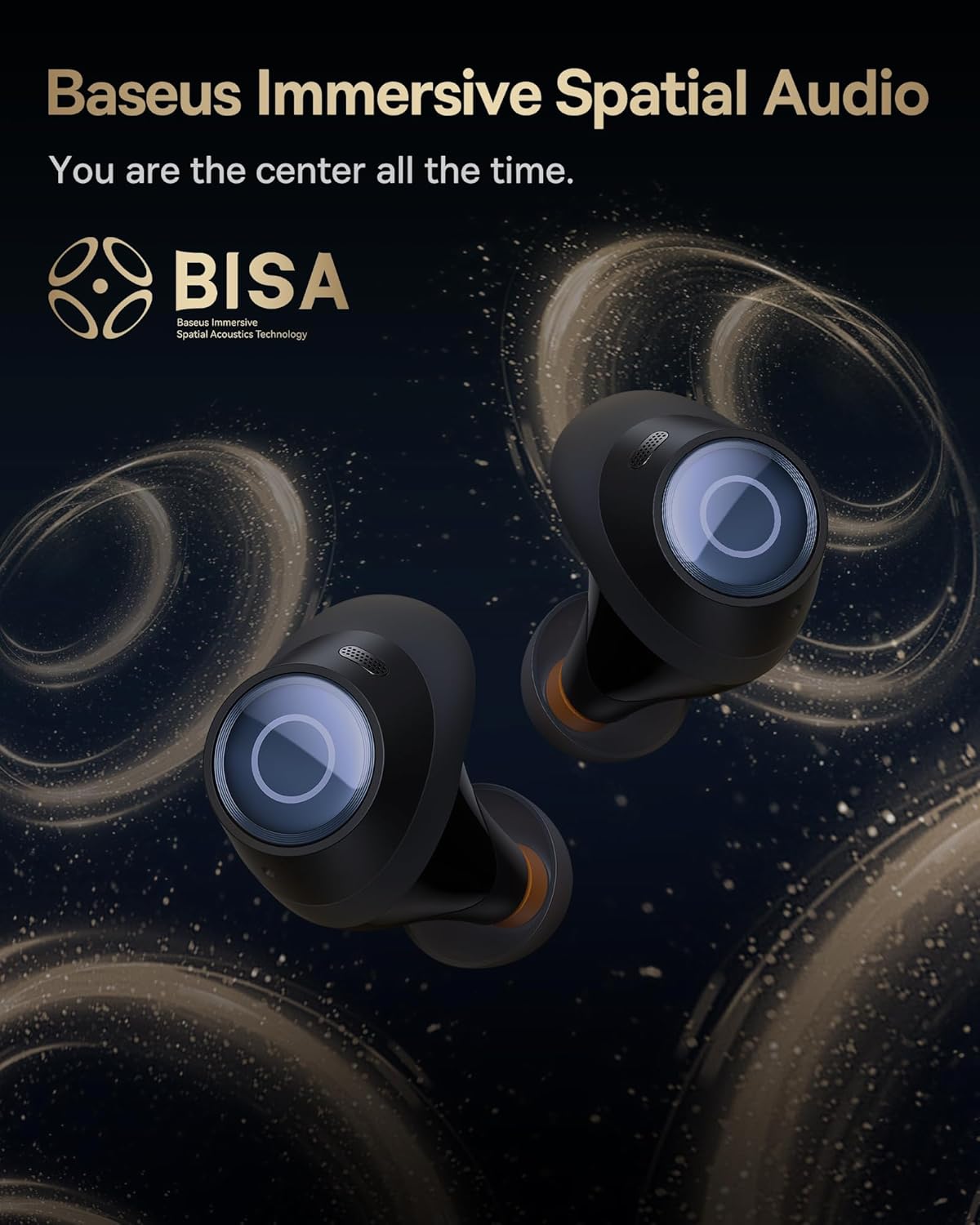
Image: The Baseus Bowie MA10S earbuds highlighted with the "BISA" (Baseus Immersive Spatial Audio) logo, indicating their advanced audio positioning capabilities.
Llamadas claras
The earbuds are equipped with 4 Environmental Noise Cancelling (ENC) microphones. These mics capture ambient noise, and an AI algorithm cancels it, ensuring crystal-clear call quality even in noisy environments.

Imagen: Una radiografía similar view of the Baseus Bowie MA10S earbuds, illustrating the placement of the 4 Environmental Noise Cancelling (ENC) microphones designed for crystal-clear phone calls.
Cargando
Carga de auriculares
Place the earbuds into the charging case. They will automatically begin charging. The case's digital display will show the charging status and battery level.
Case Charging (Wired & Wireless)
- Carga con cable: Connect the provided USB-C cable to the charging port on the case and a USB power adapter.
- Carga inalámbrica: Simply place the charging case on a compatible wireless charging pad.
The case features a smart power display, showing the exact battery percentage at a glance.

Imagen: Un primer plano view of the Baseus Bowie MA10S charging case's built-in digital display, clearly showing "100%", indicating a full charge.
A quick 10-minute wired charge can provide up to 2 hours of playtime.

Image: The Baseus Bowie MA10S charging case connected for fast wired charging, with a graphic indicating "10m = 2H", signifying 10 minutes of charge provides 2 hours of playtime.
Mantenimiento
Limpieza
- Limpie periódicamente los auriculares, especialmente las puntas y los contactos de carga, con un paño suave, seco y que no suelte pelusa.
- Retire las puntas de los auriculares y limpie la cera o los residuos de las boquillas de los auriculares con un cepillo pequeño o un hisopo de algodón.
- Limpie el estuche de carga con un paño suave y seco.
- No utilice limpiadores abrasivos, alcohol ni disolventes químicos.
Almacenamiento
Cuando no los uses, guarda los auriculares en su estuche de carga para protegerlos y mantenerlos cargados. Guarda el estuche en un lugar fresco y seco, alejado de temperaturas extremas.
Resistencia al agua (IPX4)
The Baseus Bowie MA10S earbuds are IPX4 waterproof, meaning they are resistant to splashing water from any direction. This makes them suitable for workouts and light rain. However, they are not designed for swimming or submersion in water. Do not expose them to pressurized water or high-velocity water, such as showering or bathing.

Image: The Baseus Bowie MA10S earbuds shown with water splashing over them, indicating their IPX4 waterproof rating, suitable for sweat and light rain.
Solución de problemas
If you encounter issues with your Baseus Bowie MA10S earbuds, please refer to the following common solutions:
- Los auriculares no se emparejan:
- Asegúrese de que los auriculares estén cargados.
- Desactive y active el Bluetooth en su dispositivo.
- Vuelva a colocar los auriculares en el estuche, cierre la tapa, espere unos segundos y luego vuelva a abrirla para volver a ingresar al modo de emparejamiento.
- Forget "Baseus Bowie MA10S" from your device's Bluetooth list and try pairing again.
- No hay sonido o el volumen es bajo:
- Verifique el nivel de volumen tanto en su dispositivo como en los auriculares.
- Asegúrese de que los auriculares estén correctamente colocados en sus oídos y que las puntas proporcionen un buen sellado.
- Limpie cualquier residuo de las boquillas de los auriculares.
- Try resetting the earbuds (refer to Baseus App or online resources for specific reset instructions if needed).
- Problemas de carga:
- Asegúrese de que el cable USB-C esté conectado de forma segura tanto al estuche como a la fuente de alimentación.
- Pruebe con un cable USB-C o un adaptador de corriente diferente.
- For wireless charging, ensure the case is correctly placed on the wireless charging pad.
- Limpie los contactos de carga de ambos auriculares y del interior del estuche.
- La ANC no es efectiva:
- Ensure ANC mode is activated (long press earbud).
- Check that the ear tips provide a proper seal in your ear canal. Try different sizes of ear tips for a better fit.
Para obtener más ayuda, consulte los canales de soporte oficiales de Baseus.
Presupuesto
| Característica | Detalle |
|---|---|
| Nombre del modelo | Baseus Bowie MA10S |
| Tecnología de conectividad | Inalámbrico (Bluetooth 5.3) |
| Alcance de Bluetooth | 10 metros |
| Control de ruido | Hybrid Active Noise Cancellation (up to -48dB) |
| Micrófonos | 4 micrófonos ENC para llamadas nítidas |
| Tipo de controlador de audio | Dynamic Driver (Titanium-plated PU composite diaphragm) |
| Rango de frecuencia | 20 Hz - 20,000 Hz |
| Duración de la batería (auriculares) | 8 horas (una sola carga) |
| Duración de la batería (total con estuche) | 38 horas |
| Cargando | Carga inalámbrica con cable USB-C |
| Latencia de audio | 38 milisegundos (modo de juego) |
| Resistencia al agua | Resistente al agua IPX4 |
| Método de control | Toque, aplicación |
| Dispositivos compatibles | Teléfonos móviles, dispositivos con capacidad de audio Bluetooth (iOS, Android, Windows, Mac OS, Switch), portátiles, tabletas |
| Peso del artículo | 4.6 onzas |
| Código Postal | 850060076268 |
Garantía y soporte
For information regarding product warranty, returns, or technical support, please visit the official Baseus webSitio web o contacte directamente con el servicio de atención al cliente. Conserve su recibo de compra como comprobante para cualquier reclamación de garantía.
Tienda oficial de Baseus: Tienda Baseus en Amazon