
IMIKI SF1
Manual de usuario del reloj inteligente IMIKI SF1
Modelo: SF1
1. Introducción
The IMIKI SF1 Smart Watch is a sophisticated wearable device designed to enhance your daily life with advanced health monitoring, smart connectivity, and a durable, stylish design. Featuring a vibrant AMOLED display and a comfortable magnetic strap, the SF1 offers a seamless user experience for tracking fitness, managing calls, and staying informed.
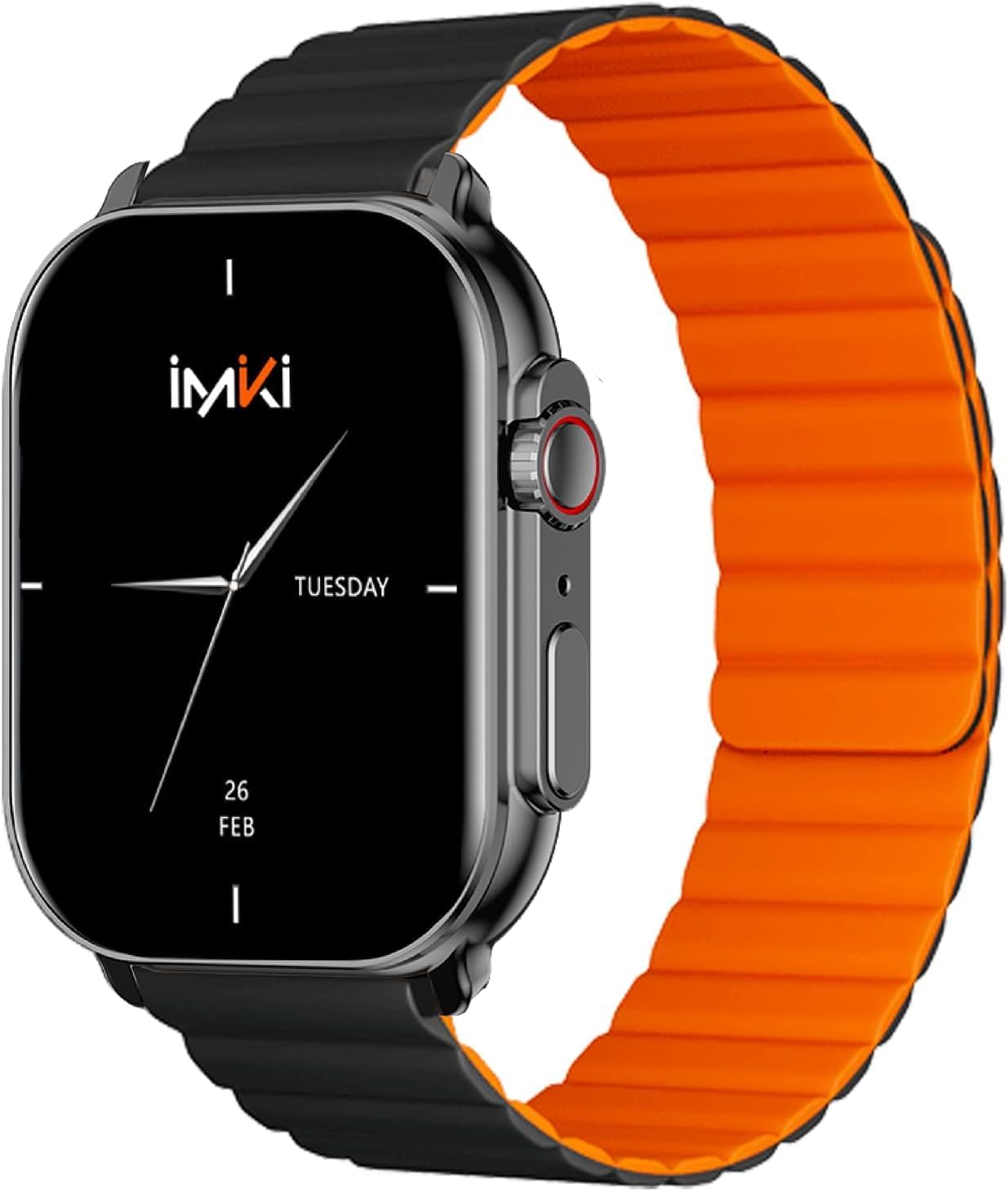
Image: The IMIKI SF1 Smart Watch, showcasing its sleek design and magnetic strap.
2. ¿Qué hay en la caja?
- IMIKI SF1 Smart Watch (with magnetic strap)
- Cable de carga
- Manual de usuario
3. Configuración
3.1 Carga del dispositivo
Before first use, fully charge your IMIKI SF1 Smart Watch. Connect the magnetic charging cable to the charging points on the back of the watch and plug the USB end into a compatible power adapter (5V/1A recommended). A full charge typically takes approximately 2 hours.
3.2 Descargar la aplicación complementaria
To unlock the full functionality of your IMIKI SF1, download the official companion app on your smartphone. Buscar "IMIKI" in the Apple App Store (for iOS devices) or Google Play Store (for Android devices).
3.3 Emparejamiento con su teléfono inteligente
- Asegúrese de que Bluetooth esté habilitado en su teléfono inteligente.
- Open the IMIKI companion app.
- Follow the on-screen instructions within the app to search for and connect to your SF1 Smart Watch. The watch will typically appear as "IMIKI SF1" in the list of available devices.
- Confirme la solicitud de emparejamiento tanto en su reloj como en su teléfono inteligente si se le solicita.
3.4 Adjusting the Magnetic Strap
The IMIKI SF1 features a convenient magnetic silicone strap. To adjust, simply wrap the strap around your wrist and allow the magnetic ends to secure themselves for a comfortable and snug fit. Ensure the watch is not too tight or too loose for accurate health monitoring.

Image: The magnetic strap of the IMIKI SF1 Smart Watch, illustrating its adjustable and secure design.
4. Instrucciones de funcionamiento
4.1 Navegación básica
- Pantalla táctil: Desliza el dedo hacia arriba, abajo, izquierda o derecha para navegar por los menús y las notificaciones. Toca para seleccionar elementos.
- Mechanical Feedback Crown: Rotate the crown to scroll through lists, adjust volume, or change brightness. Press the crown to return to the home screen or confirm selections.

Imagen: Lateral view of the IMIKI SF1 Smart Watch, highlighting the mechanical feedback crown for navigation.
4.2 Smartphone Connection and Calls
The IMIKI SF1 supports Bluetooth 5.3 for stable and efficient connection to your smartphone. You can manage calls directly from your watch, including answering, rejecting, and making calls, even with hands-free functionality. The adaptive noise cancellation feature helps ensure clear audio during calls.
4.3 Customizing Dials and Features
Utilize the companion app to customize your watch faces and access various functions. The app allows you to personalize the display to suit your style and preferences.
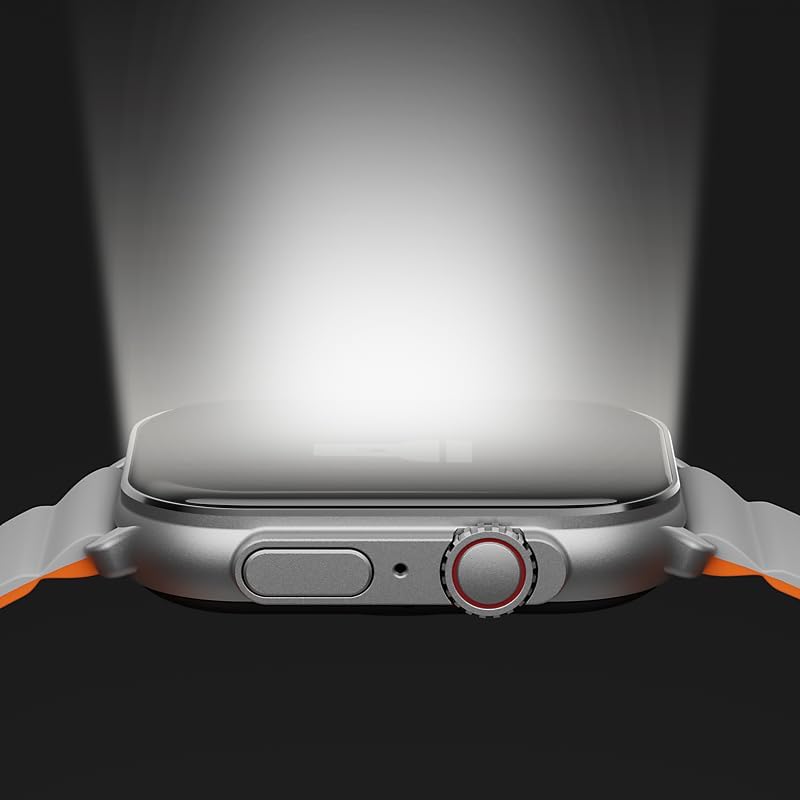
Image: The IMIKI SF1 Smart Watch display, illustrating various app icons and data screens for daily activities, heart rate, and stress monitoring.
5. Monitoreo de la salud y la condición física
The IMIKI SF1 is equipped with an optical sensor for comprehensive health tracking. It supports 105 training modes to accurately record your exercise statistics. Key health features include:
- Medición de la frecuencia cardíaca: Monitorea continuamente tu frecuencia cardíaca durante todo el día.
- Detección de saturación de oxígeno en sangre (SpO2): Measures the oxygen levels in your blood.
- Seguimiento de actividad: Registra los pasos, la distancia, las calorías quemadas y los minutos de actividad.
- Monitoreo del sueño: Analyzes sleep patterns to help you understand your sleep quality.

Image: The back of the IMIKI SF1 Smart Watch, showing the optical sensors used for heart rate and blood oxygen measurement.
6. Resistencia al agua
The IMIKI SF1 Smart Watch has an Clasificación de impermeabilidad IP68, meaning it is resistant to dust and can withstand immersion in water up to 1.5 meters for 30 minutes. This makes it suitable for daily use, including hand washing, rain, and shallow water activities. Avoid hot water, steam, or prolonged immersion in deep water.
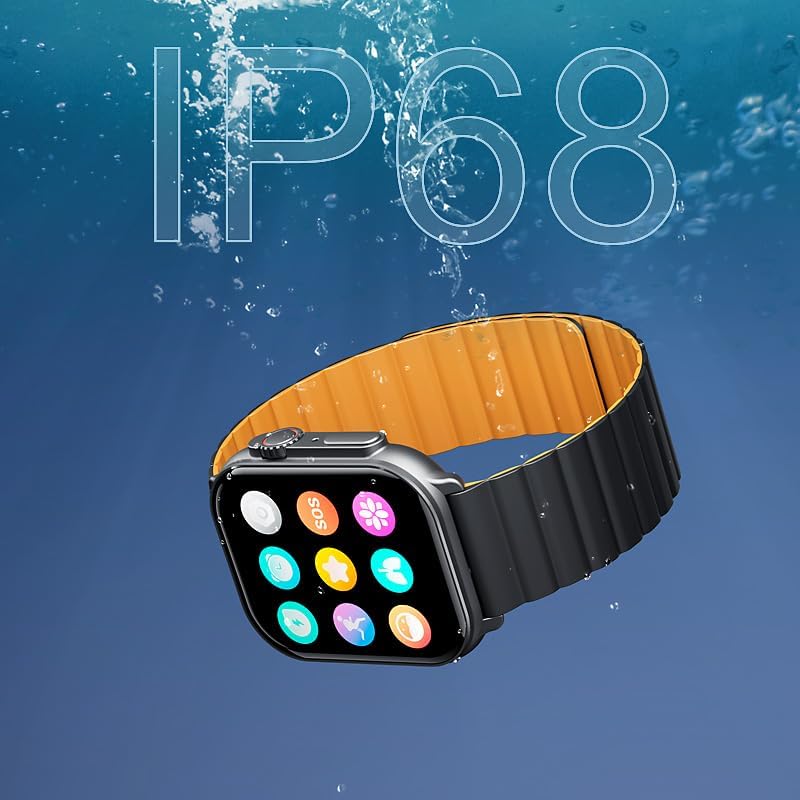
Image: The IMIKI SF1 Smart Watch submerged in water, illustrating its IP68 water resistance rating.
7. Duración de la batería
The IMIKI SF1 is equipped with a 280mAh battery, offering impressive autonomy:
- Uso típico: Hasta 15 días de duración de la batería.
- Uso intensivo: Hasta 7 días de duración de la batería.
The device fully charges in approximately 2 hours.
8. Mantenimiento
- Limpieza: Limpie periódicamente la pantalla y la correa del reloj con un paño suave y seco. Para la suciedad persistente, utilice un paño ligeramente seco.amp Se puede utilizar un paño y luego secarlo.
- Contactos de carga: Asegúrese de que los contactos de carga en la parte posterior del reloj estén limpios y libres de residuos para mantener una carga eficiente.
- Almacenamiento: Cuando no utilice el reloj durante períodos prolongados, guárdelo en un lugar fresco y seco.
- Evite los productos químicos: No utilice productos químicos agresivos, solventes de limpieza ni detergentes fuertes para limpiar el reloj, ya que pueden dañar el acabado o los componentes internos.
9. Solución de problemas
- El reloj no enciende: Ensure the watch is fully charged. If it still doesn't turn on, try pressing and holding the crown button for 10-15 seconds to force a restart.
- No se puede emparejar con el teléfono inteligente:
- Asegúrese de que Bluetooth esté habilitado en su teléfono y en el reloj.
- Asegúrese de que el reloj esté dentro del alcance Bluetooth de su teléfono.
- Reinicie tanto el reloj como el teléfono.
- Borre la memoria caché de Bluetooth de su teléfono (si corresponde) e intente emparejarlo nuevamente.
- Lecturas de salud inexactas: Ensure the watch is worn snugly on your wrist, not too loose or too tight. Clean the optical sensor on the back of the watch.
- Duración de la batería corta: Reduce screen brightness, disable unnecessary notifications, or limit continuous health monitoring features to extend battery life.
10. Especificaciones
| Característica | Especificación |
|---|---|
| Modelo | SF1 |
| Mostrar | 2.01 Inch AMOLED Display |
| Conectividad | Bluetooth 5.3 |
| Capacidad de la batería | Iones de litio 280mAh |
| Duración típica de la batería | Hasta 15 días |
| Intensive Battery Life | Hasta 7 días |
| Tiempo de carga | Aproximadamente 2 horas |
| Resistencia al agua | IP68 |
| Dimensiones | 45.8 x 37 x 10.2 mm |
| Peso | 39.8 gramos |
| Idiomas compatibles | Inglés, francés, alemán, italiano, español |
11. Garantía y soporte
The IMIKI SF1 Smart Watch comes with a standard manufacturer's warranty. For detailed warranty information, please refer to the warranty card included in your product packaging or visit the official IMIKI website. For technical support, troubleshooting assistance, or service inquiries, please contact IMIKI customer support through the contact information provided on the official websitio o dentro de la aplicación complementaria.
Documentos relacionados - SF1
 |
Manual de usuario y guía del reloj inteligente IMIKI HOLO Ultra Manual de usuario completo del reloj inteligente IMIKI HOLO Ultra, que cubre la configuración, las características, las especificaciones y la información de la garantía. |
 |
Manual de usuario del reloj inteligente IMIKI FRAME 2 Manual de usuario oficial del reloj inteligente IMIKI FRAME 2, que detalla sus características, incluidas llamadas Bluetooth, resistencia al agua IP68, amplios modos deportivos, batería de larga duración y monitoreo de frecuencia cardíaca. |
 |
SF1 Waterproof Fingerprint & RFID Access Control User Manual Comprehensive user manual for the SF1 Waterproof Fingerprint & RFID Access Control system. Includes installation, wiring, programming, and advanced configuration instructions. |
 |
Manual del usuario del sistema de control de acceso por huella dactilar y RFID SF1 Manual de usuario completo para el sistema de control de acceso RFID y de huellas dactilares SF1, con diseño resistente al agua IP66, carcasa metálica a prueba de vandalismoasing, y admite hasta 1000 huellas dactilares y 2000 tarjetas. Esta guía abarca la instalación, la programación y funciones avanzadas como el interbloqueo, lo que garantiza una gestión de acceso segura y eficiente. |
 |
Imiki MB1 Smartwatch User Manual Comprehensive user manual for the Imiki MB1 smartwatch, covering setup, pairing, features, and general specifications. |
 |
Manual de usuario del banco de energía IMIKI MQ210 User manual and safety instructions for the IMIKI MQ210 Magnetic Wireless Charging Power Bank. Includes specifications, warranty details, and disposal information. |
Ask a question about this manual
Ask about setup, troubleshooting, compatibility, parts, safety, or missing instructions. Manuals+ will review the question and use this page’s manual context to help answer it.