
MYZONE MZ-20
MYZONE MZ-20 Bluetooth Digital Bathroom Scale User Manual
Modelo: MZ-20
Introducción
This manual provides essential information for the safe and effective use of your MYZONE MZ-20 Bluetooth Digital Bathroom Scale. Please read these instructions thoroughly before use and retain for future reference.
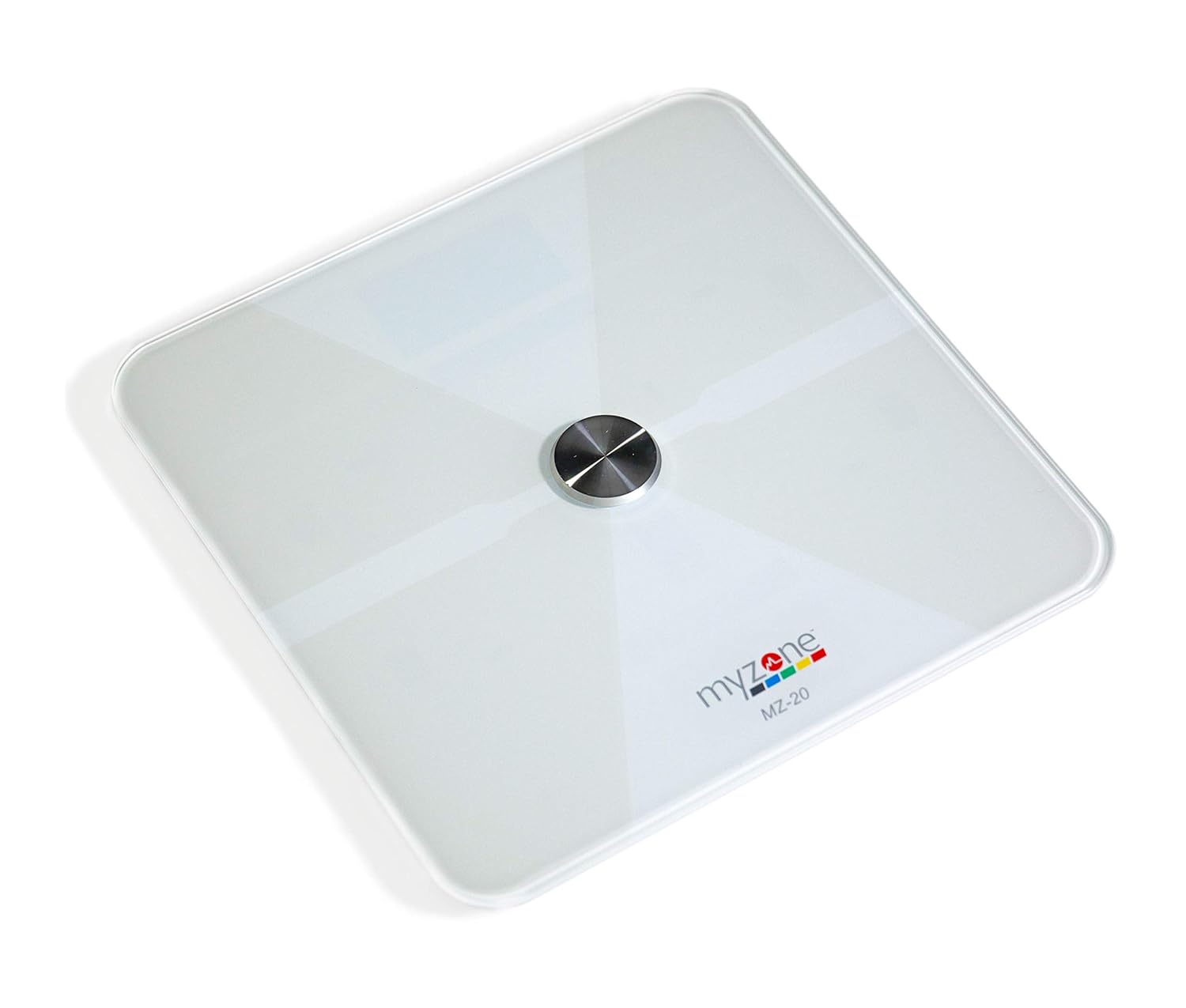
Imagen: de arriba hacia abajo view of the MYZONE MZ-20 Digital Bathroom Scale, white with a central metallic sensor and MYZONE logo.
Información importante de seguridad
- No lo use si tiene un marcapasos u otro dispositivo médico interno.
- No lo use si está embarazada.
- Coloque siempre la báscula sobre una superficie dura y plana para realizar mediciones precisas.
- Mantenga la báscula seca. No la sumerja en agua.
- La superficie del vidrio puede estar resbaladiza cuando está mojada. Suba y baje con cuidado.
- This device is for home use only and should not be used for medical diagnosis or treatment.
Contenido del paquete
- MYZONE MZ-20 Digital Bathroom Scale
- 4 pilas AAA (incluidas)
- Manual de usuario (este documento)
Configuración
1. Instalación de la batería
- Abra el compartimento de la batería en la parte inferior de la báscula.
- Inserte las 4 pilas AAA, asegurándose de la polaridad correcta (+/-).
- Cierre bien el compartimento de la batería.
2. Descarga y emparejamiento de la aplicación
To utilize the full features of the MZ-20 scale, including body composition analysis and progress tracking, download the MYZONE app on your mobile device.
- Download the "MYZONE" app from your device's app store (iOS or Android).
- Create an account or log in to your existing MYZONE account.
- Habilite Bluetooth en su dispositivo móvil.
- Open the MYZONE app and navigate to the device pairing section.
- Step onto the scale to activate it. The scale will automatically attempt to pair with the app via Bluetooth Low Energy (BLE).
- Siga las instrucciones en pantalla de la aplicación para completar el proceso de emparejamiento.
3. Calibración inicial
For the most accurate readings, it is recommended to perform an initial calibration. Place the scale on a hard, flat surface. Step on the scale briefly until a reading appears, then step off. The scale will display "0.0" or similar, indicating it is ready for use. Some users may observe slight variations in initial readings which stabilize after a few uses.
Instrucciones de funcionamiento
1. Tomando una medida
- Coloque la báscula sobre una superficie dura y plana.
- Asegúrese de que sus pies estén limpios y secos.
- Step onto the scale barefoot, centering your feet on the metallic pads. Stand still until the display shows your weight.
- If connected to the MYZONE app, open the app before stepping on the scale. Your measurements (weight, body fat, muscle mass, body water, bone mass, Basal Metabolic Rate) will automatically sync to the app.

Image: A person stands barefoot on the MYZONE MZ-20 scale, demonstrating how to take a measurement. An overlay graphic illustrates the various body metrics recorded, including weight, body fat, muscle mass, and visceral fat.
2. Understanding Body Metrics
The MZ-20 scale provides comprehensive tracking of various physical characteristics:
- Peso: Tu masa corporal total.
- % de grasa corporal: El porcentage de su peso corporal total que es grasa.
- Masa muscular: El peso total del músculo en tu cuerpo.
- Agua corporal %: El porcentage de su peso corporal total es agua.
- La masa ósea: El peso total de los huesos en su cuerpo.
- Tasa metabólica basal (TMB): La cantidad de calorías necesarias para mantener el cuerpo funcionando en reposo.

Image: An infographic displaying icons and labels for the various body metrics measured by the MZ-20 scale, including Weight, Body Fat, Muscle Mass, Body Water, Bone Mass, and Basal Metabolic Rate. It also highlights features like included batteries, Bluetooth connectivity, digital display, and support for multiple users.
3. Using the MYZONE App
The MYZONE app allows you to view, track, and analyze your body metrics over time. Data is saved directly to the app for easy access and progress monitoring.

Image: A smartphone screen shows the MYZONE app interface, displaying a user's body metrics such as Resting Heart Rate, Weight, Basal Metabolic Rate, Body Fat Percentage, and Body Mass Index (BMI).
4. Múltiples usuarios
The MYZONE MZ-20 scale supports multiple users. Each user should create their own profile within the MYZONE app. When a user steps on the scale, the app will attempt to identify the user based on their weight history. If multiple users have similar weights, the app may prompt you to select the correct user.
Mantenimiento
1. Limpieza
Limpie la superficie de la báscula con un damp cloth and mild detergent. Do not use abrasive cleaners or immerse the scale in water. Ensure the scale is dry before storage or next use.
2. Reemplazo de la batería
When the battery indicator appears on the display, replace all 4 AAA batteries. Always replace with new batteries of the same type. Remove batteries if the scale will not be used for an extended period.
Solución de problemas
| Problema | Posible causa / solución |
|---|---|
| La báscula no se enciende o la pantalla está en blanco. |
|
| Lecturas inexactas o inconsistentes. |
|
| Scale reading does not match app reading. |
|
| Body metrics (fat, muscle, etc.) seem inaccurate. |
|
| Cannot connect to MYZONE app via Bluetooth. |
|
Presupuesto
| Característica | Detalle |
|---|---|
| Marca | MYZONE |
| Modelo | MZ-20 |
| Color | Blanco |
| Características especiales | Body Fat, Bone Mass, Muscle Mass, Smart (Bluetooth connectivity) |
| Tipo de pantalla | CONDUJO |
| Factor de forma | Mini |
| Dimensiones del producto | 12.2 x 12.2 x 0.79 pulgadas |
| Peso del artículo | 4.18 libras (1.9 kilogramos) |
| Baterías | 4 pilas AAA (incluidas) |
| Conectividad | Bluetooth de baja energía (BLE) |

Image: The MYZONE MZ-20 scale shown with its dimensions: 13.4 inches in length and width, and 1.97 inches in height.
Producto terminadoview Video
Vídeo: Un funcionario sobreview of the MYZONE MZ-20 Home Scales, demonstrating its sleek design, live body metric data streaming to a mobile device, and progress tracking features within the MYZONE app.
Información de garantía
Warranty claims on any MYZONE product can only be approved by Myzone.org. Please refer to the official MYZONE webSitio para conocer los términos y condiciones detallados de la garantía.
Apoyo
For further assistance, technical support, or frequently asked questions, please visit the official MYZONE support page or contact customer service:
- Oficial Websitio: www.myzone.org
- Servicio al cliente: Consulte la información de contacto en el sitio oficial. websitio.