
DYONDER DYONDER 2.4 GHz Wireless Game Controller
DYONDER 2.4 GHz Wireless Game Controller User Manual
Model: DYONDER 2.4 GHz Wireless Game Controller
1. Introducción
Thank you for choosing the DYONDER 2.4 GHz Wireless Game Controller. This manual provides detailed instructions on how to set up, operate, and maintain your new controller. Please read this manual thoroughly before use to ensure optimal performance and longevity of your device.

Image: The DYONDER 2.4 GHz Wireless Game Controller in blue, shown alongside its compact USB wireless dongle.
2. Contenido del paquete
Por favor verifique que todos los artículos estén presentes en su paquete:
- 1 x DYONDER 2.4 GHz Wireless Game Controller (Blue)
- 1 x 2.4 GHz USB Wireless Receiver
- Cable de datos 1 x USB
- 1 x Manual de instrucciones
3. Producto terminadoview
Familiarize yourself with the various components and buttons of your DYONDER wireless controller:

Image: A detailed diagram illustrating the various buttons and ports on the DYONDER wireless controller, including the Left Joystick, Home Button, View Button, Menu Button, X/Y/A/B Buttons, Right Joystick, Share Button, Arrow Button (D-pad), RT Button, RB Button, USB Charging Port, Signal Search Button, and LT Button.
- Palanca de mando izquierda: Para control direccional.
- Botón de inicio: Access console/PC dashboard.
- View Botón: Contextual menu or map.
- Botón de menú: Game menu or options.
- Botones X/Y/A/B: Botones de acción.
- Palanca de mando derecha: Para controlar o apuntar la cámara.
- Botón de compartir: Capturar capturas de pantalla o videoclips.
- Arrow Button (D-pad): Entrada direccional.
- RT (Right Trigger) & LT (Left Trigger): Disparadores analógicos para una entrada precisa.
- RB (Right Bumper) & LB (Left Bumper): Digital buttons.
- Puerto de carga USB: For connecting the data cable.
- Signal Search Button: For pairing.
4. Configuración
4.1 Instalación de la batería
The controller requires AA batteries (not included). It also supports rechargeable batteries (not included). To install:
- Abra la tapa del compartimiento de la batería en la parte posterior del controlador.
- Inserte dos pilas AA, asegurándose de la polaridad correcta (+/-).
- Cierre bien la tapa del compartimento de la batería.
4.2 Conexión a su dispositivo
The DYONDER controller uses 2.4 GHz wireless technology for a stable connection.
- Insert the included 2.4 GHz USB wireless receiver into an available USB port on your Xbox console (Xbox One, Xbox Series X/S, Xbox One S/X) or PC (Windows 7/8/10/11).
- Turn on the controller by pressing the Home button. The controller will automatically search for the receiver.
- Once connected, the indicator light on the controller will become solid, indicating a successful pairing.
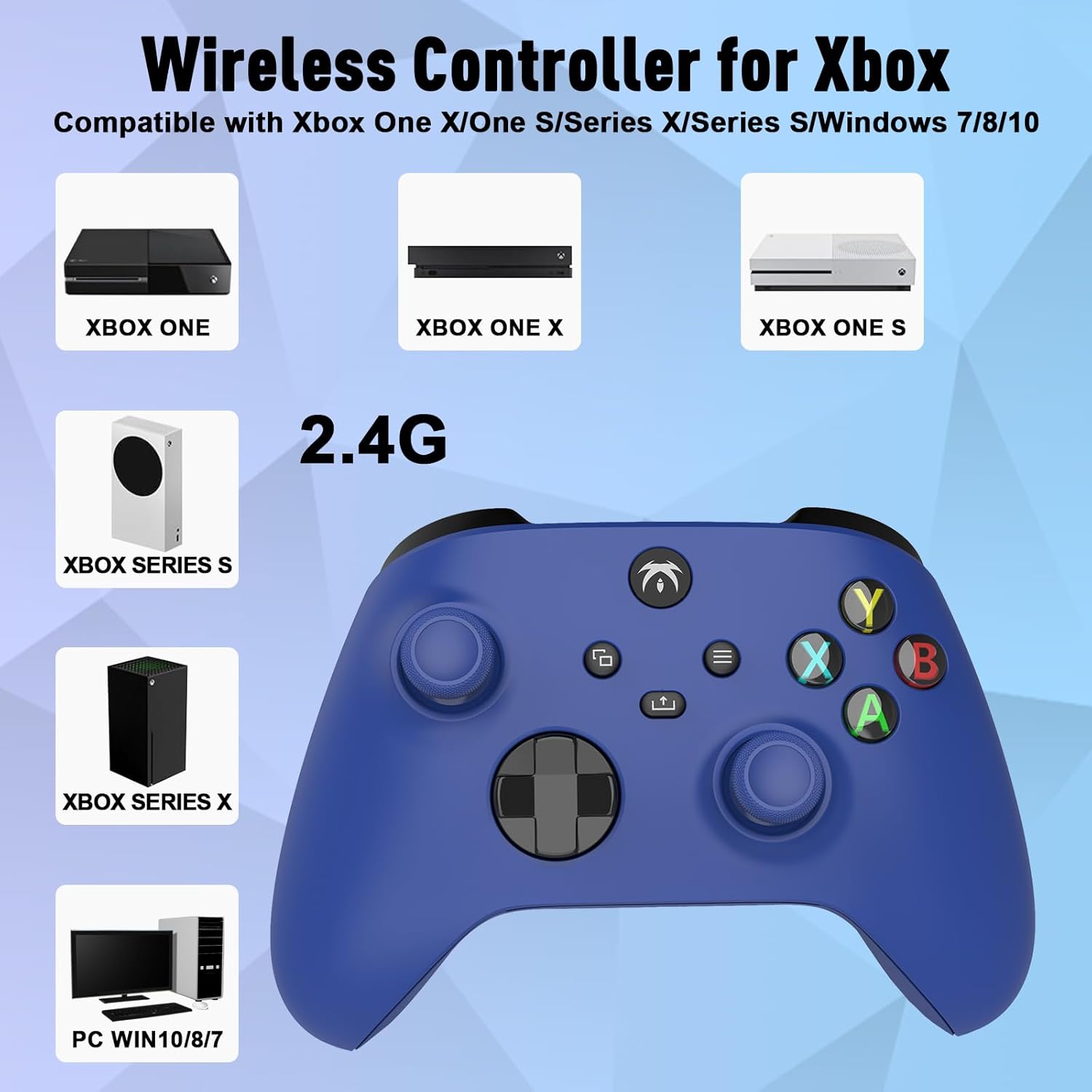
Image: An illustration demonstrating the broad compatibility of the DYONDER wireless controller with Xbox One, Xbox One X, Xbox One S, Xbox Series S, Xbox Series X, and PC (Windows 7/8/10/11) via its 2.4G wireless connection.
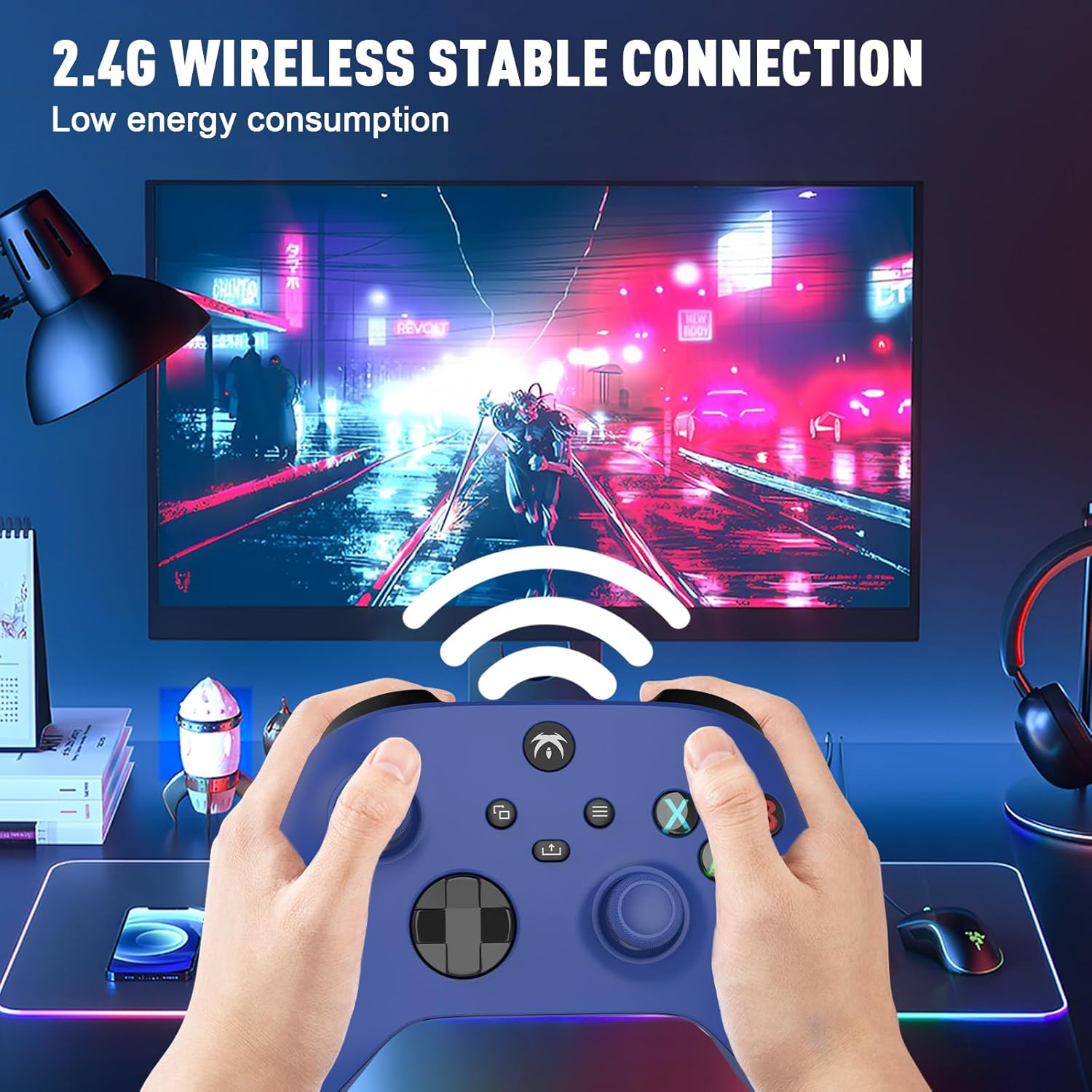
Image: A user holding the DYONDER wireless controller, demonstrating its 2.4G wireless stable connection while playing a game on a monitor, highlighting low energy consumption.
5. Instrucciones de funcionamiento
5.1 Compatibilidad
The DYONDER wireless controller is designed for powerful compatibility with a range of gaming platforms, including:
- Xbox ONE
- Xbox Serie X|S
- Xbox One S / X
- Xbox Elite Controller Series
- Xbox Core
- PS3
- PC (Windows 11/10/8/7)
5.2 Disparadores lineales Hall
Experience enhanced precision and control with the Hall linear triggers. These triggers provide increased sensitivity and speed control, particularly beneficial for racing games where precise acceleration and braking are crucial.
5.3 Motores de vibración dual
The controller is equipped with dual motor vibration feedback, offering an immersive gaming experience. The motors provide varied vibration intensities and directions, enhancing realism in gameplay, such as impacts, explosions, or terrain changes.

Image: A visual representation highlighting the Dual Vibration feature for an immersive gaming experience and the Hall Trigger for precise linear control, especially in racing games.
5.4 Conector de audio de 3.5 mm
The integrated 3.5mm headphone jack allows you to connect your compatible audio device directly to the controller. This feature provides convenience for in-game audio and communication with other players without needing to connect to the console.

Image: The DYONDER controller featuring its 3.5mm audio jack, with a headphone cable plugged in, emphasizing direct audio connectivity.
5.5 Share Button Functionality
The dedicated Share button allows you to easily capture and share your gaming moments. Press the Share button to take screenshots or record game clips, preserving your best plays.

Imagen: Un primer plano view of the controller's central buttons, highlighting the Share button and a pop-up indicating "Game clip recorded," demonstrating its functionality.
6. Mantenimiento
To ensure the longevity and optimal performance of your DYONDER wireless controller, follow these maintenance guidelines:
- Limpieza: Utilice un paño suave y seco para limpiar el mando. Para suciedad difícil de eliminar, limpie ligeramenteampEnjuague el paño con agua. Evite usar productos químicos agresivos o limpiadores abrasivos.
- Almacenamiento: Guarde el controlador en un lugar fresco y seco, alejado de la luz solar directa y de temperaturas extremas.
- Cuidado de la batería: If the controller will not be used for an extended period, remove the batteries to prevent leakage and damage.
- Evite las gotas: Proteja el controlador de caídas e impactos que puedan dañar los componentes internos.
7. Solución de problemas
If you encounter issues with your DYONDER wireless controller, refer to the following common problems and solutions:
| Problema | Posible causa | Solución |
|---|---|---|
| El controlador no se enciende. | Baterías bajas o agotadas; instalación incorrecta de la batería. | Reemplace las baterías por otras nuevas, asegurándose de la polaridad correcta. |
| Controller does not connect to console/PC. | USB receiver not properly inserted; interference; out of range. | Ensure receiver is fully inserted. Move closer to the receiver. Try a different USB port. Re-pair the controller by pressing the Signal Search button on the controller and receiver (if applicable). |
| Retraso de entrada o conexión interrumpida. | Interferencia de otros dispositivos inalámbricos; batería baja. | Move controller closer to receiver. Ensure no strong wireless interference sources nearby. Replace batteries. |
| La vibración no funciona. | Vibration feature disabled in game settings; software issue. | Check in-game settings to ensure vibration is enabled. Restart the console/PC and controller. |
| Los botones o joysticks no responden. | Dirt/debris under buttons; internal hardware issue. | Clean around buttons. If issue persists, contact customer support. |
8. Especificaciones
| Característica | Detalle |
|---|---|
| Marca | DIONDER |
| Nombre del modelo | DYONDER 2.4 GHz Wireless Game Controller |
| Color | Azul |
| Tecnología de conectividad | 2.4 GHz inalámbrico |
| Dispositivos compatibles | PC (Windows 7/8/10/11), Xbox One, Xbox Series X, Xbox Series S, PS3 |
| Tipo de controlador | Mando para juegos |
| Número de botones | 17 |
| Características especiales | Wireless, Dual Vibration, Hall Linear Triggers, 3.5mm Audio Jack |
| Fuente de poder | 2 x AA Batteries (not included) or Rechargeable Batteries (not included) |
9. Garantía y soporte
For warranty information and customer support, please refer to the documentation provided with your purchase or contact DYONDER customer service through the retailer where the product was purchased. Please retain your proof of purchase for any warranty claims.
Ask a question about this manual
Ask about setup, troubleshooting, compatibility, parts, safety, or missing instructions. Manuals+ will review the question and use this page’s manual context to help answer it.