
Anker Soundcore K20i
Manual de usuario de los auriculares inalámbricos Anker Soundcore K20i
Model: K20i | Brand: Anker Soundcore
1. Introducción
The Anker Soundcore K20i are true wireless earbuds designed for comfortable, extended listening. They feature Bluetooth 5.3 connectivity, IPX5 water resistance, and up to 36 hours of total playback with the charging case. Enjoy powerful bass and clear calls with AI noise reduction.

Image: Anker Soundcore K20i earbuds and charging case in black, white, purple, and blue.
2. Contenido del paquete
Asegúrese de que todos los artículos estén presentes en el paquete de su producto:
- Soundcore K20i True Wireless Earbuds
- Estuche de carga
- USB-C & USB-A Charging Cable
- Safety Manual & Quick Start Guide

Image: The Anker Soundcore K20i earbuds, their charging case, and the included USB-C charging cable.
3. Configuración
3.1. Carga
Antes del primer uso, cargue completamente los auriculares y el estuche de carga.
- Place the earbuds into the charging case. Close the case to begin charging the earbuds.
- Conecte el estuche de carga a una fuente de alimentación mediante el cable USB-C proporcionado.
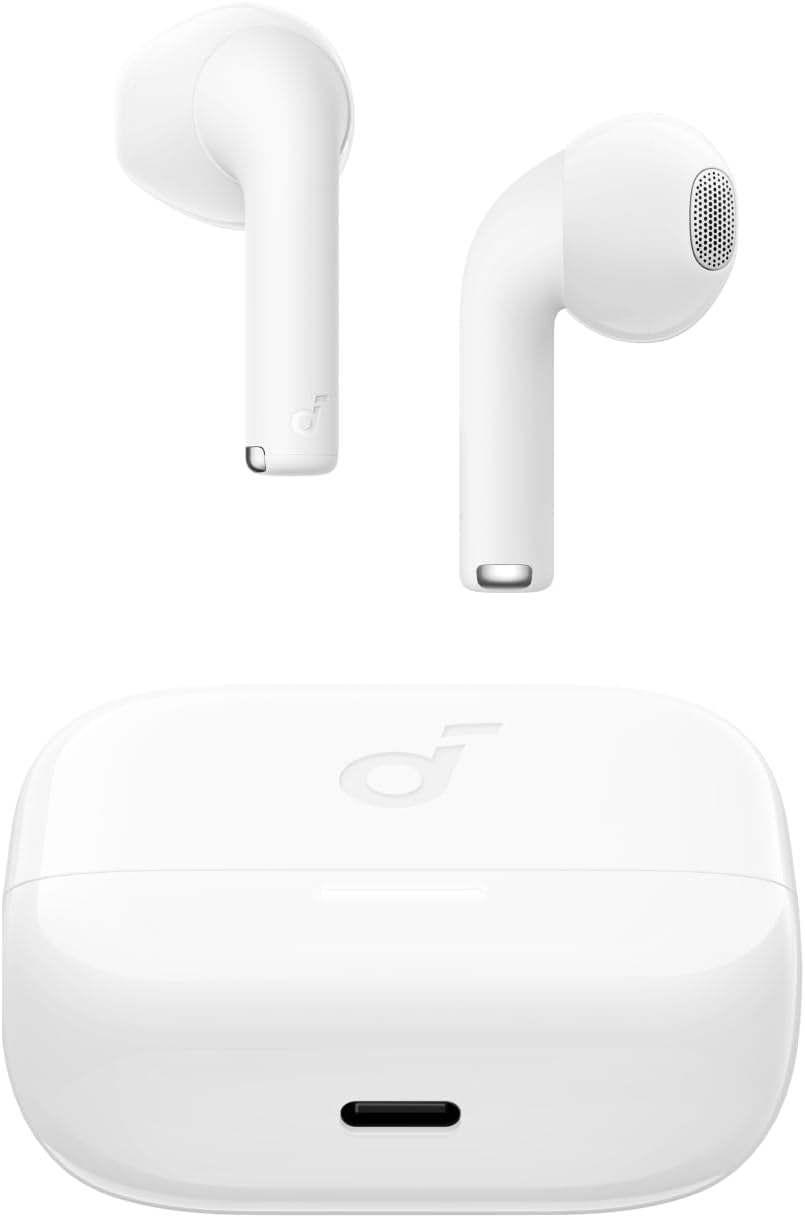
Image: The Anker Soundcore K20i earbuds resting in their open charging case, with the USB-C charging port visible at the front of the case.
3.2. Emparejamiento
Siga estos pasos para emparejar sus auriculares con un dispositivo habilitado con Bluetooth:
- Abre el estuche de carga. Los auriculares entrarán automáticamente en modo de emparejamiento Bluetooth.
- On your device (smartphone, PC), enable Bluetooth and search for 'Soundcore K20i'.
- Select 'Soundcore K20i' to connect.
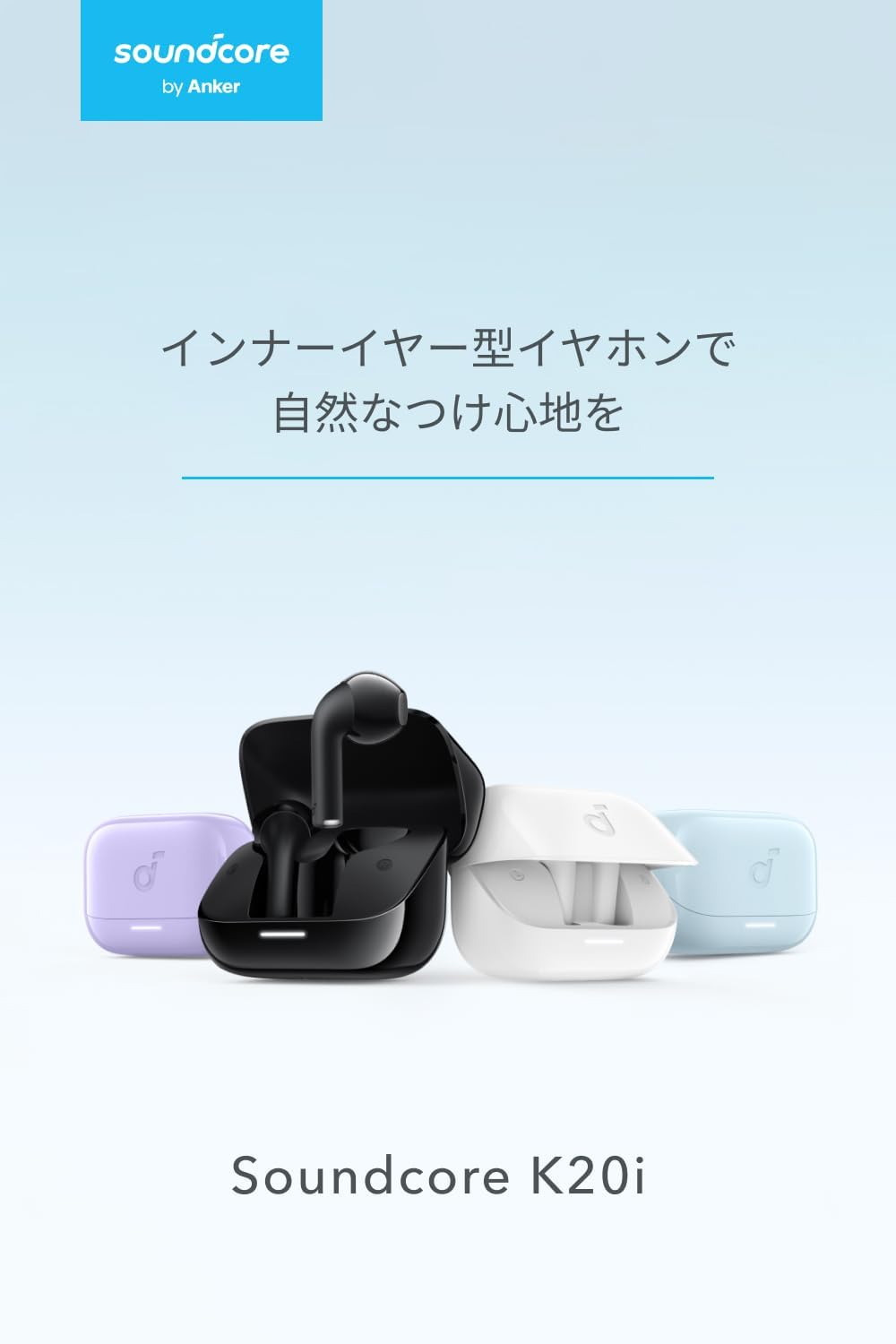
Image: The Anker Soundcore K20i earbuds removed from their charging case, indicating they are ready for Bluetooth pairing.
4. Instrucciones de funcionamiento
4.1. Cómo usar los auriculares
For optimal comfort and sound quality, ensure the earbuds are properly seated in your ears.
- Inserte los auriculares en sus oídos y gírelos suavemente hasta que queden ajustados cómoda y cómodamente.
- Each earbud weighs approximately 3.3g, designed for extended comfortable wear without ear tips.

Image: A diagram illustrating the correct way to position the Anker Soundcore K20i earbud in the ear canal for a secure and comfortable fit.
4.2. Controles básicos
The Soundcore K20i earbuds feature touch controls for various functions. Specific actions for single, double, or triple taps can often be customized via the Soundcore app.
4.3. Aplicación Soundcore
Mejora tu experiencia auditiva descargando la app Soundcore. Esta app te permite:
- Customize sound settings and adjust the equalizer.
- Localice sus auriculares si los pierde.
- Actualizar el firmware de los auriculares.

Image: A user interacting with the Soundcore application on a smartphone, displaying various sound customization options for the earbuds.
5. Mantenimiento
5.1. Limpieza
La limpieza regular ayuda a mantener un rendimiento y una higiene óptimos:
- Limpie periódicamente los auriculares y el estuche de carga con un paño seco, suave y sin pelusa.
- Evite utilizar productos químicos agresivos o materiales abrasivos.
5.2. Resistencia al agua (IPX5)
The earbuds are IPX5 water-resistant, meaning they can withstand splashes and sweat. This makes them suitable for workouts and light rain. No los sumerja en agua.

Image: Two Anker Soundcore K20i earbuds covered in water droplets, illustrating their IPX5 water-resistant design.
5.3. Almacenamiento
Store the earbuds in their charging case when not in use to protect them from damage and ensure they remain charged.
6. Solución de problemas
If you encounter issues with your Soundcore K20i earbuds, try the following solutions:
- Los auriculares no se emparejan: Ensure both earbuds are charged and within range of your device. Turn off and on your device's Bluetooth.
- Solo un auricular reproduce sonido: Try placing both earbuds back into the charging case, closing it for a few seconds, then reopening. Refer to the quick start guide for specific earbud reset instructions.
- Mala calidad de sonido: Ensure the earbuds are properly seated in your ears. Try adjusting equalizer settings in the Soundcore app.
- Problemas de carga: Verifique que el cable de carga esté bien conectado tanto al estuche como a la fuente de alimentación. Asegúrese de que los contactos de carga de los auriculares y del interior del estuche estén limpios.
7. Especificaciones
| Característica | Especificación |
|---|---|
| Nombre del modelo | Soundcore K20i |
| Tecnología de conectividad | Inalámbrico (Bluetooth 5.3) |
| Colocación de orejas | En la oreja |
| Estilo de auriculares | En la oreja |
| Impedancia | 16 ohmios |
| Control de ruido | None (AI Noise Reduction for calls) |
| Tiempo de reproducción (auriculares) | Hasta 6 horas |
| Tiempo total de reproducción (con estuche) | Hasta 36 horas |
| Carga rápida | 10 minutes charge for approx. 2 hours playback |
| Earbud Weight (per earbud) | Aprox. 3.3 g |
| Peso del producto | 42.6 gramos |
| Resistencia al agua | IPX5 |
| Número de modelo del fabricante | A3994 |
| Dispositivos compatibles | Smartphones, PCs, and other Bluetooth-compatible devices |
8. Garantía y soporte
Anker Soundcore K20i comes with an Garantía del producto de 18 meses from the date of purchase. For registered members, an additional Garantía extendida de 6 meses is provided, totaling 24 months of coverage.
For product or delivery-related inquiries, please contact customer support. Anker provides dedicated Japanese customer support.

Image: Details on Anker's 18-month product warranty, an additional 6-month extended warranty for members, and information for contacting Japanese customer support.