
1. Introducción
The Apple iPad Air 11-inch (M2) is a versatile and powerful tablet designed for a wide range of tasks, from productivity to entertainment. It features a Liquid Retina display, the M2 chip for enhanced performance, advanced cameras, and robust connectivity options.

Image: The Apple iPad Air 11-inch (M2) in its blue finish, showcasing su elegante diseño.
Características principales:
- Chip M2: Provides powerful performance for demanding applications and graphics-intensive games.
- Liquid Retina Display: An 11-inch display with P3 wide color, True Tone, and ultralow reflectivity for vibrant and accurate visuals.
- Cámaras avanzadas: Includes a landscape 12MP Ultra Wide front camera with Center Stage and a 12MP Wide back camera for photos and 4K video.
- Wi-Fi 6E: Ensures fast and reliable wireless connections.
- Identificación táctil: Integrado en el botón superior para autenticación segura y Apple Pay.
- iPadOS: Offers intuitive multitasking, Apple Pencil support, and a vast App Store ecosystem.
¿Qué hay en la caja?
- iPad aire
- Cable de carga USB-C (1 m)
- Adaptador de corriente 20W USB-C
2. Configuración inicial
Siga estos pasos para configurar su nuevo iPad Air:
- Encendido: Mantenga presionado el botón superior hasta que aparezca el logotipo de Apple.
- Configuracion inicial: Siga las instrucciones en pantalla para seleccionar su idioma, región y conectarse a una red Wi-Fi.
- Transferencia de datos (opcional): Si tienes un iPad o iPhone anterior, puedes transferir tus datos durante la configuración.
- ID de Apple: Inicia sesión con tu ID de Apple o crea uno nuevo. Esto es esencial para descargar apps, usar iCloud y otros servicios de Apple.
- Configuración de Touch ID: Configure Touch ID by placing your finger on the top button as prompted.
- Contraseña: Cree un código de acceso seguro para mayor seguridad.
- Actualizaciones de software: Ensure your iPadOS is up to date for the best performance and latest features.
3. Funcionamiento del iPad Air
Visualización e interacción
The 11-inch Liquid Retina display offers a vibrant visual experience. It supports P3 wide color for accurate hues, True Tone for automatic white balance adjustment, and features ultralow reflectivity for comfortable viewfuncionando en diversas condiciones de iluminación.

Image: The iPad Air display showcasing its vibrant Liquid Retina technology.
Performance with M2 Chip
The integrated M2 chip allows for seamless multitasking and efficient handling of demanding applications. You can run multiple apps simultaneously, edit high-resolution videos, and play graphics-intensive games without performance degradation. The M2 chip also contributes to the iPad Air's all-day battery life.
iPadOS Features
iPadOS enhances the iPad Air's capabilities:
- Multitarea: Usar Split View or Slide Over to work with multiple apps at once. Stage Manager provides resizable, overlapping apps and external display support for advanced multitasking.
- Garabato: With Apple Pencil, write in any text field, and your handwriting will automatically convert to typed text.
- Tienda de aplicaciones: Access over a million apps designed specifically for iPad, including essential apps like Safari, Messages, and Keynote.
Apple Pencil Pro and Magic Keyboard
Enhance your productivity and creativity with compatible accessories:

Image: The iPad Air being used with an Apple Pencil Pro for creative tasks.
- Lápiz Apple Pro: Transforms your iPad Air into a digital canvas and note-taking device. It offers advanced features for precision and control. Apple Pencil (USB-C) is also compatible.
- Teclado mágico: Provides a comfortable typing experience with a built-in trackpad. It also serves as a protective cover for your iPad Air.

Image: The iPad Air connected to the Magic Keyboard, ready for typing and productivity.
Cámaras
The iPad Air features a landscape 12MP Ultra Wide front camera, ideal for video conferencing with Center Stage, which keeps you automatically framed. The 12MP Wide back camera is suitable for capturing high-quality photos and 4K videos.

Image: A close-up of the iPad Air's camera, highlighting its capabilities.
Conectividad
With Wi-Fi 6E, the iPad Air offers fast wireless connections for quick transfers of photos, documents, and large video files. The USB-C connector allows for versatile connections to external displays and other accessories.
Security with Touch ID
Touch ID is integrated into the top button, providing a secure and convenient way to unlock your iPad Air, sign in to apps, and authorize purchases with Apple Pay using your fingerprint.
Inteligencia de Apple
Apple Intelligence is a personal intelligence system designed to assist with writing, expression, and task completion. It incorporates groundbreaking privacy protections to ensure your data remains secure.

Image: The iPad Air screen showing a graphic related to Apple Intelligence.
4. Mantenimiento
Duración de la batería
The iPad Air is designed for all-day battery life. To optimize battery performance, ensure your iPadOS is updated, adjust screen brightness, and manage background app refresh settings.
Limpieza de tu iPad Air
To clean your iPad Air, use a soft, lint-free cloth. Avoid abrasive materials, aerosols, solvents, or ammonia-based cleaners. For the screen, a slightly damp cloth is usually sufficient. Do not submerge the device in water.
Actualizaciones de software
Revisa e instala periódicamente las actualizaciones de iPadOS para asegurarte de que tu dispositivo cuente con las últimas funciones, mejoras de seguridad y mejoras de rendimiento. Visita Configuración > General > Actualización de software.
5. Solución de problemas
Problemas comunes y soluciones:
- iPad no responde: If your iPad is unresponsive, try a force restart. Press and quickly release the volume up button, press and quickly release the volume down button, then press and hold the top button until the Apple logo appears.
- Problemas de conectividad Wi-Fi: Ensure Wi-Fi is enabled in Settings. Try restarting your Wi-Fi router and your iPad. Forget the network and reconnect.
- Las aplicaciones se bloquean o se congelan: Close and reopen the app. If the issue persists, check for app updates in the App Store or reinstall the app.
- La batería se agota rápidamente: Review battery usage in Settings > Battery to identify power-hungry apps. Reduce screen brightness and disable unnecessary background app refresh.
- Touch ID no funciona: Asegúrate de que tu dedo esté limpio y seco. Vuelve a registrar tus huellas en Ajustes > Touch ID y código.
Para problemas más complejos, consulte los recursos de soporte oficiales de Apple o comuníquese con el Soporte técnico de Apple.
6. Especificaciones
| Característica | Detalle |
|---|---|
| Dimensiones del producto | 9.74 x 7.02 x 0.24 pulgadas |
| Peso del artículo | 1.02 libras |
| Número de modelo del artículo | MUWR3LL/A |
| Baterías | Se requieren 1 batería de iones de litio (incluidas) |
| Marca | Manzana |
| Nombre del modelo | iPad aire |
| Capacidad de almacenamiento de memoria | 1TB |
| Tamaño de pantalla | 11 pulgadas |
| Resolución máxima de pantalla | 2360-by-1640 pixel resolution at 264 ppi |
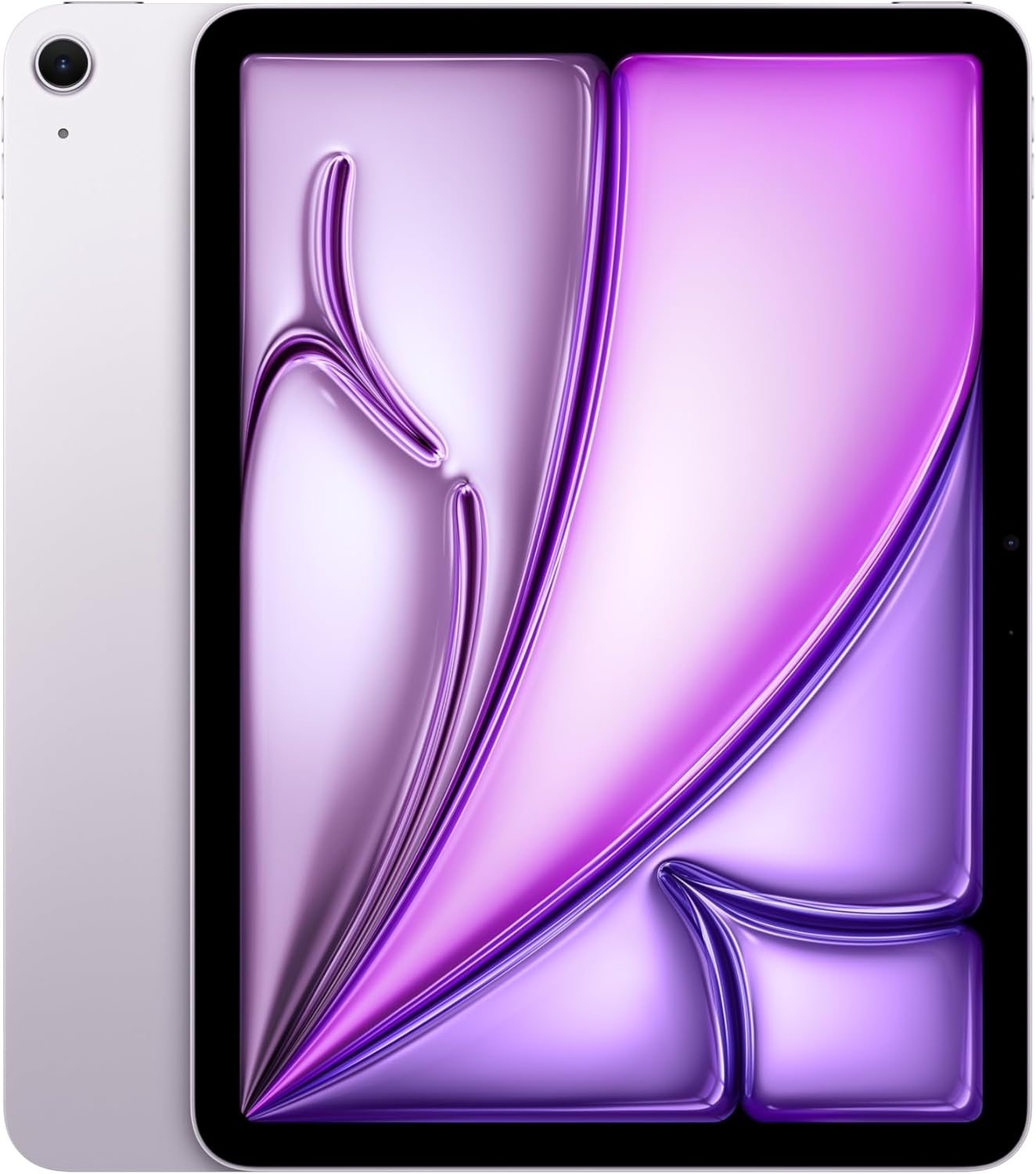
Imagen: Side profiles of the iPad Air in various colors, highlighting its slim design.
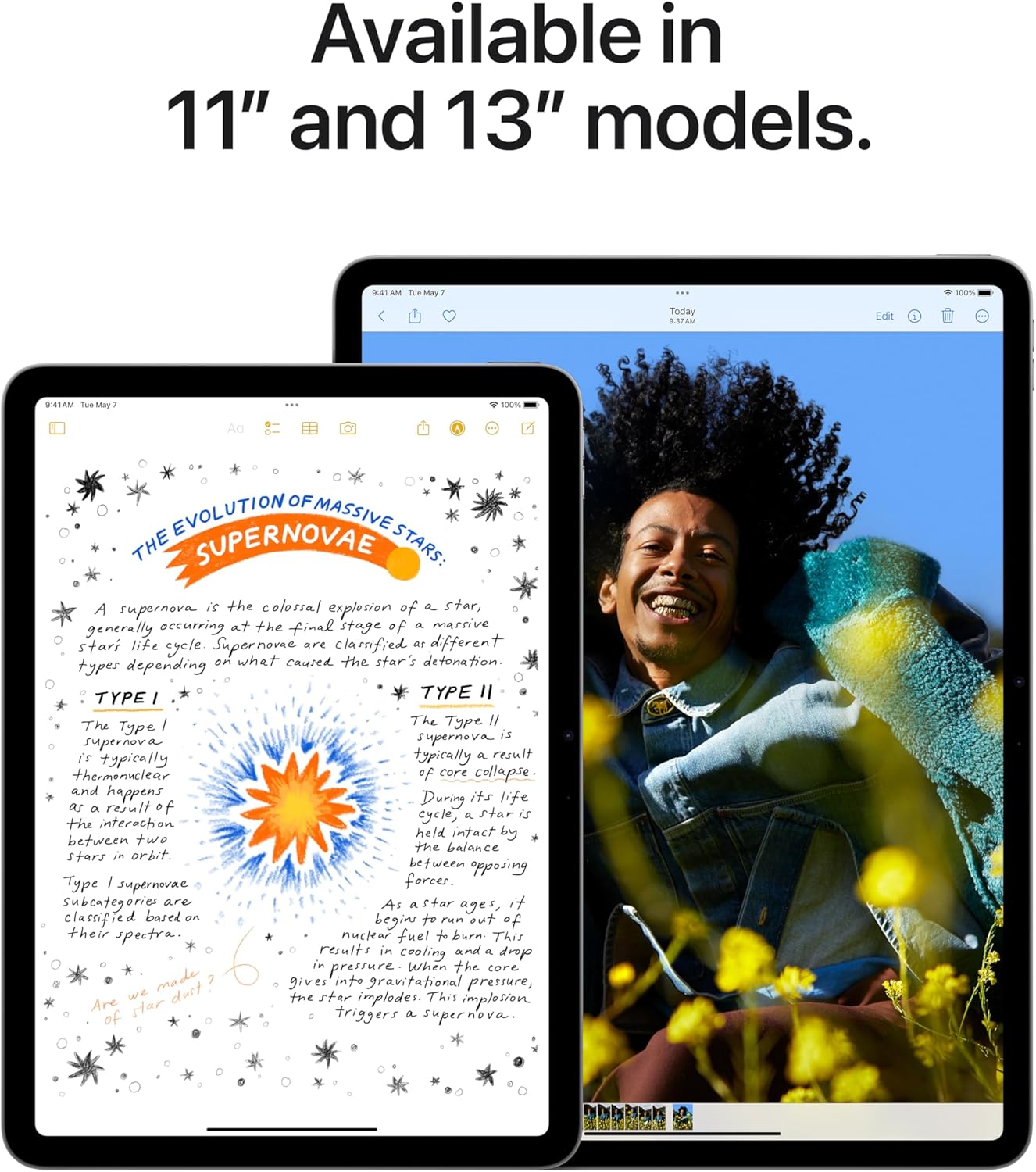
Image: Comparison of the 11-inch and 13-inch iPad Air models, showing their respective screen sizes.
7. Garantía y soporte
AppleCare+
AppleCare+ provides extended warranty coverage and technical support for your iPad Air. It includes hardware service options and technical support from Apple experts. For details on coverage and terms, please refer to the AppleCare+ documentation or Apple's official websitio.
Vídeo: Un overview of AppleCare+ benefits, including repair and replacement services for your iPad Air.
Soporte oficial de Apple
Para obtener más ayuda, visita el soporte técnico oficial de Apple. website or contact Apple directly. You can find resources, FAQs, and contact information for technical support and service inquiries.
Renuncias legales
This manual provides a summary of product features. Apple Intelligence will be available in beta on iPad with M1 and later, with Siri and device language set to U.S. English, as part of iPadOS 18 this fall. Features and availability may vary by region and software version. Accessories are sold separately.
Vídeo: Un vídeo promocional muestraasing the key features and capabilities of the new iPad Air.