
1. Información importante de seguridad
Please read these safety instructions carefully before operating your TV and retain them for future reference. Always follow basic safety precautions to reduce the risk of fire, electric shock, and injury.
- Fuerza: Connect the TV to an AC power outlet only. Do not overload wall outlets. Ensure the power cord is not damaged or pinched.
- Ventilación: Do not block ventilation openings. Install the TV in a location with adequate airflow.
- Limpieza: Desenchufe el televisor antes de limpiarlo. Utilice un paño suave y seco. No utilice limpiadores líquidos ni aerosoles.
- Agua y humedad: No exponga el televisor a la lluvia ni a la humedad. No coloque objetos con líquidos sobre él.
- Estabilidad: Ensure the TV is placed on a stable surface or securely mounted to prevent it from falling.
2. Qué incluye
Verifique que todos los componentes estén presentes en el embalaje:
- LG 55QNED85T 55-inch 4K QNED Smart TV
- Base (soporte)
- Cable de alimentación desmontable
- Magic Remote (MR 24Y)
- Pilas AA x 2
3. Configuración
3.1 Desembalaje
Retire con cuidado el televisor y todos los accesorios del embalaje. Se recomienda guardar el material de embalaje para futuras necesidades de transporte o mantenimiento.
3.2 Instalación del soporte
Para instalar el soporte del televisor:
- Coloque el televisor boca abajo sobre una superficie suave y plana para evitar dañar la pantalla.
- Alinee los componentes del soporte con las ranuras correspondientes en la parte inferior del televisor.
- Fije el soporte con los tornillos incluidos. Asegúrese de que todos los tornillos estén bien apretados.

Frente view of the LG 55QNED85T 55-inch 4K QNED Smart TV with its stand installed.

Lado view of the LG 55QNED85T 55-inch 4K QNED Smart TV showing its slim profile y de pie
3.3 Montaje en pared (opcional)
If you choose to wall mount your TV, refer to the instructions provided with your wall mount bracket. Ensure the bracket is compatible with VESA standards for your TV model and installed by a qualified professional.
3.4 Conexión de periféricos
Connect external devices such as set-top boxes, gaming consoles, or sound systems to the TV's ports. The TV features HDMI, USB, Ethernet, Bluetooth, and Wi-Fi connectivity.

Trasero view of the LG 55QNED85T 55-inch 4K QNED Smart TV showing various input and output ports.
3.5 Conexión de alimentación
After connecting all desired devices, plug the detachable power cable into the TV's power input and then into a wall outlet.
3.6 Configuración inicial
Upon first power-on, the TV will guide you through the initial setup process. This includes selecting your language, connecting to a network (Wi-Fi or Ethernet), and scanning for channels.
4. Uso de su televisor
4.1 Magic Remote (MR 24Y)
The LG Magic Remote allows for intuitive control of your TV. It functions like an air mouse, allowing you to point and click. It also features a dedicated AI button for smart functions.

The LG AI Magic Remote offers dedicated buttons and features for AI functions, including AI Chatbot, AI Concierge, AI Search, AI Picture Wizard, AI Voice ID, and AI Sound Wizard.
4.2 WebFunciones inteligentes del SO 24
Su televisor LG QNED funciona con webOS 24 ofrece una interfaz inteligente y fácil de usar. Sus principales características incluyen:
- LG ThinQ IA: Integrated artificial intelligence for enhanced control and personalization.
- Amazon Alexa integrado: Utilice comandos de voz para diversas funciones del televisor y el control del hogar inteligente.
- Reconocimiento de voz inteligente: Control your TV and search for content using your voice.
- App Remote Control (LG ThinQ): Control your TV from your smartphone using the LG ThinQ app.
- Conserje de IA: Provides personalized keyword suggestions and recommendations based on your viewing historia.

The AI Concierge feature provides personalized keyword suggestions and recommendations based on your search and viewing historia.
- Búsqueda de IA: Ofrece recomendaciones personalizadas para sus consultas y soluciones adicionales con Microsoft Copilot.

AI Search provides personalized recommendations for your queries and can integrate with Microsoft Copilot for additional solutions.
- Identificación de voz de IA: Recognizes each user's vocal signature and offers personalized recommendations as you speak.

AI Voice ID recognizes individual user voices to provide personalized content recommendations.
4.3 Configuración de imagen
Your QNED TV combines Quantum Dot and NanoCell technologies for vibrant and accurate colors. The α8 AI Processor Gen 2 optimizes picture quality.
- QNED Dynamic Colors: LG's wide color gamut technology provides enhanced color reproduction.
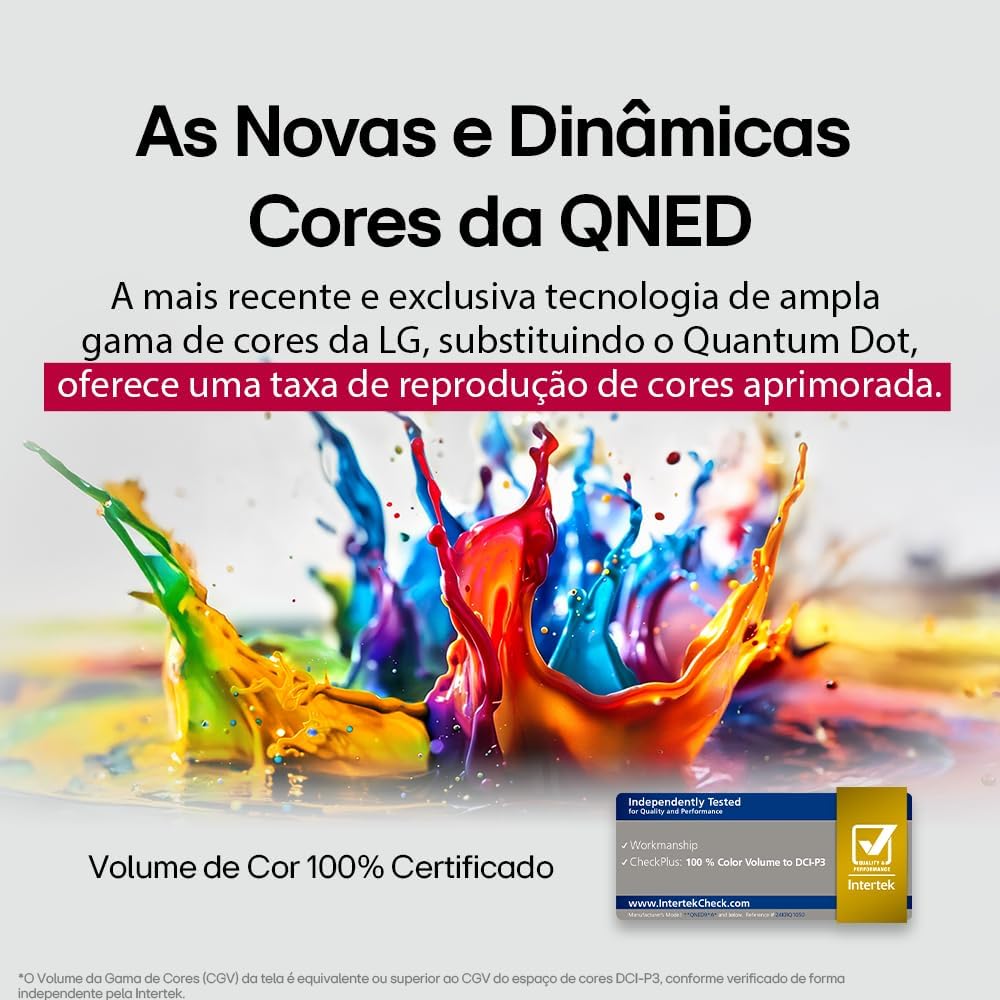
LG's QNED technology delivers new and dynamic colors, offering an improved color reproduction rate with 100% Certified Color Volume to DCI-P3.
- MiniLED: This technology enhances sharpness and provides superior contrast for an immersive viewExperiencia de aprendizaje.
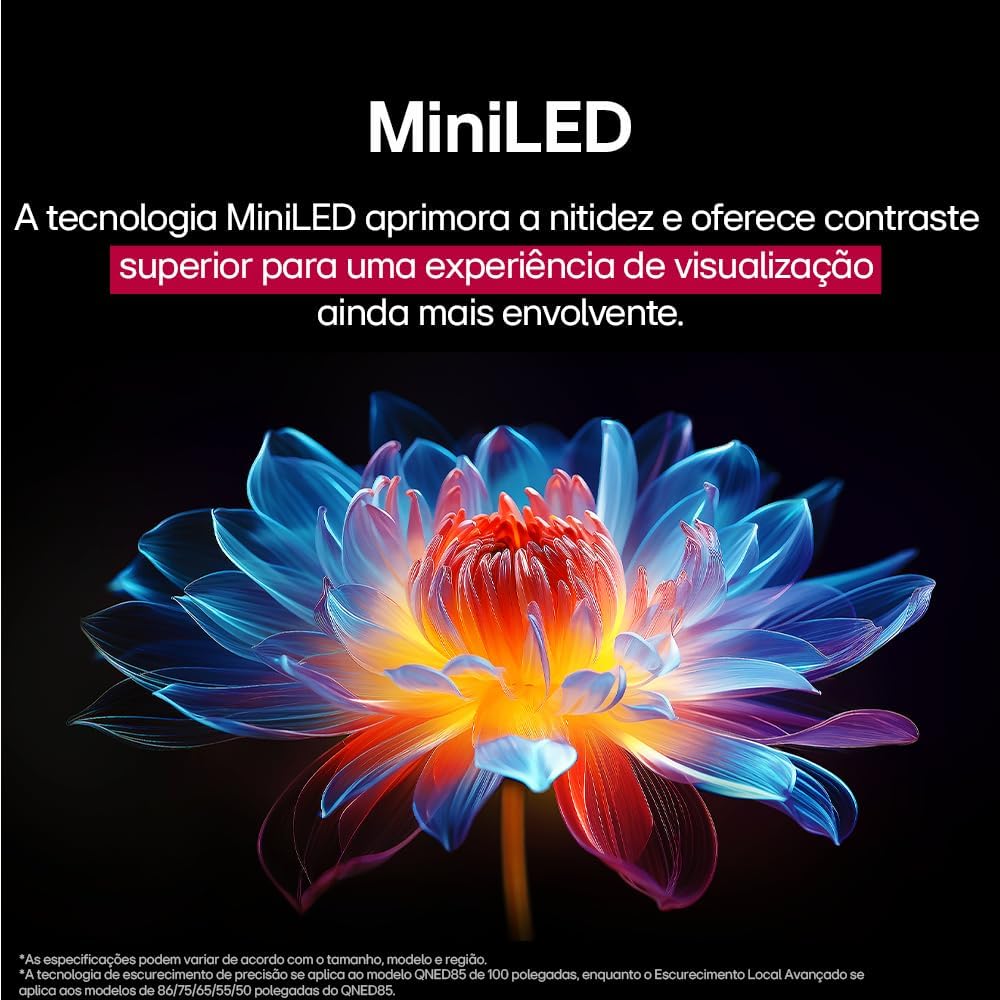
MiniLED technology improves sharpness and offers superior contrast for an immersive viewExperiencia de aprendizaje.
- α8 AI Processor Gen 2: This processor enhances 4K visuals with impressive colors and brightness.
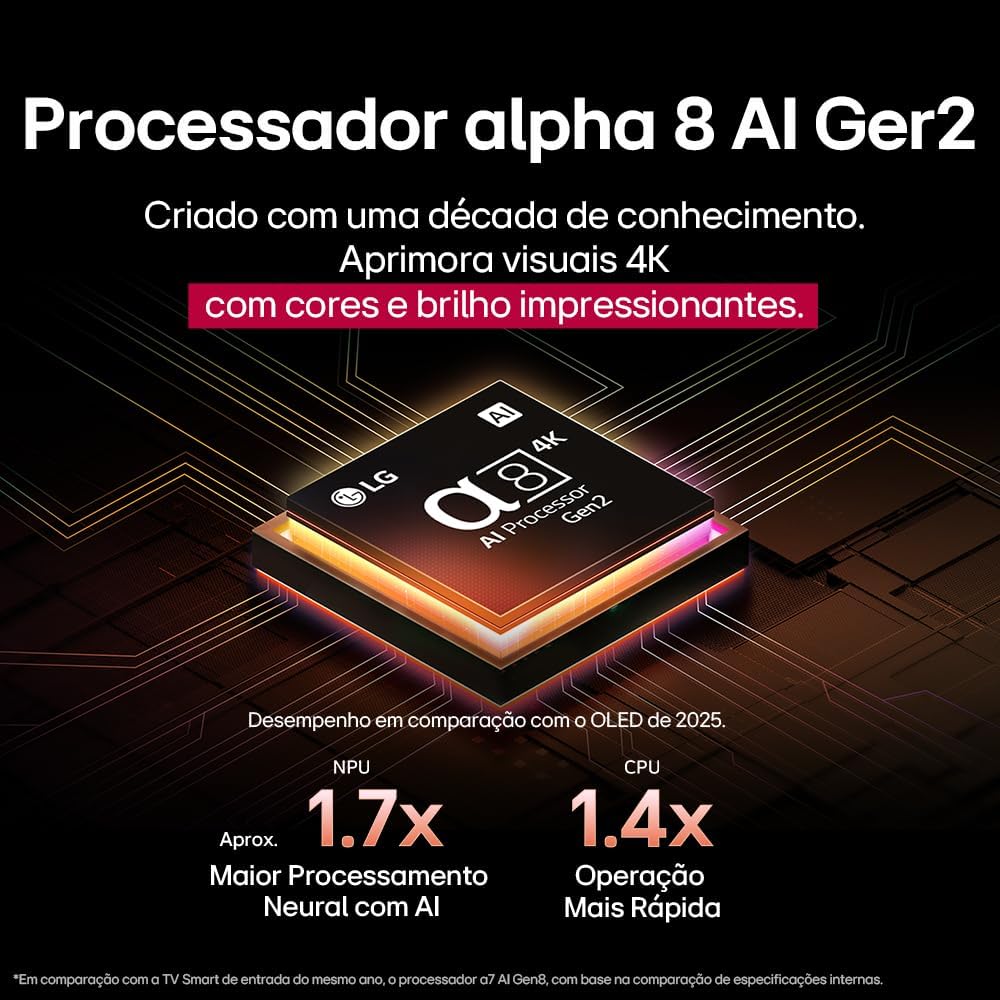
The Alpha 8 AI Processor Gen 2 enhances 4K visuals with impressive colors and brightness, offering approximately 1.7x greater neural processing with AI and 1.4x faster operation compared to previous generations.
- Imagen AI Pro: Analyzes each frame, enhancing resolution, brightness, depth, and clarity to bring every scene to life.

AI Picture Pro analyzes each frame, enhancing resolution, brightness, depth, and clarity to bring every scene to life.
4.4 Configuración de sonido
The TV includes AI Sound Wizard features to optimize audio output based on your environment and content.
4.5 Conectividad
Su televisor admite varias opciones de conectividad:
- Wifi: Conéctese a su red inalámbrica doméstica para acceder a Internet y disfrutar de funciones inteligentes.
- Ethernet: Use a wired connection for stable internet access.
- HDMI: Conecte dispositivos de alta definición como reproductores de Blu-ray, consolas de juegos y barras de sonido.
- USB: Reproducir medios files desde dispositivos de almacenamiento USB.
- Bluetooth: Connect wireless headphones, speakers, or other compatible devices.
4.6 Características de juego
The LG 55QNED85T is equipped with features for an enhanced gaming experience:
- 120Hz Panel: Proporciona un movimiento más suave para juegos de ritmo rápido.
- Sincronización gratuita: Reduces screen tearing and stuttering when connected to compatible gaming devices.
5. Mantenimiento
5.1 Limpieza
- Pantalla: Limpie suavemente la pantalla con un paño suave que no deje pelusa. Para manchas difíciles, limpie ligeramenteampEnjuague el paño con agua o un limpiador de pantallas especializado (no rocíe directamente sobre la pantalla).
- Marco y soporte: Limpie con un paño suave y seco.
- Mando a distancia: Use a soft, dry cloth to clean the remote.
5.2 Actualizaciones de software
Your TV may receive software updates to improve performance and add new features. You can usually check for and install updates through the TV's settings menu (Settings > General > About This TV > Check for Updates).
6. Solución de problemas
Si tiene problemas con su televisor, consulte las siguientes soluciones comunes:
| Problema | Posible solución |
|---|---|
| Sin poder | Compruebe que el cable de alimentación esté bien conectado al televisor y a la toma de corriente. Asegúrese de que la toma funcione. |
| No hay imagen, pero hay sonido | Verifique la fuente de entrada. Asegúrese de que los dispositivos externos estén encendidos y conectados correctamente a través de HDMI. |
| No hay sonido, pero hay imagen | Comprueba el volumen y el estado de silencio. Verifica la configuración de la salida de audio (p. ej., altavoces internos, barra de sonido externa). |
| El control remoto no funciona | Cambie las pilas. Asegúrese de que no haya obstrucciones entre el control remoto y el televisor. Vuelva a sincronizar el Control Remoto Mágico si es necesario. |
| Problemas de conexión de red | Reinicia el router y el módem. Revisa la contraseña del wifi. Si es posible, prueba una conexión Ethernet por cable. |
| Problemas de calidad de la imagen | Ajuste la configuración de la imagen (brillo, contraste y nitidez). Asegúrese de que la fuente de entrada proporcione una señal de alta calidad. |
Si el problema persiste, intente realizar un restablecimiento de fábrica (consulte el menú de configuración del televisor) o comuníquese con el servicio de atención al cliente de LG.
7. Especificaciones
Detailed specifications for the LG 55QNED85T 55-inch 4K QNED Smart TV:
| Característica | Especificación |
|---|---|
| Tamaño de pantalla | 55 pulgadas |
| Marca | LG |
| Tecnología de visualización | LED (QNED, MiniLED) |
| Resolución | 4K (3840 x 2160) |
| Frecuencia de actualización | 120 Hz |
| Características especiales | QNED Dynamic Colors, MiniLED, α8 AI Processor Gen 2 |
| Tecnología de conectividad | Bluetooth, Ethernet, HDMI, USB, Wi-Fi |
| Relación de aspecto | 16:9 |
| Dimensiones del producto (Pr x An x Al) | 25.7D x 123.6W x 78.3H centimeters (with stand) |

Dimensions of the LG 55QNED85T 55-inch TV. Indicated values and actual measurements may differ.
8. Garantía y soporte
Your LG 55QNED85T Smart TV comes with a manufacturer's warranty. Please refer to the warranty card included in your product packaging for specific terms and conditions.
For technical support, service, or warranty claims, please contact LG customer service through their official websitio o la información de contacto proporcionada en la documentación de su garantía.