
Introducción
Thank you for choosing the TECKNET TK-MS317 Bluetooth Wireless Mouse. This manual provides detailed instructions for setting up, operating, and maintaining your mouse to ensure optimal performance. Please read this manual thoroughly before use and retain it for future reference.
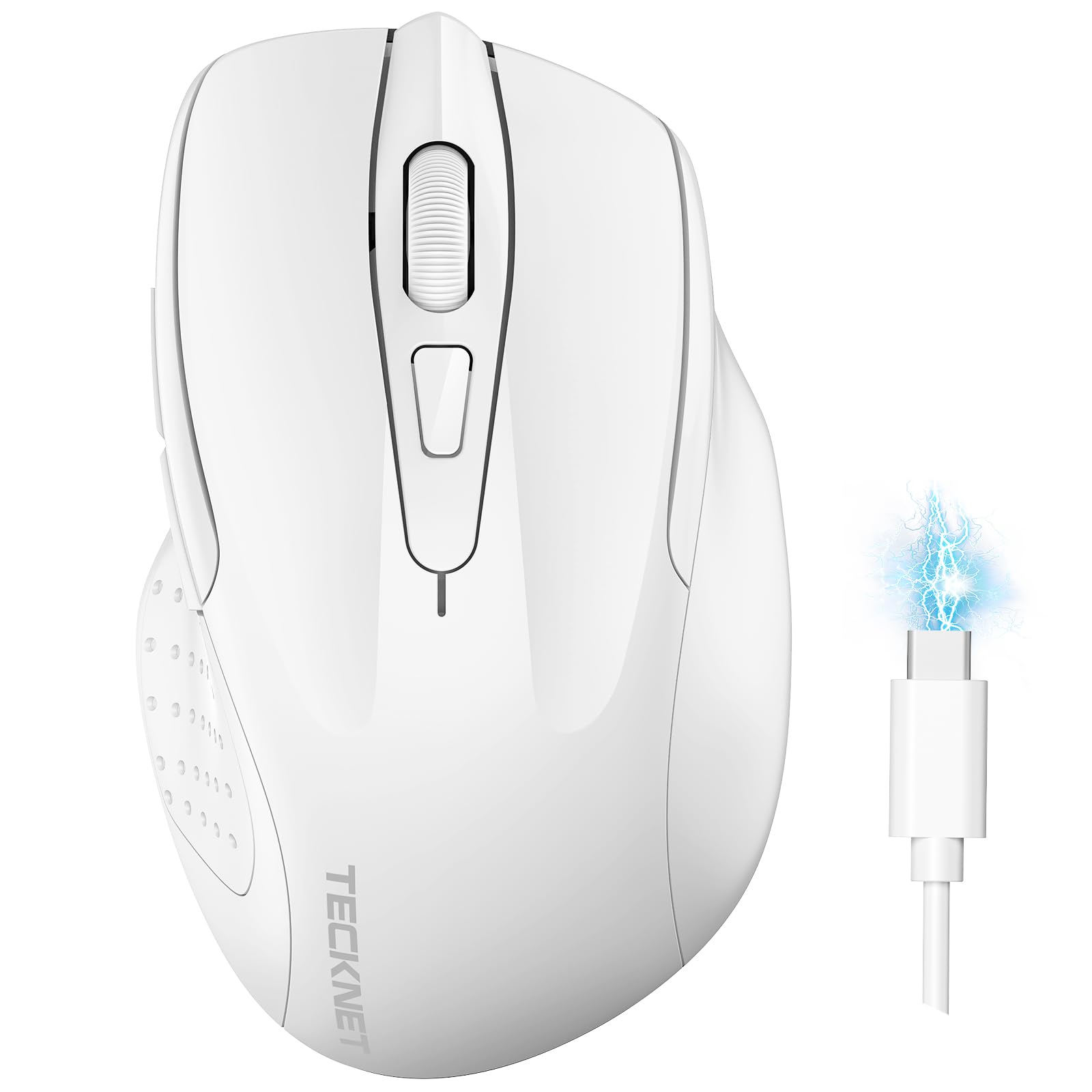
Image: The TECKNET TK-MS317 Bluetooth Wireless Mouse, showcasing its ergonomic design and sleek white finish.
Características del producto
- Modos de conexión triple: Supports Bluetooth 5.0, Bluetooth 3.0, and 2.4GHz wireless connectivity, allowing seamless switching between up to two devices.
- DPI ajustable: Six adjustable DPI levels (800/1200/1600/2400/3200/4800) for precise control and adaptability to various tasks.
- Batería recargable: Equipped with a 700 mAh rechargeable battery, providing extended usage on a single charge. Can be used while charging via USB-C.
- Clics silenciosos: Designed for quiet operation, reducing click noise by 90% for a focused work environment.
- Diseño ergonómico: Contoured shape fits comfortably in the palm, reducing hand fatigue during prolonged use.
- Ahorro de energía: Features a key-wake function and automatic sleep mode to conserve battery life.
- Compatibilidad universal: Compatible with Windows 11/10/8/7/XP/Vista, Mac OS, Linux, Android, and iOS (BT 5.0 for iOS 10.4+).

Image: Illustration highlighting the silent click feature of the mouse, showing a quiet work environment.

Image: Diagram illustrating the ergonomic curvature of the TECKNET TK-MS317 mouse, designed for comfortable hand fit.
Instrucciones de instalación
1. Cargar el ratón
Before first use, or when the battery is low, connect the mouse to a power source using the provided USB-C cable. The charging indicator light will illuminate. A full charge typically takes about two hours and can last for 1 to 2 months of intensive use.

Image: The TECKNET TK-MS317 mouse connected via a USB-C cable for charging, highlighting its 700mAh battery capacity.
2. Conexión inalámbrica de 2.4 GHz
- Localice el receptor USB 2.4G, generalmente guardado en un compartimento en la parte inferior del mouse.
- Conecte el receptor USB a un puerto USB-A disponible en su computadora.
- Switch the mode selector on the bottom of the mouse to the "2.4G" position.
- The mouse should automatically connect to your computer. If not, try moving the mouse or restarting your computer.
3. Conexión por Bluetooth (BT5.0 / BT3.0)
- Switch the mode selector on the bottom of the mouse to either "BT5.0" or "BT3.0" position.
- Press and hold the Bluetooth pairing button (usually located near the mode switch) for 3-5 seconds until the indicator light starts flashing, indicating pairing mode.
- En su dispositivo (computadora, computadora portátil, tableta, teléfono inteligente), vaya a la configuración de Bluetooth.
- Buscar new devices. You should see "TECKNET Mouse" or a similar name appear in the list.
- Select the mouse to pair. Once connected, the indicator light on the mouse will stop flashing.
- To switch between paired Bluetooth devices or to the 2.4G mode, simply use the mode selector switch on the bottom of the mouse.

Image: Diagram showing the three connection modes (2.4G, Bluetooth 5.0, Bluetooth 3.0) of the TECKNET TK-MS317 mouse, connecting to a laptop and a tablet.
Instrucciones de funcionamiento
1. Ajuste de DPI
The mouse features a DPI button, typically located behind the scroll wheel. Press this button to cycle through the six available DPI settings: 800, 1200, 1600, 2400, 3200, and 4800. Select the DPI that best suits your task and preference for cursor speed and precision.

Image: Visual representation of the TECKNET TK-MS317 mouse highlighting its 6 levels of adjustable DPI, up to 4800 DPI.
2. Cambio de modo
Use the physical switch on the underside of the mouse to select your desired connection mode: 2.4G, BT5.0, or BT3.0. This allows you to quickly switch between different devices without re-pairing.
3. Modo de ahorro de energía
The mouse will automatically enter sleep mode after a period of inactivity to conserve battery. To wake the mouse, simply move it or click any button.
Mantenimiento
1. Limpieza
Para limpiar el ratón, utilice un paño suave y seco. Para la suciedad difícil, utilice un paño ligeramente seco.amp Se puede usar un paño con jabón suave, asegurándose de que no entre líquido en el ratón. Evite usar productos químicos agresivos o materiales abrasivos.
2. Cuidado de la batería
- Evite descargar completamente la batería con frecuencia.
- Guarde el ratón en un lugar fresco y seco cuando no lo utilice durante períodos prolongados.
- Utilice únicamente el cable USB-C proporcionado o un equivalente certificado para cargar.
Solución de problemas
- El ratón no responde:
- Asegúrese de que el ratón esté cargado.
- Check if the mode switch is set correctly (2.4G, BT5.0, or BT3.0).
- Para el modo 2.4G, asegúrese de que el receptor USB esté conectado de forma segura.
- Para el modo Bluetooth, asegúrese de que el Bluetooth esté activado en su dispositivo y que el ratón esté emparejado. Intente volver a emparejarlo si es necesario.
- Intente conectar el mouse a un puerto o dispositivo USB diferente para descartar problemas de puerto/dispositivo.
- Conexión intermitente:
- Acerque el ratón al receptor/dispositivo.
- Evite utilizar el ratón sobre superficies metálicas, que pueden interferir con las señales inalámbricas.
- Asegúrese de que no haya otras fuentes fuertes de interferencia inalámbrica cerca.
- El movimiento del cursor es errático:
- Limpie el sensor óptico en la parte inferior del mouse.
- Intente utilizar el ratón en una superficie diferente o en un mouse pad.
- Ajuste la configuración de DPI a un valor más bajo.
Presupuesto
| Número de modelo | TK-MS317 |
| Marca | TECKNET |
| Modos de conexión | Conexión inalámbrica de 2.4 GHz, Bluetooth 5.0, Bluetooth 3.0 |
| Niveles de DPI | 800, 1200, 1600, 2400, 3200, 4800 |
| Número de botones | 6 |
| Tipo de batería | Batería de litio recargable de 700 mAh incorporada |
| Puerto de carga | USB-C |
| Peso | 150 gramos |
| Compatibilidad | Windows 11/10/8/7/XP/Vista, Mac OS, Linux, Android, iOS (10.4+ for BT 5.0) |
Garantía y soporte
TECKNET offers a 36-month warranty for registered users of this product. If you encounter any issues with your TECKNET TK-MS317 Bluetooth Wireless Mouse, please do not hesitate to contact our professional customer service team for assistance.
Para reclamos de garantía o soporte técnico, visite el sitio web oficial de TECKNET websitio o consulte la información de contacto proporcionada con el embalaje de su producto.