
Introducción
This manual provides essential information for the setup, operation, and maintenance of your new TuTu 43 Inch 4K UHD LED Smart TV. Please read this manual thoroughly before using the product to ensure proper and safe operation. Keep this manual for future reference.
Important Note: When activating the TV for the first time, a Samsung account is required. Without a Samsung account, the TV cannot be activated. If you do not have a Samsung account, please register one from the Samsung official websitio.
¿Qué hay en la caja?
Verifique que todos los componentes estén presentes en el embalaje:
- TV *1
- Mando a distancia * 1
- Soporte * 2
- Manual de usuario *1
- Accessories Bag *1 (includes 2 AAA batteries for remote)
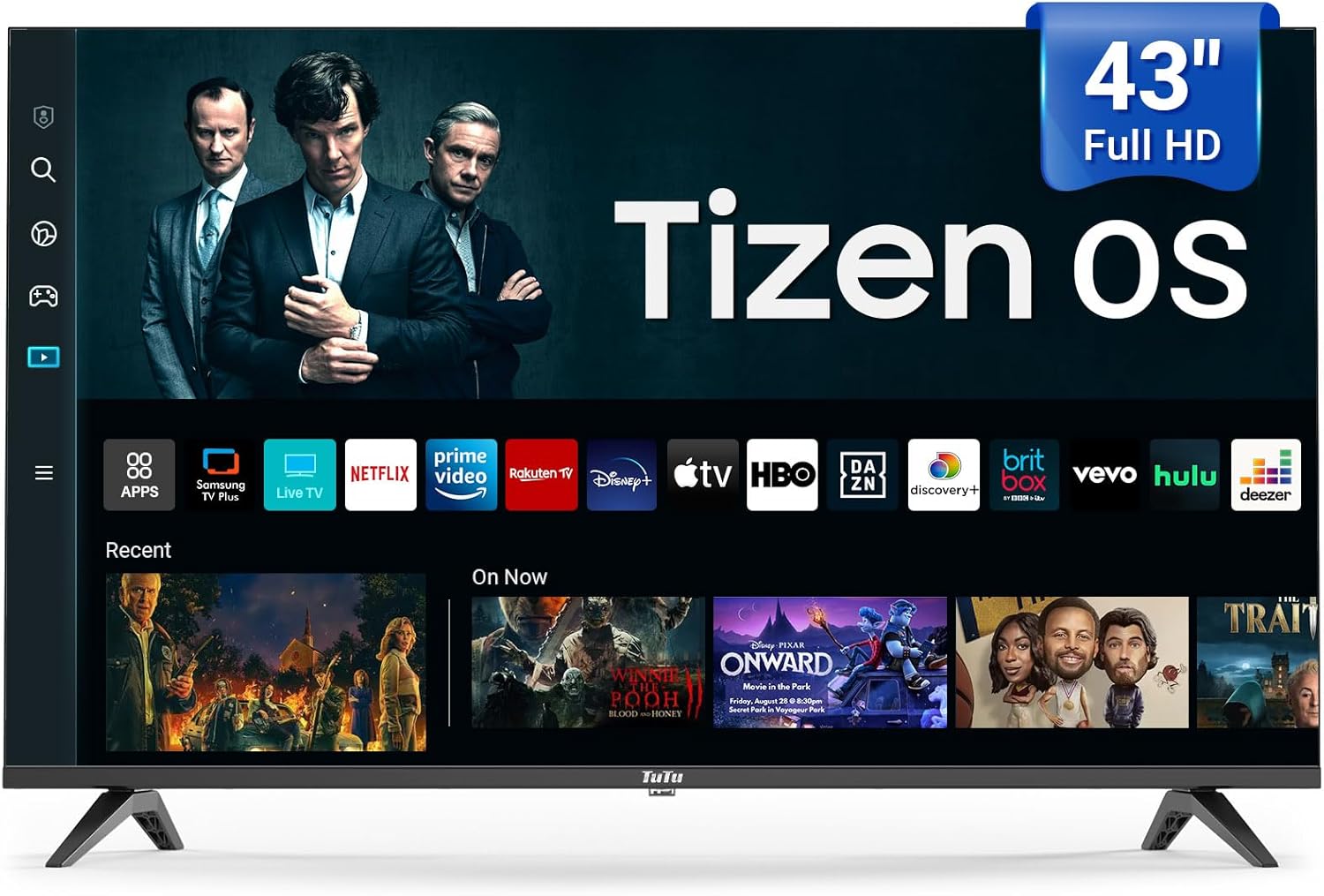
Image: The TuTu 43 Inch 4K UHD LED Smart TV, showcasing its sleek design and Tizen OS interface with various streaming app icons.
Configuración
1. Colocación del soporte
- Coloque con cuidado el televisor con la pantalla hacia abajo sobre una superficie suave y plana para evitar rayones.
- Alinee las dos piezas del soporte con las ranuras correspondientes en la parte inferior del televisor.
- Secure the stands using the screws provided in the accessories bag. Ensure they are tightened firmly.
2. Conexión de periféricos
Your TV offers various connectivity options. Refer to the back panel for port locations.

Imagen: Trasera view of the TuTu Smart TV, highlighting the USB, RF, HDMI, Optical, RCA, and RJ45 input ports for connecting external devices.
- HDMI: Conecte reproductores de Blu-ray, consolas de juegos o decodificadores.
- USB: Para reproducción de medios desde unidades USB.
- RF: Para conexión de antena o cable.
- Óptico: Para salida de audio digital a barras de sonido o sistemas de cine en casa.
- RCA (Video L-IN-R): Para dispositivos más antiguos que utilizan video compuesto y audio estéreo.
- RJ45 (Ethernet): Para conexión a Internet por cable.
3. Conexión de alimentación
Conecte el cable de alimentación a la entrada de corriente del televisor y luego a una toma de corriente. El televisor entrará en modo de espera.
4. Initial Setup and Samsung Account Activation
Upon first power-on, the TV will guide you through the initial setup process, including language selection, network connection (Wi-Fi or Ethernet), and channel scanning. As noted, a Samsung account is mandatory for full TV activation and access to smart features. Follow the on-screen prompts to log in or create a Samsung account.
Operación de su televisor
Mando a distancia
The included remote control provides easy navigation and access to all TV functions. Insert the two AAA batteries (included) into the remote control, observing polarity.

Image: The remote control for the TuTu Smart TV, showing dedicated buttons for popular streaming services and navigation.
Funciones de calidad de imagen
- Resolución 4K UHD: Experience stunning visual clarity with 4K Ultra HD Resolution. This allows for a more detailed and vivid TV picture, bringing every scene to life with incredible sharpness and vibrant colors.
- HDR10: Mejora tu viewing experience with HDR10. This technology allows you to perceive every nuance and shade, enhancing your entertainment experience with a wider range of colors and contrast.
- MEMC (Estimación de movimiento, Compensación de movimiento): The smart TV supports MEMC technology to bring smoother, clearer motion. This reduces blurring and judder in fast-moving scenes, making action sequences, sports events, and fast-paced movies flow smoothly and look crystal clear.
- Escalado 4K: Tizen OS's 4K Upscaling boosts content quality to near-4K, giving users clearer, more detailed visuals for non-4K content.
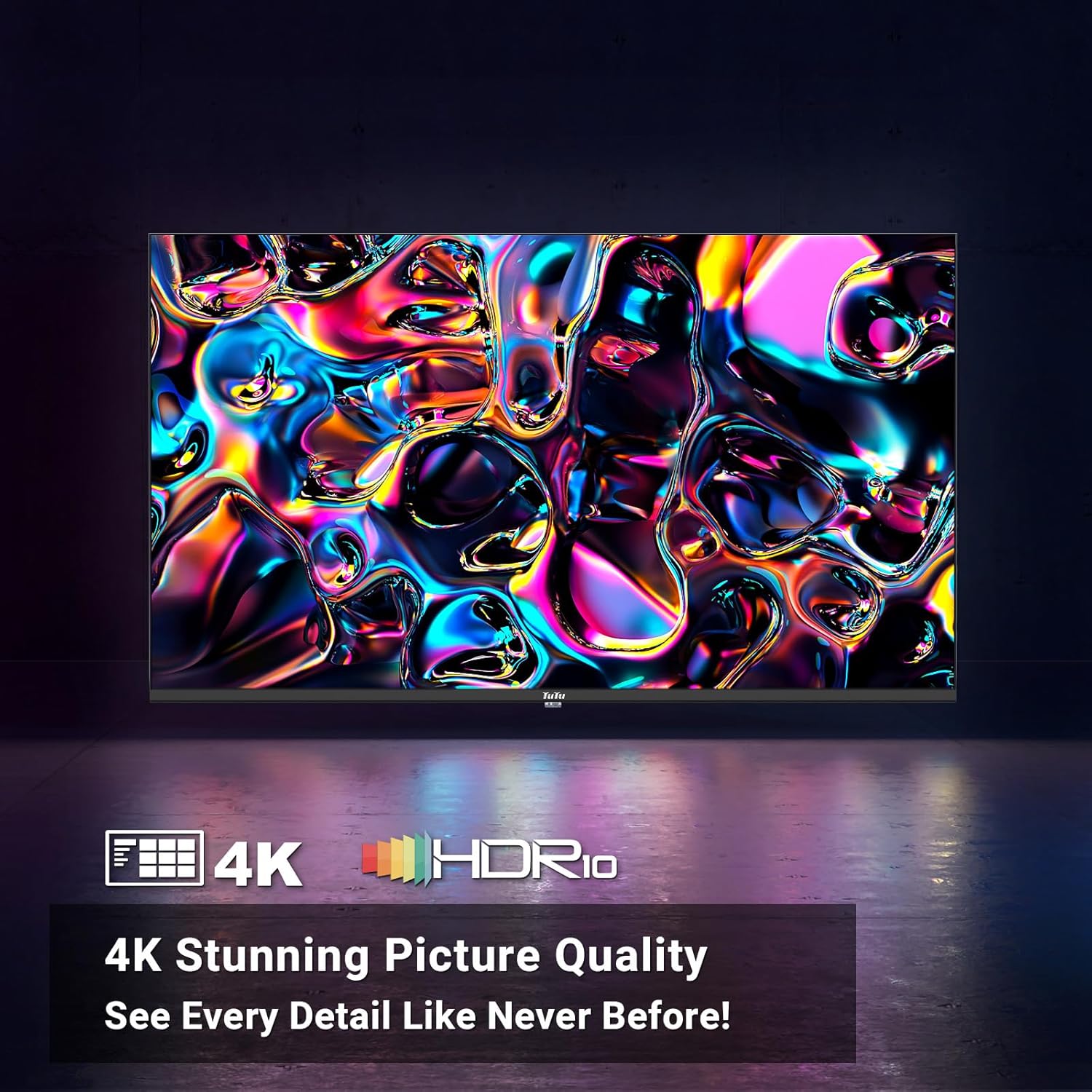
Image: A vibrant abstract image demonstrating the stunning picture quality achieved with 4K UHD and HDR10 technologies.

Image: A split image illustrating the effect of MEMC technology, showing a clear, sharp image of a skier on one side (with MEMC) and a blurred image on the other (without MEMC).
Funciones de audio
- Sonido Dolby: The smart TV supports Dolby Audio, allowing you to immerse yourself in crystal-clear audio. Enjoy enhanced dialogue clarity, deeper bass, and a more lifelike soundstage, making every movie, TV show, and game come alive.

Image: A couple enjoying a movie with sound waves emanating from the TV, representing the immersive experience provided by Dolby Audio.
Funciones de Smart TV (sistema operativo Tizen)
The Tizen OS is built into the smart TV, transforming it into a smart hub. Enjoy a sleek and intuitive interface for easy content discovery.

Imagen: Una dinámica view of the Tizen OS interface, showcasing popular streaming service icons like YouTube, Netflix, Disney+, and more, floating above the TV screen.
- Quick Access to Streaming Services: With Tizen OS, you get quick access to popular streaming services like YouTube, Netflix, Disney+, and many more.
- Samsung TV Plus: Primarily offers free live TV channels, covering various genres such as news, sports, entertainment, music, and family-friendly content. It's a completely free streaming service with no subscription fees or credit card details required.
- Guía Universal: Pulls in all your favorite shows, movies, and music from different streaming apps and serves them up on one easy-to-browse platform.
- Centro de juegos: The ultimate home for gaming on your Smart TV powered by Tizen.
- Modo ambiente: Lets your TV show dynamic content like weather, news, and art when idle, and can also play music for a lively atmosphere.
- Bixby Voice Control: Explore your Smart TV with the convenience of Bixby. Tell Bixby to search, watch, or play various features for you. Bixby Voice Control makes your TV experience more dynamic and fun.
- Capacidades inteligentes: Tizen OS includes smart features like voice control for hands-free operation, making it easy to manage your TV and find content.
- Samsung Health: Enjoy free premium classes and start new wellness routines, all from the comfort of your home.
Conectividad
- Conectividad perfecta: Connect seamlessly with Bluetooth and Wi-Fi capabilities to stream your favorite content.
- Bluetooth: For connecting wireless headphones, soundbars, or other Bluetooth-enabled devices.
- Wifi: Para acceso inalámbrico a Internet y streaming.
Mantenimiento
Limpieza de la pantalla
Para limpiar la pantalla, límpiela suavemente con un paño suave que no deje pelusa. Para manchas difíciles, límpiela ligeramente.ampEnjuague el paño con agua o una solución limpiadora de pantallas específica para dispositivos electrónicos. Nunca rocíe el líquido directamente sobre la pantalla.
Limpieza del cuerpo del televisor
Limpie el cuerpo y la base del televisor con un paño suave y seco. Evite usar limpiadores abrasivos o disolventes que puedan dañar el acabado.
Ventilación
Asegúrese de que haya una ventilación adecuada alrededor del televisor. No bloquee las aberturas de ventilación de la parte trasera ni de los laterales, ya que esto puede provocar un sobrecalentamiento.
Solución de problemas
Si tiene problemas con su televisor, consulte las siguientes soluciones comunes:
| Problema | Posible causa / solución |
|---|---|
| El televisor no enciende. | Compruebe que el cable de alimentación esté bien enchufado al televisor y al tomacorriente. Asegúrese de que el tomacorriente tenga corriente. Intente presionar el botón de encendido del televisor, no solo el control remoto. |
| No picture or poor picture quality. | Verify the correct input source is selected. Check cable connections (HDMI, RF, etc.). Adjust picture settings (brightness, contrast, sharpness) in the TV menu. For 4K content, ensure your source device and cables support 4K. |
| No hay sonido o la calidad del sonido es mala. | Check the volume level and ensure the TV is not muted. Verify audio cable connections if using external speakers. If using internal speakers, check audio settings in the TV menu. Ensure Dolby Audio is enabled if desired. |
| El control remoto no funciona. | Cambie las pilas del control remoto. Asegúrese de que no haya obstrucciones entre el control remoto y el sensor infrarrojo del televisor. |
| Cannot connect to Wi-Fi or internet. | Asegúrate de que tu router Wi-Fi esté encendido y funcionando. Vuelve a introducir la contraseña de Wi-Fi. Intenta reiniciar tanto el televisor como el router. Considera usar una conexión Ethernet por cable si los problemas de Wi-Fi persisten. |
| Smart features/apps not working. | Ensure the TV is connected to the internet. Verify that you have successfully activated the TV with a Samsung account. Some streaming services require a separate subscription. |
Presupuesto
| Característica | Detalle |
|---|---|
| Nombre de marca | TuTu |
| Número de modelo | 43Q1 |
| Tamaño de pantalla | 43 pulgadas |
| Tecnología de visualización | CONDUJO |
| Resolución | 4K UHD (3840x2160) |
| Frecuencia de actualización | 60 Hz |
| Sistema operativo | Sistema operativo Tizen |
| Compatibilidad con HDR | HDR10 |
| Tecnología de movimiento | MEMC |
| Tecnología de audio | Audio Dolby |
| Conectividad | Bluetooth, Ethernet, HDMI (multiple), USB (multiple), RF, Optical, RCA, RJ45, Wi-Fi |
| Relación de aspecto | 16:9 |
| Dimensiones del producto (Pr. x An. x Al.) | 4.5" x 41" x 24.8" |
| Peso del artículo | 19.66 libras |
| Color | Negro |
| Salida Wattage | 135 vatios |
| Volumentage | 120 voltios |
| Pilas necesarias | 2 AAA (incluidas para el control remoto) |
| Consumo de energía en modo encendido | 135 vatios |
| Diagonal de pantalla visible | 43" / 110 cm |
| Consumo de energía (anual) | 135 kilovatios hora al año (basado en 4 horas/día) |
Garantía y soporte
For warranty information and customer support, please refer to the documentation included with your product or contact TuTu customer service. Keep your purchase receipt for warranty claims.