
Introducción
Welcome to the Redmi Pad Pro 5G user manual. This document provides essential information to help you set up, operate, and maintain your new tablet. The Redmi Pad Pro 5G features a 12.1-inch display, Snapdragon 7s Gen 2 processor, 10000mAh battery, and runs on HyperOS, offering a powerful and versatile user experience.
¿Qué hay en la caja?
Upon unboxing your Redmi Pad Pro 5G, verify that all the following items are included:
- Computadora tableta
- Adaptador
- Cable USB tipo C
- Guía de inicio rápido
- Herramienta de expulsión de SIM
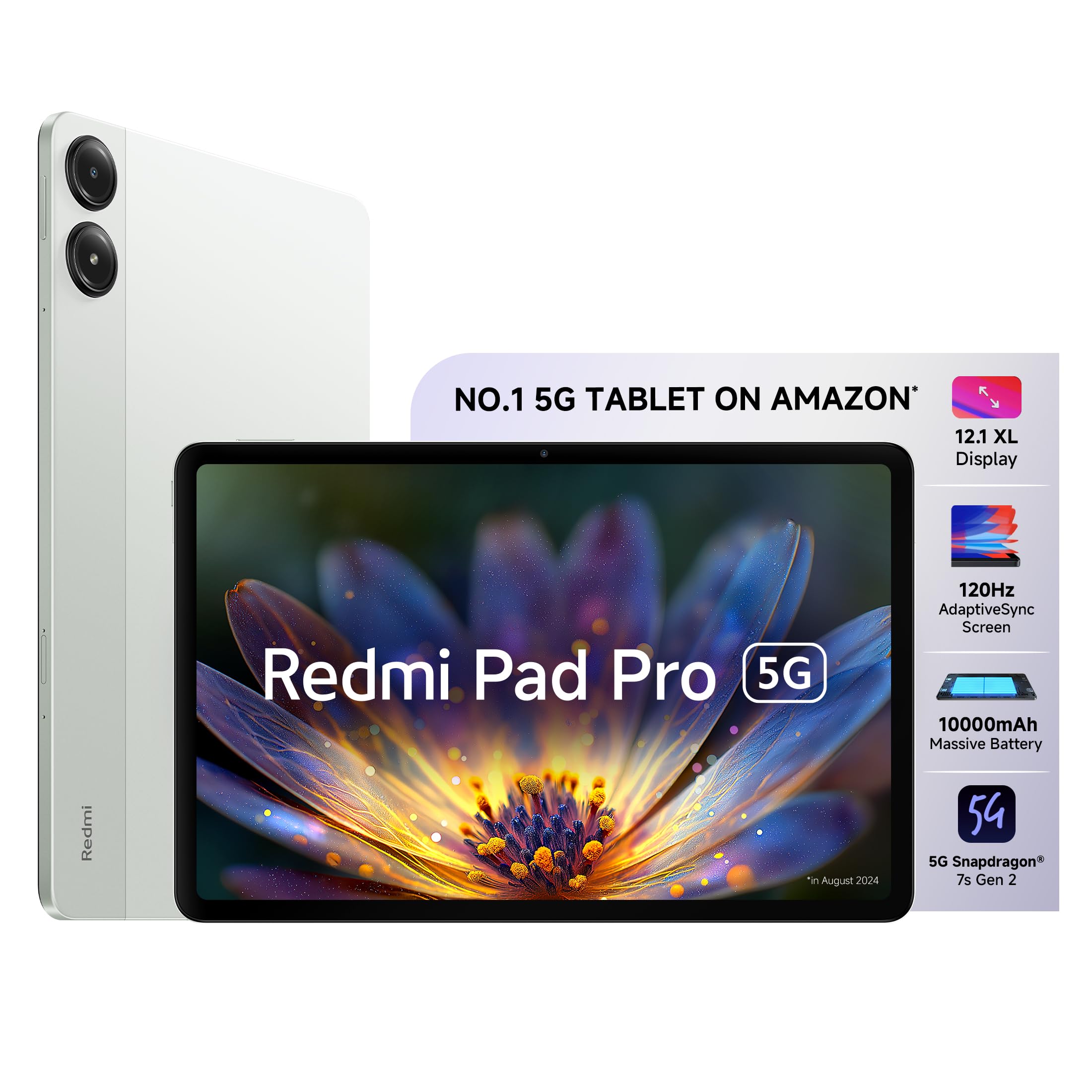
Image: The Redmi Pad Pro 5G tablet with its included accessories, including the adapter, USB-C cable, and SIM ejector tool.
Configuración
1. Carga inicial
Before first use, fully charge your Redmi Pad Pro 5G using the provided adapter and USB Type-C cable. Connect the USB Type-C cable to the tablet's charging port and the adapter to a power outlet. The tablet supports 33W fast charging.
2. Encendido y apagado
- Para encender: Mantenga presionado el botón de encendido hasta que aparezca el logotipo de Redmi.
- Para apagar: Mantenga presionado el botón de Encendido, luego seleccione “Apagar” de las opciones en la pantalla.
- Para reiniciar: Mantenga presionado el botón de Encendido, luego seleccione “Reiniciar” de las opciones.
3. Instalación de la tarjeta SIM (para modelos 5G)
For 5G connectivity, insert a nano-SIM card into the SIM card tray. Use the provided SIM ejector tool to open the tray. Ensure the SIM card is correctly oriented before reinserting the tray.

Imagen: Lateral view of the Redmi Pad Pro 5G, illustrating the location of the SIM tray and other external components.
4. Configuración inicial
Siga las instrucciones en pantalla para completar la configuración inicial, incluida la selección de idioma, la conexión Wi-Fi, el inicio de sesión de la cuenta de Google y la configuración de seguridad.
Instrucciones de funcionamiento
Características de la pantalla
The Redmi Pad Pro 5G features a 12.1-inch XL display with a 2.5K resolution (2560x1600 pixels) and a 120Hz AdaptiveSync refresh rate. This adaptive refresh rate adjusts automatically to optimize battery efficiency based on content. The display also includes triple eye-care technology for reduced eye strain.

Image: The 12.1-inch XL display of the Redmi Pad Pro 5G, highlighting its large viewÁrea de ing.

Image: Visual representation of the 120Hz AdaptiveSync screen technology on the Redmi Pad Pro 5G.
Funciones de audio
Experience immersive sound with the tablet's quad speakers and Dolby Atmos support. Adjust volume using the physical volume buttons located on the side of the device.

Image: Diagram showing the quad speaker placement and Dolby Atmos branding on the Redmi Pad Pro 5G.
Gestión de la batería
The Redmi Pad Pro 5G is equipped with a 10000mAh (typical) battery, providing extended usage times. For optimal battery life, use the included 33W fast charger. Avoid extreme temperatures and fully discharging the battery frequently.

Image: Illustration of the 10000mAh battery inside the Redmi Pad Pro 5G, emphasizing its large capacity.
HyperOS Interconnectivity
HyperOS enables seamless interaction between your Redmi Pad Pro 5G and compatible Xiaomi smartphones.
- Network Sync: Connect to your phone's hotspot with a single click when Wi-Fi signals are unavailable.
- Home Screen+: Receive messages, answer calls, and access phone apps directly on the tablet.
- Shared Clipboard: Copy and paste text and images between devices.
- Cross-device Notes: Access your smartphone camera from the Notes app on the tablet to take photos and insert them.

Imagen: Más alláview of Xiaomi HyperOS features, including Network Sync and Home Screen+.

Image: A visual demonstrating the Network Sync feature, allowing the tablet to connect to a phone's hotspot.
Accesorios (se venden por separado)
Enhance your Redmi Pad Pro 5G experience with optional accessories:
- Lápiz inteligente Redmi: For handwritten notes, drawing, and painting. Features handwriting recognition.
- Redmi Pad Pro Keyboard: Transforms your tablet into a productivity device for typing and presentations.

Image: A user taking notes on the Redmi Pad Pro 5G with the Redmi Smart Pen.

Image: The Redmi Pad Pro 5G attached to its dedicated keyboard, illustrating its use for productivity tasks.
Mantenimiento
- Limpieza: Utilice un paño suave y sin pelusa para limpiar la pantalla y el cuerpo. Evite materiales abrasivos o productos químicos agresivos.
- Protección: Considere utilizar una funda protectora y un protector de pantalla para evitar rayones y daños.
- Condiciones ambientales: Evite exponer la tableta a temperaturas extremas, luz solar directa o humedad alta.
- Actualizaciones de software: Compruebe e instale periódicamente las actualizaciones del sistema para garantizar un rendimiento y una seguridad óptimos.

Imagen: Trasera view of the Redmi Pad Pro 5G, showing its camera module and sleek design.
Solución de problemas
Problemas comunes y soluciones
- La tableta no se enciende: Ensure the battery is charged. Connect the charger and wait a few minutes before attempting to power on again. If unresponsive, perform a force restart by holding the power button for approximately 10-15 seconds.
- La pantalla no responde: Intenta reiniciar la tableta. Si el problema persiste, asegúrate de que la pantalla esté limpia y sin residuos.
- Problemas de conexión Wi-Fi: Comprueba si el wifi está activado en la configuración. Reinicia el router y la tableta. Olvídate de la red y vuelve a conectarte.
- Rendimiento lento: Cierre las aplicaciones innecesarias en segundo plano. Borre la caché y los archivos temporales. files. Ensure sufficient storage space is available. Consider a factory reset as a last resort (back up data first).
- La batería se agota rápidamente: Reduce screen brightness. Disable unused features like GPS, Bluetooth, and Wi-Fi when not needed. Limit background app refresh. Check for apps consuming excessive power in battery settings.
Presupuesto
| Característica | Detalle |
|---|---|
| Marca | Redmi |
| Nombre del modelo | Redmi Pad Pro 5G |
| Capacidad de almacenamiento de memoria | 256 GB |
| Tamaño de pantalla | 12.1 pulgadas (30.7 cm) |
| Resolución máxima de pantalla | 2560x1600 (2.5K) |
| Tipo de pantalla | Pantalla OLED |
| Frecuencia de actualización de la pantalla | 120 Hz AdaptiveSync |
| Memoria RAM instalada | 8 GB |
| Procesador | Snapdragon 7s de 2.ª generación |
| Sistema operativo | HyperOS |
| Tecnología celular | 5G |
| Tipo de tecnología inalámbrica | Wi-Fi 6 (802.11ax) |
| Capacidad de la batería | 10000 mAh |
| Carga rápida | 33 W |
| Resolución de la cámara trasera | 8 MP |
| Resolución de la cámara frontal | 8 MP |
| Dimensiones del artículo (largo x ancho x grosor) | 18.2L x 28W x 0.8Centímetros |
| Human Interface Types | Pantalla táctil con soporte para lápiz |
Garantía y soporte
For detailed warranty information, please refer to the warranty card included in your product packaging or visit the official Redmi/Xiaomi websitio.
If you encounter issues not covered in this manual or require further assistance, please contact Redmi customer support. Support contact details can typically be found on the manufacturer's websitio o en la Guía de inicio rápido.
Recursos en línea: