
1. Introducción
Thank you for choosing the ZOMBIES CAT Wireless Bluetooth 5.3 Headphones, Model QSWSB202-DE. This manual provides essential information for setting up, operating, and maintaining your new headphones. Please read it carefully before use to ensure optimal performance and longevity of your device.
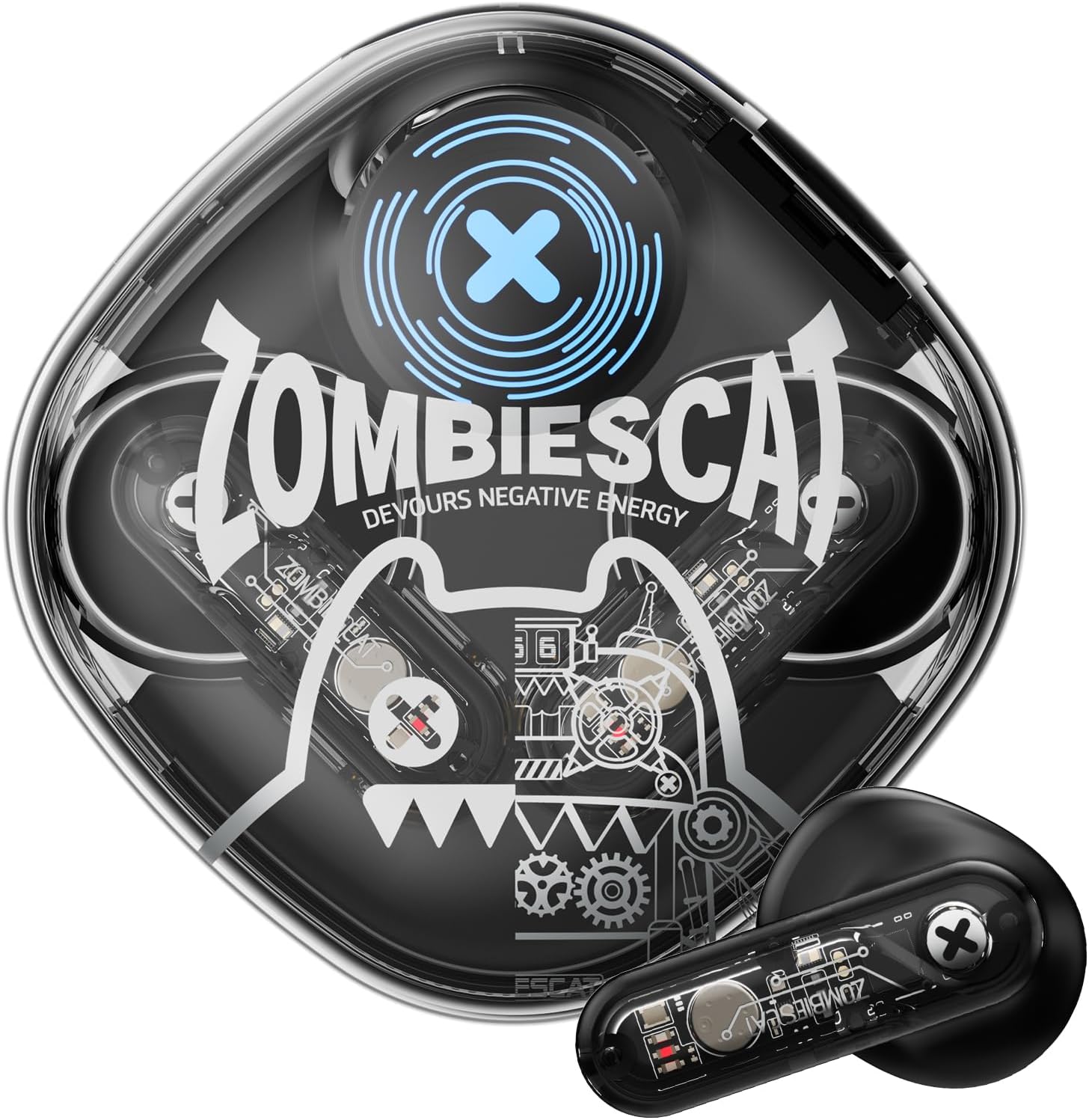
Image 1.1: ZOMBIES CAT Wireless Bluetooth 5.3 Headphones and Charging Case.
2. Contenido del paquete
Por favor revise el paquete para ver los siguientes artículos:
- ZOMBIES CAT Wireless Bluetooth 5.3 Headphones (Left and Right earbuds)
- Estuche de carga
- Cable de carga USB
- Manual de usuario (este documento)
- Puntas para los oídos (varios tamaños)

Imagen 2.1: Embalaje del producto y elementos incluidos.
3. Información de seguridad
- No exponga los auriculares ni el estuche de carga a temperaturas extremas, humedad o líquidos.
- Evite dejar caer o aplicar fuerza excesiva sobre el dispositivo.
- Mantener fuera del alcance de los niños y las mascotas.
- No intente desmontar ni reparar el dispositivo usted mismo. Póngase en contacto con el servicio de atención al cliente para obtener ayuda.
- Utilice únicamente el cable de carga proporcionado o un equivalente certificado.
- Escuche a volúmenes moderados para evitar daños auditivos.
4. Configuración
4.1 Carga inicial
- Abra el estuche de carga y retire ambos auriculares.
- Importante: Before first use, carefully check the charging contacts on the earbuds. Some units may have small protective stickers on these contacts. Remove any stickers to ensure proper charging.
- Vuelva a colocar los auriculares en el estuche de carga.
- Conecte el cable de carga USB al puerto de carga del estuche y conecte el otro extremo a una fuente de alimentación USB (por ejemplo, computadora, adaptador de pared).
- Allow the case and earbuds to fully charge. Charging typically takes approximately 1.5 hours. The LED indicator on the case will show charging status.
4.2 Emparejamiento Bluetooth
To pair your ZOMBIES CAT headphones with a device:
- Asegúrese de que los auriculares estén cargados.
- Abra el estuche de carga. Los auriculares entrarán automáticamente en modo de emparejamiento, lo cual se indicará mediante luces LED parpadeantes.
- En su dispositivo (teléfono inteligente, tableta, computadora portátil), habilite Bluetooth.
- Buscar available Bluetooth devices. You should see "ZOMBIES CAT QSWSB202-DE" or a similar name in the list.
- Select the headphones to connect. Once connected, the earbud LEDs will stop flashing or change to a steady light, and you may hear an audible confirmation.
- If pairing fails, turn off Bluetooth on your device, place the earbuds back in the case, close the case, wait a few seconds, then repeat the steps.

Imagen 4.1: Conectividad Bluetooth 5.3 para emparejamiento estable.
5. Instrucciones de funcionamiento
5.1 Encendido y apagado
- Encendido: Abra el estuche de carga y los auriculares se encenderán automáticamente.
- Apagado: Vuelve a colocar los auriculares en el estuche de carga y cierra la tapa. Se desconectarán y apagarán automáticamente.
5.2 Controles táctiles
The ZOMBIES CAT headphones feature intuitive touch controls on each earbud. Specific gestures may vary slightly, but common functions include:
- Reproducir/Pausa: Un solo toque en cualquiera de los auriculares.
- Pista siguiente: Toque dos veces el auricular derecho.
- Pista anterior: Toque dos veces el auricular izquierdo.
- Sube el volumen: Toque tres veces el auricular derecho.
- Bajar volumen: Toque tres veces el auricular izquierdo.
- Responder/Finalizar llamada: Un solo toque en cualquiera de los auriculares durante una llamada entrante.
- Rechazar llamada: Mantenga presionado cualquiera de los auriculares durante 2 segundos durante una llamada entrante.
- Activar asistente de voz: Mantenga presionado cualquiera de los auriculares durante 3 segundos.
5.3 Calidad de audio y características
These headphones are equipped with a 13mm dynamic driver for rich, detailed Hi-Fi stereo sound. The semi-in-ear design allows for natural sound reproduction while maintaining awareness of your surroundings.

Image 5.1: Hi-Fi sound quality components.
5.4 Efectos de luz LED
The headphones feature integrated LED light effects. These lights activate during certain operations, such as pairing mode, and can provide a visual indication of status.
6. Mantenimiento
6.1 Limpieza
- Limpie los auriculares y el estuche de carga con un paño suave, seco y sin pelusa.
- No utilice limpiadores abrasivos, alcohol ni disolventes químicos.
- Asegúrese de que los contactos de carga estén limpios y libres de residuos para una carga óptima.
6.2 Almacenamiento
- Guarde los auriculares en su estuche de carga cuando no los utilice para protegerlos y mantenerlos cargados.
- Conservar en un lugar fresco y seco, alejado de la luz solar directa y de temperaturas extremas.
6.3 Cuidado de la batería
Para maximizar la duración de la batería:
- Cargue los auriculares periódicamente, incluso si no los utiliza con frecuencia.
- Evite descargar completamente la batería durante períodos prolongados.
- No exponga la batería a altas temperaturas.
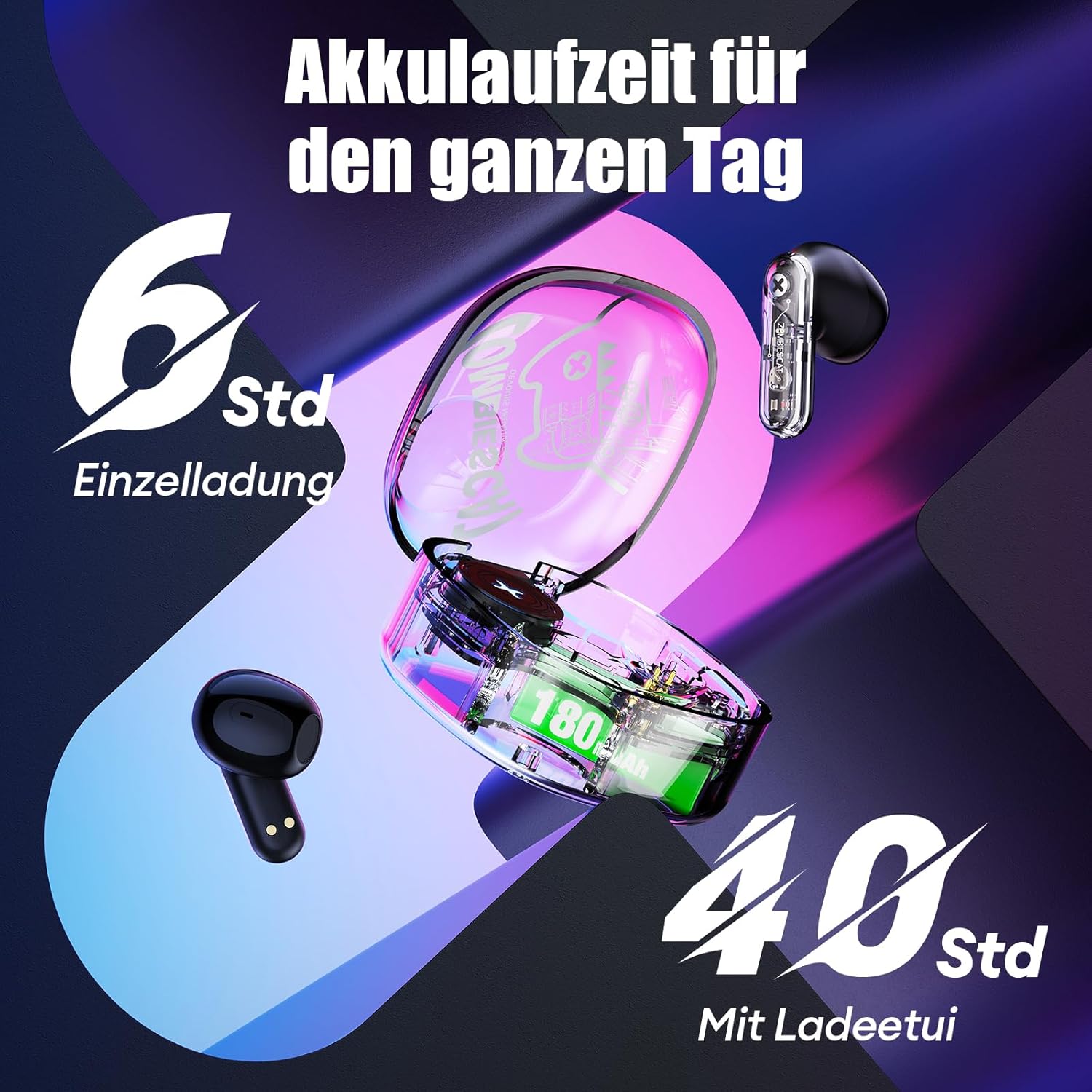
Imagen 6.1: Vida útil de la batería terminadaview.
7. Solución de problemas
Si tiene problemas con sus auriculares, consulte las siguientes soluciones comunes:
- Headphones not charging or turning on:
Ensure the protective stickers on the earbud charging contacts have been removed. Place earbuds correctly in the charging case. Connect the charging case to a power source and ensure it is charging. - No se puede emparejar con el dispositivo:
Ensure Bluetooth is enabled on your device. Make sure the earbuds are in pairing mode (LEDs flashing). Turn off Bluetooth on your device, restart it, and try pairing again. Ensure the headphones are not already connected to another device. - No hay sonido o el sonido es intermitente:
Check the volume level on both your device and the headphones. Ensure the headphones are properly connected to your device. Try re-pairing the headphones. Move closer to your device to avoid interference. - Los controles táctiles no responden:
Ensure your fingers are clean and dry. Try restarting the headphones by placing them in the case and taking them out again. - Mala calidad de llamada:
Ensure the microphone is not obstructed. Move to an area with less background noise. Check your device's network signal.
8. Especificaciones
| Característica | Especificación |
|---|---|
| Modelo | QSWSB202-DE |
| Versión de Bluetooth | 5.3 |
| Capacidad de la batería del auricular | 30 mAh |
| Capacidad de la batería del estuche de carga | 180 mAh |
| Duración media de la batería (auriculares) | 5.5 - 6 horas |
| Tiempo total de juego (con estuche) | Hasta 40 horas |
| Tiempo de carga | Aproximadamente 1.5 horas |
| Rango de frecuencia | 20 Hz - 20,000 Hz |
| Impedancia | 32 ohmios |
| Tipo de control | Control táctil |
| Resistencia al agua | Resistente al agua |
| Control de ruido | Cancelación de ruido adaptativa |
| Material | Plástico, metal |
| Peso del producto | 42 gramos |
| Dimensiones del producto | 5 x 2.5 x 5 cm |
| Dispositivos compatibles | Mobile phones, laptops, smartwatches, tablets |
9. Garantía y soporte
Your ZOMBIES CAT Wireless Bluetooth 5.3 Headphones are covered by a standard manufacturer's warranty. Please refer to the retailer's return policy for details regarding returns and replacements.
For technical support or warranty claims, please contact the retailer or ZOMBIES CAT customer service through their official channels. Keep your purchase receipt as proof of purchase.