
Introducción
This manual provides detailed instructions for the Netac US9 Portable External USB 3.2 Solid State Drive. It covers product features, setup, operation, maintenance, troubleshooting, and technical specifications to ensure safe and efficient use of your device.
The Netac US9 is a high-speed portable SSD designed for reliable data storage and transfer across various devices, featuring both USB-A and USB-C interfaces.
Producto terminadoview
The Netac US9 Portable SSD offers a compact and durable solution for expanding storage and transferring large files quickly. Key features include:
- Transferencia de datos de alta velocidad: Supports read speeds up to 1000MB/s and write speeds up to 920MB/s, utilizing USB 3.2 Gen 2 technology. Actual speeds may vary based on host device and usage.
- Conectividad de interfaz dual: Features both USB Type-C and USB 3.2 (Type-A) connectors for broad compatibility with various devices.
- Construcción duradera: Encased in a high-quality zinc alloy for enhanced resistance to physical impact and scratches.
- Protección de interfaz: A double-sided metal flip cover design protects the USB interfaces from damage.
- Compacto y ligero: Designed for portability, with dimensions of approximately 78x23x9.65 mm and a weight of about 50g.
- File Encryption Support: Compatible with operating system-level file encryption features for data security.
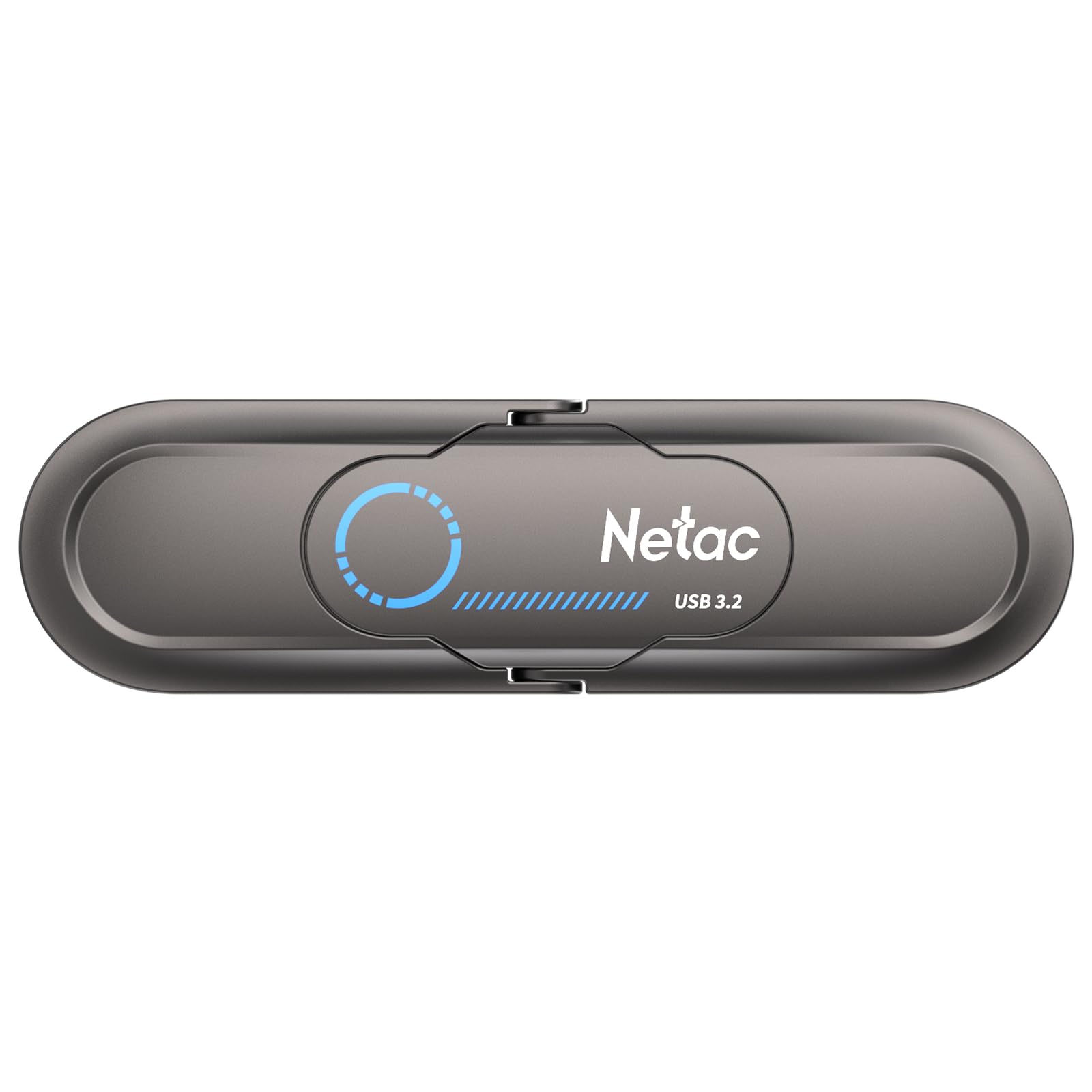
Image: The Netac US9 Portable SSD showcasing its dual USB-A and USB-C interfaces with a protective flip cover.

Image: The Netac US9 Portable SSD with both USB-A and USB-C connectors extended, illustrating its versatile connectivity.
Configuración
- Desempaque el dispositivo: Carefully remove the Netac US9 SSD from its packaging.
- Identifique el puerto correcto: Determine whether your host device (computer, game console, smartphone) has a USB-A or USB-C port.
- Conectar el SSD:
- For USB-A: Flip open the metal cover to expose the USB-A connector and insert it into an available USB-A port on your device.
- For USB-C: Flip open the metal cover to expose the USB-C connector and insert it into an available USB-C port on your device.
- Reconocimiento de dispositivo: Your operating system should automatically detect the Netac US9 SSD. It may appear as a new drive letter (e.g., E:, F:) on Windows, or as an external volume on macOS/Linux.
- Formato inicial (opcional): The drive comes pre-formatted. If you wish to reformat it for a specific file system (e.g., NTFS for Windows, HFS+ for macOS, exFAT for cross-platform compatibility), refer to your operating system's disk management tools. Reformatting will erase all data on the drive.

Image: The Netac US9 Portable SSD connected to a laptop via its USB-A interface and to a smartphone via its USB-C interface, demonstrating dual connectivity.
Instrucciones de funcionamiento
Transferencia de datos
- Acceder a la unidad: Once recognized, open File Explorer (Windows) or Finder (macOS) and navigate to the Netac US9 drive.
- Copiar Files: Arrastrar y soltar files or folders from your computer to the Netac US9 drive, or vice versa. You can also use copy-paste functions.
- Monitor Transfer: A progress bar will indicate the status of your data transfer. For optimal speed, ensure you are connected to a USB 3.2 Gen 2 compatible port.

Image: The Netac US9 Portable SSD positioned on a laptop keyboard, with a graphic indicating a read speed of up to 1000MB/s, highlighting its high-speed data transfer capability.
Eliminación segura
Siempre expulse la unidad de forma segura antes de desconectarla para evitar la corrupción de datos.
- Ventanas: Click the "Safely Remove Hardware and Eject Media" icon in the system tray, then select the Netac US9 drive.
- Mac OS: Drag the drive icon from your desktop to the Trash, or right-click (Control-click) the drive icon and select "Eject".
File Encryption (If Supported by OS)
The Netac US9 supports file encryption to protect your data. This feature is typically managed through your operating system's built-in encryption tools (e.g., BitLocker for Windows, FileVault for macOS). Consult your OS documentation for specific instructions on enabling drive encryption.

Image: The Netac US9 Portable SSD connected to a laptop, with a graphic overlay showing a shield icon containing a locked folder, representing the device's support for file Encriptación.
Mantenimiento
- Cuidado físico: Keep the drive clean and free from dust. Use a soft, dry cloth for cleaning. Avoid exposing the drive to extreme temperatures, direct sunlight, or moisture.
- Proteger conectores: Always use the integrated metal flip cover to protect the USB-A and USB-C connectors when not in use.
- Evite las gotas: Mientras que la aleación de zinc casing offers durability, avoid dropping the drive to prevent potential internal damage.
- Copias de seguridad periódicas: Periodically back up important data stored on the SSD to another location to prevent data loss from unforeseen circumstances.

Image: The Netac US9 Portable SSD with an arrow illustrating the movement of its protective metal flip cover, emphasizing the interface protection design.
Solución de problemas
- Unidad no reconocida:
- Asegúrese de que la unidad esté completamente insertada en el puerto USB.
- Pruebe un puerto USB diferente en su dispositivo.
- Try connecting to a different computer or device to rule out port issues.
- Check your operating system's Disk Management (Windows) or Disk Utility (macOS) to see if the drive is detected but uninitialized or unformatted.
- Velocidades de transferencia lentas:
- Ensure you are connected to a USB 3.2 Gen 2 compatible port for maximum performance. Older USB 2.0 or 3.0 ports will result in lower speeds.
- Verifique que los controladores de los puertos USB de su computadora estén actualizados.
- Un gran número de pequeños files transfer slower than fewer large files.
- Other background processes on your computer can affect transfer speeds.
- La unidad se calienta durante el uso:
It is normal for the drive to become warm during extended high-speed data transfers due to the nature of SSD technology and the metal casing acting as a heat sink. This does not indicate a malfunction.
Presupuesto
| Característica | Detalle |
|---|---|
| Marca | Netac |
| Nombre del modelo | US9 |
| Capacidad de almacenamiento de memoria | 512 GB |
| Tecnología de conectividad | USB |
| Interfaz de hardware | USB tipo C, USB 3.2 Gen 2 |
| Velocidad de lectura (máx.) | 1000 MB/s |
| Velocidad de escritura (máx.) | 920 MB/s |
| Material | Aleación de zinc |
| Dimensiones | 78 x 23 x 9.65 mm (aprox.) |
| Peso del artículo | Aproximadamente 50 g (1.76 onzas) |
| Sistemas compatibles | Windows, macOS, Linux, Android, HarmonyOS, iOS |
| Característica especial | Encrypted (OS-dependent) |

Image: A detailed specification table for the Netac US9 Portable SSD, listing features such as brand, model, interface, capacity, size, material, color, supported systems, and warranty.
Garantía y soporte
The Netac US9 Portable External USB 3.2 Solid State Drive comes with a Garantía de 5 años sin preocupaciones. For technical assistance, product inquiries, or warranty claims, please contact Netac customer service.
Refer to the official Netac website or the contact information provided with your product packaging for the most up-to-date support channels.