
DYONDER B0DH22GT2B
DYONDER Wireless Controller User Manual
Model: B0DH22GT2B | Brand: DYONDER
1. Introducción
Thank you for choosing the DYONDER Wireless Controller. This controller is designed to provide a superior gaming experience across multiple platforms, including PS4, PS4 Slim, PS4 Pro, and PC. Featuring a 1000mAh battery, dual vibration feedback, a 6-axis motion sensor, and responsive joysticks, it offers immersive and precise control for your favorite games. This manual provides detailed instructions on setup, operation, maintenance, and troubleshooting to ensure optimal performance.

Imagen: Frente view of the DYONDER Wireless Controller in black.
2. Características del producto
- Fuerte compatibilidad: Works seamlessly with PS4, PS4 Slim, PS4 Pro, and PC.
- Batería de larga duración: Built-in 1000mAh battery provides over 15 hours of playtime with only 2 hours of charging.
- Retroalimentación de vibración dual: Features dual vibration motors with 4 levels of feedback for an immersive gaming experience.
- Upgraded Joystick: Enhanced responsiveness and precision for faster reactions and reduced input lag or drift.
- Sensor de movimiento de 6 ejes: Provides superior motion sensing for intuitive control in supported games.
- Carga USB-C: Modern USB-C port for convenient and fast charging.
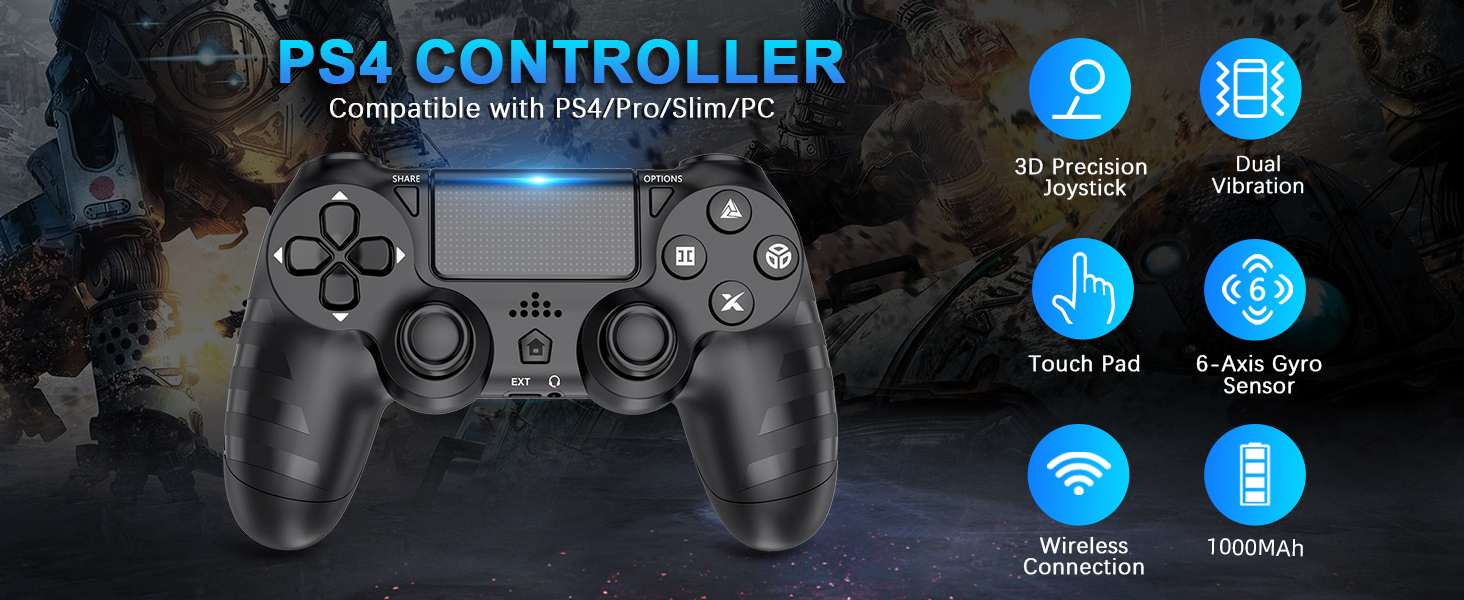
Imagen: Más alláview of key features of the DYONDER Wireless Controller.
3. Disposición del controlador
Familiarize yourself with the various buttons and components of your DYONDER Wireless Controller:

Image: Labeled diagram of the controller's buttons and interfaces.
- Botón COMPARTIR: Se utiliza para compartir contenido de juego.
- Botón OPCIONES: Accede a los menús y opciones del juego.
- Almohadilla direccional: Entrada direccional.
- Botones de acción (triángulo, círculo, cruz, cuadrado): Botones de entrada del juego principal.
- Joysticks izquierdo/derecho: Entrada analógica para control de movimiento y cámara.
- Panel táctil: Superficie de entrada multitáctil.
- Botón de inicio: Returns to the console's home screen or powers on/off.
- Interfaz extendida: Para accesorios.
- Toma de auriculares: Para conectar auriculares.
- Barra de luces LED: Indica el número de jugador, el estado de carga y la información del juego.
- Charging Socket (USB-C): Para cargar el controlador.
4. Configuración y conexión
Initial Connection to PS4 Console:
- Asegúrese de que su consola PS4 esté encendida.
- Connect the DYONDER Wireless Controller to your PS4 console using the included USB-C charging cable.
- Presione el Hogar button on the controller. The controller will sync with the console.
- Once synced, you can disconnect the USB-C cable for wireless play.
Conexión a la computadora:
- For PC connection, hold the COMPARTIR botón y el HOGAR botón simultáneamente durante 3 segundos.
- The controller's LED light bar will start flashing rapidly, indicating it is in pairing mode.
- On your PC, go to Bluetooth settings and select the DYONDER Wireless Controller to pair.
- Once paired, the LED light bar will turn solid, indicating a successful connection.
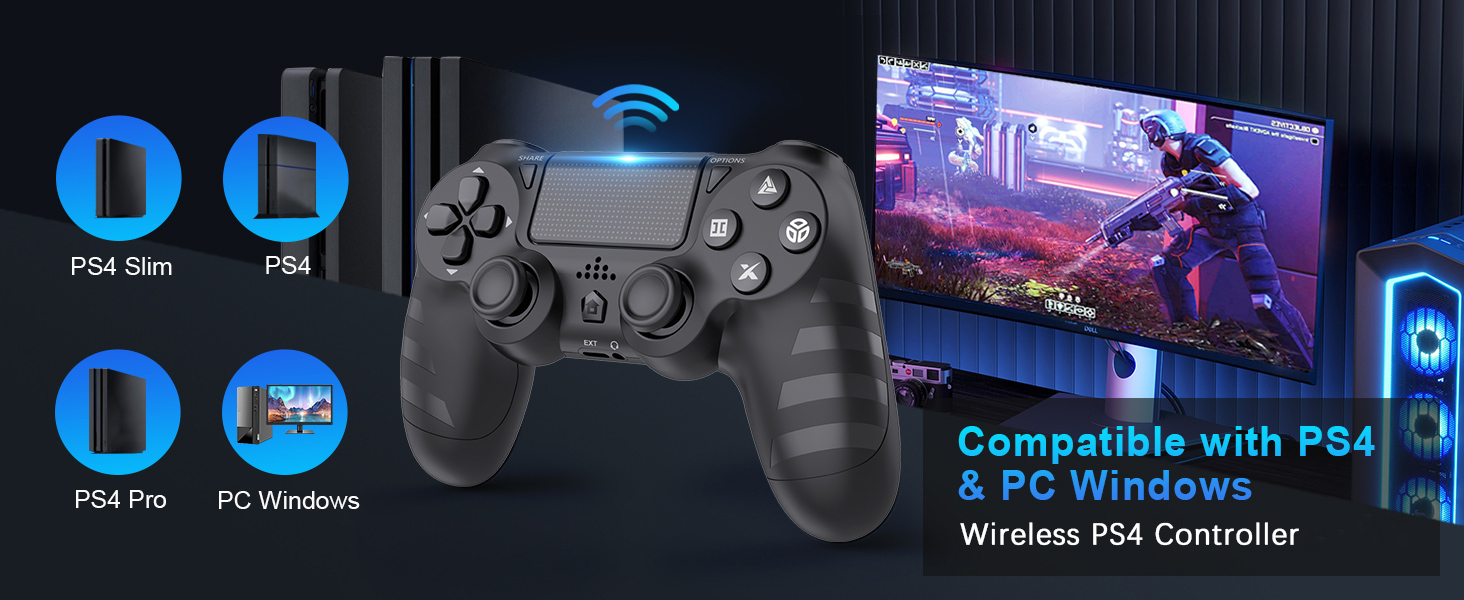
Image: Visual representation of controller compatibility with various platforms.
5. Operación
Retroalimentación de vibración dual:
The controller features dual vibration motors that provide tactile feedback during gameplay. This enhances immersion by simulating in-game actions such as impacts, explosions, and environmental effects. The vibration intensity can vary based on the game and its settings.
Sensor de movimiento de 6 ejes:
Equipped with a highly sensitive 6-axis motion sensor (accelerometer and gyroscope), the controller allows for intuitive motion-based controls in compatible games. You can tilt, rotate, and shake the controller to interact with the game environment.

Image: Illustration of the controller's 6-Axis Gyro Sensor in action.
Touchpad Functionality:
The integrated touchpad supports multi-touch gestures, allowing for unique interactions in games that utilize this feature. It can also function as a clickable button.
Conector de audio:
Connect your headset to the 3.5mm audio jack for in-game audio and voice chat (where supported by the game and console/PC settings).
6. Carga y duración de la batería
The DYONDER Wireless Controller is equipped with a built-in 1000mAh rechargeable lithium-ion battery.
- Tiempo de carga: Aproximadamente 2 horas para una carga completa utilizando el cable USB-C incluido.
- Recreo: Hasta 15 horas de juego continuo con una carga completa.
Indicador de carga:
While charging, the LED light bar on the controller will typically display an amber light. Once fully charged, the light will turn off or change color depending on the console/PC status.
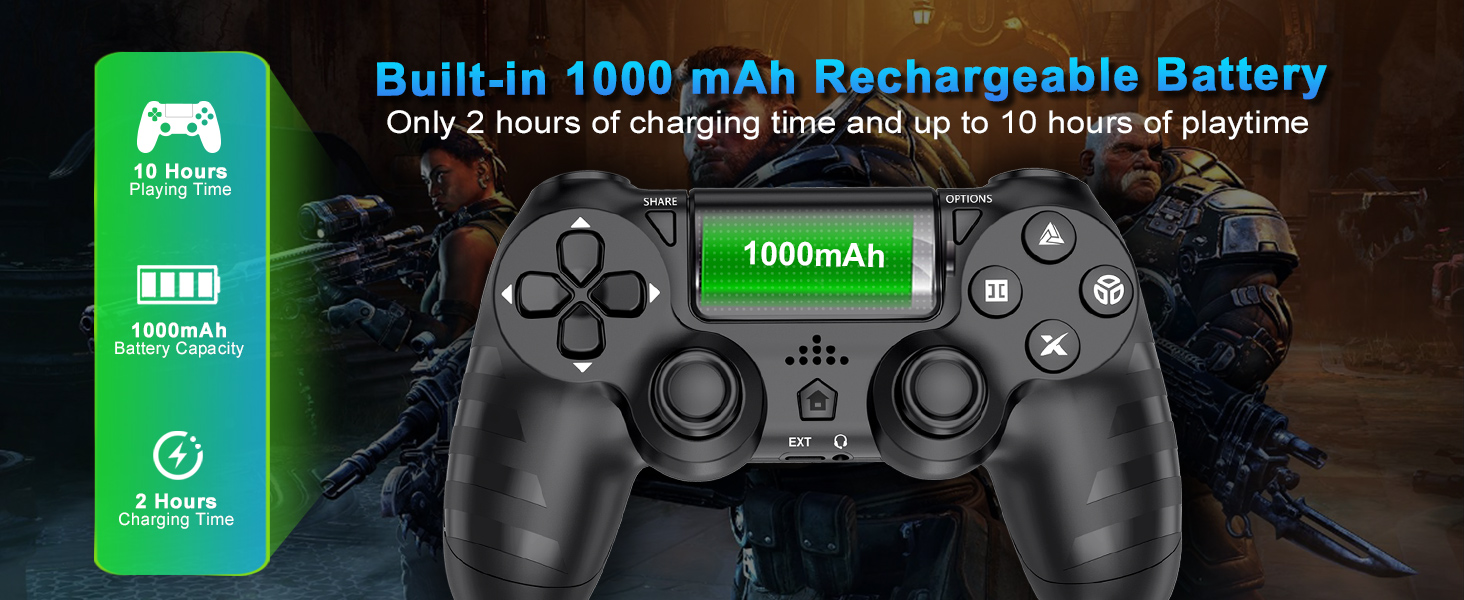
Image: Battery capacity and charging details for the controller.
7. Mantenimiento
- Limpieza: Utilice un paño suave y seco para limpiar el mando. Para suciedad difícil de eliminar, limpie ligeramenteampEnjuague el paño con agua. Evite usar productos químicos agresivos o limpiadores abrasivos.
- Almacenamiento: Guarde el controlador en un lugar fresco y seco, alejado de la luz solar directa y de temperaturas extremas.
- Cuidado de la batería: Para prolongar la vida útil de la batería, evite descargar completamente el mando con frecuencia. Cárguelo regularmente, incluso si no lo usa durante periodos prolongados.
- Manejo: No deje caer el mando ni lo someta a impactos fuertes. Evite tirar del cable con fuerza al desconectarlo.
8. Solución de problemas
| Problema | Posible causa | Solución |
|---|---|---|
| El controlador no se conecta/empareja. | Low battery, out of range, pairing mode not activated, interference. | Charge the controller fully. Ensure it's within range of the console/PC. Re-enter pairing mode (SHARE + HOME for 3 seconds). Try connecting with the USB-C cable first. |
| Retraso de entrada o falta de respuesta. | Wireless interference, low battery, software issue. | Ensure no strong wireless interference. Charge the controller. Restart the console/PC and controller. |
| Desplazamiento del joystick. | Wear and tear, dust/debris. | Try resetting the controller (small button on the back). Clean around the joystick base. If persistent, contact support. |
| El micrófono del auricular no funciona. | Headset compatibility, console/PC audio settings, controller defect. | Ensure your headset is fully plugged in. Check audio input/output settings on your PS4 or PC. Test with another headset if possible. If the issue persists, it may indicate a hardware problem. |
| El controlador no se carga. | Faulty cable, faulty charging port, power source issue. | Try a different USB-C cable and a different power source (e.g., another USB port on console/PC, wall adapter). Ensure the cable is securely connected. |
9. Especificaciones
| Característica | Detalle |
|---|---|
| Modelo | B0DH22GT2B |
| Marca | DIONDER |
| Compatibilidad | PS4, PS4 Slim, PS4 Pro, PC |
| Capacidad de la batería | Iones de litio 1000mAh |
| Tiempo de carga | Aproximadamente 2 horas |
| Recreo | Hasta 15 horas |
| Conectividad | Wireless (Bluetooth), USB-C |
| Sensores | 6-Axis Motion Sensor (Accelerometer, Gyroscope) |
| Comentario | Dual Vibration Motors (4 levels) |
| Audio | Conector para auriculares de 3.5 mm |
| Peso del artículo | 9.9 onzas (aprox. 280 g) |
| Dimensiones del paquete | 6.5 x 4.37 x 2.6 pulgadas |
10. Vídeos oficiales del producto
Vídeo: Un breve resumenview of the DYONDER Wireless Controller in pink, highlighting features like dual vibration, sensitive joysticks, and anti-slip texture.
Video: A quick look at the black DYONDER Wireless Controller, showcasing su diseño y características.
11. Garantía y soporte
For warranty information, technical support, or any inquiries regarding your DYONDER Wireless Controller, please refer to the contact information provided on the product packaging or visit the official DYONDER websitio. Guarde su recibo de compra para reclamos de garantía.
Ask a question about this manual
Ask about setup, troubleshooting, compatibility, parts, safety, or missing instructions. Manuals+ will review the question and use this page’s manual context to help answer it.