
Introducción
This user manual provides essential information for the safe and effective use of your CJP-Geek UL 12V Power Adapter, model PSCJQ918WPR-248. This adapter is designed to provide a stable 12V power supply for compatible mini PCs and desk computers, including AWOW AK-41, AK34-J, NYi3, and Beelink T4 models. Please read this manual thoroughly before use and retain it for future reference.
Información de seguridad
Para garantizar un funcionamiento seguro y evitar daños, tenga en cuenta las siguientes precauciones de seguridad:
- Vol de entradatage: Asegúrese de que el volumen de la toma de corrientetage is within the specified range of 100-240V AC.
- Características de protección: The adapter includes built-in Over Voltage Protection, Over Current Protection, Short Circuit Protection, and Input Protection to safeguard your devices.
- Condiciones ambientales: Use the adapter in a dry environment. Avoid exposure to water, moisture, or high humidity.
- Ventilación: Do not cover the adapter during use, as this may lead to overheating.
- Daño físico: Do not drop, disassemble, or attempt to repair the adapter. If damaged, discontinue use immediately.
- Cuidado de cables: Do not place heavy objects on the power cord or subject it to excessive bending or pulling.
- Niños: Mantenga el adaptador fuera del alcance de los niños.
Contenido del paquete
Verifique que todos los artículos estén presentes al abrir el paquete:
- CJP-Geek UL 12V Power Adapter (Model: PSCJQ918WPR-248)
Producto terminadoview
Familiarize yourself with the components and features of your power adapter.

Figura 1: Principal view of the CJP-Geek 12V Power Adapter, showing the adapter block with a 2-prong plug and the attached DC output cable with a round tip connector.
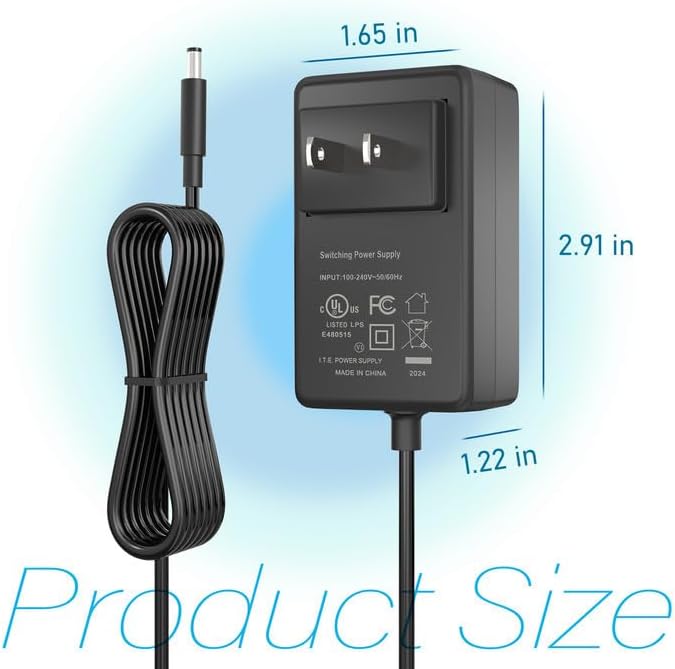
Figura 2: Product dimensions of the CJP-Geek 12V Power Adapter. The adapter block measures approximately 1.65 inches in width, 2.91 inches in height, and 1.22 inches in depth.

Figura 3: Diagram illustrating the multi-certification security features of the CJP-Geek 12V Power Adapter, including Over Temperature Protection, Overcharge Protection, Short Circuit Protection, Overvoltage Protection, Overcurrent Protection, and Overpower Protection.
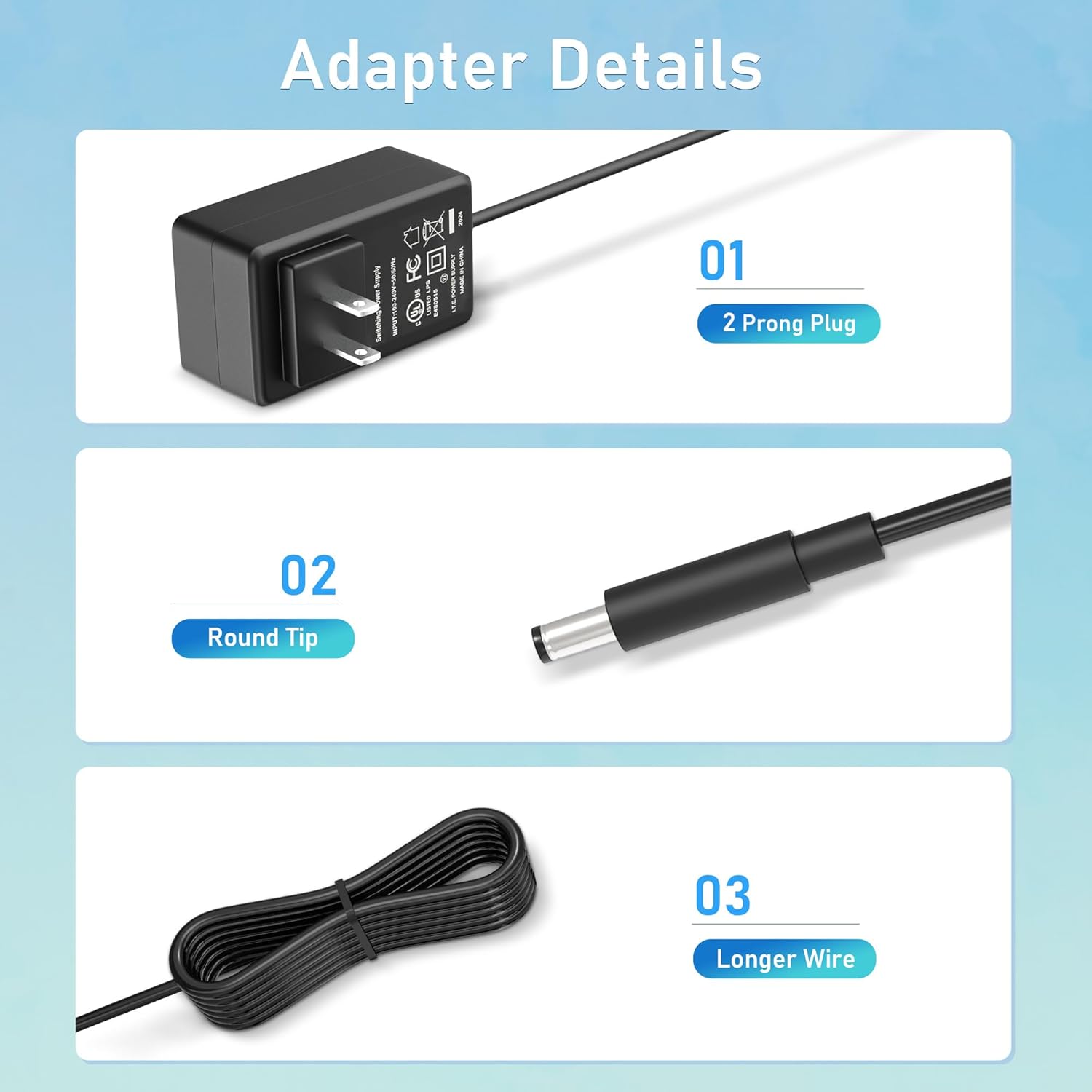
Figura 4: Detallado view of the adapter's key components: (01) a standard 2-prong plug for wall outlets, (02) a round tip DC connector for device input, and (03) a longer wire for extended reach.
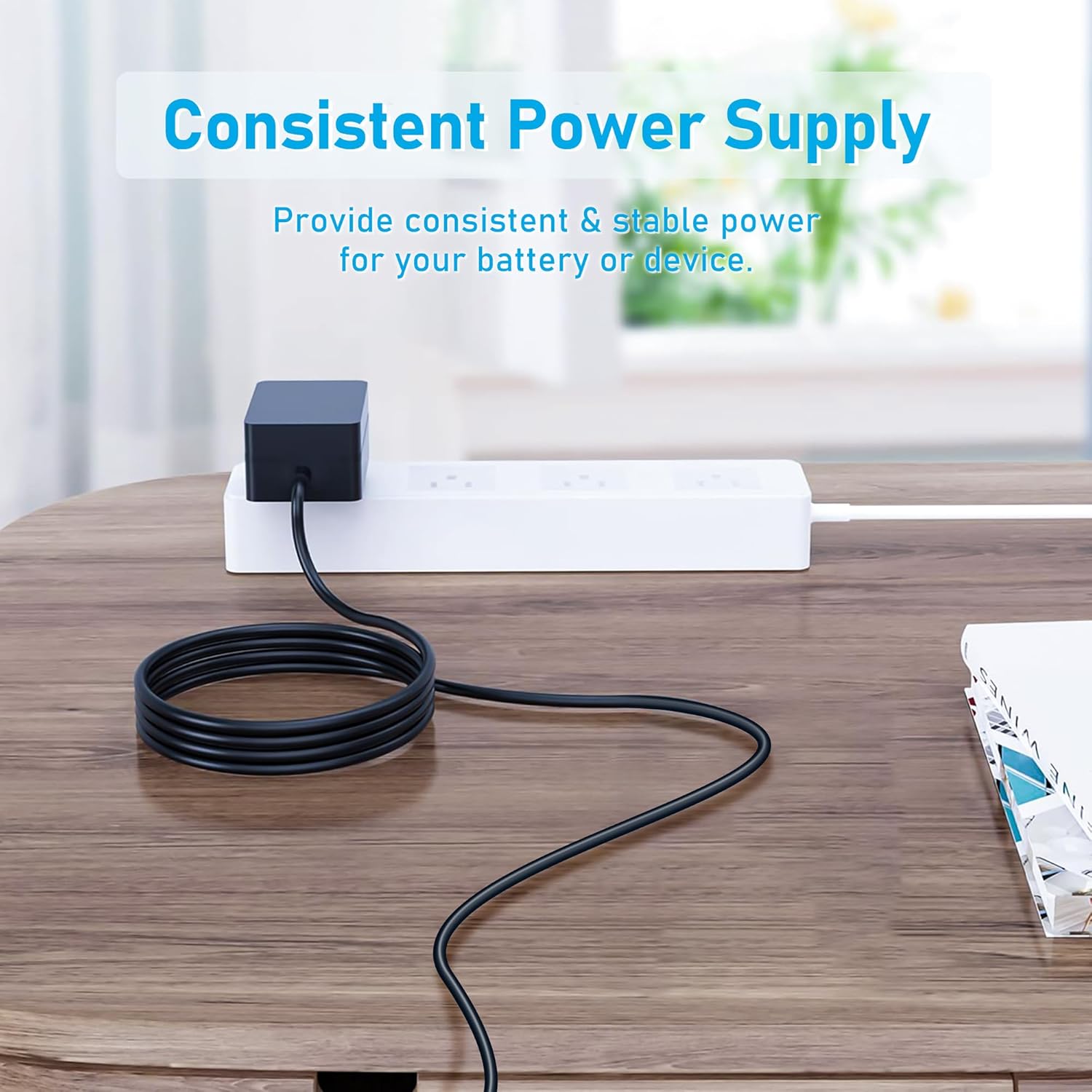
Figura 5: The CJP-Geek 12V Power Adapter connected to a power strip, demonstrating its ability to provide consistent and stable power to a device (not shown) on a desk.
Instrucciones de instalación
- Verificar compatibilidad: Ensure your device requires a 12V DC input and has a compatible round tip power port. Refer to your device's manual for power specifications.
- Conectar al dispositivo: Insert the round tip DC connector of the CJP-Geek power adapter firmly into the power input port of your mini PC or compatible device.
- Conectar a la toma de corriente: Plug the 2-prong AC plug of the power adapter into a standard 100-240V AC wall outlet or power strip.
- Encendido: Once connected, your device should receive power. Follow your device's instructions to power it on.
Instrucciones de funcionamiento
The CJP-Geek 12V Power Adapter operates automatically once connected to a power source and a compatible device. It provides a continuous and stable power supply. No user intervention is required for its basic operation.
- Asegúrese de que el adaptador esté colocado en un área bien ventilada para evitar el sobrecalentamiento.
- Desconecte el adaptador de la toma de corriente cuando no lo utilice durante períodos prolongados.
Mantenimiento
Proper maintenance ensures the longevity and reliable performance of your power adapter:
- Limpieza: Desconecte el adaptador de la corriente antes de limpiarlo. Utilice un paño suave y seco para limpiar el exterior. No utilice limpiadores líquidos ni productos abrasivos.
- Almacenamiento: Guarde el adaptador en un lugar fresco y seco, alejado de la luz solar directa y de temperaturas extremas cuando no esté en uso.
- Inspección de cables: Periodically inspect the power cord and connectors for any signs of damage, fraying, or loose connections. If damage is found, discontinue use.
Solución de problemas
If you encounter issues with your power adapter, refer to the following common solutions:
- No hay energía en el dispositivo:
- Asegúrese de que el adaptador esté enchufado de forma segura a un tomacorriente de pared que funcione.
- Verify that the DC connector is fully inserted into your device's power port.
- Pruebe el tomacorriente de pared con otro dispositivo para confirmar que funciona.
- Verifique si hay daños visibles en el adaptador o el cable.
- Sobrecalentamiento del adaptador:
- Asegúrese de que el adaptador esté en un área bien ventilada y no cubierto.
- Confirm that your device's power requirements do not exceed the adapter's specifications.
- El dispositivo no se carga/enciende:
- Confirm that the adapter's output voltage (12V) and connector type are compatible with your device.
- If the issue persists, consult your device's manual or contact customer support.
Presupuesto
| Característica | Especificación |
|---|---|
| Número de modelo | PSCJQ918WPR-248 |
| Vol de entradatage | 100-240V AC |
| Frecuencia de entrada | 50/60 Hz |
| Vol de salidatage | 12 V CC |
| Tipo de conector | Punta redonda |
| Tipo de enchufe | 2-Prong US Standard |
| Color | Negro |
| Peso del artículo | 3 onzas (aprox. 85 gramos) |
| Características de seguridad | Sobre Voltage Protection, Over Current Protection, Short Circuit Protection, Input Protection, Over Temperature Protection, Overcharge Protection, Overpower Protection |
| Dispositivos compatibles | AWOW AK-41, AK34-J, NYi3, Beelink T4 Mini PC Desk Computer, and other devices requiring 12V DC with a compatible round tip connector. |
Garantía y soporte
For warranty information or technical support, please refer to the product packaging or contact CJP-Geek customer service through their official channels. Keep your purchase receipt as proof of purchase.