
1. Introducción
This manual provides essential information for setting up, operating, maintaining, and troubleshooting your Alienware AW Pro Wireless Gaming Headset. Please read this manual thoroughly before using the product to ensure optimal performance and longevity.

Figure 1: Alienware Pro Wireless Gaming Headset and accessories.
2. Contenido del paquete
Verifique que todos los artículos estén presentes en su paquete:
- Alienware Pro Wireless Headset
- Dongle inalámbrico USB-C
- Adaptador USB-A a USB-C
- Cable USB-A a USB-C
- Micrófono de brazo desmontable
- Mic Shield
- Documentación (este manual)
3. Configuración
3.1 Carga inicial
Before first use, fully charge your headset. Connect the provided USB-A to USB-C cable to the headset's USB-C port and a power source. A full charge provides up to 75 hours of battery life via Bluetooth (ANC off) or 70 hours via 2.4GHz (ANC off). A 15-minute rapid charge can provide up to 8 hours of playback (ANC off).
3.2 Conexión del micrófono
Insert the detachable boom mic into the designated port on the left earcup. Ensure it is securely connected. The mic shield can be placed over the microphone for reduced plosive sounds.
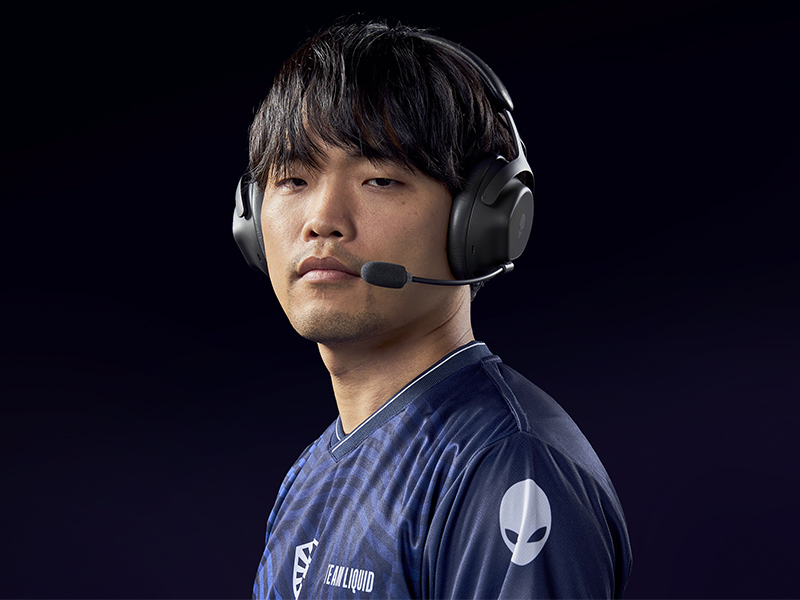
Figure 2: Attaching the detachable boom microphone.
3.3 Opciones de conectividad
The headset supports tri-mode connectivity: 2.4GHz wireless, Bluetooth 5.3, and USB wired connection.
3.3.1 Conexión inalámbrica de 2.4 GHz
- Insert the USB-C Wireless Dongle into a compatible USB-C port on your device (PC, gaming console). Use the USB-A to USB-C adapter if your device only has USB-A ports.
- Power on the headset. It should automatically connect to the dongle. The LED indicator on the headset will confirm connection.
3.3.2 Conexión Bluetooth
- Encienda los auriculares.
- Activate Bluetooth pairing mode on the headset (refer to the operating controls section for specific button presses).
- On your device (PC, mobile, etc.), go to Bluetooth settings and select "Alienware Pro Headset" from the list of available devices.
- The headset supports Bluetooth 5.3 with a range of up to 30 meters.
3.3.3 Conexión por cable USB
Connect the headset directly to your device using the USB-A to USB-C cable for a wired audio and charging connection.
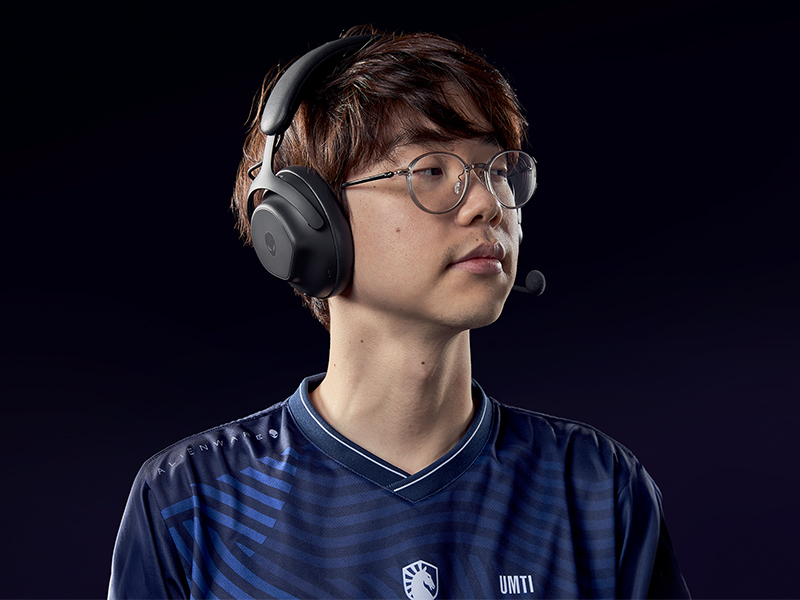
Figure 3: Connectivity options with dongle and adapter.
3.4 Instalación del software
For full customization and advanced features, install the Alienware Command Center software on your PC. This software allows you to tailor your sound experience, including Dolby Atmos integration, and manage headset settings.
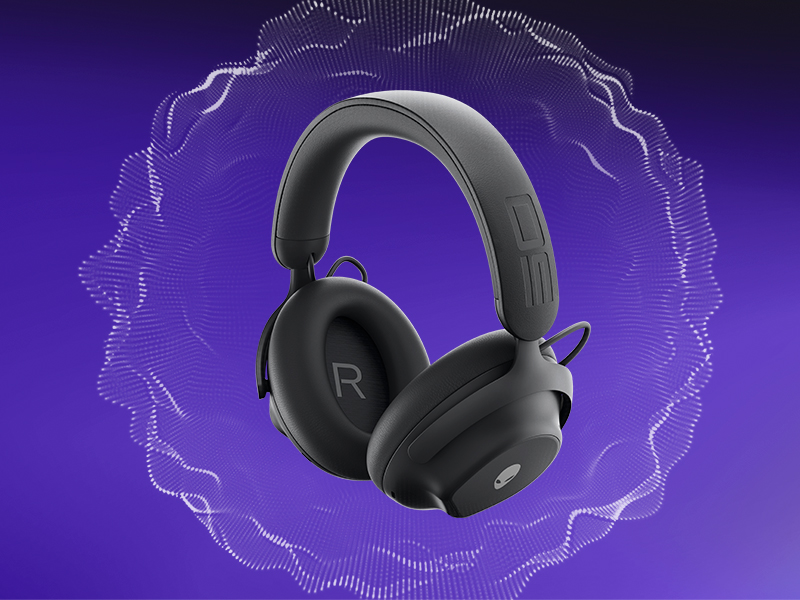
Figure 4: Customizing audio settings via Alienware Command Center.
4. Funcionamiento de los auriculares
4.1 controles sobreview
The headset features intuitive controls for power, volume, microphone, and ANC modes. Refer to the product diagram for exact button locations.
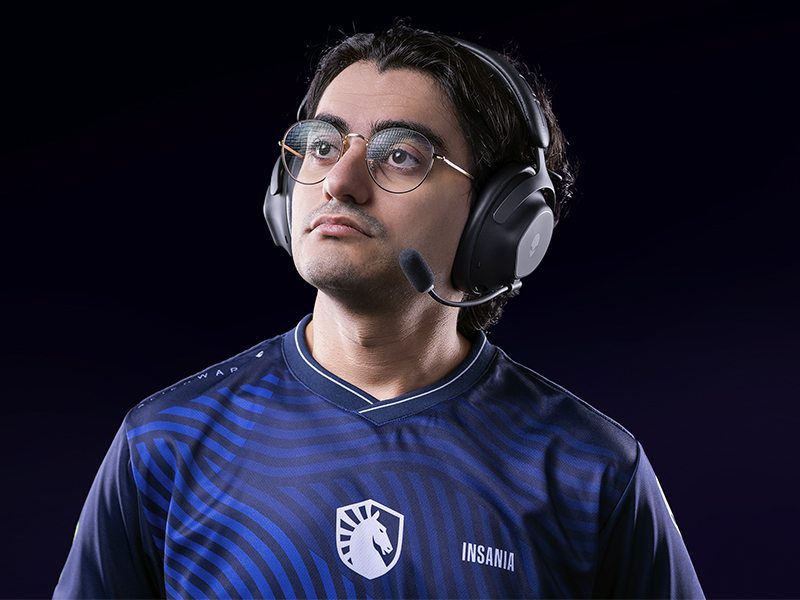
Figure 5: Built-in controls on the headset.
4.2 Funciones de audio
4.2.1 50mm Graphene-Coated Drivers
The headset is equipped with 50mm graphene-coated dynamic drivers, providing high-fidelity audio with a frequency response up to 40 KHz for an immersive sound experience.
Video 1: Demonstration of Alienware 50mm Graphene-Coated Drivers technology.
4.2.2 Cancelación activa de ruido (ANC)
Engage Active Noise Cancellation to minimize external distractions and maintain focus during gameplay or other activities. The headset features Hybrid Noise Cancellation technology.
Video 2: Explanation of Alienware Active Noise Cancellation feature.
4.2.3 Modo de transparencia
Transparency Mode allows you to hear your surroundings without removing the headset, useful for situational awareness.
4.3 Uso del micrófono
The two-mic AI Noise Cancellation system focuses on your voice, ensuring clear communication by filtering out background noise. Adjust microphone volume and settings via the Alienware Command Center software.
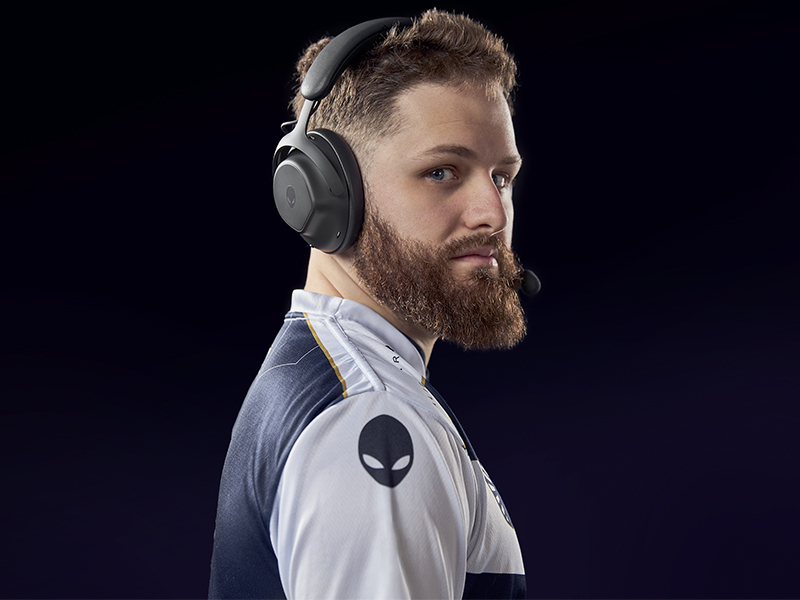
Figure 6: Two-Mic AI Noise Cancellation in action.
5. Mantenimiento
5.1 Limpieza
To clean your headset, use a soft, dry cloth. Avoid abrasive cleaners, solvents, or harsh chemicals. For earcups, gently wipe with a slightly damp paño y dejar secar al aire completamente antes de usar.
5.2 Almacenamiento
Store the headset in a cool, dry place away from direct sunlight and extreme temperatures. When not in use, it is recommended to store it in a protective case to prevent damage.
6. Solución de problemas
If you encounter issues with your Alienware Pro Wireless Gaming Headset, refer to the following common solutions:
6.1 No Audio or Intermittent Sound
- Verifica la conexión: Ensure the 2.4GHz dongle is properly inserted, or Bluetooth is correctly paired. For wired connection, verify the USB cable is secure.
- Potencia y batería: Confirm the headset is powered on and has sufficient battery charge.
- Niveles de volumen: Check both the headset's volume control and your device's audio output settings.
- Fuente de audio: Asegúrese de que el dispositivo de salida de audio correcto esté seleccionado en su computadora o consola.
- Controladores/Software: Update your audio drivers and Alienware Command Center software to the latest version.
6.2 Problemas con el micrófono
- Conexión de micrófono: Ensure the detachable boom mic is fully inserted into its port.
- Estado de silencio: Comprueba si el micrófono está silenciado en los auriculares o en la configuración de tu dispositivo.
- Dispositivo de entrada: Verify that the Alienware Pro Headset microphone is selected as the default input device in your system's sound settings.
- Configuraciones de software: Adjust microphone sensitivity and AI Noise Cancellation settings within Alienware Command Center.
6.3 Problemas de conectividad
- Volver a emparejar Bluetooth: If Bluetooth connection is unstable, unpair and re-pair the headset with your device.
- Dongle Re-connection: For 2.4GHz, try unplugging and re-inserting the USB dongle.
- Interferencia: Aléjese de otros dispositivos inalámbricos que puedan causar interferencias.
- Actualización de firmware: Check for and install any available firmware updates for the headset via Alienware Command Center.
7. Especificaciones
| Característica | Detalle |
|---|---|
| Nombre del modelo | AW Pro Headset |
| Tecnología de conectividad | Bluetooth / 2.4 GHz radio frequency / USB |
| Tecnología de comunicación inalámbrica | 2.4 GHz, Bluetooth 5.3 |
| Alcance de Bluetooth | 30 metros |
| Control de ruido | Cancelación de ruido híbrida |
| Tipo de controlador de audio | Dynamic Driver (50mm Graphene-Coated) |
| Respuesta de frecuencia | 40 kHz |
| Duración de la batería | Hasta 75 horas (Bluetooth, ANC desactivado) |
| Tiempo de carga | 15 minutes for up to 8 hours playback (ANC off) |
| Micrófono | Detachable Boom Mic with 2-Mic AI Noise Cancellation, Beamforming |
| Características especiales | Hearing Protection, Transparency Mode |
| Dispositivos compatibles | Gaming Consoles, Computers, Mobile Devices |
| Peso del artículo | 11 onzas (312 g) |
| Dimensiones del producto | 3.55 x 5.91 x 8.07 pulgadas (9.02 x 15.01 x 20.50 cm) |
| Código Postal | 884116469728 |
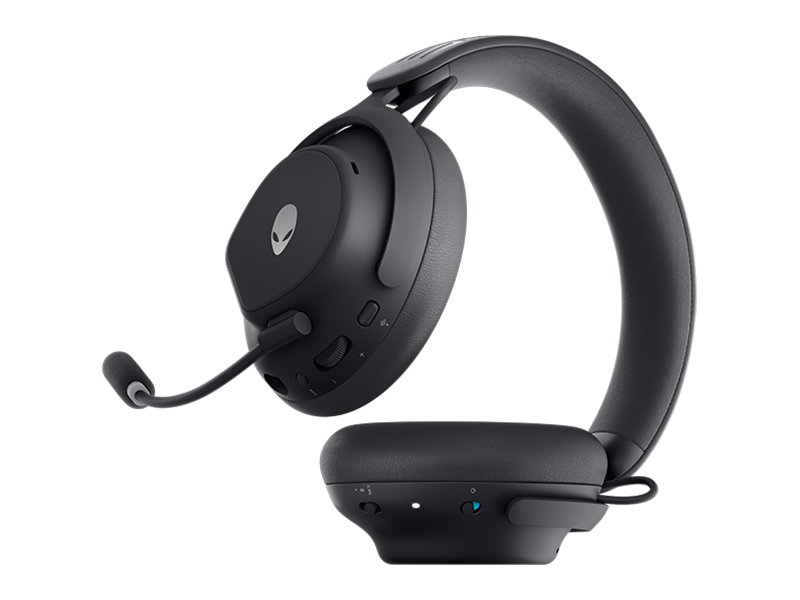
Figure 7: Headset dimensions.
8. Garantía y soporte
For warranty information, technical support, or further assistance, please visit the official Alienware or Dell support website. You can find drivers, firmware updates, and detailed troubleshooting guides there.
Fabricante: Dell