
Jectse Jectsega4vnm10yk-12
Manual del usuario de la impresora térmica de recibos Jectse de 80 mm
Model: Jectsega4vnm10yk-12
Introducción
This manual provides comprehensive instructions for the setup, operation, and maintenance of your Jectse 80mm Thermal Receipt Printer. Please read this manual carefully before using the device to ensure proper functionality and longevity.
Contenido del paquete
Verifique que todos los artículos estén presentes en el paquete:
- Jectse 80mm Thermal Receipt Printer
- Cable USB
- Thermal Paper Roll (may be pre-installed or separate)
- Manual de usuario (este documento)

Image: The Jectse 80mm Thermal Receipt Printer (Orange White) shown alongside its included USB charging cable.
Configuración
1. Carga de papel térmico
- Open the printer cover by gently lifting the orange transparent lid.
- Insert the thermal paper roll with the printing surface facing upwards. Ensure the roll is seated correctly in the paper compartment.
- Pull a small amount of paper out past the toothed blade.
- Cierre la cubierta de la impresora firmemente hasta que encaje en su lugar.

Imagen: Arriba view of the Jectse 80mm Thermal Receipt Printer with the orange transparent lid closed, indicating paper is loaded.
2. Encendido y carga
- Connect the USB cable to the printer's charging port and the other end to a suitable USB power adapter or computer.
- Press and hold the power button (marked with a circle and vertical line) to turn the printer on. The power indicator light will illuminate.
- The battery indicator lights will show the current charge level. Charge the printer fully before first use.
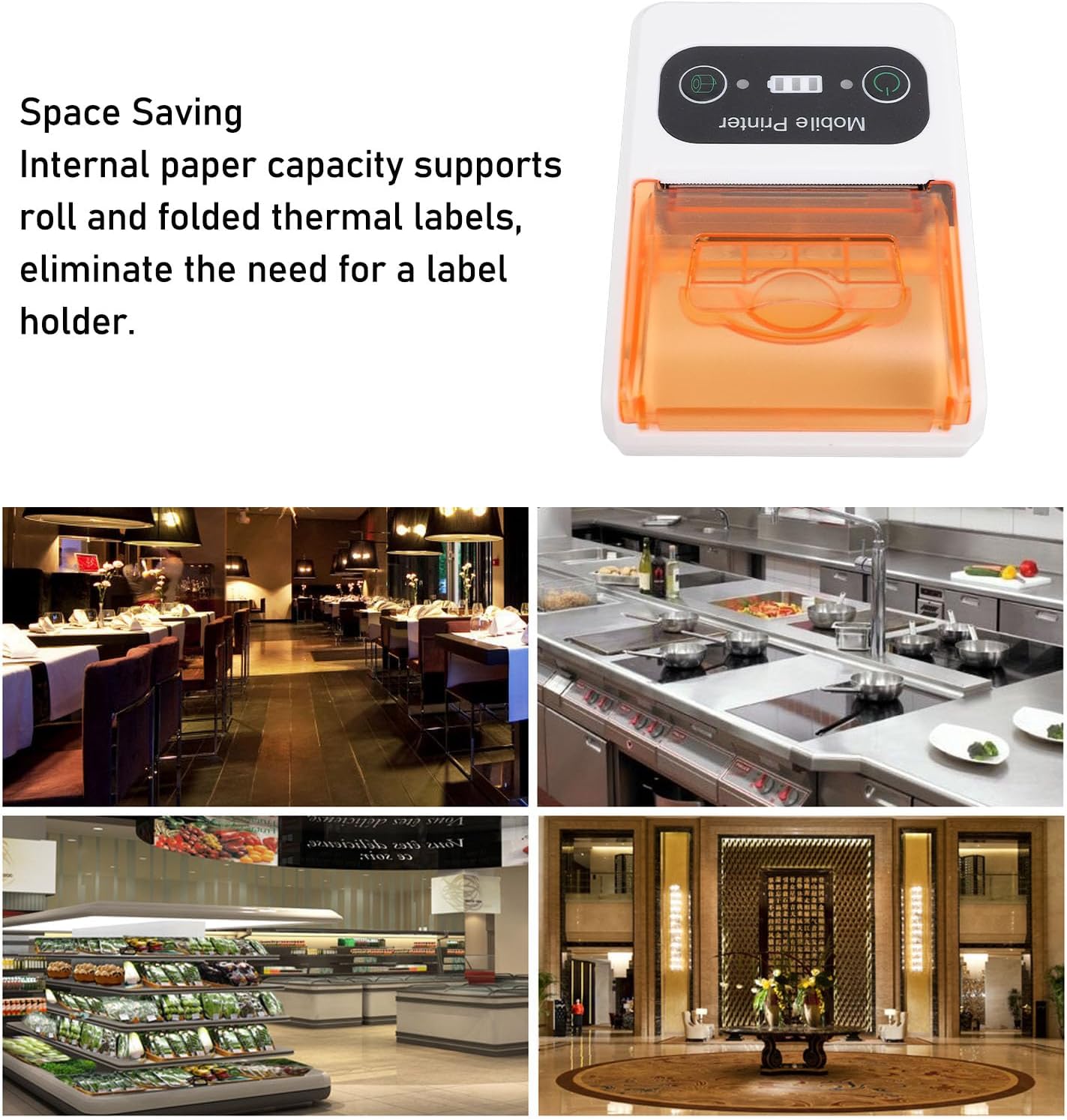
Image: A close-up of the printer's control panel, showing the power button, battery indicator, and paper feed button.
3. Conectividad
The printer supports Ethernet connectivity. For mobile use, it is designed to connect wirelessly to devices such as smartphones.
- Conexión Ethernet: Connect an Ethernet cable to the printer's Ethernet port and to your network router or switch.
- Wireless Connection (e.g., Bluetooth): Refer to your device's operating system or application instructions for pairing with a mobile printer. Typically, this involves enabling Bluetooth on your mobile device, searching for the printer, and pairing.
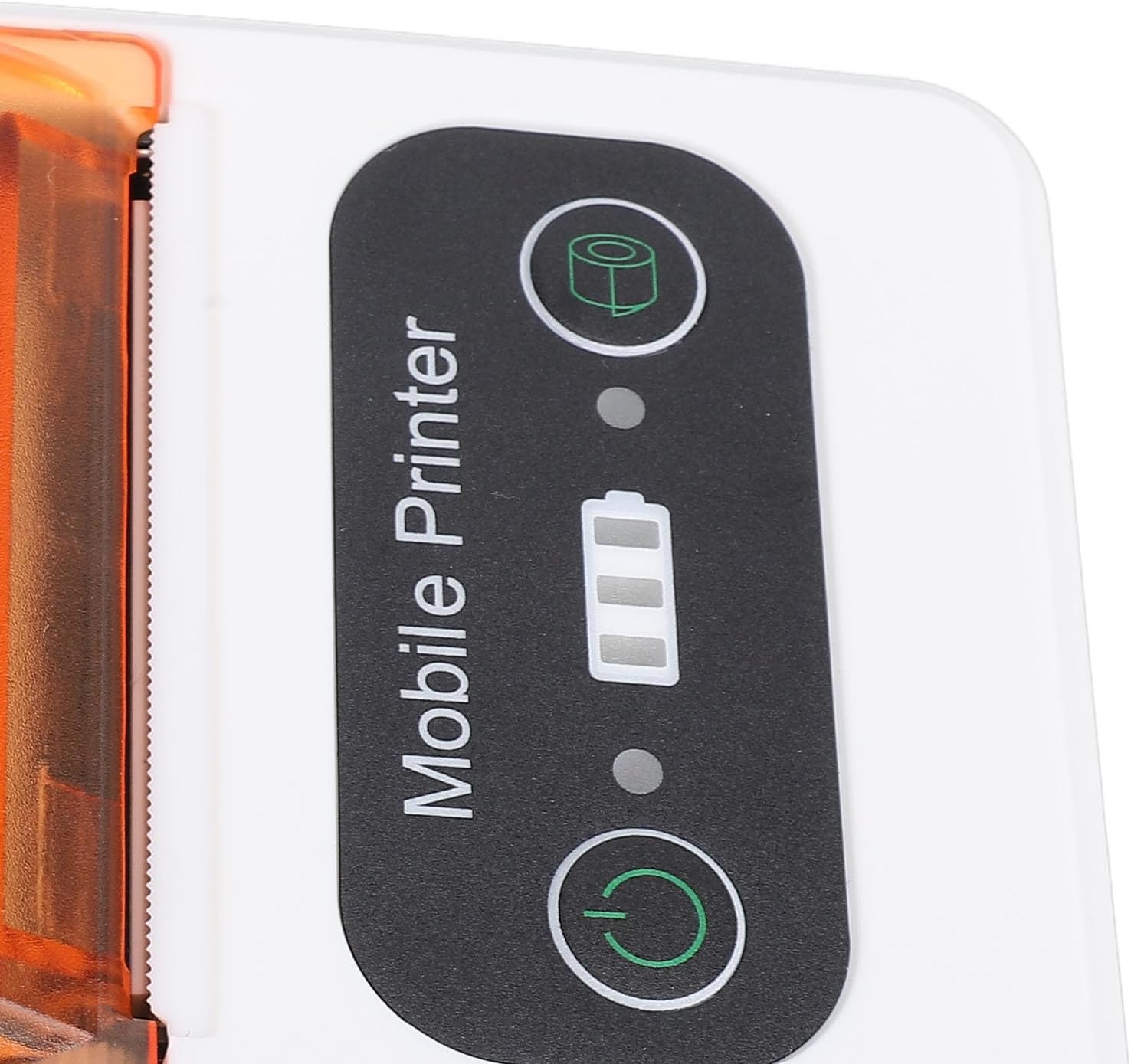
Image: The Jectse 80mm Thermal Receipt Printer shown next to a smartphone with a wireless signal icon, illustrating mobile connectivity.
Instrucciones de funcionamiento
Printing a Receipt/Label
- Ensure the printer is powered on and connected to your device (via Ethernet or wirelessly).
- Open the application or software from which you wish to print.
- Select the print option within your application. Choose the Jectse 80mm Thermal Receipt Printer from the list of available printers.
- Confirm print settings (e.g., paper size, orientation) if prompted.
- Initiate the print job. The printer will begin printing.
- Once printing is complete, use the integrated toothed blade to cleanly tear off the receipt or label.

Imagen: Un ángulo view of the printer, highlighting its compact design and the paper output slot with the toothed blade.
Mantenimiento
Limpieza de la impresora
- Ensure the printer is powered off and disconnected from power before cleaning.
- Utilice un paño suave y sin pelusa ligeramenteampened with isopropyl alcohol to clean the print head and the paper path.
- Do not use abrasive cleaners or spray liquids directly into the printer.
- Allow all components to dry completely before powering on the printer.
Replacing Thermal Paper
Follow the steps outlined in the "Loading Thermal Paper" section under Setup when the paper roll is depleted.
Solución de problemas
| Problema | Posible causa | Solución |
|---|---|---|
| La impresora no se enciende. | Problema de batería baja o conexión de energía. | Cargue la impresora con el cable USB incluido. Asegúrese de que el adaptador de corriente funcione. |
| No hay salida de impresión. | Paper loaded incorrectly, out of paper, or connectivity issue. | Check paper loading and ensure paper is not depleted. Verify network/wireless connection. Restart printer and device. |
| La calidad de impresión es mala. | Cabezal de impresión sucio o batería baja. | Clean the print head as described in the Maintenance section. Ensure the printer is fully charged. |
| No se puede conectar de forma inalámbrica. | Bluetooth/network not enabled or printer not discoverable. | Ensure Bluetooth is enabled on your mobile device. Check printer's network settings. Try restarting both devices. |
Presupuesto
- Modelo: Jectsega4vnm10yk-12
- Dimensiones del producto: 5.91 x 3.94 x 2.36 pulgadas (15.01 x 10.01 x 5.99 cm)
- Peso del artículo: 9.1 onzas (257.98 gramos)
- Tecnología de conectividad: Ethernet (and implied wireless for mobile use)
- Tecnología de impresión: Térmica directa
- Salida de la impresora: Monocromo
- Velocidad máxima de impresión monocromática: 80 mm por segundo
- Característica especial: Adjustable (likely referring to paper width or settings)
- Color: Naranja Blanco
- Fabricante: Inyección
- Fecha de primera disponibilidad: 18 de febrero de 2025
Garantía y soporte
For warranty information and technical support, please refer to the official Jectse webSitio web o contacte directamente con el servicio de atención al cliente. Conserve el recibo de compra para reclamaciones de garantía.
Jectse Store Link: Visit the Jectse Store on Amazon
Ask a question about this manual
Ask about setup, troubleshooting, compatibility, parts, safety, or missing instructions. Manuals+ will review the question and use this page’s manual context to help answer it.