
Introducción
Welcome to the Maxell Wireless Soundbar and Voice Amplifier user manual. This guide provides essential information for setting up, operating, and maintaining your device. Designed for versatility and clarity, this system enhances audio projection in various environments, from classrooms to meetings.

The Maxell Wireless Soundbar in use within a classroom, demonstrating its application in educational settings.
Contenido del paquete
Verifique que todos los artículos enumerados a continuación estén incluidos en su paquete:
- Maxell Wireless Soundbar (Model 197337)
- 2.4GHz Wireless Microphone Transmitter
- 2.4GHz Wireless Microphone Receiver
- Cable de carga USB-C
- Estuche de transporte
- Manual de usuario
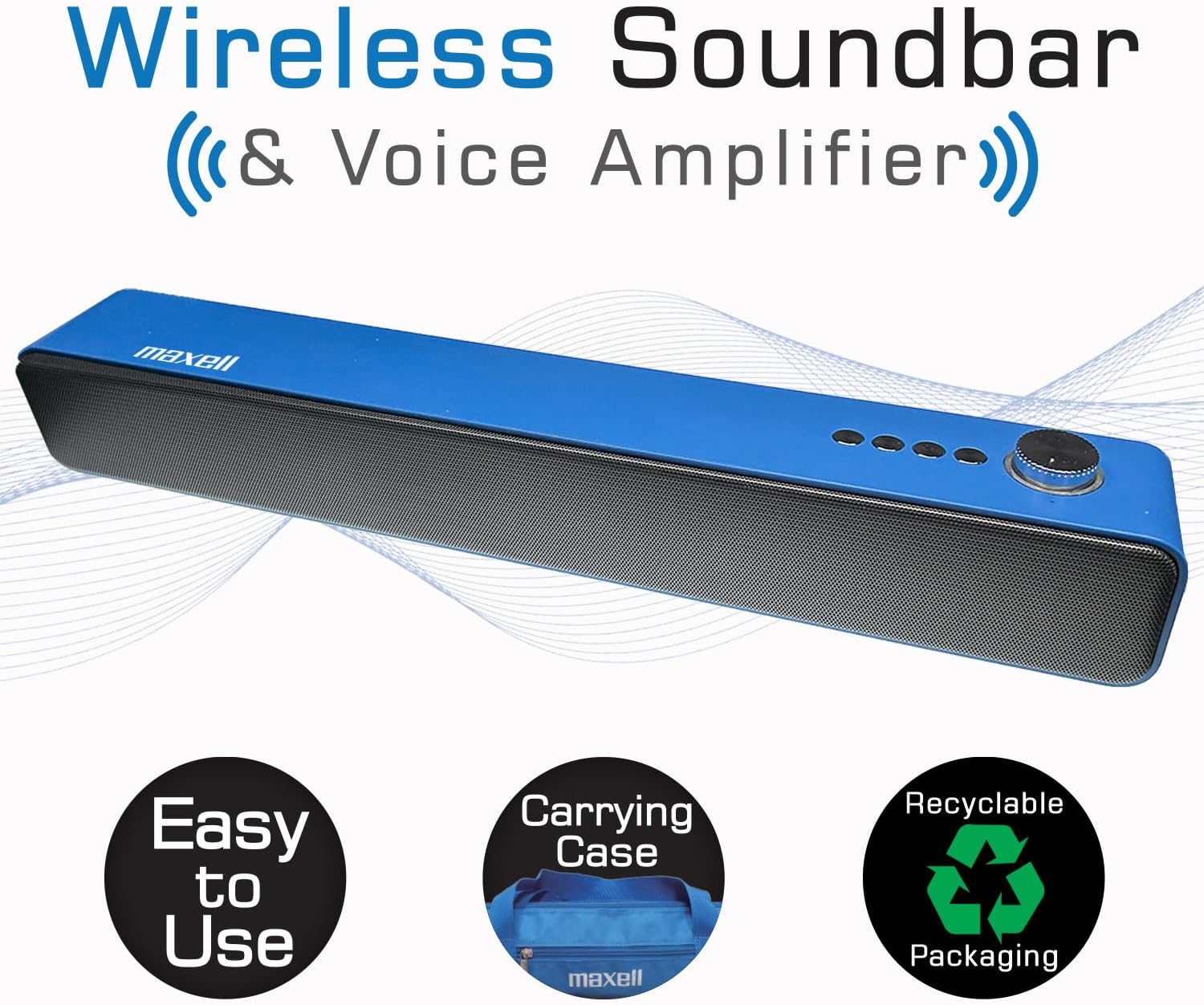
The Maxell Wireless Soundbar alongside its vibrant blue carrying case, emphasizing its portability.
Producto terminadoview
Familiarize yourself with the components and controls of your Maxell Wireless Soundbar and 2.4GHz Microphone system.
Controles y puertos de la barra de sonido
- Botón de encendido/perilla de volumen: Press and hold to power on/off. Rotate to adjust volume.
- Botón de modo: Cycle through Bluetooth, MicroSD, AUX, and USB modes.
- Botón de reproducción/pausa: Controlar la reproducción de audio.
- Botones de pista anterior/siguiente: Navegar por las pistas de audio.
- Puerto USB: For USB drive audio playback.
- Ranura para tarjeta microSD: For MicroSD card audio playback.
- Entrada AUX (3.5 mm): Para conexión de audio por cable.
- Entrada de micrófono (3.5 mm): For 2.4GHz microphone receiver.
- Puerto de carga USB-C: Para cargar la barra de sonido.
2.4GHz Microphone Components
- Transmisor de micrófono: Clips onto clothing to capture voice.
- Microphone Receiver: Plugs into the soundbar to receive audio from the transmitter.
- Botón de encendido: On/Off for transmitter and receiver.
- Puerto de carga USB-C: For charging microphone components.
- Acortar: Para fijar el transmisor a la ropa.
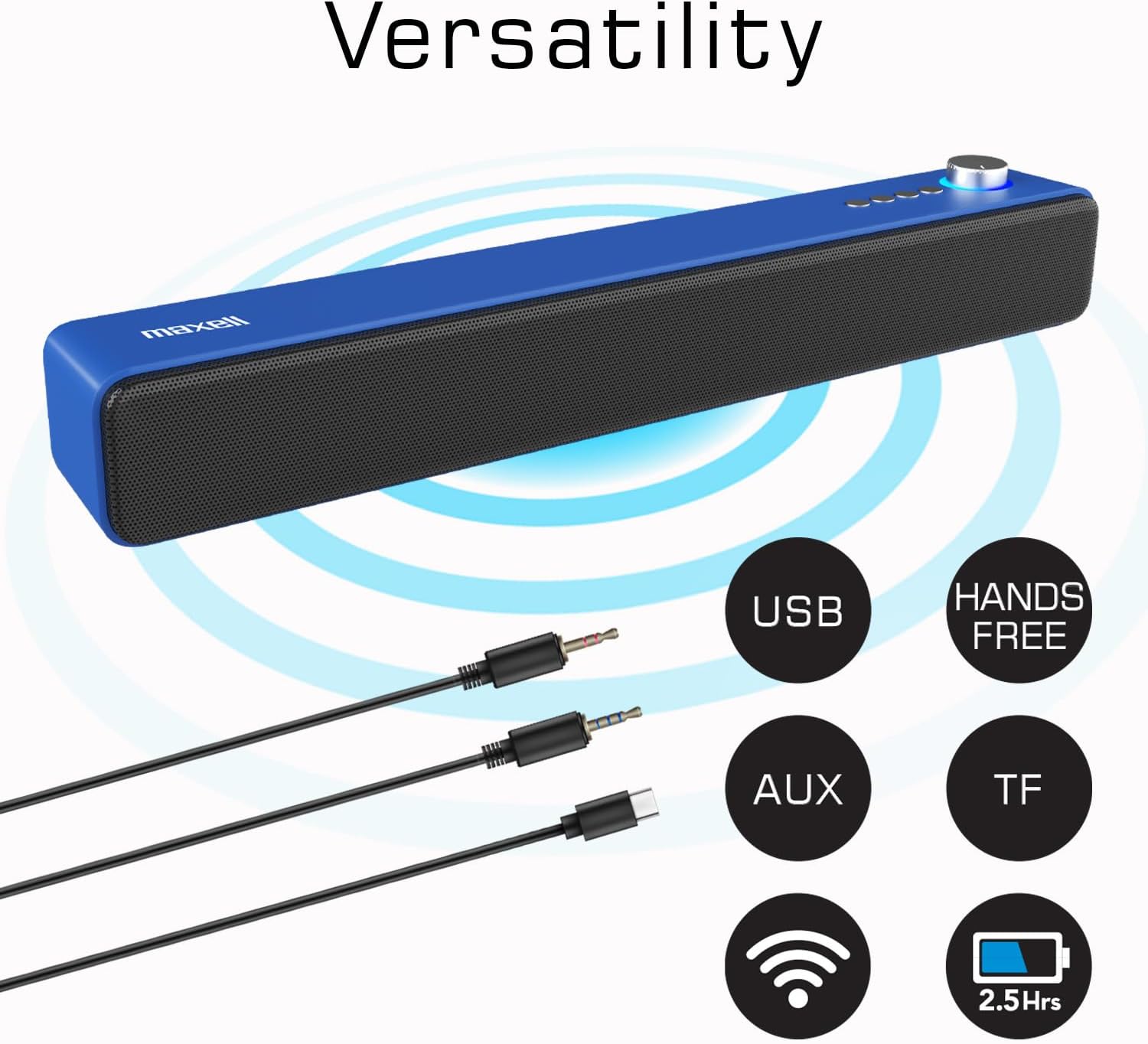
The Maxell Wireless Soundbar displaying its multiple input options, including USB, AUX, and TF (MicroSD), along with its wireless capabilities.
Configuración
Carga inicial
Before first use, fully charge both the soundbar and the wireless microphone components to ensure optimal performance.
- Connect the USB-C charging cable to the soundbar's USB-C port and a compatible power source (e.g., USB wall adapter, computer USB port).
- Connect the USB-C charging cable to the microphone transmitter and receiver, respectively, and a power source.
- Charging indicators will illuminate (e.g., red for charging) and typically turn off or change color (e.g., blue) when fully charged.
Encendido/apagado
To power on or off the devices:
- Barra de sonido: Press and hold the Power button/Volume knob for approximately 3 seconds.
- Transmisor de micrófono: Press and hold its Power button for approximately 3 seconds.
- Microphone Receiver: Press and hold its Power button for approximately 3 seconds.
Instrucciones de funcionamiento
Wireless Soundbar Mode (Bluetooth)
To use the soundbar for music or audio playback via Bluetooth:
- Ensure the soundbar is powered on and in Bluetooth mode (indicated by a flashing blue light or a voice prompt). If not, press the Mode button to switch to Bluetooth.
- On your audio device (smartphone, tablet, laptop), enable Bluetooth and search for available devices.
- Select "Maxell Soundbar" from the list to pair. A confirmation sound will indicate successful pairing.
Voz Amplifier Mode (2.4GHz Microphone)
For voice amplification in classrooms, lectures, or meetings:
- Plug the 2.4GHz microphone receiver into the 3.5mm microphone input port on the soundbar.
- Power on the 2.4GHz microphone transmitter. The transmitter and receiver should automatically pair.
- Clip the microphone transmitter to your shirt or clothing, ensuring it is close to your mouth for optimal sound capture.
- Your voice will now be amplified through the soundbar. Adjust the soundbar's volume as needed.

A teacher demonstrating the use of the Maxell 2.4GHz wireless microphone transmitter, clipped to their shirt, with the soundbar amplifying their voice in a classroom setting.
Reproducción de tarjeta microSD
Para reproducir audio files directly from a MicroSD card:
- Insert a MicroSD card (containing MP3 or other compatible audio files) into the MicroSD slot on the soundbar.
- The soundbar will automatically detect the card, switch to MicroSD mode, and begin playing the audio files.
- Use the soundbar's Play/Pause and Track navigation buttons to control playback.
Wired Use (AUX/USB)
Para conexiones de audio por cable:
- Modo AUX: Connect an external audio device (e.g., MP3 player, computer) to the soundbar's 3.5mm AUX input using a 3.5mm audio cable. The soundbar will automatically switch to AUX mode or can be manually selected using the Mode button.
- Modo USB: Conecte una unidad flash USB que contenga audio files into the soundbar's USB port. The soundbar will automatically switch to USB mode and begin playing files.
Mantenimiento
Proper care and maintenance will extend the life of your Maxell Wireless Soundbar and Microphone system.
- Limpieza: Use a soft, dry cloth to clean the surfaces of the soundbar and microphone. Do not use liquid cleaners, aerosols, or harsh chemicals.
- Almacenamiento: When not in use, store the devices in the provided carrying case to protect them from dust, scratches, and accidental damage.
- Ambiente: Keep the devices dry and away from extreme temperatures, direct sunlight, and high humidity.
Solución de problemas
Si encuentra algún problema, consulte la siguiente tabla para ver los problemas más comunes y sus soluciones.
| Asunto | Solución |
|---|---|
| El dispositivo no enciende | Ensure the device is fully charged. Check the USB-C charging cable and power source for proper connection. |
| No hay sonido en la barra de sonido | Verify that the volume levels on both the soundbar and the connected audio source are turned up. Ensure the correct input mode (Bluetooth, MicroSD, AUX, Mic) is selected on the soundbar. |
| 2.4GHz Microphone not working | Confirm both the microphone transmitter and receiver are powered on and fully charged. Ensure the receiver is correctly plugged into the soundbar's microphone input. Check for any obstructions between the transmitter and receiver. |
| El emparejamiento de Bluetooth falla | Ensure the soundbar is in Bluetooth pairing mode (flashing blue light). Turn off and then on Bluetooth on your audio device. Move your audio device closer to the soundbar. Disconnect from other Bluetooth devices if necessary. |
| Audio distortion or static | Reduce the volume on both the soundbar and the audio source. Ensure the microphone is not too close to the soundbar to prevent feedback. Check for interference from other 2.4GHz devices. |
Presupuesto
Detailed technical specifications for the Maxell Wireless Soundbar and 2.4GHz Microphone system.

An image displaying a table of technical specifications for both the Maxell Soundbar and the 2.4GHz Microphone, including playtime, charging ports, output power, and model numbers.
| Característica | Detalle |
|---|---|
| Marca | Maxell |
| Nombre del modelo | Wireless Soundbar & Voice Ampmás vivaz |
| Número de modelo | 197337 |
| Potencia máxima de salida del altavoz | 3 vatios |
| Respuesta de frecuencia | 20 kHz |
| Tecnología de conectividad | Bluetooth, inalámbrico de 2.4 GHz |
| Modo de salida de audio | Estéreo |
| Características adicionales | Ligero, portátil |
| Maximum Range (2.4GHz Mic) | 100 metros |
| Método de control | Tocar |
| Tamaño del altavoz | 2.25 pulgadas |
| Soundbar Battery Life | Hasta 4 horas (modo inalámbrico) |
| Duración de la batería del micrófono | 5-6 horas |
| Dimensiones del artículo (Pr. x An. x Al.) | 16.5" de profundidad x 2.25" de ancho x 2.25" de alto |
| Fuente de poder | Funciona con pilas |
| Compatibilidad de tarjetas MicroSD | Sí |
| Cargando | Carga rápida USB-C |
Garantía y soporte
This Maxell product comes with a Limited Warranty. For detailed warranty information, technical assistance, or any questions regarding your device, please contact Maxell customer support.
Información del contacto: Refer to the official Maxell website or the contact details provided on the product packaging for the most up-to-date support information.
Recursos en línea: Visita el Tienda Maxell en Amazon Para obtener información adicional sobre el producto y recursos.