
Introducción
This manual provides detailed instructions for the safe and proper installation, operation, and maintenance of your MOUNTUP MU0047-L Long Arm Full Motion TV Wall Mount. Please read all instructions carefully before beginning installation to ensure correct setup and to prevent damage or injury.
The MOUNTUP MU0047-L is designed for most 42-75 inch TVs, supporting VESA patterns from 150x100mm up to 600x400mm, and a maximum weight capacity of 99 lbs. Its long articulating arm and full motion capabilities offer flexible viewángulos de ing.

Imagen: Más alláview of the MOUNTUP MU0047-L TV wall mount components, including the wall plate, articulating arm, and TV bracket.
Configuración e instalación
Proper installation is crucial for the safety and stability of your TV. Follow these steps carefully.
1. Lista de verificación previa a la instalación
- Verificar la compatibilidad del televisor: Ensure your TV's weight is under 99 lbs and its VESA mounting pattern (horizontal x vertical distance between mounting holes) is between 150x100mm and 600x400mm.
- Check Input Access: Before mounting, ensure the mount will not block any necessary ports on your TV.
- Tipo de pared: This mount is compatible with concrete walls, brick walls, and single wood studs. NO lo instale solo en paneles de yeso.

Image: A diagram illustrating various VESA mounting patterns supported by the mount, with measurements for horizontal and vertical hole spacing on a TV back panel.

Image: An illustration demonstrating how to check that the TV mount brackets do not obstruct any input or output ports on the television.

Imagen: Visual examples of compatible wall types for installation, including concrete/brick walls and single wood studs, with a warning against drywall-only installation.
2. Herramientas necesarias (no incluidas)
- Detector de vigas (para instalación de vigas de madera)
- Perforar
- Brocas (adecuadas para el tipo de pared y tirafondos)
- Llave de tubo o llave ajustable
- Destornillador Phillips
- Lápiz
- Cinta métrica
3. Pasos de instalación
A drilling template and necessary standard mounting hardware are included. Concrete anchors can be provided upon request.
- Mount Brackets to TV: Attach the vertical TV brackets to the back of your television using the appropriate screws and spacers. Ensure they are securely fastened.

Image: A person attaching the mounting brackets to the back of a television using a screwdriver.
- Instale la placa de pared: Locate the desired mounting position on your wall. Use a stud finder for wood stud installation. Mark pilot holes using the provided drilling template. Drill pilot holes and securely fasten the wall plate to the wall using the lag bolts and washers.

Image: A person using a wrench to tighten bolts, securing the wall plate of the TV mount to a wall.
- Cuelgue el televisor en la placa de pared: Carefully lift the TV (with brackets attached) and hook it onto the wall plate. Secure the TV to the wall plate using the safety screws or locking mechanisms provided.
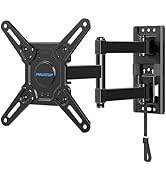
Image: A person carefully guiding a television, with its attached brackets, onto the wall-mounted plate.
4. Corner Mounting Considerations
The single stud design and long articulating arm make this mount ideal for corner installations, expanding TV positioning and room layout possibilities.
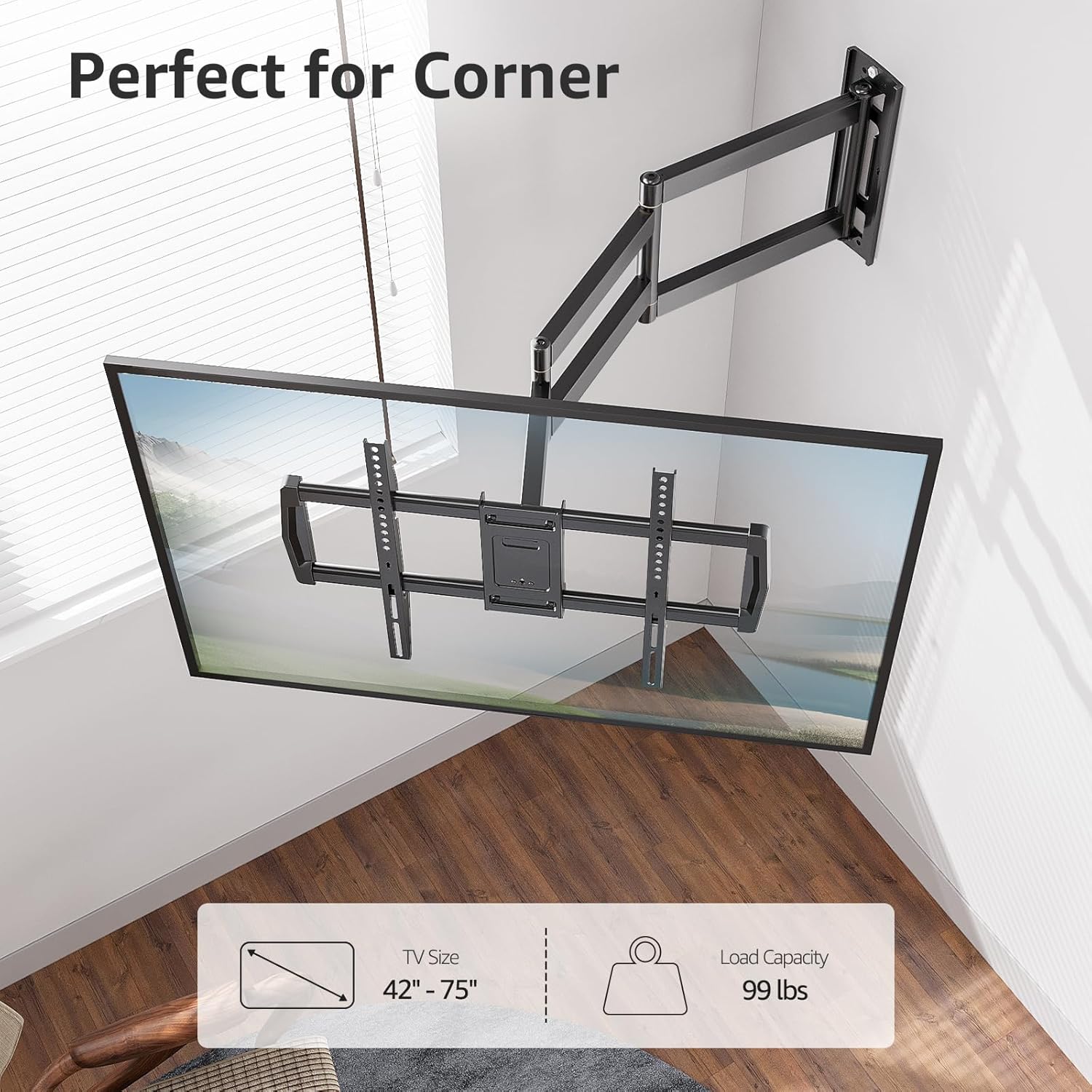
Image: A television mounted in the corner of a room, showcasing the mount's suitability for corner installations.

Image: A wide shot of a television mounted in a room corner, highlighting the flexible arm for optimal viewEn.
5. Wall Plate Offset
Note that the TV plate is offset approximately 9.3 inches (235mm) from the wall plate center. Consider this offset when determining the exact placement of your TV on the wall.

Image: A diagram illustrating the 9.3-inch offset between the center of the wall plate and the center of the TV plate, important for precise positioning.
Instrucciones de funcionamiento
The MOUNTUP MU0047-L offers full motion adjustments for optimal viewEn.
1. Extensión y retracción
The mount features an extra-long articulating arm that extends up to 37.9 inches from the wall and retracts to approximately 3 inches, saving space when not extended.

Image: A split image demonstrating the TV mount's extension capability, showing it retracted close to the wall and extended outwards by 37.9 inches.
2. Ajuste del giro
The articulating arm allows for a smooth swivel of +/-90 degrees, enabling you to adjust the TV's angle to cover various viewing positions within a room.
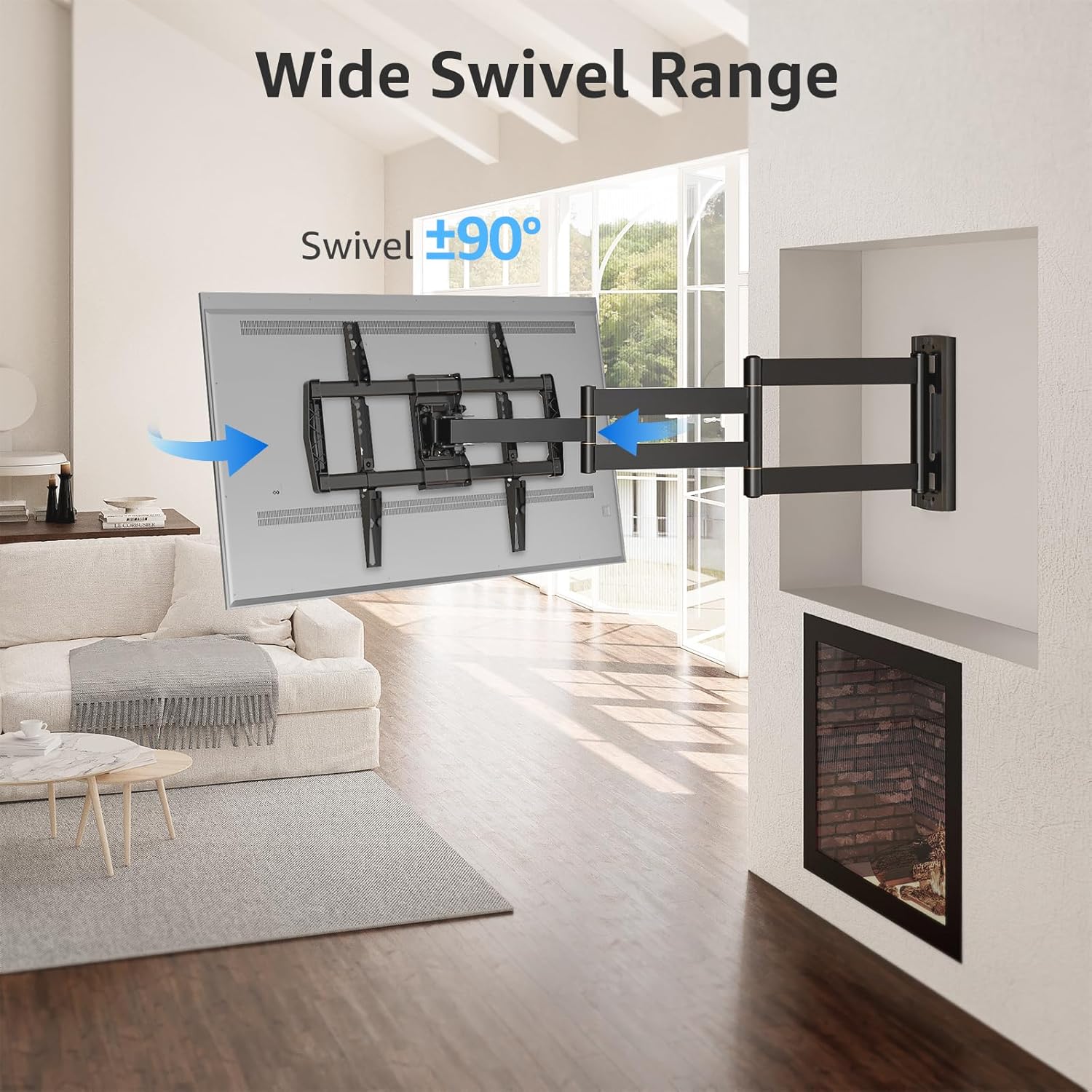
Image: A television mounted on the wall, swiveled to an angle, illustrating the wide swivel range of the mount.

Image: A diagram with arrows indicating 180-degree and 360-degree swivel movements possible with the articulating arm, allowing for versatile viewing from different areas.
3. Tilt and Leveling
Adjust the tilt from +5 degrees to -10 degrees to reduce glare and achieve your preferred viewing angle. Post-installation leveling allows for a +/-3 degree adjustment to ensure the TV is perfectly horizontal.

Image: A split image showing the TV mount's leveling adjustment of +/-3 degrees and tilt adjustment from +5 degrees to -10 degrees to optimize viewy reducir el deslumbramiento.
Mantenimiento
Para garantizar la longevidad y el funcionamiento seguro de su soporte de pared para TV, siga estas pautas de mantenimiento:
- Inspección regular: Periodically check all screws and connections to ensure they remain tight and secure. Loose connections can compromise safety.
- Limpieza: Limpie el soporte con un paño suave y seco para eliminar el polvo. Evite usar limpiadores abrasivos o disolventes, ya que pueden dañar el acabado.
- Lubricación: If the articulating arm movements become stiff over time, a small amount of silicone-based lubricant can be applied to the pivot points. Do not over-lubricate.
- Límite de peso: Nunca exceda la capacidad máxima de peso de 99 libras.
Solución de problemas
If you encounter issues with your MOUNTUP MU0047-L TV wall mount, refer to the following common problems and solutions:
- El televisor no está nivelado después de la instalación: Use the post-installation leveling feature to adjust the TV by +/-3 degrees. Refer to the 'Operating Instructions' section for details.
- El soporte se siente suelto o inestable: Immediately remove the TV from the mount. Re-check all wall plate and TV bracket connections to ensure all screws and lag bolts are securely tightened. Verify that the wall type is appropriate and that the installation followed all instructions.
- Difficulty adjusting swivel or tilt: Check for any obstructions. Ensure that the tension screws (if applicable) are not overtightened. If the movement is stiff, apply a small amount of silicone lubricant to the pivot points.
- El soporte no se ajusta al televisor: Double-check your TV's VESA pattern and weight against the specifications in this manual. If they do not match, the mount is not compatible with your TV.
If problems persist, contact MOUNTUP customer support for assistance.
Presupuesto
| Característica | Especificación |
|---|---|
| Número de modelo | MU0047-L |
| Compatibilidad de tamaño de TV | 42 - 75 pulgadas |
| Capacidad de peso | Hasta 99 libras (45 kg) |
| Compatibilidad VESA (mín.-máx.) | 150x100mm hasta 600x400mm |
| Extensión desde la pared | 3 pulgadas (retraído) a 37.9 pulgadas (extendido) |
| Ángulo de inclinación | +5° / -10° |
| Ángulo de giro | +/-90° |
| Ajuste de nivel | +/-3° |
| Wall Plate Offset | 9.3 inches (235mm) from TV plate center |
| Material | Metal |
| Color | Negro |
| Tipo de montaje | Single Stud Wall Mount |

Image: A technical diagram displaying the detailed dimensions of the long arm extension TV mount, including extension length, wall plate size, and TV plate size.
Información de garantía
MOUNTUP is dedicated to providing quality products. While specific warranty terms are not detailed in this manual, MOUNTUP strives to deliver the best products with the best service. For detailed warranty information, please refer to the product packaging or contact customer support.
Atención al cliente
MOUNTUP's experts are available 7 days a week to provide comprehensive and advanced technology solutions. If you have any questions, require assistance with installation, or need troubleshooting support, please contact us through the official MOUNTUP websitio o su plataforma de compra.
Para obtener recursos adicionales e información sobre el producto, visite el MOUNTUP Store on Amazon.