
1. Introducción
This manual provides detailed instructions for the setup, operation, and maintenance of your TMY Native 1080P Mini Projector. Please read this manual thoroughly before using the projector to ensure proper function and longevity.
2. ¿Qué hay en la caja?
- TMY Native 1080P Mini Projector
- Mando a distancia
- Cable de alimentación
- Cable HDMI
- Manual de usuario
- Kit de limpieza
3. Producto terminadoview
The TMY Native 1080P Mini Projector is designed for versatile home entertainment, offering native 1080P resolution and various connectivity options in a compact form factor.

3.1 Puertos de conectividad
El proyector cuenta con múltiples puertos para conectar varios dispositivos:

- Puerto HDMI: For connecting devices such as TV sticks, PCs, gaming consoles, and DVD players.
- Puerto USB: Para conectar unidades USB para reproducir medios files.
- Conector de audio de 3.5 mm: For connecting external wired speakers or headphones.
- Entrada de energía: Para conectar el cable de alimentación.
4. Configuración
4.1 Colocación
Position the projector on a stable, flat surface. The projection distance can range from 1.5 meters to 5 meters, producing a screen size from 40 inches to 200 inches. Ensure there are no obstructions between the projector and the projection surface.
4.2 Conexión de alimentación
- Conecte el cable de alimentación al puerto de entrada de energía del proyector.
- Conecte el otro extremo del cable de alimentación a una toma de corriente.
4.3 Encendido inicial
Presione el botón de encendido del proyector o el control remoto para encender el dispositivo. La luz indicadora se iluminará.
4.4 Enfoque y corrección trapezoidal
To achieve a clear and rectangular image, adjust the focus ring and keystone correction dial located on the projector. The projector supports ±15° vertical keystone correction.

5. Instrucciones de funcionamiento
5.1 Conexión de dispositivos
El proyector ofrece múltiples formas de conectar sus dispositivos:

5.1.1 Conexión HDMI
Connect your device (e.g., TV Stick, PC, gaming console) to the projector's HDMI port using an HDMI cable. Select the corresponding HDMI input source from the projector's menu.
5.1.2 Conexión USB
Insert a USB drive into the USB port. Navigate to the media player function in the projector's menu to browse and play files.
5.1.3 Conexión WiFi (Duplicación de pantalla)
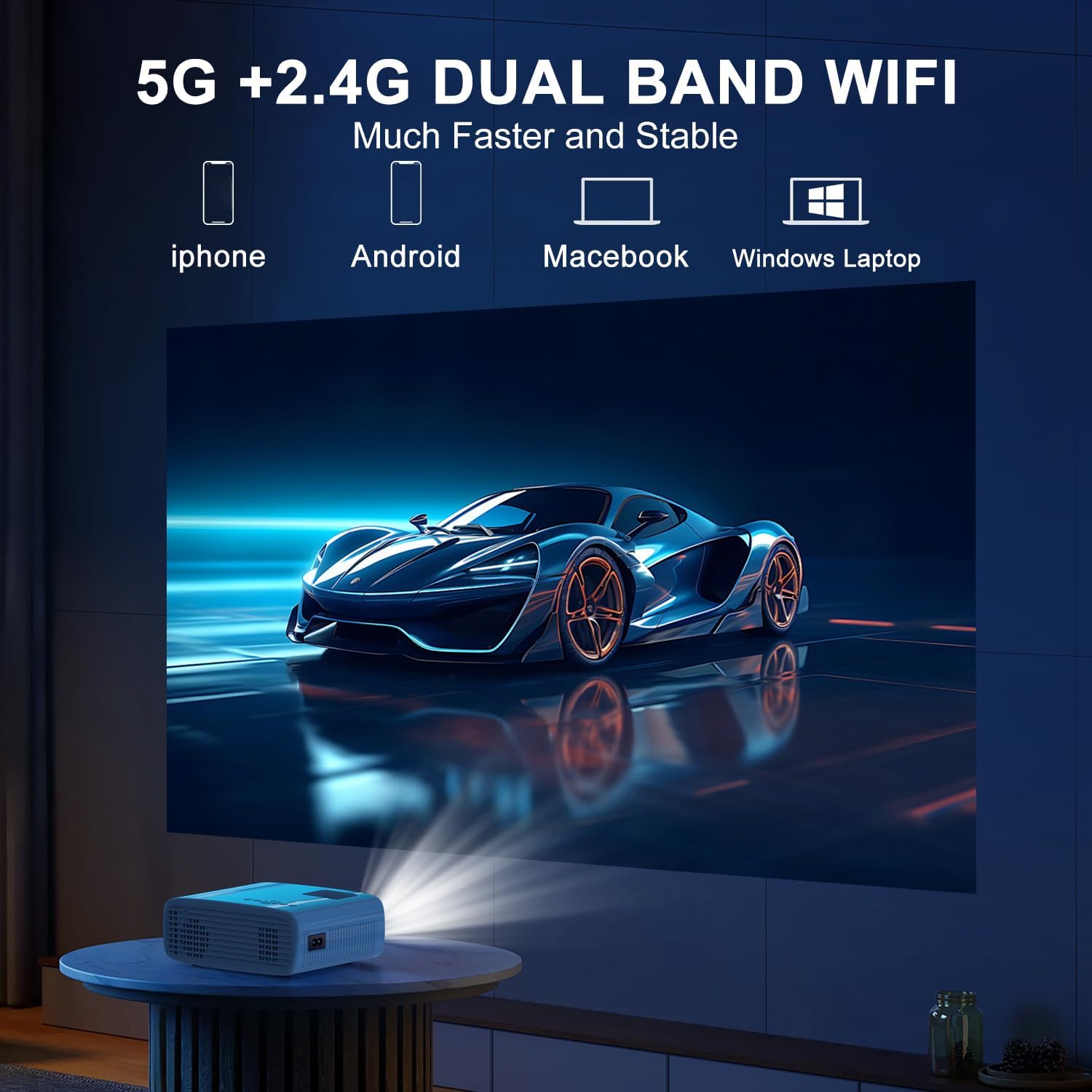
The projector supports 5G/2.4G dual-band WiFi for wireless screen mirroring from compatible smartphones, tablets, and laptops. Access the WiFi settings in the projector's menu to connect to your home network and initiate screen mirroring.

5.1.4 Conexión Bluetooth
The projector features two-way Bluetooth 5.2 technology. It can connect to external Bluetooth speakers or headphones for audio output. Additionally, it can function as a Bluetooth speaker itself, allowing you to connect your smartphone or tablet to play audio through the projector's built-in speakers.
Nota:
- Bluetooth does not support screen mirroring with your phone.
- When connecting to external Bluetooth speakers, ensure the speaker is in pairing mode.
5.2 Función de zoom
The projector includes a 100% to 50% zoom function, allowing you to adjust the screen size digitally without physically moving the projector. This feature is accessible through the projector's menu settings.
5.3 Navegación por menús
Use the remote control to navigate through the projector's on-screen menu. The menu allows you to select input sources, adjust picture settings (brightness, contrast, color), sound settings, and other system configurations.
6. Mantenimiento
6.1 Limpieza
- Lente: Use the provided cleaning cloth or a soft, lint-free cloth to gently wipe the projector lens. Avoid abrasive materials.
- Exterior: Limpie el exterior del proyector con un paño suave y seco. No utilice limpiadores líquidos ni disolventes.
- Rejillas de ventilación: Revise y limpie periódicamente las rejillas de ventilación para garantizar un flujo de aire adecuado y evitar el sobrecalentamiento.
6.2 Almacenamiento
Cuando no lo utilice, guarde el proyector en un lugar fresco y seco, alejado de la luz solar directa y de temperaturas extremas. Utilice el embalaje original o una funda protectora para evitar la acumulación de polvo y daños.
7. Solución de problemas
- Sin energía: Asegúrese de que el cable de alimentación esté bien conectado tanto al proyector como a la toma de corriente. Compruebe que la toma de corriente funcione.
- Sin imágen: Verify that the correct input source is selected in the projector's menu. Check all cable connections (HDMI, USB).
- Imagen borrosa: Adjust the focus ring on the projector until the image is clear. Ensure the projection distance is within the recommended range.
- Imagen no rectangular: Use the keystone correction dial to adjust the image until it appears rectangular.
- Sin sonido: Verifique la configuración de volumen tanto del proyector como del dispositivo conectado. Si usa altavoces externos, asegúrese de que estén correctamente conectados y encendidos.
- Sound/Video Lag: For screen mirroring, ensure a stable WiFi connection. For wired connections, try a different cable or port. Note that Bluetooth does not support screen mirroring and may introduce slight audio delay with external speakers.
- Calentamiento excesivo: Ensure the projector's air vents are not blocked. Operate the projector in a well-ventilated area.
8. Especificaciones
| Característica | Especificación |
|---|---|
| Marca | TMI |
| Modelo | B0DMW2G124 |
| Resolución de pantalla | Nativo 1920 x 1080 (1080P) |
| Tecnología de conectividad | Conector de 3.5 mm, Bluetooth 5.2, HDMI, USB, Wi-Fi (5 G/2.4 G) |
| Características especiales | 50%-100% Zoom, Built-In Cooling System, Two-way Bluetooth, Wi-Fi Ready |
| Usos recomendados | Juegos, Cine en casa |
| Peso del artículo | 2.51 libras |
| Dimensiones del paquete | 9.09 x 8.7 x 4.17 pulgadas |
| Color | Blanco+Negro |
9. Garantía y soporte
For warranty information or technical support, please refer to the warranty card included in your product packaging or contact TMY customer service directly. Contact details can typically be found on the official TMY websitio o a través de su plataforma de compra.