1. Introducción
Thank you for choosing the INFURTURE Clip-on Bluetooth Speaker. This compact and versatile speaker is designed for hands-free audio enjoyment, featuring RGB lighting, a flashlight, and a built-in noise-reduction microphone. Its durable, waterproof design makes it ideal for various activities, from work to outdoor adventures. Please read this manual carefully to ensure proper use and maximize your experience.

Figure 1: INFURTURE Clip-on Bluetooth Speaker (Yellow)
2. Características del producto
- Wearable Smart Voice Assistant Ready: Double-tap the MFB button to activate Siri/Google/Alexa and control apps like Spotify, Apple Music, or Audible. Stream music, audiobooks, or podcasts effortlessly with this voice-enabled clip-on speaker.
- 8X Stronger Clip & Ultra-Compact Design: Weighing only 72g, this clip-on Bluetooth speaker features a reinforced anti-slip clamp for secure attachment to shirts, backpacks, belts, and more. Its lightweight, portable build lets you enjoy hands-free music during workouts, travel, or daily tasks.
- Bluetooth 5.4 & Built-In Noise-Canceling Mic: Enjoy stable, low-latency connectivity and crystal-clear calls via the advanced microphone. This Bluetooth speaker with a microphone keeps you connected outdoors without needing your phone.
- IPX6 Waterproof & Dustproof Clip-On Speaker: Designed for outdoor adventures, our wearable Bluetooth speaker meets IPX6 standards, ensuring reliable performance in rain, dust, or splashes. The mesh-enhanced design boosts durability, making it ideal for beaches, hiking, showers, or worksites.
- 15H Playtime & Multifunctional Controls: Engineered for active lifestyles, the clip-on Bluetooth speaker delivers 15+ hours of playtime (18H at 80% volume) and 1.5H fast charging. Three buttons handle music, calls, volume, and a 2-mode RGB light—perfect for workouts, camping, or late-night use.
3. Contenido del paquete
Por favor revise el paquete para ver los siguientes artículos:
- INFURTURE Clip-on Bluetooth Speaker
- Cable de alimentación (USB-C)
4. Configuración
4.1 Carga del altavoz
Before first use, fully charge the speaker. Connect the provided USB-C power cable to the charging port on the speaker and the other end to a USB power adapter (not included). The charging indicator light will show the charging status. A full charge takes approximately 1.5 hours and provides over 15 hours of playtime.

Figura 2: Carga del altavoz
4.2 Emparejamiento Bluetooth
- Asegúrese de que el altavoz esté cargado y apagado.
- Press and hold the Power/MFB button for a few seconds until you hear a voice prompt "Power On" and the LED indicator flashes blue, indicating it's in pairing mode.
- En tu dispositivo (teléfono inteligente, tableta, etc.), activa el Bluetooth y busca dispositivos disponibles.
- Select "INFURTURE S2" from the list of found devices.
- Once connected, you will hear a voice prompt "Connected" and the LED indicator will turn solid blue.
- El altavoz se volverá a conectar automáticamente al último dispositivo emparejado cuando se encienda, si el dispositivo está dentro del alcance.
5. Instrucciones de funcionamiento
5.1 Controles básicos

Figura 3: Controles del altavozview
| Botón | Función |
|---|---|
| Power/MFB Button (Hexagon) | Mantenga pulsado durante 3 segundos: Encendido/Apagado Pulsación corta: Reproducir/Pausar música Pulsación corta durante la llamada: Responder/Finalizar llamada Double-tap: Activate Voice Assistant (Siri/Google/Alexa) |
| Subir volumen (+) / Pista siguiente | Pulsación corta: Subir volumen Pulsación larga: Siguiente pista |
| Bajar volumen (-) / Pista anterior | Pulsación corta: Bajar volumen Pulsación larga: Pista anterior |
| Flashlight Button (Sun icon) | Short press: Turn on/off flashlight (2 levels of brightness) Long press (2-3 seconds): Switch RGB light modes |
5.2 Activación del asistente de voz
Double-tap the MFB button to activate your device's voice assistant (Siri, Google Assistant, Alexa). This allows for hands-free control of music, calls, and other smart functions.
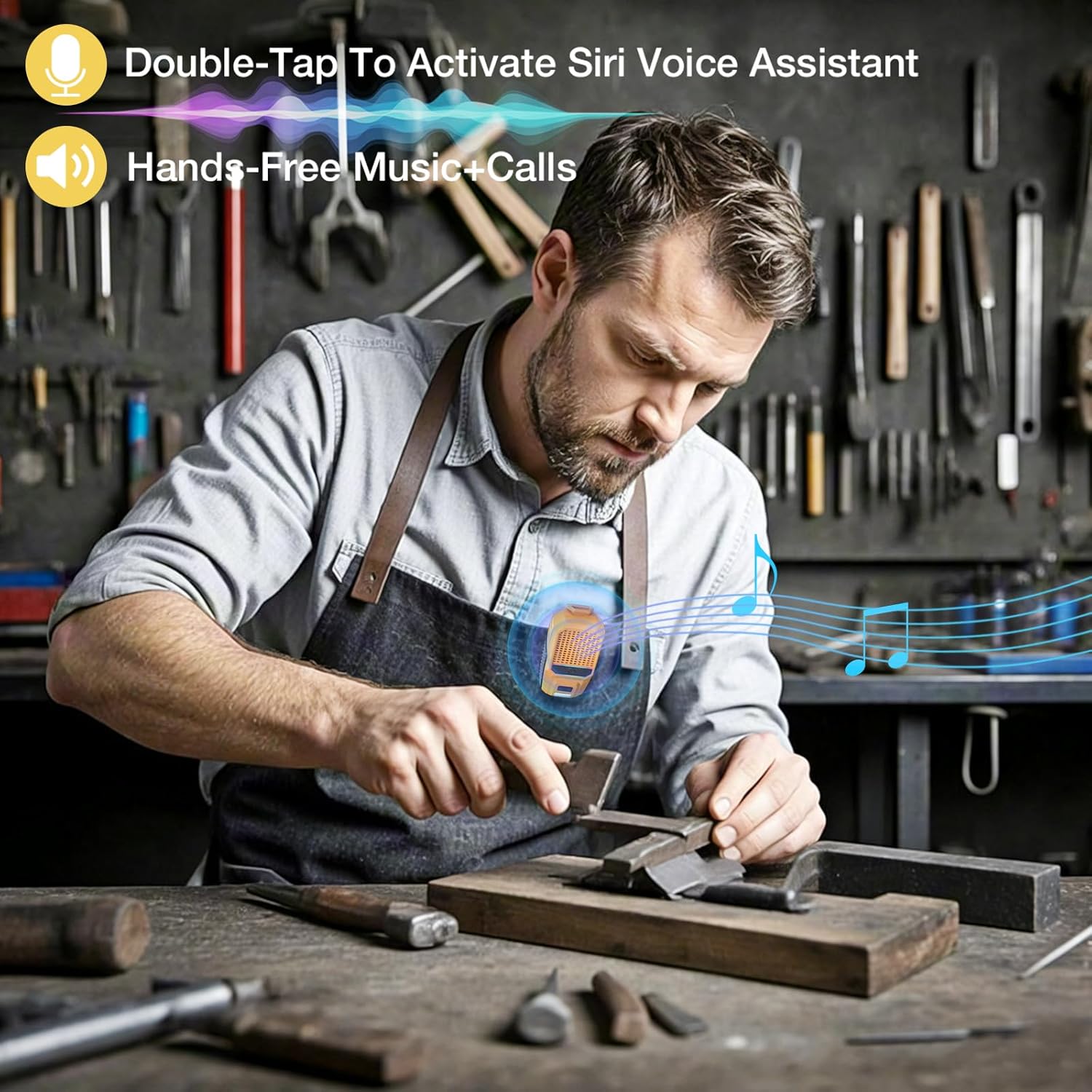
Figure 4: Voice Assistant and Hands-Free Use
5.3 Flashlight and RGB Lighting
The speaker features a built-in flashlight with two brightness levels and multi-color RGB lighting. Press the Flashlight button (sun icon) to cycle through flashlight brightness or turn it off. Long press the Flashlight button for 2-3 seconds to switch between different RGB light modes, enhancing your music experience or providing ambient light.

Figure 5: 2-Level LED Light in Use

Figure 6: Multi-Color RGB Flashlights
6. Mantenimiento
6.1 Limpieza
Limpie el altavoz con un paño suave, damp cloth. Do not use harsh chemicals or abrasive cleaners. Ensure the charging port cover is securely closed to maintain water resistance.
6.2 Almacenamiento
Store the speaker in a cool, dry place away from extreme temperatures and direct sunlight. If storing for an extended period, charge the battery every 3-6 months to prolong its lifespan.
6.3 Resistencia al agua (IPX6)
The speaker is IPX6 waterproof, meaning it can withstand powerful water jets. It is suitable for use in rain, dust, or splashes. However, it is not designed for submersion in water. Ensure the charging port cover is fully sealed before exposure to water.
7. Solución de problemas
| Problema | Posible solución |
|---|---|
| El altavoz no se enciende. | Asegúrese de que la batería esté cargada. Conéctela a una fuente de alimentación y vuelva a intentarlo. |
| No se puede emparejar con el dispositivo. | Ensure the speaker is in pairing mode (flashing blue LED). Turn off and on Bluetooth on your device. Move speaker closer to your device. Clear previous Bluetooth connections on your device. |
| No hay sonido o volumen bajo. | Increase volume on both the speaker and your connected device. Ensure the speaker is properly connected via Bluetooth. |
| Distorsión de sonido. | Reduce volume. Move speaker closer to your device to improve signal. Ensure no obstructions are blocking the speaker grille. |
| Flashlight or RGB lights not working. | Ensure the speaker is powered on. Short press the flashlight button to cycle modes. Long press for RGB modes. Check battery level. |
8. Especificaciones
| Característica | Detalle |
|---|---|
| Nombre del modelo | BH127AY (S2) |
| Marca | INFURTURA |
| Tecnología de conectividad | Bluetooth 5.4 |
| Tipo de altavoz | Al aire libre, portátil |
| Características especiales | Built-in Microphone, Dustproof, LED Light, Lightweight, Waterproof, RGB Lighting |
| Nivel de resistencia al agua | IPX6 |
| Duración de la batería | 15+ Hours (18H at 80% volume) |
| Tiempo de carga | Approx. 1.5 Hours (USB-C Fast Charging) |
| Potencia máxima de salida del altavoz | 10 vatios |
| Respuesta de frecuencia | 20 kHz |
| Alcance de Bluetooth | 10 metros |
| Dimensiones del producto | 1.1" de profundidad x 1.97" de ancho x 3.15" de alto |
| Peso del artículo | 3.52 onzas (72 g) |
9. Garantía y soporte
INFURTURE products come with a limited warranty. For detailed warranty information, technical support, or customer service inquiries, please visit the official INFURTURE store or contact their customer support directly. You can find more information at the INFURTURE Brand Store.