
1. Introducción
This manual provides detailed instructions for the proper use and maintenance of your INFURTURE Wearable Bluetooth Speaker BH127AG. Please read this manual thoroughly before using the product to ensure optimal performance and longevity. Keep this manual for future reference.
2. Producto terminadoview
2.1 Contenido del paquete
- INFURTURE Wearable Bluetooth Speaker BH127AG
- Cable de alimentación (USB-C)
- Manual de usuario
2.2 Componentes y controles del altavoz
Familiarize yourself with the speaker's layout and controls as shown below:

Imagen: Frente view of the INFURTURE Wearable Bluetooth Speaker BH127AG, highlighting the speaker grille, main control buttons, and integrated flashlight.

Image: Detailed diagram illustrating the function of each button: Volume Down/Previous Track (-), Multi-Function Button (MFB) for Power/Play/Pause/Call, Volume Up/Next Track (+), USB-C charging port, and Flashlight control button.
- (-) Botón: Bajar volumen / Pista anterior
- MFB (botón multifunción): Power On/Off, Play/Pause, Answer/End Call, Activate Voice Assistant
- Botón (+): Subir volumen / Pista siguiente
- Botón de linterna: Control Flashlight modes
- Puerto USB-C: Para cargar el altavoz
- Acortar: For attaching the speaker to clothing or gear
3. Configuración
3.1 Carga del altavoz
Before first use, fully charge the speaker. Use the provided USB-C cable to connect the speaker to a compatible USB power source (e.g., computer USB port, wall adapter).
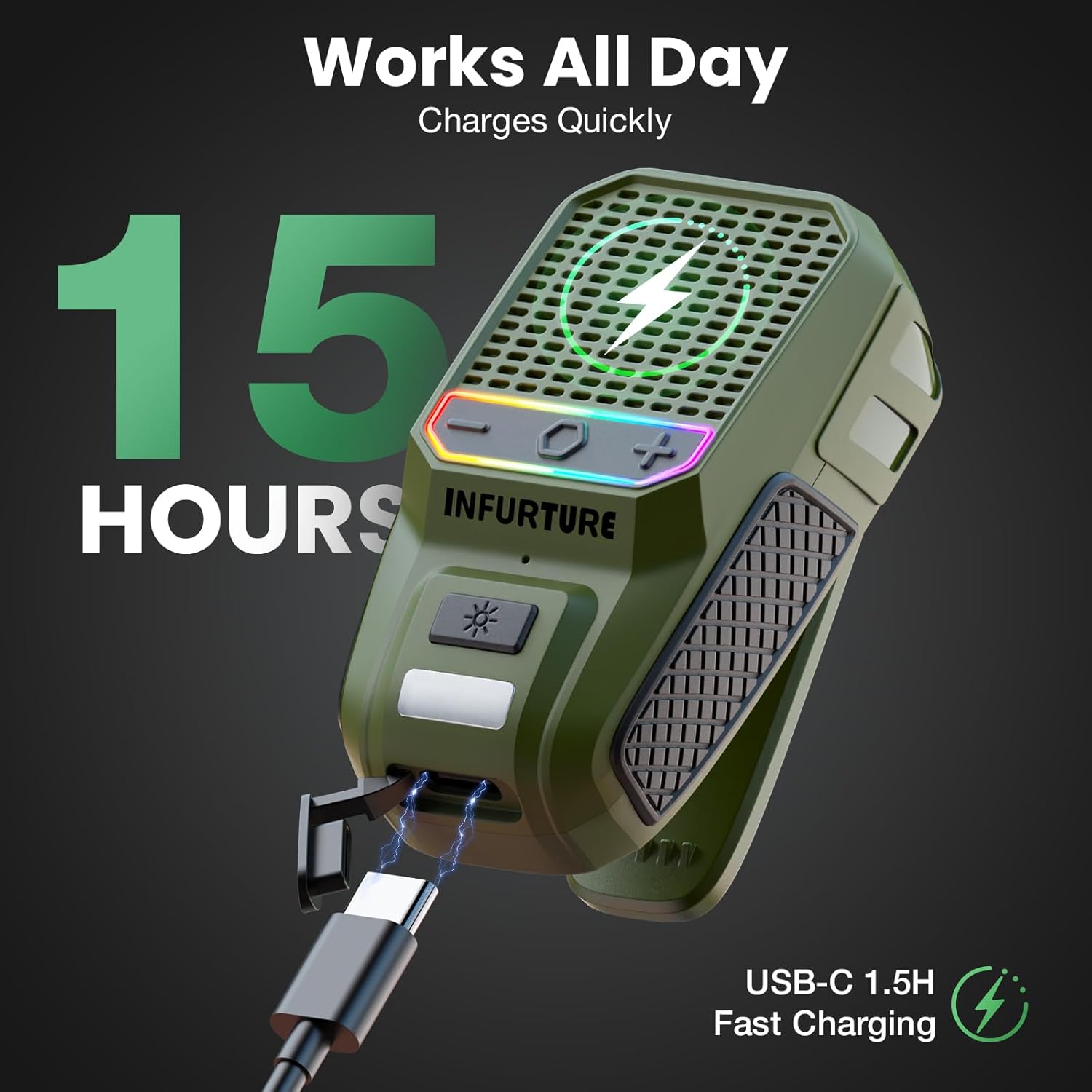
Image: The INFURTURE speaker connected to a USB-C charging cable, illustrating the charging process. A full charge provides approximately 15 hours of playtime.
- Una carga completa tarda aproximadamente 1.5 horas.
- The speaker provides over 15 hours of playtime (up to 18 hours at 80% volume).
- The LED indicator will show charging status (e.g., red for charging, off for fully charged).
3.2 Emparejamiento Bluetooth
- Encendido: Press and hold the MFB button for 2-3 seconds until you hear an audible prompt and the LED indicator flashes, indicating it's in pairing mode.
- Activar Bluetooth: En su dispositivo (teléfono inteligente, tableta, computadora portátil), habilite Bluetooth.
- Seleccionar orador: In your device's Bluetooth settings, search for available devices and select "INFURTURE BH127AG" (or similar name).
- Confirmar conexión: Una vez emparejado, el altavoz proporcionará una confirmación audible y el indicador LED cambiará (por ejemplo, azul fijo).
- Vuelva a conectar: El altavoz intentará automáticamente reconectarse al último dispositivo emparejado cuando se encienda.
4. Instrucciones de funcionamiento
4.1 Encendido y apagado
- Encendido: Press and hold the MFB button for 2-3 seconds.
- Apagado: Press and hold the MFB button for 2-3 seconds.
4.2 Reproducción de música
- Reproducir/Pausa: Presione brevemente el botón MFB.
- Sube el volumen: Presione brevemente el botón (+).
- Bajar volumen: Presione brevemente el botón (-).
- Pista siguiente: Mantenga presionado el botón (+).
- Pista anterior: Mantenga presionado el botón (-).
4.3 Gestión de llamadas
The speaker features a built-in noise-canceling microphone for clear hands-free calls.
- Responder llamada: Short press the MFB button when a call comes in.
- Finalizar llamada: Short press the MFB button during a call.
- Rechazar llamada: Long press the MFB button when a call comes in.
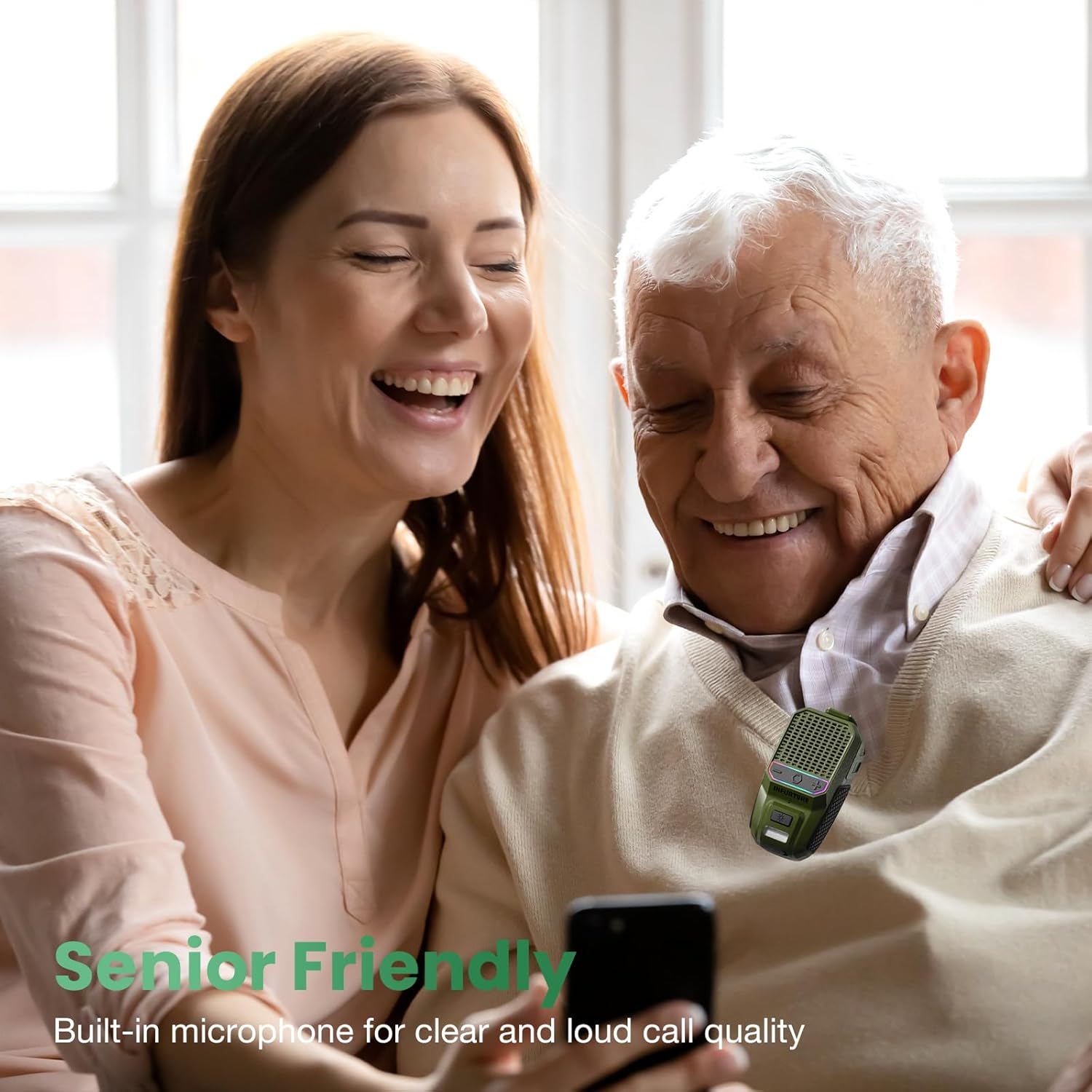
Image: A man and woman enjoying audio from the speaker, demonstrating its use for clear calls and audio playback in social settings.
4.4 Activación del asistente de voz
Activate your device's voice assistant (Siri, Google Assistant, Alexa) directly from the speaker.
- Activar asistente de voz: Double-tap the MFB button.

Image: A person using the speaker while working, illustrating the convenience of activating a voice assistant for hands-free control of music or calls.
4.5 Funcionamiento de la linterna
The speaker includes a 2-level LED flashlight for illumination.
- Turn On/Off Flashlight: Short press the Flashlight button.
- Cambiar el nivel de brillo: Short press the Flashlight button again to cycle through brightness levels.
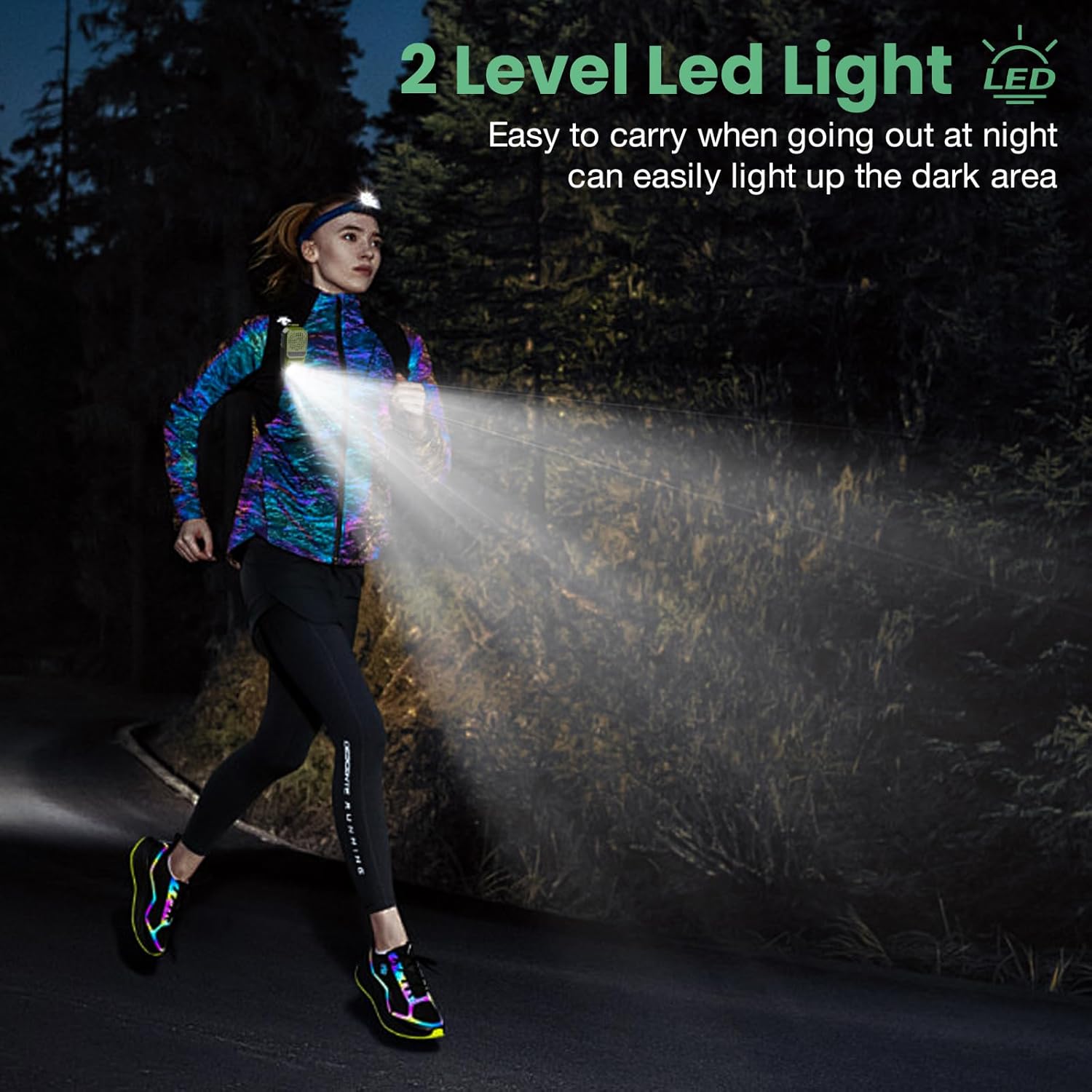
Image: A person running outdoors at night, demonstrating the speaker's integrated flashlight providing illumination for safety and visibility.

Imagen: Un detalle view of the speaker's 80-lumen LED work light, highlighting its capability to provide reliable lighting for various tasks. The flashlight offers 6-10 hours of battery life when in use.
4.6 modos de luz RGB
The speaker features a 2-mode RGB light for visual enhancement.
- Cambiar modos RGB: Long press the Flashlight button for 2-3 seconds to cycle between the two RGB light modes.

Image: Two INFURTURE speakers showcasing their multi-color RGB light feature, which can be adjusted to enhance the listening experience.
4.7 Cómo usar el altavoz
The speaker is designed with a reinforced anti-slip clip for secure attachment.
- Attach the clip to shirts, backpacks, belts, or other gear for hands-free audio.
- Ensure the speaker is securely fastened to prevent accidental drops.
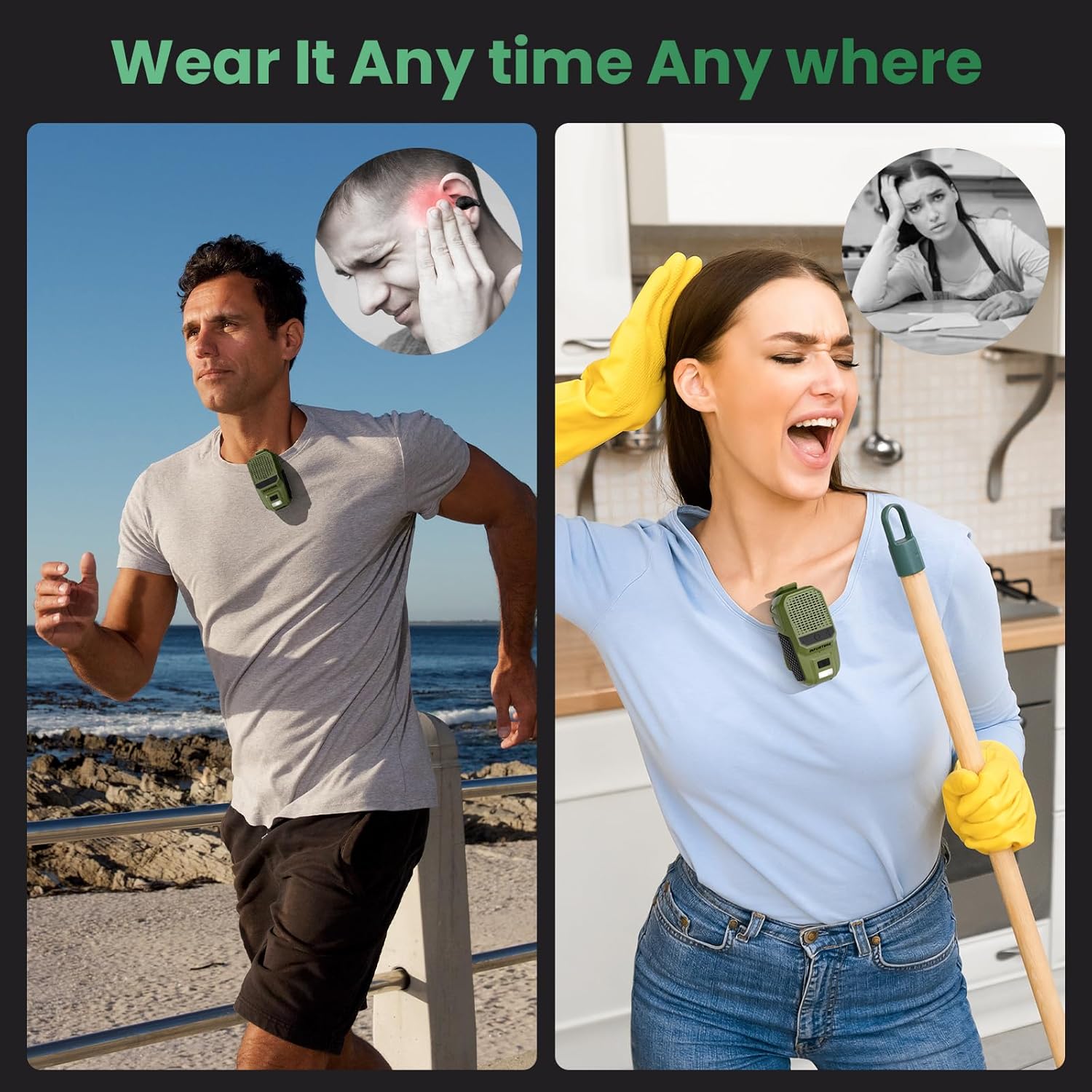
Imagen: Examples of the speaker being worn by individuals engaged in various activities, demonstrating its versatility and secure clip-on design for hands-free use.
5. Mantenimiento
Para garantizar la longevidad y el rendimiento óptimo de su altavoz, siga estas pautas de mantenimiento:
- Limpieza: Limpie el altavoz con un paño suave y seco. No utilice limpiadores abrasivos ni disolventes.
- Resistencia al agua: The speaker is IPX6 waterproof and dustproof, meaning it can withstand strong jets of water and dust ingress. However, it is not designed for submersion. Ensure the USB-C port cover is securely closed when exposed to water or dust.

Image: The INFURTURE speaker being splashed with water, visually representing its IPX6 waterproof and dustproof capabilities, suitable for outdoor use.
6. Solución de problemas
Si tiene problemas con su altavoz, consulte los siguientes problemas y soluciones comunes:
- El altavoz no se enciende:
- Asegúrate de que el altavoz esté cargado. Conéctalo a una fuente de alimentación mediante el cable USB-C.
- Press and hold the MFB button for 2-3 seconds to power on.
- No se puede emparejar con el dispositivo:
- Asegúrese de que el altavoz esté en modo de emparejamiento (LED parpadeando).
- Asegúrese de que Bluetooth esté habilitado en su dispositivo y que esté dentro del alcance (hasta 10 metros).
- Olvide el altavoz de la lista de Bluetooth de su dispositivo e intente emparejarlo nuevamente.
- Reinicie tanto el altavoz como su dispositivo.
- No hay sonido o el volumen es bajo:
- Aumente el volumen tanto del altavoz como del dispositivo conectado.
- Asegúrese de que el altavoz esté correctamente emparejado y conectado a su dispositivo.
- Compruebe si la fuente de audio se reproduce correctamente.
- La linterna no funciona:
- Asegúrese de que el altavoz tenga suficiente carga de batería.
- Short press the Flashlight button to activate.
7. Especificaciones
| Característica | Especificación |
|---|---|
| Nombre del modelo | BH127AG |
| Marca | INFURTURA |
| Tecnología de conectividad | Bluetooth 5.4 |
| Rango de comunicación inalámbrica | Hasta 10 metros (33 pies) |
| Tipo de altavoz | Incorporado |
| Potencia máxima de salida del altavoz | 10 vatios |
| Modo de salida de audio | Estéreo |
| Respuesta de frecuencia | 20 kHz |
| Características especiales | Built-in Microphone, Dustproof, LED Light, Portable, Waterproof (IPX6), RGB Light |
| Dispositivos compatibles | Portátil, reproductor de MP3, teléfono inteligente, tableta |
| Fuente de poder | Funciona con pilas |
| Duración de la batería (tiempo de reproducción) | 15+ hours (18H at 80% volume) |
| Tiempo de carga | Aprox. 1.5 horas (USB-C) |
| Salida de linterna | 80 lúmenes |
| Peso del artículo | 0.09 kilogramos (3.2 onzas) |
| Dimensiones del producto | 1.97" de profundidad x 1.18" de ancho x 3" de alto |
| Método de control | Voz, Botón |
8. Garantía y soporte
8.1 Garantía limitada
The INFURTURE Wearable Bluetooth Speaker BH127AG comes with a limited warranty. Please refer to the warranty card included in your package or contact INFURTURE customer support for details regarding warranty coverage and terms.
8.2 Atención al cliente
For any questions, technical assistance, or warranty claims, please contact INFURTURE customer support through the retailer where you purchased the product or visit the official INFURTURE websitio para información de contacto.