
Gavdhe GCA-02
Gavdhe GCA-02 Smart Fingerprint Door Lock Instruction Manual
Model: GCA-02
1. Introducción
This manual provides detailed instructions for the installation, setup, operation, and maintenance of your Gavdhe GCA-02 Smart Fingerprint Door Lock. Please read this manual thoroughly before installation and use to ensure proper function and safety. Keep this manual for future reference.
2. Información de seguridad
- No intente desmontar ni reparar la cerradura usted mismo. Contacte con atención al cliente para obtener ayuda.
- Utilice únicamente las pilas alcalinas AAA especificadas. No mezcle pilas nuevas y usadas ni pilas de distintos tipos.
- Keep at least one physical backup key in a secure, easily accessible location outside the locked area.
- Protect your passcodes and fingerprints from unauthorized access.
- Ensure the door is properly aligned and the latch operates smoothly before installing the lock.
3. Contenido del paquete
Verifique que todos los componentes estén presentes antes de comenzar la instalación:
- 1 x Front Lever
- 1 x Rear Lever
- 1 x Adjustable Latch
- 1 x Strike Plate and Reinforcer
- 2 x Llaves
- 1 x Pin
- 2 x Fob Cards (IC Cards)
- 1 husillo
- 2 x Threaded Pillar Screws
- Tornillos (varios tamaños)
- 1 x Type-C Cable (for emergency power)
- 1 x Manual de usuario (este documento)
- 1 x Plantilla de perforación
- 1 x Spare Package (additional small parts)
4. Producto terminadoview
The Gavdhe GCA-02 Smart Fingerprint Door Lock offers multiple access methods and smart features for enhanced security and convenience.

Image: The Gavdhe GCA-02 Smart Fingerprint Door Lock, showing the main unit, smartphone app interface, two physical keys, and two fob cards.
Características principales:
- Acceso 5 en 1: Unlock using fingerprint, IC card, keypad code, smartphone app, or traditional key.
- Fast Biometric Unlocking: One-second fingerprint recognition.
- Anti-Peep Code: Enter random digits before or after your actual passcode to prevent onlookers from guessing your entry code.
- Funcionalidad de bloqueo automático: Bloquea automáticamente la puerta después de un período establecido.
- Alertas de batería baja: Le avisa cuando las baterías se están agotando.
- Energía de emergencia: Type-C port for temporary power via a power bank (sold separately) if batteries are depleted.
- Control de aplicación inteligente: Manage users, view access logs, generate temporary passcodes, and control settings via the Tuya Smart App.
- Voice Control (with Gateway): Compatible with Alexa and Google Assistant when paired with a Gavdhe Gateway (sold separately).

Image: Illustration of the five unlocking methods: App Unlock, Key Fob Unlock, Fingerprint Unlock, Password Unlock, and Backup Key Unlock.
5. Guía de instalación
The Gavdhe GCA-02 is designed for easy installation on U.S. standard doors. Follow these steps carefully.
5.1 Preparación de la puerta
- Ensure your door thickness is compatible (typically 1-3/8" to 2" or 35mm to 50mm).
- Check the backset measurement (distance from door edge to center of bore hole) is 2-3/8" (60mm) or 2-3/4" (70mm).
- Verify the bore hole diameter is 2-1/8" (54mm).
- The latch plate area on the door edge should be chiseled for a flush fit.

Image: Diagram showing door dimensions for installation, including backset, bore hole diameter, and the requirement for a chiseled latch plate area. Also shows the adjustable latch, strike plate, and strike reinforcer.
5.2 pasos de instalación
- Instale el pestillo: Insert the adjustable latch into the door edge. Ensure the latch bolt faces the door frame. Secure with screws.
- Instalar la placa de impacto: Attach the strike plate and reinforcer to the door frame, aligning with the latch bolt. Secure with screws.
- Install the Front Lever: Pass the spindle through the latch. Position the front lever (with keypad and fingerprint sensor) on the exterior side of the door.
- Install the Rear Lever: Connect the cable from the front lever to the rear lever. Align the threaded pillars and secure the rear lever to the front lever using the provided screws. Ensure the levers are horizontal and the lock operates smoothly.
- Inserte las baterías: Open the battery cover on the rear lever and insert 4 new AAA alkaline batteries. Observe polarity.
6. Configuración
After physical installation, configure your lock using the Tuya Smart App.
6.1 Emparejamiento de aplicaciones
- Download the Tuya Smart App from the App Store or Google Play.
- Crea una cuenta o inicia sesión.
- Habilite Bluetooth en su teléfono inteligente.
- In the app, tap '+' to add a device. Select 'Lock' or 'Smart Lock' and follow the on-screen instructions to pair your GCA-02 lock.

Image: A smartphone screen showing the Tuya Smart App with options to manage users, enable silent mode, generate passcodes remotely, set auto-lock, view history, and set access methods (fingerprint, code, key fob).
6.2 Gestión de usuarios (a través de la aplicación)
The lock supports up to 100 fingerprints, 100 IC cards, and 100 passcodes.
- Adición de huellas dactilares: In the app, navigate to 'User Management' or 'Fingerprint Management'. Follow the prompts to register new fingerprints by placing your finger on the sensor multiple times.
- Agregar códigos de acceso: Select 'Passcode Management' in the app. You can create permanent, timed, or one-time passcodes.
- Agregar tarjetas IC: In 'IC Card Management', tap to add a new card. Present the IC card to the lock's sensor when prompted.

Image: A hand entering a password on the lock's keypad, demonstrating the anti-peeping feature where random digits can be entered before or after the actual password.
7. Instrucciones de funcionamiento
7.1 Desbloqueo de la puerta
- Huella dactilar: Place a registered finger on the fingerprint sensor. The lock will unlock if recognized.
- Contraseña: Enter your registered passcode on the keypad, followed by '#'. You can use the anti-peep feature by entering random digits before and/or after your actual code.
- Tarjeta CI: Toque una tarjeta IC registrada contra el área del lector de tarjetas en la cerradura.
- Aplicación: Open the Tuya Smart App, select your lock, and tap the unlock icon.
- Llave: Inserte la llave física en la cerradura y gírela para desbloquear.
7.2 Bloquear la puerta
- Bloqueo automático: If auto-lock is enabled in the app, the door will lock automatically after a set delay once closed.
- Bloqueo manual: Press and hold the '#' key on the keypad for a few seconds, or use the app to lock.
7.3 Modos Especiales
- Modo de paso: This mode keeps the door unlocked for continuous access, ideal for high-traffic periods. Activate/deactivate via the Tuya Smart App.
- Modo silencioso: Disables all sound prompts from the lock for discreet operation. Activate/deactivate via the Tuya Smart App.
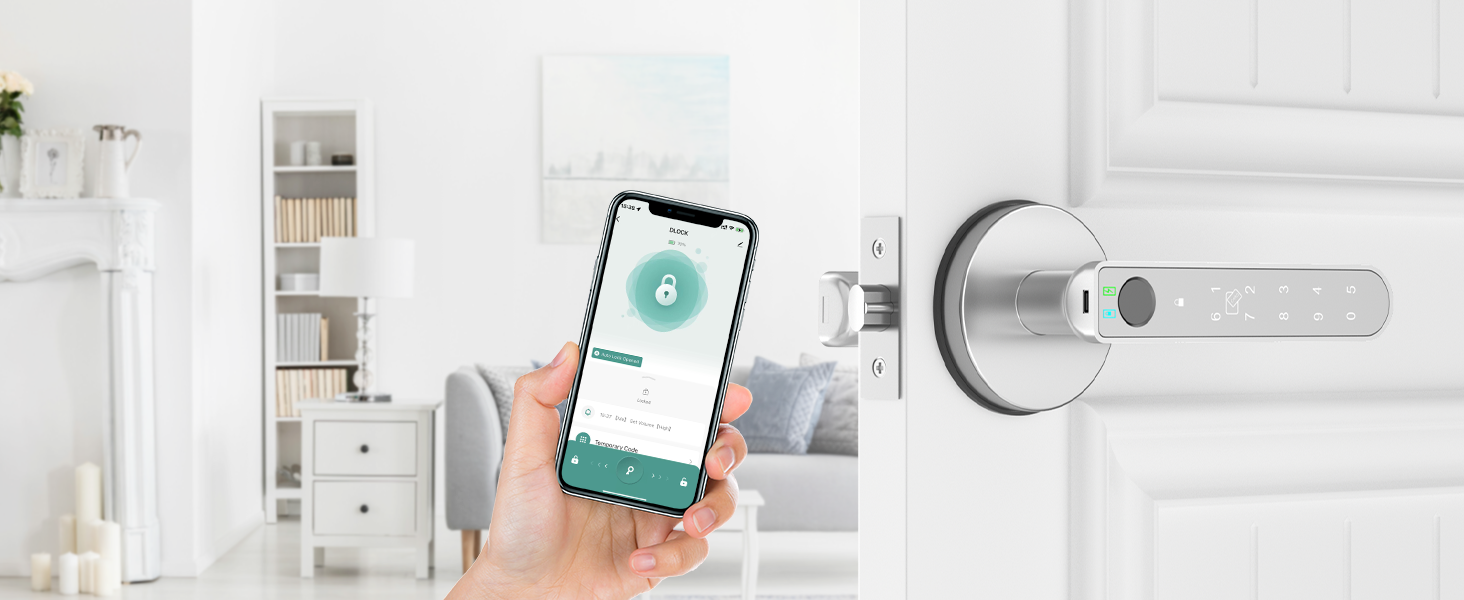
Image: An illustration explaining Passage Mode, highlighting ease of access, flexibility for varying needs, and user-friendliness for authorized users.
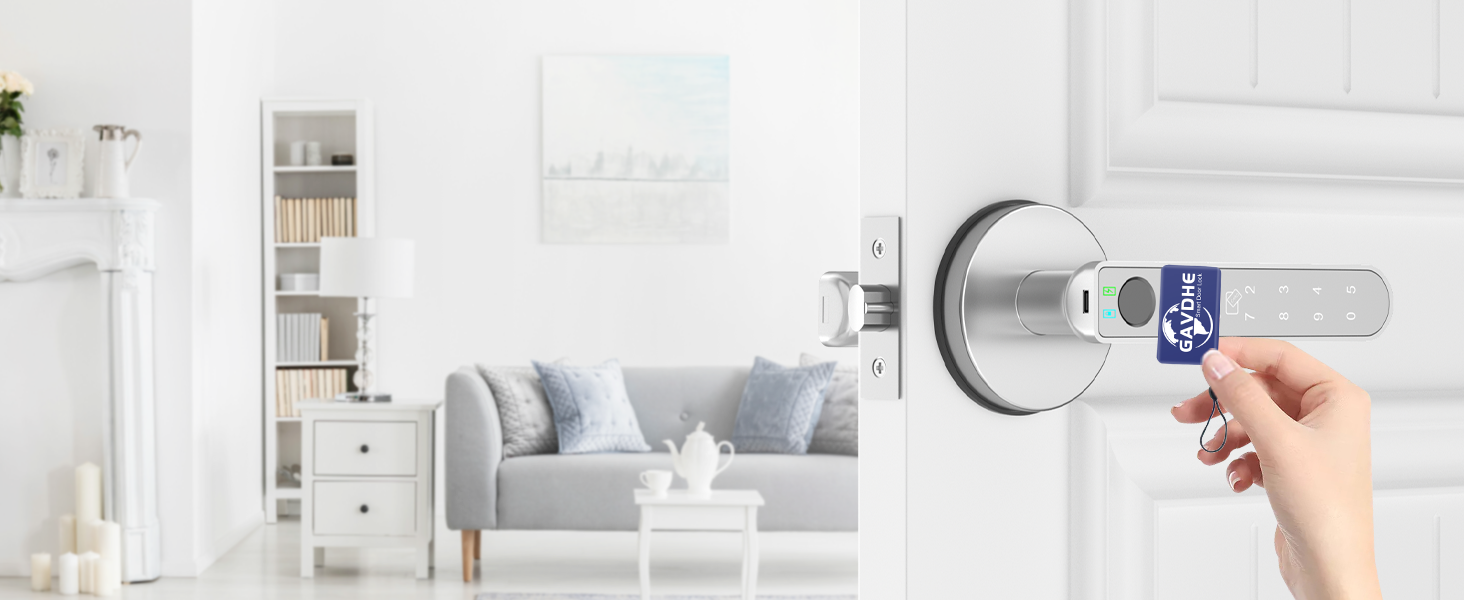
Image: An illustration explaining Silent Mode, emphasizing discreet access, flexible use, and convenient operation without noise distractions.
7.4 Energía de emergencia
If the batteries are completely depleted, the lock can be temporarily powered using a power bank (sold separately) connected to the Type-C port on the front lever. This allows you to unlock the door and replace the batteries.

Image: Details on battery requirements (4 AAA alkaline, not included), 10-12 month battery life, the importance of keeping a spare key, and the emergency Type-C port for temporary power.
7.5 Voice Control (Requires Gavdhe Gateway)
To enable voice control with Alexa or Google Assistant, a Gavdhe Gateway (sold separately) is required. Pair the gateway with your lock via the Tuya Smart App, then link your Tuya Smart account to your Alexa or Google Home app.

Image: An illustration showing the Gavdhe GCA-02 lock connected wirelessly to a Gavdhe Gateway, which in turn connects to Amazon Alexa and Google Assistant devices for voice control.
8. Mantenimiento
- Reemplazo de batería: Replace all 4 AAA alkaline batteries when a low battery alert is issued. Do not wait for complete depletion.
- Limpieza: Wipe the lock's surface with a soft, dry cloth. Avoid abrasive cleaners or solvents that may damage the finish or electronic components.
- Cuidado del sensor: Mantenga el sensor de huellas dactilares y el teclado limpios y libres de residuos para un rendimiento óptimo.
9. Solución de problemas
| Problema | Posible causa | Solución |
|---|---|---|
| La cerradura no responde. | Baterías agotadas. | Replace batteries. Use emergency Type-C power if needed. |
| Huella dactilar no reconocida. | Fingerprint sensor dirty; unregistered fingerprint; dry/wet finger. | Clean sensor. Re-register fingerprint. Ensure finger is clean and dry. |
| El teclado no responde. | Incorrect passcode; keypad dirty. | Verify passcode. Clean keypad. |
| La aplicación no se puede conectar a la cerradura. | Bluetooth off; lock out of range; app not paired. | Ensure Bluetooth is on. Move closer to the lock. Re-pair the lock in the app. |
| Lock mechanism not engaging/disengaging. | Misalignment during installation; internal malfunction. | Check door alignment and latch installation. If issue persists, contact customer support. |
10. Especificaciones
| Característica | Detalle |
|---|---|
| Modelo | GCA-02 |
| Marca | Gavdhe |
| Tipo de bloqueo | Cerradura de puerta con huella digital con control de aplicación |
| Material | Aluminio |
| Dimensiones (L x An x Al) | 5.6 x 2.75 x 2.75 pulgadas |
| Peso del artículo | 1.72 libras (0.78 kilogramos) |
| Fuente de poder | 4 pilas alcalinas AAA (no incluidas) |
| Duración de la batería | 10-12 meses (dependiendo del uso) |
| Energía de emergencia | Puerto tipo C |
| Capacidad del usuario | 100 Fingerprints, 100 IC Cards, 100 Passcodes |
| Método de control | App, Biometric, Keypad, IC Card, Key, Voice (with Gateway) |
| Compatibilidad de aplicaciones | Aplicación inteligente Tuya |
| Compatibilidad con asistente de voz | Alexa, Google Assistant (requires Gavdhe Gateway, sold separately) |
| Uso recomendado | Home, Office, Bedroom, Indoors |
11. Garantía y soporte
For warranty information or technical support, please refer to the contact details provided with your purchase or visit the official Gavdhe webSitio. Conserve su recibo de compra como comprobante para reclamaciones de garantía.
Ask a question about this manual
Ask about setup, troubleshooting, compatibility, parts, safety, or missing instructions. Manuals+ will review the question and use this page’s manual context to help answer it.