Introducción
Welcome to the user manual for your Skullcandy Ink'd Wired In-Ear Headphones. These headphones are designed to provide a high-quality audio experience with a comfortable, noise-isolating fit. Featuring a built-in microphone and in-line controls, they offer convenience for both music playback and hands-free communication. This manual will guide you through the setup, operation, and maintenance of your new headphones.
Contenido del paquete
- Skullcandy Ink'd Wired In-Ear Headphones (Earphones)
- Small and Medium Ear Gels (pre-installed or included separately)
Configuración
Follow these steps to set up your Skullcandy Ink'd Wired In-Ear Headphones for optimal use.
1. Choose the Right Ear Gels
The headphones come with different sizes of ear gels to ensure a comfortable and secure fit. A proper fit is crucial for noise isolation and sound quality.
- Gently remove the pre-installed ear gels.
- Try the different sizes (small, medium) to find the pair that creates a snug seal in your ear canal.
- The correct size will feel comfortable and significantly reduce ambient noise.
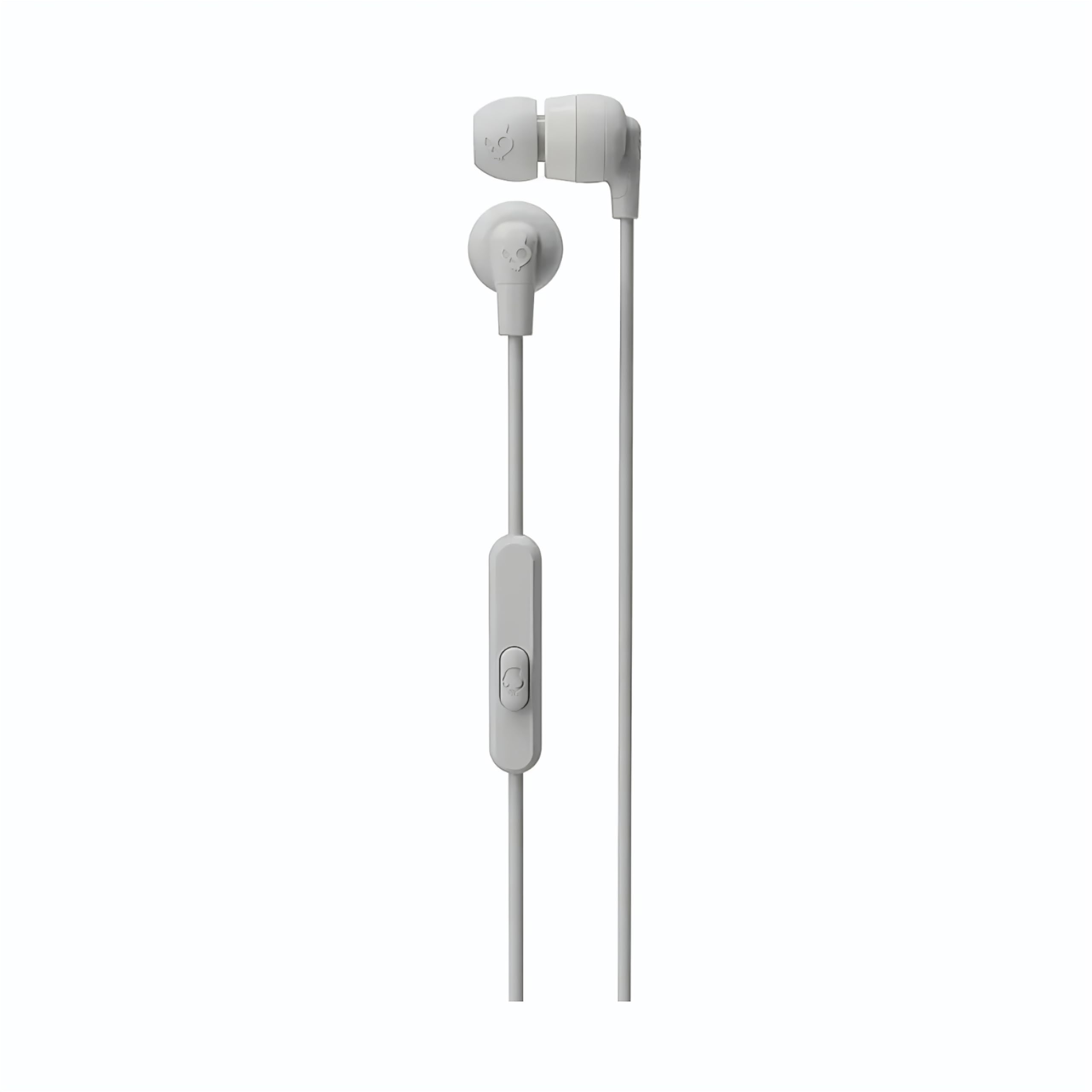
Image: The Skullcandy Ink'd Wired In-Ear Headphones, showcasing the white earbuds with the Skullcandy logo and the wired connection.
2. Conéctese a su dispositivo
These headphones utilize a standard 3.5mm AUX connection.
- Locate the 3.5mm audio jack on your smartphone, tablet, laptop, or other compatible audio device.
- Insert the 3.5mm plug from your Skullcandy Ink'd headphones firmly into the device's audio jack.
- Ensure the connection is secure for uninterrupted audio.
Instrucciones de funcionamiento
Your Skullcandy Ink'd headphones feature an in-line remote and microphone for convenient control of your audio and calls.
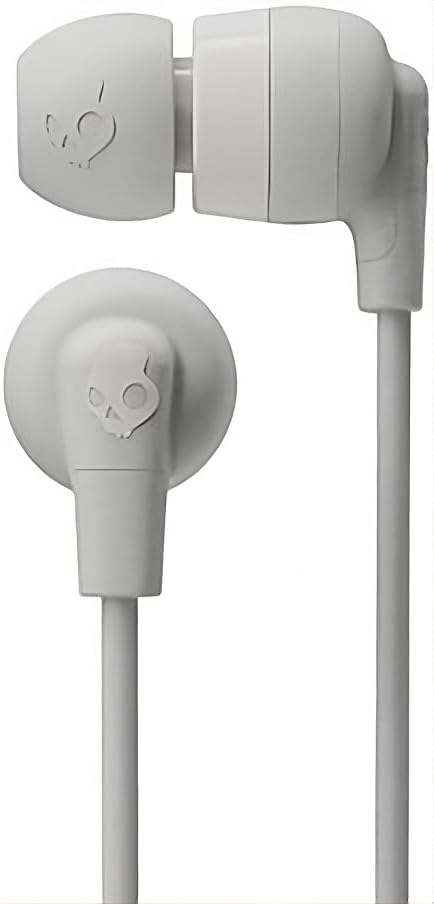
Image: The in-line remote and microphone on the Skullcandy Ink'd Wired In-Ear Headphones cable.
Control de música
- Reproducir/Pausa: Presione el botón central una vez.
- Pista siguiente: Presione el botón central dos veces rápidamente.
- Pista anterior: Presione el botón central tres veces rápidamente.
Control de llamadas
- Responder/Finalizar llamada: Presione el botón central una vez.
- Rechazar llamada: Mantenga presionado el botón central durante aproximadamente dos segundos.
Note: Functionality may vary slightly depending on your device's operating system and specific application.
Mantenimiento
El cuidado adecuado prolongará la vida útil y el rendimiento de sus auriculares.
- Geles de limpieza para los oídos: Gently remove the ear gels and wash them with mild soap and water. Rinse thoroughly and allow them to dry completely before reattaching.
- Limpieza de los auriculares: Use a soft, dry cloth to wipe the earbuds. Avoid using harsh chemicals or abrasive materials. Do not submerge the earbuds in water.
- Cuidado de cables: Avoid sharp bends or excessive pulling on the cable. Store the headphones neatly to prevent tangling.
- Almacenamiento: When not in use, store your headphones in a clean, dry place away from extreme temperatures.
Solución de problemas
Si tiene problemas con sus auriculares, pruebe los siguientes pasos:
- Sin sonido:
- Asegúrese de que el enchufe de 3.5 mm esté completamente insertado en el conector de audio de su dispositivo.
- Verifique la configuración de volumen de su dispositivo.
- Pruebe los auriculares con otro dispositivo de audio para descartar un problema específico del dispositivo.
- Mala calidad de sonido/ruido:
- Ensure the ear gels are properly seated and creating a good seal in your ear.
- Clean the ear gels and earbud grilles to remove any debris.
- Pruebe con otra fuente de audio.
- El micrófono no funciona:
- Ensure the 3.5mm plug is fully inserted. Some devices require a TRRS (Tip-Ring-Ring-Sleeve) connector for microphone functionality, which these headphones provide.
- Verifique la configuración de entrada del micrófono de su dispositivo.
- Pruebe el micrófono con otro dispositivo o aplicación.
Presupuesto
| Número de modelo | N747 |
| Marca | Calavera caramelo |
| Tecnología de conectividad | Con cable (conector de 3.5 mm) |
| Colocación de orejas | En el oído |
| Control de ruido | Cancelación pasiva de ruido |
| Funciones integradas | Microphone, In-line Remote |
| Rango de frecuencia | 20Hz - 20,000Hz |
| Peso del artículo | 0.04 kilogramos |
| Dispositivos compatibles | Portátiles, ordenadores de sobremesa, tabletas, teléfonos, altavoces inteligentes, televisores, sistemas de audio para coche, teléfonos móviles |
Información de garantía
Your Skullcandy Ink'd Wired In-Ear Headphones are covered by a Manufacturer Warranty. For detailed information regarding warranty terms, conditions, and duration, please refer to the official Skullcandy websitio o la tarjeta de garantía incluida con su producto.
Atención al cliente
If you require further assistance or have questions not covered in this manual, please contact Skullcandy customer support.
- Soporte en línea: Visit the official Skullcandy support webSitio para preguntas frecuentes, guías de solución de problemas y opciones de contacto.
- Información del contacto: Consulte Skullcandy webSitio para obtener los datos de contacto más actualizados, incluidos números de teléfono y soporte por correo electrónico.