
1. Producto terminadoview
The GEMMAC XLN-297SW is a versatile multifunction emergency radio designed for reliability in various situations, including outdoor activities and emergencies. It integrates AM/FM/SW radio reception, multiple charging options, a power bank function, an LED flashlight, and an SOS alarm.

Imagen 1.1: Frente view of the GEMMAC XLN-297SW Emergency Radio.
2. Características principales
- Radio AM/FM/SW: Access to a wide range of radio frequencies for news, weather, and entertainment.
- Múltiples fuentes de energía: Rechargeable via solar panel, hand crank dynamo, or USB-C cable.
- Banco de energía de 2000 mAh: Built-in lithium-ion battery to charge smartphones and other USB devices.
- Linterna led: Integrated flashlight with multiple modes for illumination.
- Alarma SOS: Activa una sirena fuerte y una luz intermitente para señalización de emergencia.
- Compacto y portátil: Diseñado para fácil transporte y almacenamiento.
3. Contenido del paquete
Por favor revise el paquete para ver los siguientes artículos:
- GEMMAC XLN-297SW Emergency Radio
- Cable de carga USB
- Keychain Cord
- Manual de usuario (este documento)
4. Diagrama del producto
Familiarícese con los componentes de su radio de emergencia:

Image 4.1: Detailed diagram showing the antenna, solar panel, flashlight, SOS button, frequency dial, speaker, volume control, channel knob, AM/FM/SW switch, Type-C input, headphone jack, USB output, battery compartment, and crank handle.
5. Configuración inicial
- Instalación/comprobación de la batería: The radio comes with a pre-installed 2000mAh lithium-ion battery. Ensure it is securely in place in the battery compartment.
- Carga inicial: For optimal performance, fully charge the radio using the USB-C cable before first use. Connect the USB-C cable to the radio's Type-C input and the other end to a standard USB power adapter (not included) or computer USB port. The charging indicator will illuminate.
6. Instrucciones de funcionamiento
6.1. Función de radio
- Encendido/apagado: Girar el VOL (Volume) knob clockwise to turn on the radio and adjust the volume. Rotate counter-clockwise until it clicks to turn off.
- Seleccionar banda: Utilice el AM/FM/SO switch to select the desired radio band (AM, FM, or SW).
- Sintonizar estación: Girar el MELODÍA knob to scan for radio stations. Extend the telescopic antenna for better FM/SW reception. For AM, the internal antenna is generally sufficient.
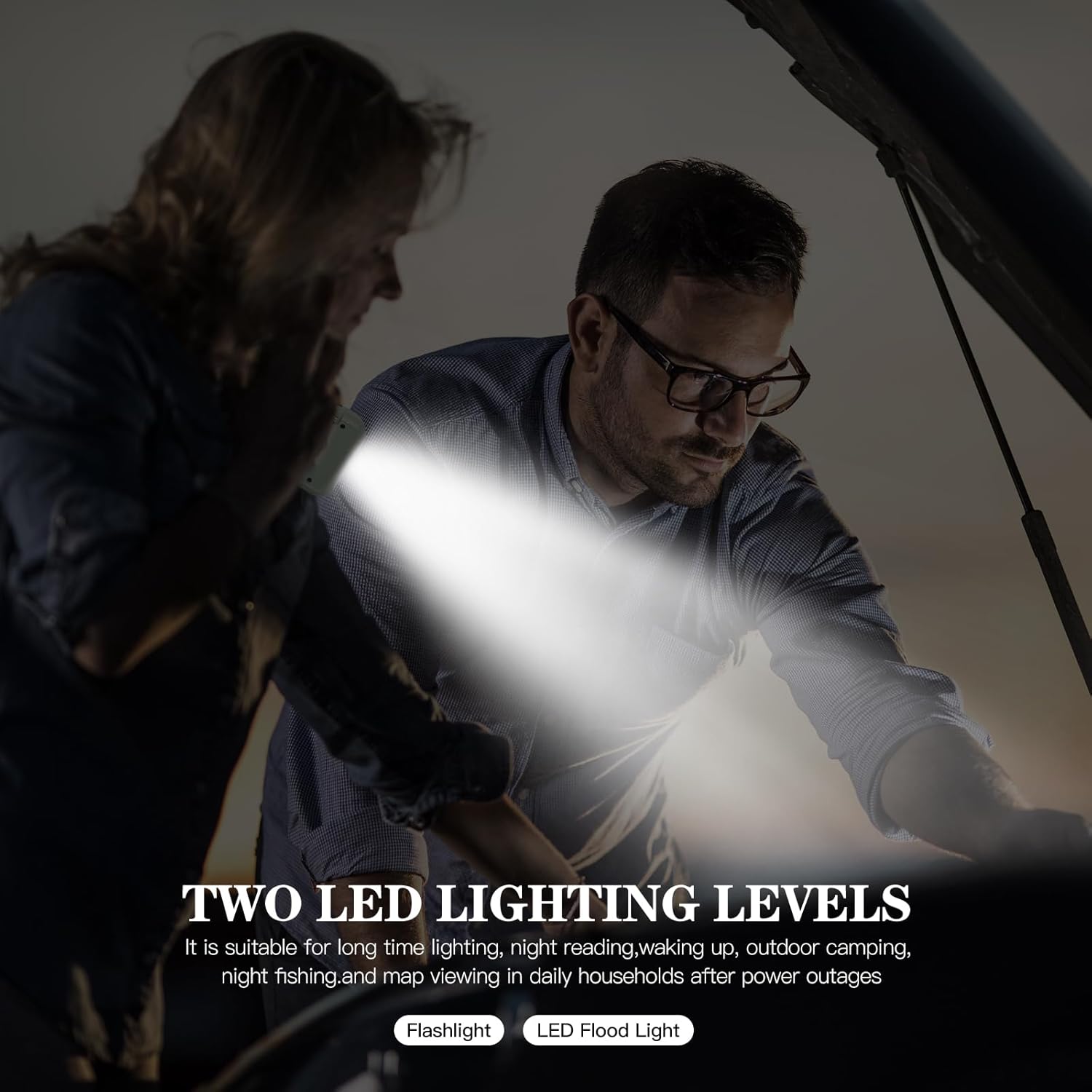
Imagen 6.1: La radio con su antena telescópica extendida para mejorar la recepción de la señal.
6.2. Carga de la radio
The radio offers three methods for charging its internal 2000mAh battery:
- Carga USB: Connect the provided USB-C cable to the radio's Type-C input and a USB power source. This is the fastest charging method.
- Carga de manivela: Rotate the hand crank handle (located on the back) clockwise or counter-clockwise at a steady pace of 120-180 cycles per minute. This method is ideal for emergencies when other power sources are unavailable.
- Carga solar: Place the radio with the solar panel (on top) facing direct sunlight. The solar charging indicator will light up. This method is suitable for maintaining battery charge or slow charging in outdoor environments.

Image 6.2: Illustration of the three charging methods: hand crank, solar panel, and USB port.
6.3. Función de banco de energía
The radio can act as a power bank to charge external USB devices:
- Connect your smartphone or other USB device to the radio's Salida USB port using your device's charging cable.
- The radio's internal 2000mAh battery will begin charging your device.
Note: The power bank function will drain the radio's internal battery. Use judiciously in emergency situations.

Image 6.3: The emergency radio being used to charge a smartphone, demonstrating its power bank capability.
6.4. Funcionamiento de la linterna LED
The integrated LED flashlight provides illumination:
- Presione el Botón de linterna/SOS once to turn on the flashlight in high brightness mode.
- Press again to switch to eco mode (lower brightness).
- Press a third time to activate the strobe mode (flashing light).
- Presione una cuarta vez para apagar la linterna.

Image 6.4: The emergency radio with its powerful LED flashlight activated.
6.5. Alarma SOS
In an emergency, activate the SOS alarm to signal for help:
- Mantenga pulsado el Botón de linterna/SOS durante aproximadamente 3 segundos.
- The radio will emit a loud siren sound and the flashlight will flash in a distress pattern.
- To deactivate the SOS alarm, long press the Botón de linterna/SOS de nuevo.

Image 6.5: The emergency radio with its SOS alarm function active, indicating a distress signal.
7. Mantenimiento
- Limpieza: Limpie la radio con un paño suave y seco. No utilice limpiadores abrasivos ni disolventes.
- Almacenamiento: Guarde la radio en un lugar fresco y seco, alejado de la luz solar directa y de temperaturas extremas.
- Cuidado de la batería: Para prolongar la vida útil de la batería, cargue completamente la radio al menos una vez cada tres meses, incluso si no está en uso.
- Resistencia al agua: La radio está diseñada para uso en exteriores, pero no es totalmente impermeable. Evite sumergirla en agua.
8. Solución de problemas
| Problema | Posible causa | Solución |
|---|---|---|
| La radio no se enciende. | La batería está agotada. | Charge the radio using USB, hand crank, or solar power. |
| Mala recepción de radio. | Antena no extendida o señal débil. | Extiende completamente la antena telescópica. Intenta reposicionar la radio. |
| No se puede cargar el dispositivo externo. | La batería de la radio está baja o el cable está defectuoso. | Ensure the radio is sufficiently charged. Try a different USB cable. |
| La linterna no funciona. | La batería está agotada. | Cargue la radio. |
9. Especificaciones
- Modelo: XLN-297SW
- Marca: Gemmac
- Bandas de radio: AM, FM, SW
- Batería: 2000mAh Lithium-ion (replaceable)
- Métodos de carga: USB-C, Solar Panel, Hand Crank Dynamo
- Power Output (Power Bank): USB
- Características especiales: LED Flashlight (3 modes), SOS Alarm, Integrated AM Antenna, Portable
- Dimensiones: 13.3 de largo x 4.3 de ancho x 7.4 de alto cm
- Conectividad: USB
- Componentes incluidos: Keychain cord, USB cable, User manual
10. Garantía y soporte
10.1. Información de garantía
This product is covered by a return or refund policy within 30 days of purchase. Please retain your proof of purchase for any warranty claims.
10.2. Atención al cliente
For any questions, issues, or support needs regarding your GEMMAC XLN-297SW Emergency Radio, please contact your retailer or the manufacturer's customer service. Refer to the product packaging or retailer's websitio para detalles de contacto.