
1. Introducción y másview
The XIXIMENG P30 Max Smart Video Game Projector (64G) is a versatile device designed to deliver an immersive entertainment experience. It combines a high-definition projector with a built-in gaming console, offering a vast library of games and advanced connectivity options. This manual provides essential information for setting up, operating, and maintaining your projector to ensure optimal performance and enjoyment.
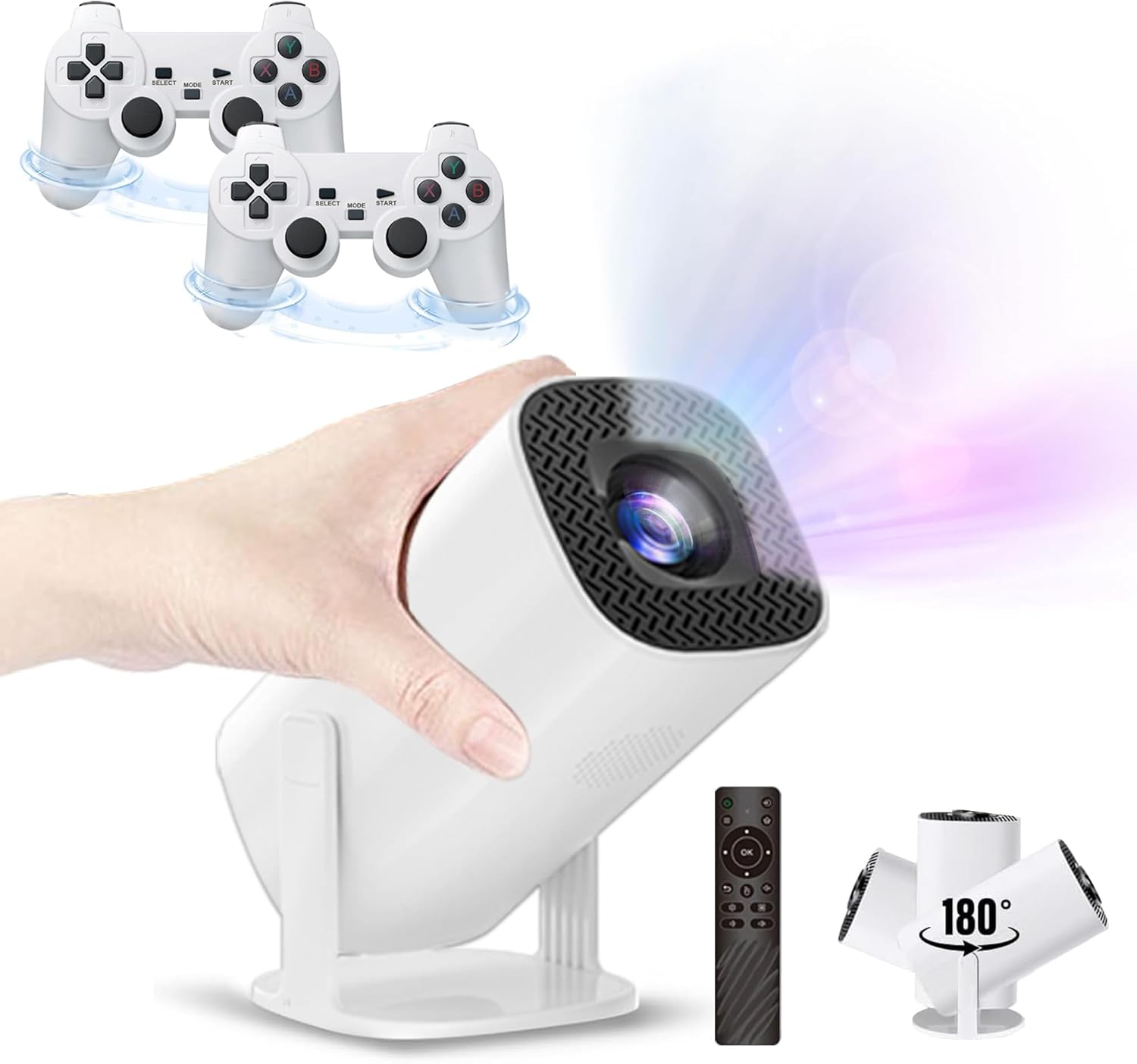
Figure 1.1: The P30 Max projector displaying a large screen image in a living room environment.
2. Contenido del paquete
Verifique que todos los artículos enumerados a continuación estén incluidos en su paquete. Si falta algún artículo o está dañado, comuníquese con atención al cliente.
- 1 x P30 Max Smart Video Game Projector
- 2 controladores inalámbricos.
- 1 x Game Stick
- 1 cable HDMI
- 1 x Cable de Alimentación
- 1 x control remoto
- Receptor 1 x USB
- 1 x cable de carga USB
- 1 x Manual de usuario (este documento)
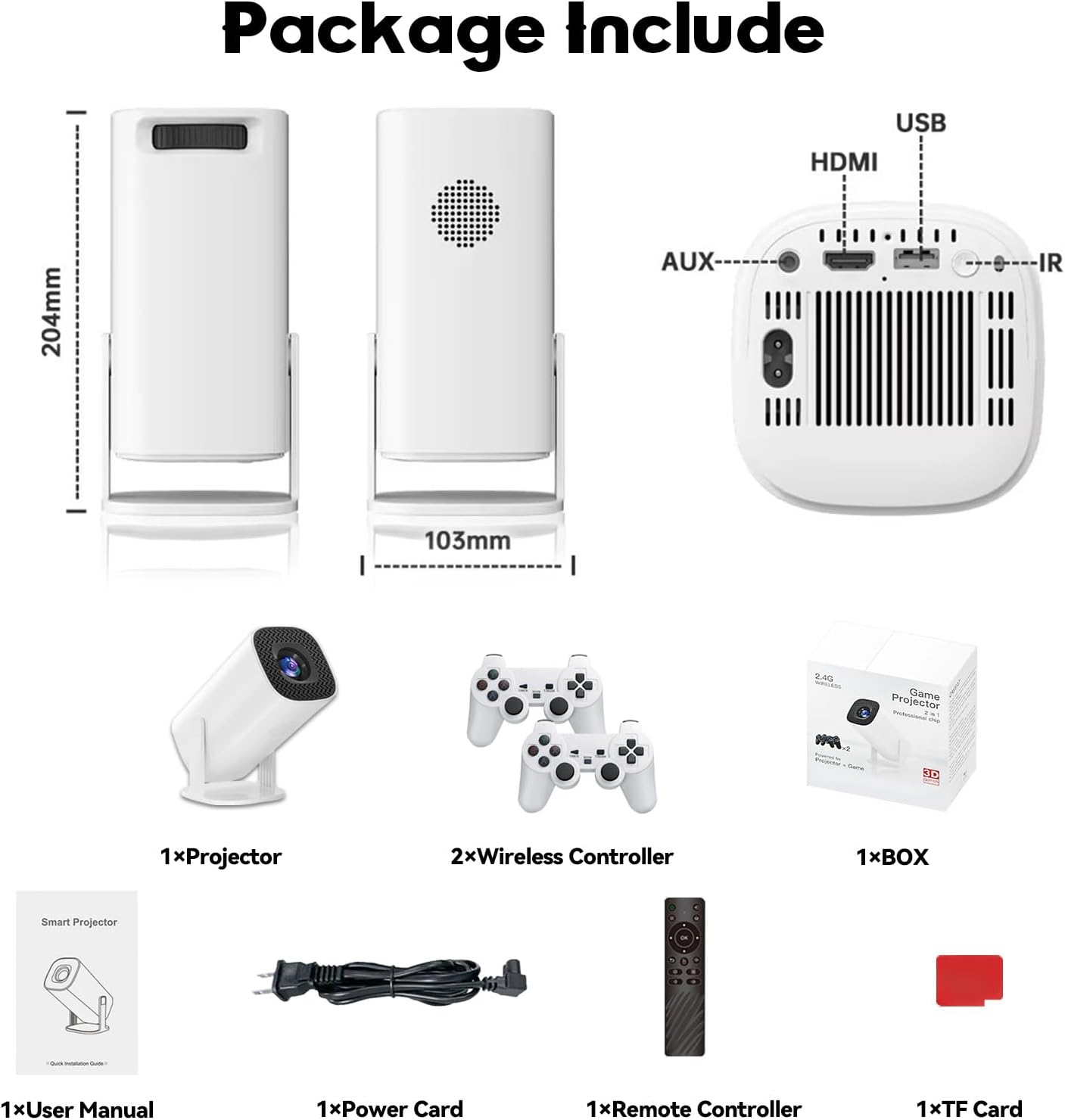
Figure 2.1: Diagram of the P30 Max package contents.

Figure 2.2: Photo of the P30 Max package contents.
3. Características del producto
- Juegos inmersivos: Built-in game console with over 35,000 3D games, offering low latency, high frame rates, and 4K UHD visuals.
- High-Quality Home Theater: Supports 4K video with native 1280x720P resolution, 50% zoom function, and a high dynamic contrast ratio. Operates quietly at 25 dB.
- Conectividad avanzada Equipped with WiFi 6 for faster, smoother connections and Bluetooth 5.4 for easy pairing with external audio devices.
- Diseño portátil y flexible: Lightweight and portable with a 180° adjustable stand for versatile projection angles.
- Control preciso: Includes two wireless controllers with multiple keys and sensitive rockers for enhanced gaming and navigation.
4. Configuración
4.1 Colocación inicial
Place the projector on a stable, flat surface. The 180° adjustable stand allows you to direct the projection onto a wall or ceiling. Ensure there are no obstructions in front of the lens.
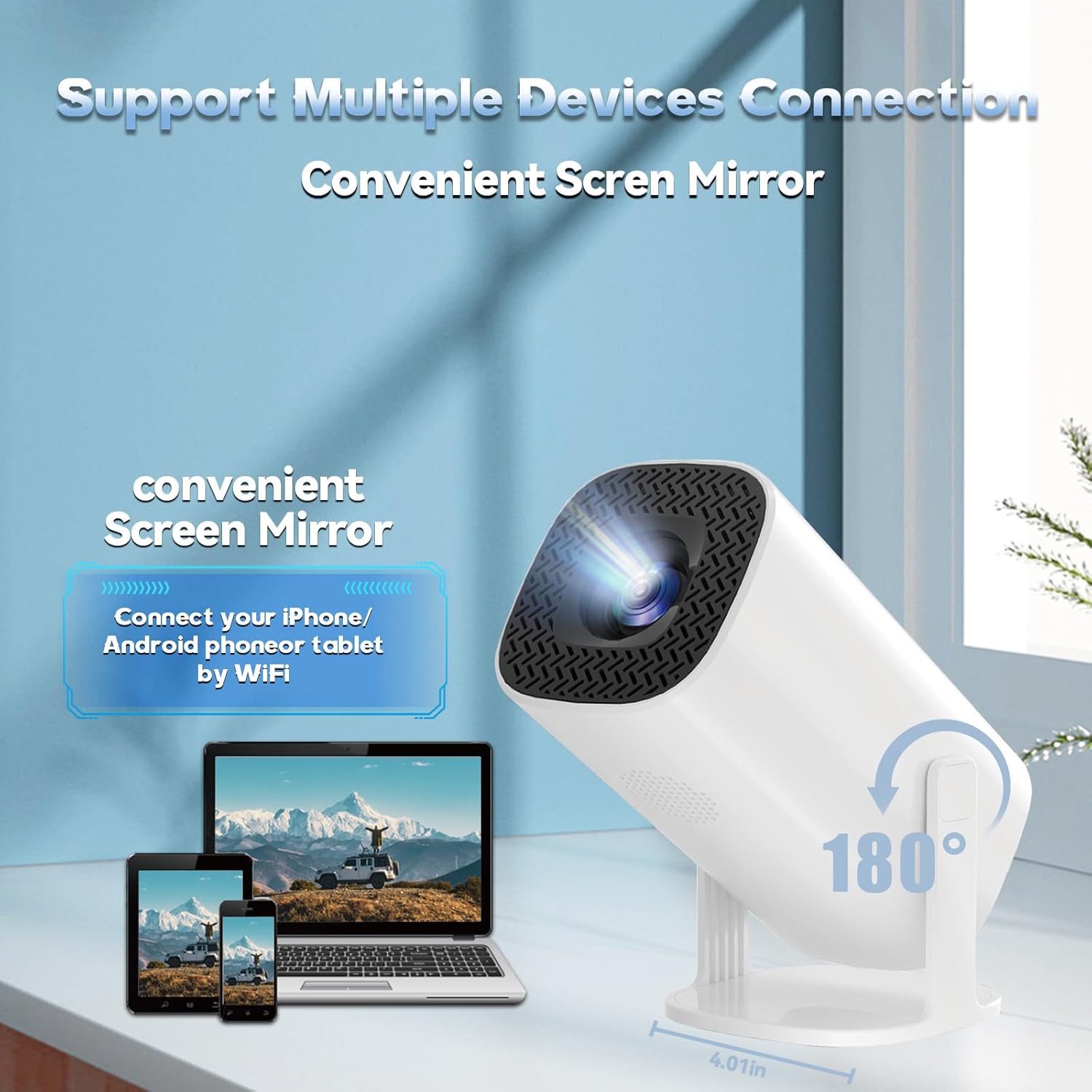
Figure 4.1: The projector's 180° adjustable stand for flexible placement.
4.2 Conexión de alimentación
Connect the provided power cord to the projector's power input and then to a power outlet. The projector will typically power on or enter standby mode.
4.3 Enfoque y corrección trapezoidal
The projector features automatic keystone correction to adjust the image shape. For optimal clarity, manual focus adjustment may be required. Use the remote control to fine-tune the focus until the image is sharp.
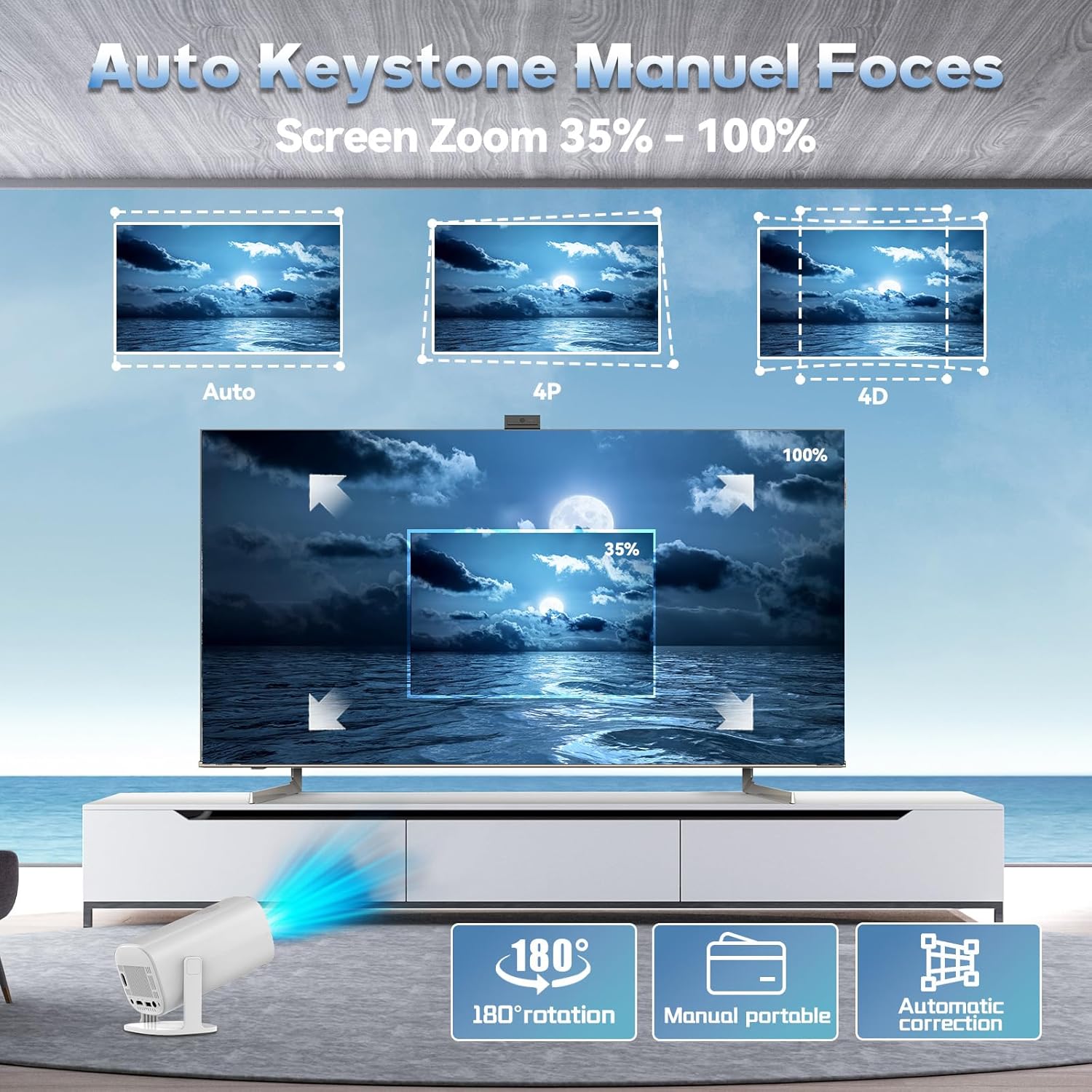
Figure 4.2: Automatic keystone correction and manual focus options.
5. Instrucciones de funcionamiento
5.1 Encendido y apagado
Presione el botón de encendido del proyector o el control remoto para encender o apagar el dispositivo.
5.2 Navegación por la interfaz
Use the included remote control to navigate the projector's smart interface. The interface provides access to applications, settings, and the built-in game library.
5.3 Fuentes de entrada
The projector supports various input sources. You can connect external devices via HDMI or USB. For wireless connections, refer to the 'Connectivity' section.
5.4 Duplicación de pantalla
The P30 Max supports 5G+2.4G WiFi screen mirroring, allowing you to cast content from your smartphone, tablet, or other compatible devices. Access the screen mirroring function from the main menu and follow the on-screen instructions to connect your device.
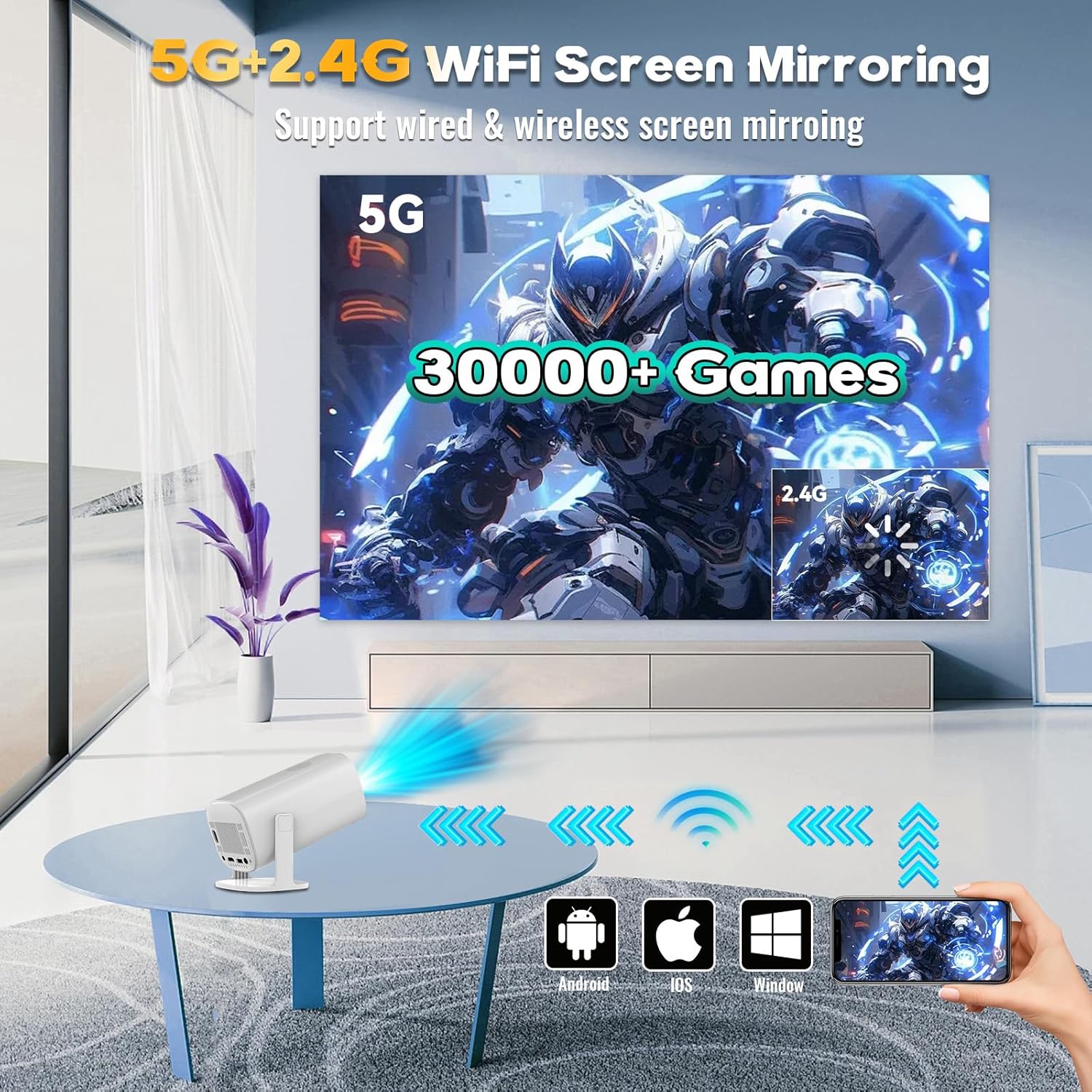
Figure 5.1: Screen mirroring from various devices using 5G+2.4G WiFi.
6. Características del juego
The P30 Max comes with a built-in game console featuring over 35,000 3D games. To access the game library, select the 'Game Box' or 'Gamer' application from the main interface.
6.1 Connecting Wireless Controllers
The package includes two wireless controllers. Insert the USB receiver into an available USB port on the projector. The controllers should automatically pair. If not, refer to the controller's specific pairing instructions.
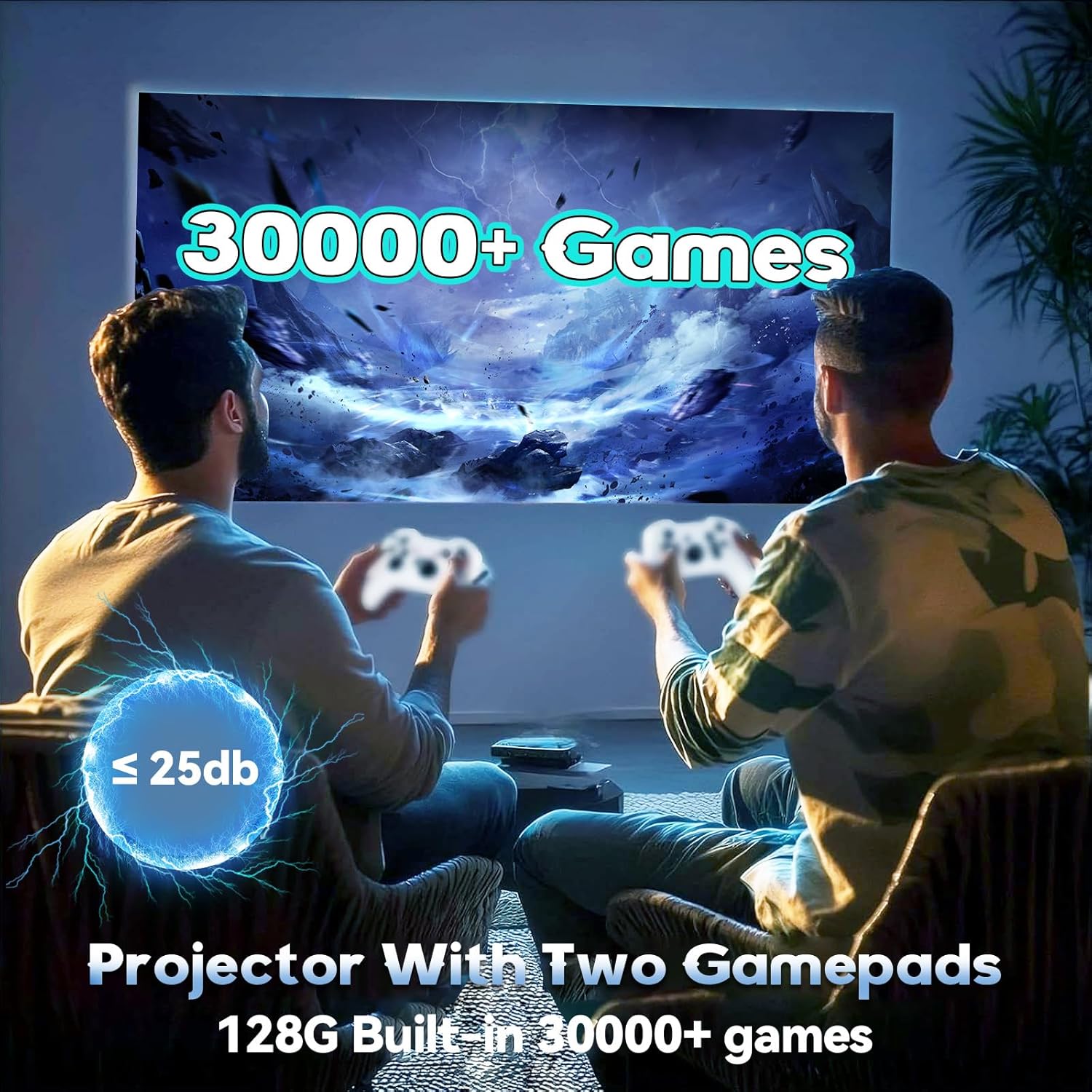
Figure 6.1: Enjoying games with the P30 Max projector and wireless controllers.
6.2 Selección y juego del juego
Navigate through the game library using the wireless controllers. Select your desired game and follow the on-screen prompts to start playing. The projector is optimized for a smooth gaming experience with minimal latency.
7. Conectividad
- Wi-Fi 6: For high-speed internet access and seamless streaming.
- Bluetooth 5.4: Connect Bluetooth speakers, headphones, or other audio devices for an enhanced sound experience.
- HDMI: Connect to laptops, gaming consoles, TV boxes, and other HDMI-enabled devices.
- USB: For connecting USB drives, external storage, or the wireless controller receiver.
8. Mantenimiento
8.1 Limpieza de la lente
Gently wipe the projector lens with a soft, lint-free cloth. Avoid using abrasive materials or harsh chemicals that could scratch the lens.
8.2 Limpieza del exterior
Utilice un paño suave y seco para limpiar el exterior del proyector. No utilice limpiadores líquidos directamente sobre el dispositivo.
8.3 Almacenamiento
Cuando no lo utilice durante un período prolongado, guarde el proyector en un lugar fresco y seco, alejado de la luz solar directa y de temperaturas extremas. Utilice el embalaje original o una funda protectora para evitar la acumulación de polvo y daños.
9. Solución de problemas
If you encounter any issues with your P30 Max projector, please refer to the following common solutions:
| Problema | Posible causa | Solución |
|---|---|---|
| Sin poder | Power cord not connected properly; Power outlet issue. | Asegúrese de que el cable de alimentación esté bien conectado. Pruebe la toma de corriente con otro dispositivo. |
| Sin imagen | Incorrect input source selected; Device not connected. | Select the correct input source (HDMI, USB, Screen Mirroring). Verify device connection. |
| Imagen borrosa | Fuera de foco; Corrección trapezoidal incorrecta. | Adjust manual focus using the remote. Check automatic keystone correction settings. |
| Sin sonido | Volume too low; External audio device not connected/paired. | Increase volume. Ensure Bluetooth audio device is correctly paired or connected via AUX. |
| Controllers Not Responding | USB receiver not connected; Controllers not paired. | Ensure USB receiver is plugged in. Re-pair controllers if necessary. |
10. Especificaciones
| Característica | Detalle |
|---|---|
| Marca | XIXIMENG |
| Número de modelo | 64G |
| Dimensiones del producto | 4.06 x 3.67 x 9.45 pulgadas |
| Resolución de pantalla | Native 1280 x 720P (Supports 4K HD) |
| Características especiales | Auto Focus, Portable, 180° Adjustable Stand |
| Tecnología de conectividad | Bluetooth 5.4, Wi-Fi 6 |
| Usos recomendados | Juegos, Cine en casa |
| Juegos integrados | Over 35,000 3D Games |
11. Garantía y soporte
For warranty information and customer support, please refer to the warranty card included in your product packaging or visit the official XIXIMENG websitio. Guarde su recibo de compra para reclamos de garantía.