1. Introducción
This user manual provides detailed instructions for the installation, operation, and maintenance of your RAYKUBE M5 TT Smart Fingerprint Door Lock. Please read this manual thoroughly before installation and use to ensure proper function and safety.
Precauciones de seguridad
- No exponga la cerradura al agua directa ni a temperaturas extremas.
- Use only specified battery types (4x AAA).
- Keep keys and passcodes in a secure location.
- Asegúrese de una instalación adecuada para evitar daños o mal funcionamiento.
2. Producto terminadoview
The RAYKUBE M5 TT Smart Fingerprint Door Lock offers multiple unlocking methods and smart features for enhanced security and convenience in various living spaces.
Características principales:
- Touch Screen Interface for easy operation.
- Numeric Code Keyboard for secure access.
- Multi-functional Use, ideal for families, hotels, and apartments.
- Fingerprint Lock Function using biometric authentication.
- Multiple unlocking methods: Fingerprint, Passcode, IC Card, Key, and TTLock App.
- Emergency USB Type-C charging port.
Componentes y diseño:

Figure 2.1: RAYKUBE M5 TT Smart Fingerprint Door Lock (Black and Silver models). This image displays both the black and silver versions of the smart lock, highlighting their sleek design and integrated keypad.

Figure 2.2: Silver M5 TT Lock with Bluetooth and TT Lock App compatibility. The silver model is shown with indicators for Bluetooth connectivity and compatibility with the TT Lock application.
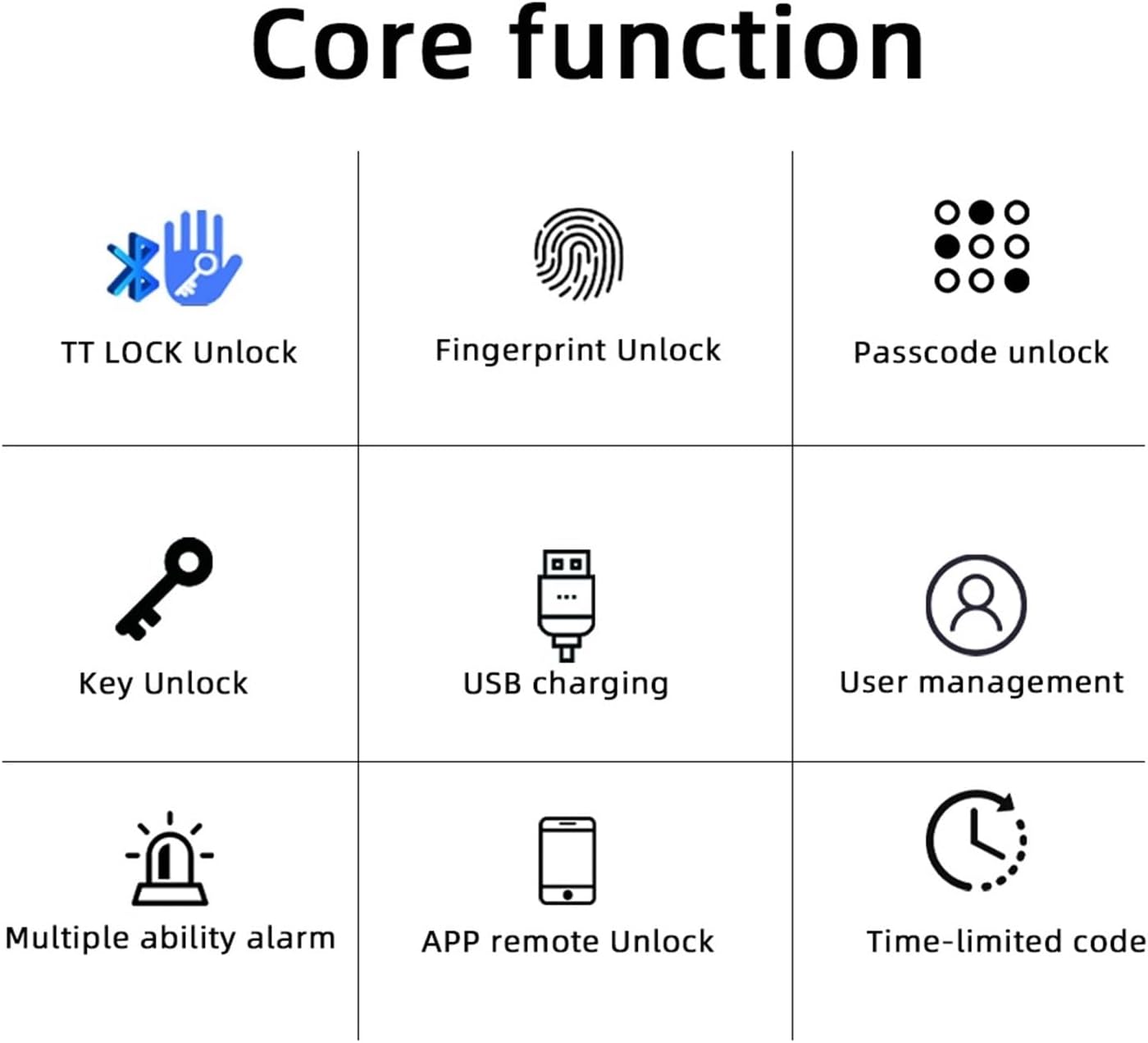
Figure 2.3: Core Functions. This diagram illustrates the various unlocking methods and features: TT LOCK Unlock, Fingerprint Unlock, Passcode Unlock, Key Unlock, USB Charging, User Management, Multiple Ability Alarm, APP Remote Unlock, and Time-limited Code.

Figure 2.4: TT LOCK APP Control and G2 Gateway. This image shows how the lock can be controlled via the TT Lock app and connected to Wi-Fi using an optional G2 Gateway for remote access.

Figure 2.5: Power Supply. The lock is powered by 4x AAA batteries, offering approximately 8 months of battery life. It includes a low battery reminder and a Type-C port for emergency power in case of full battery depletion.

Figure 2.6: Product Dimensions and Component Identification. This diagram provides key measurements (e.g., 58mm width, 160mm length) and labels important components such as the fingerprint sensor, card sensing area, keypad, keyhole, and Type-C charging port.
3. Guía de configuración
Follow these steps for a smooth installation of your smart lock.
Lista de verificación previa a la instalación:
- Ensure your door thickness is compatible with the lock.
- Verifique que todos los componentes estén presentes en el paquete.
- Reúna las herramientas necesarias (por ejemplo, un destornillador).
Pasos de instalación:
- Remove your existing door handle/lock.
- Install the new latch and strike plate into the door frame.
- Attach the exterior and interior lock assemblies, ensuring cables are properly connected.
- Asegure la cerradura con tornillos.
- Insert 4x AAA batteries into the battery compartment.
- Test the lock's functionality with the mechanical key.

Figure 3.1: Easy and Convenient Installation. This image demonstrates the simple replacement process, showing a standard door handle before and after installation of the RAYKUBE M5 TT Smart Lock.
4. Instrucciones de funcionamiento
The RAYKUBE M5 TT Smart Lock offers multiple convenient ways to unlock your door.
Métodos de desbloqueo:
- Desbloqueo de huella digital: Coloque el dedo registrado en el sensor de huellas dactilares. La cerradura se desbloqueará tras la verificación.
- Desbloqueo de contraseña: Enter your registered passcode on the numeric keypad, followed by the '#' key.
- Desbloqueo de tarjeta IC: Toque su tarjeta IC registrada en el área de detección de tarjetas.
- Desbloqueo con llave mecánica: Insert the physical key into the keyhole and turn to unlock. This is for emergency use.
- TTLock App Unlock: Open the TTLock app on your smartphone, ensure Bluetooth is enabled, and tap the unlock icon.
Modo de paso:
Passage mode allows the door to remain unlocked for continuous access without requiring authentication. This mode is useful for high-traffic periods. Refer to the TTLock app for instructions on how to activate and deactivate Passage Mode.
5. Mantenimiento
Un mantenimiento adecuado garantiza la longevidad y el rendimiento óptimo de su cerradura inteligente.
Reemplazo de batería:
- The lock is powered by 4x AAA batteries.
- When the battery is low, the lock will provide a low battery reminder (audible alert or indicator light).
- To replace, open the battery cover on the interior handle and replace all four batteries with new ones.
Energía de emergencia:
In case the batteries are completely depleted, you can use a portable power bank connected to the Type-C port on the exterior handle for emergency power to unlock the door.
Limpieza:
Limpie la superficie de la cerradura con un paño suave y seco. Evite usar limpiadores abrasivos o disolventes que puedan dañar el acabado o los componentes electrónicos.
6. Solución de problemas
Esta sección aborda problemas comunes que puede encontrar con su cerradura inteligente.
| Problema | Posible causa | Solución |
|---|---|---|
| La cerradura no responde | Baterías agotadas | Reemplace las baterías o utilice energía de emergencia Tipo-C. |
| Huella dactilar no reconocida | El dedo está sucio/mojado, el sensor está sucio o la huella dactilar no se registró correctamente. | Limpie el dedo y el sensor. Vuelva a registrar la huella dactilar si el problema persiste. |
| El código de acceso no funciona | Incorrect passcode entered, or passcode not registered. | Verify passcode. Ensure passcode is correctly registered via the app. |
| TTLock App connection issues | Bluetooth off, app not updated, or lock too far from phone. | Ensure Bluetooth is on. Update app. Move closer to the lock. |
7. Especificaciones
| Atributo | Detalle |
|---|---|
| Marca | Raykube |
| Número de modelo | M5 TT Silver |
| Dimensiones del producto (aproximadas) | 160 mm (largo) x 58 mm (ancho) |
| Peso del artículo | 50 gramos |
| Color | M5 TT Silver |
| Cantidad | 1 |
| Fuente de poder | 4 pilas AAA |
| Energía de emergencia | Puerto USB tipo C |
| Conectividad | Bluetooth (TTLock App), Wi-Fi (with optional G2 Gateway) |
8. Garantía y soporte
Para obtener información sobre la garantía o asistencia técnica, contacte directamente con el vendedor o el fabricante. Conserve el recibo de compra como comprobante.
If you have any questions or require assistance, please refer to the contact information provided at the point of purchase or on the product packaging.


