
Introducción
This manual provides detailed instructions for the setup, operation, and maintenance of your GOBOULT Rover Pro Smartwatch. Please read this manual thoroughly before using your device to ensure proper functionality and to maximize your user experience.

Image: GOBOULT Rover Pro Smartwatch, showcasing its sleek design and digital time display.
Contenido del paquete
Upon opening your GOBOULT Rover Pro Smartwatch package, verify that all items listed below are present:
- GOBOULT Rover Pro Smartwatch
- Cable de carga
- Manual de usuario (este documento)
Configuración
1. Carga del reloj inteligente
Before initial use, fully charge your GOBOULT Rover Pro Smartwatch. Connect the provided charging cable to the charging port on the back of the smartwatch and to a standard USB power adapter (not included). A full charge typically takes approximately 150 minutes (2.5 hours).

Image: Illustration of the smartwatch charging, highlighting battery life and charging duration.
2. Encendido / apagado
- Encendido: Mantenga presionado el botón lateral hasta que la pantalla se ilumine.
- Apagado: Mantenga presionado el botón lateral, luego seleccione "Apagar" en la pantalla.
3. Instalación y emparejamiento de la aplicación
To unlock the full potential of your smartwatch, download and install the companion application on your smartphone. The application can typically be found by scanning a QR code in the watch's settings or by searching for "GloryFit" in your smartphone's app store. Once installed:
- Habilite Bluetooth en su teléfono inteligente.
- Abra la aplicación complementaria y siga las instrucciones en pantalla para agregar su dispositivo.
- Select "GOBOULT Rover Pro" from the list of available devices to pair.
- Confirme la solicitud de emparejamiento tanto en su teléfono inteligente como en su reloj inteligente.
Para descargar la aplicación, visita: Descargar la aplicación GloryFit
Funcionamiento del reloj inteligente
Visualización y navegación
The GOBOULT Rover Pro features a 1.43-inch AMOLED display with 1000 nits brightness, ensuring clear visibility even in direct sunlight. The display supports an Always-on mode for continuous time display.

Imagen: Detallada view of the smartwatch's 1.43-inch round AMOLED curved display.

Image: Visual comparison highlighting the superior brightness and clarity of the Rover Pro's AMOLED display.
- Deslizar hacia arriba/abajo/izquierda/derecha: Navegue por los menús, notificaciones y configuraciones rápidas.
- Grifo: Seleccione un elemento o abra una aplicación.
- Botón lateral: Presione para regresar a la pantalla de inicio o acceder a la lista de aplicaciones.
Vigilancia de la salud
The GOBOULT Rover Pro Smartwatch offers comprehensive health tracking features to help you monitor your well-being:
- Monitoreo de frecuencia cardíaca 24 horas al día, 7 días a la semana: Realiza un seguimiento continuo de tu frecuencia cardíaca durante todo el día.
- SpO2 Blood Oxygen Saturation: Mide el nivel de oxígeno en la sangre.
- Monitoreo del sueño: Analiza tus patrones de sueño, incluido el sueño profundo, el sueño ligero y los tiempos de vigilia.
- Seguimiento del ciclo menstrual femenino: Proporciona información y predicciones sobre los ciclos menstruales.
- Rastreador de actividad: Registra los pasos, la distancia y las calorías quemadas.
- Recordatorios: Includes reminders to drink water and stay active.
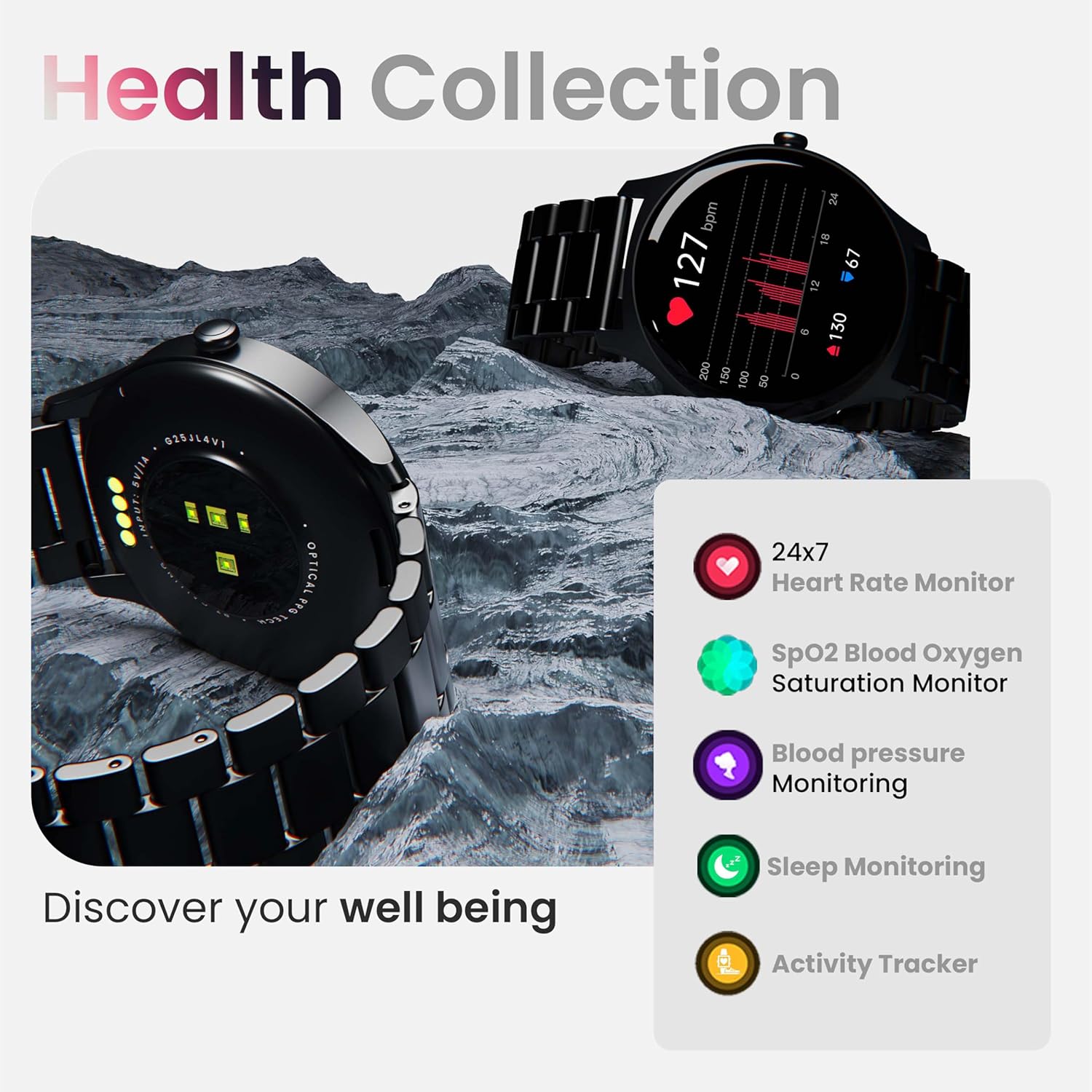
Imagen: Más alláview de las capacidades de monitoreo de salud del reloj inteligente.
Nota: Este dispositivo no es un instrumento médico. Los datos de salud son solo de referencia y no deben utilizarse para diagnósticos ni tratamientos médicos.
Modos deportivos
With over 120 sports modes, the GOBOULT Rover Pro Smartwatch is designed to track a wide range of physical activities. Select your desired sport from the watch's menu to record specific metrics such as duration, calories burned, and heart rate during your workout.

Image: Display of various sports modes available on the smartwatch.
Personalización
Esferas de reloj
Personalize your smartwatch with over 150 cloud-based watch faces available through the companion app. You can also create custom watch faces using your own photos.

Imagen: Examples of various watch faces and customization options.
Llamadas Bluetooth
The GOBOULT Rover Pro Smartwatch features Bluetooth 5.2 single-chip technology, enabling direct calls from your wrist. It includes a dedicated speaker and microphone for clear communication.
- Haciendo llamadas: Acceda al teclado de marcación o a la lista de contactos de su reloj para iniciar llamadas.
- Responder/Rechazar llamadas: Swipe on the screen to answer or reject incoming calls.
- Sincronización de contactos: Sync your phone's contacts to the smartwatch via the companion app.

Image: Visual representation of the smartwatch's Bluetooth calling interface and features.
Asistente de Voz AI
Interact with your smartwatch hands-free using the built-in AI voice assistant. Simply activate the assistant and speak your commands to perform various functions, such as setting alarms, checking weather, or initiating calls. Supports popular voice assistants like Siri and Google Assistant when connected to a compatible smartphone.
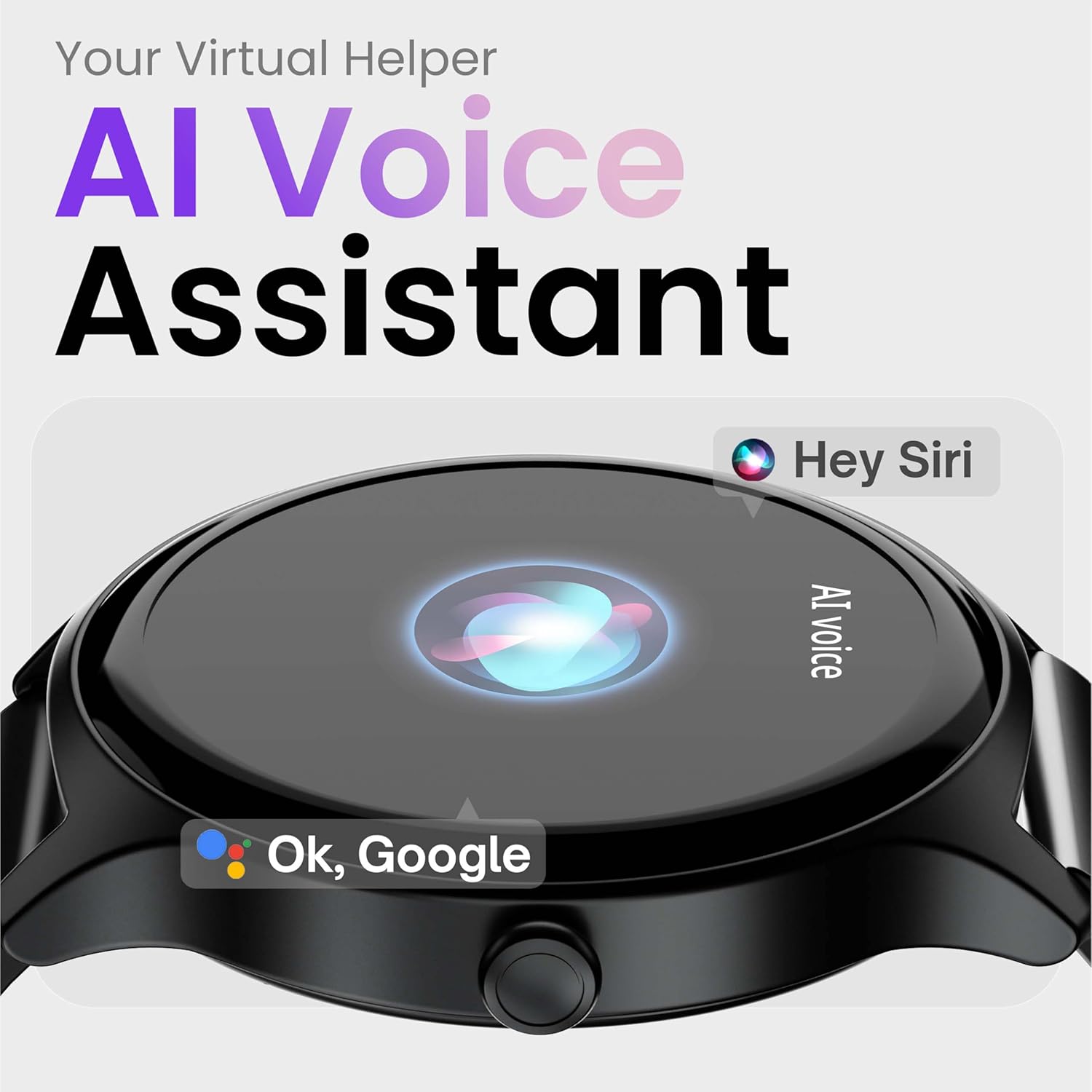
Image: Depiction of the AI Voice Assistant functionality on the smartwatch.
Smart Notifications & Safety Features
Notificaciones inteligentes
Receive SMS, call, and app notifications directly on your wrist. Manage which notifications appear through the companion app settings.

Image: Smartwatch screen showing notification alerts and the 'Find my phone' function.
Características de seguridad
- 4-Digit PIN: Secure your smartwatch with a PIN for enhanced privacy.
- One-Tap SOS Alert: In an emergency, activate the SOS feature to notify pre-set emergency contacts.
- Secure Sign-in Methods: Utilize easy and secure methods for accessing your device.
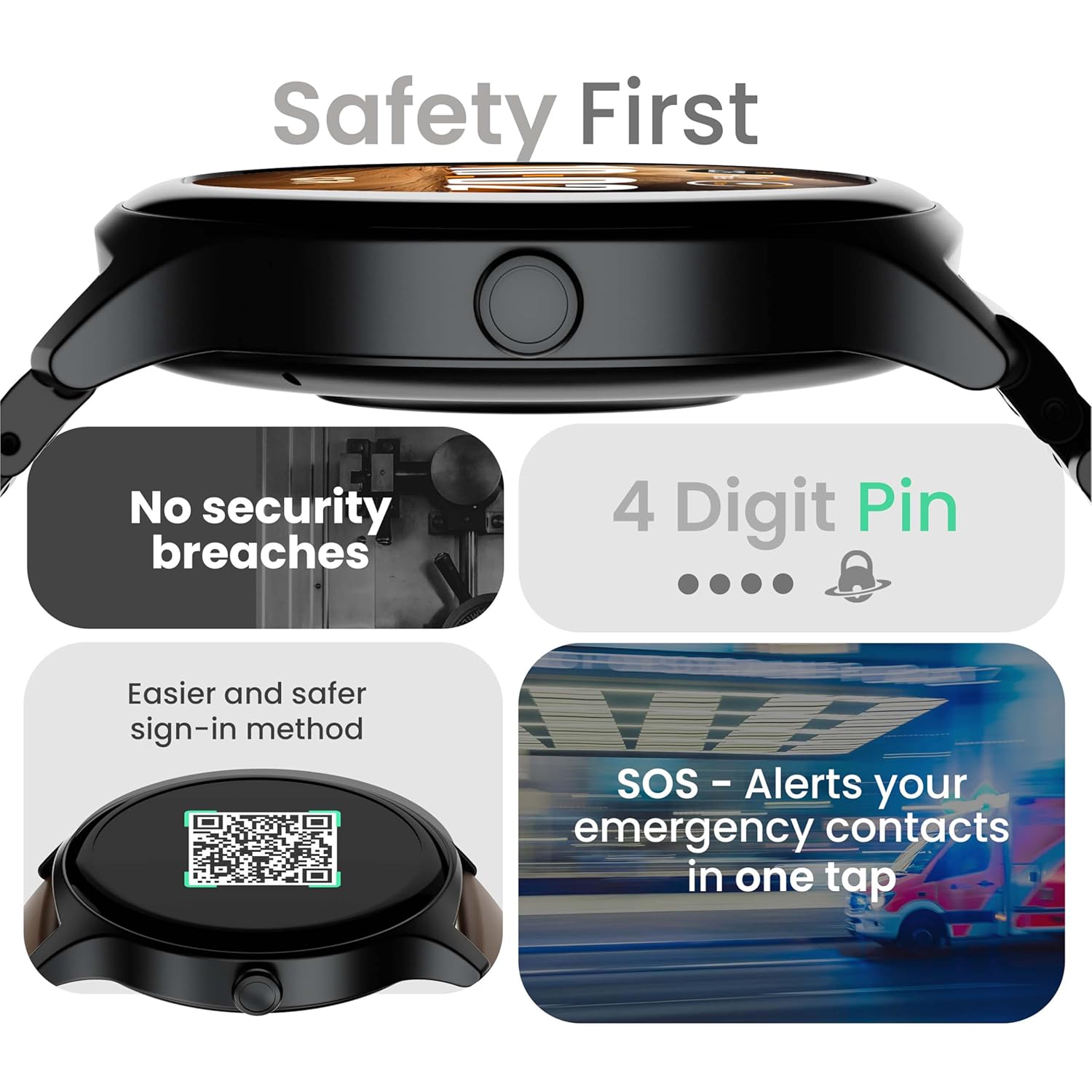
Image: Visuals illustrating the smartwatch's security and emergency features.
Duración de la batería y carga
The GOBOULT Rover Pro Smartwatch is equipped with a battery designed for extended use:
- Uso típico: Hasta 7 días de duración de la batería.
- Tiempo en espera: Hasta 20 días.
- Carga rápida: Approximately 10 minutes of charging provides up to 2 days of battery life.
- Tiempo de carga completo: Approximately 90 minutes for a complete charge.
Use only the provided charging cable to ensure optimal charging performance and to prevent damage to the device.
Resistencia al agua (IP68)
The GOBOULT Rover Pro Smartwatch has an IP68 rating, meaning it is dustproof and water-resistant. It can withstand immersion in water up to 1.5 meters deep for up to 30 minutes. This makes it suitable for daily use and various outdoor activities, but it is not recommended for diving or high-pressure water activities.

Image: Illustration of the smartwatch's IP68 water and dust resistance.
Mantenimiento
Para garantizar la longevidad y el rendimiento óptimo de su reloj inteligente, siga estas pautas de mantenimiento:
- Limpieza: Limpie periódicamente la pantalla y la correa del reloj con un paño suave y seco. Si es necesario, utilice un paño ligeramente seco.amp paño para la correa y luego séquelo completamente.
- Evite los productos químicos: No utilice productos químicos agresivos, disolventes de limpieza ni detergentes fuertes, ya que pueden dañar el acabado y los sellos del reloj.
- Puerto de carga: Mantenga los contactos de carga limpios y secos.
- Almacenamiento: Guarde el reloj inteligente en un lugar fresco y seco cuando no esté en uso.
- Evite temperaturas extremas: No exponga el reloj a temperaturas extremadamente altas o bajas durante períodos prolongados.
Solución de problemas
If you encounter issues with your GOBOULT Rover Pro Smartwatch, refer to the following common solutions:
| Problema | Solución |
|---|---|
| El reloj inteligente no se enciende. | Asegúrese de que el reloj esté completamente cargado. Conéctelo al cargador durante al menos 30 minutos. |
| No se puede emparejar con el teléfono inteligente. |
|
| Datos de salud inexactos. |
|
| No se reciben notificaciones. |
|
| Corta duración de la batería. |
|
Presupuesto
| Característica | Detalle |
|---|---|
| Marca | GOBOULT |
| Serie modelo | Rover Pro |
| Tamaño de la pantalla | 1.43 pulgadas |
| Tipo de pantalla | AMOLED |
| Brillo | 1000 Nits |
| Conectividad | Bluetooth 5.2 |
| Sistema operativo | Android (compatible) |
| Resistencia al agua | IP68 |
| Duración de la batería (típica) | Hasta 7 días |
| Tiempo de carga de la batería | Approx. 150 Minutes (Full Charge) |
| Peso del artículo | 43 gramos |
| Componentes incluidos | Cable de carga, manual de usuario |
Garantía y soporte
Información de garantía
Your GOBOULT Rover Pro Smartwatch comes with a Garantía de 1 años Desde la fecha de compra. Esta garantía cubre defectos de fabricación y mal funcionamiento en condiciones normales de uso. No cubre daños causados por mal uso, accidentes, modificaciones no autorizadas ni desgaste normal.
Atención al cliente
For technical assistance, warranty claims, or any other inquiries, please contact GOBOULT customer support through their official website or the contact information provided with your purchase documentation. Please have your product model and purchase details ready when contacting support.