
1. Introducción
This manual provides detailed instructions for the Redragon S143 Gaming Combo, which includes the Fizz K617 RGB Mechanical Gaming Keyboard and the K1ng M724 Gaming Mouse. This combo is designed for optimal gaming performance and user experience.

Image: The Redragon S143 Gaming Combo, showcasing the compact K617 RGB mechanical keyboard and the K1ng M724 gaming mouse.
2. Contenido del paquete
Verifique que todos los artículos estén presentes en su paquete:
- Redragon Fizz K617-RGB Mechanical Gaming Keyboard (Latin American Spanish Layout)
- Redragon K1ng M724 Gaming Mouse
- Replacement Mechanical Switches for Keyboard
- Keycap and Switch Removal Tool
- Pegatinas de Redragon

Image: The Redragon S143 Combo, including the Fizz K617 Pro keyboard and K1ng M724 mouse, displayed on a large desk mat.
3. Instrucciones de configuración
3.1. Keyboard Setup (Fizz K617 RGB)
- Conectar el teclado: Locate the USB-C port on the keyboard and connect the provided USB-C cable. Connect the other end of the cable (USB-A) to an available USB port on your computer.
- Instalación del controlador: El teclado es plug-and-play. El sistema operativo debería detectar e instalar automáticamente los controladores necesarios.
- Instalación de software (opcional): For advanced customization of RGB lighting and key functions, download the official Redragon software from the Redragon websitio.
3.2. Mouse Setup (K1ng M724)
- Conectar el ratón: Connect the paracord USB-C to USB-A cable from the mouse to an available USB port on your computer.
- Instalación del controlador: The mouse is plug-and-play. Your operating system should automatically detect and install the necessary drivers.
- Instalación de software (opcional): For programming the 5 buttons and adjusting DPI settings, download the official Redragon software from the Redragon websitio.
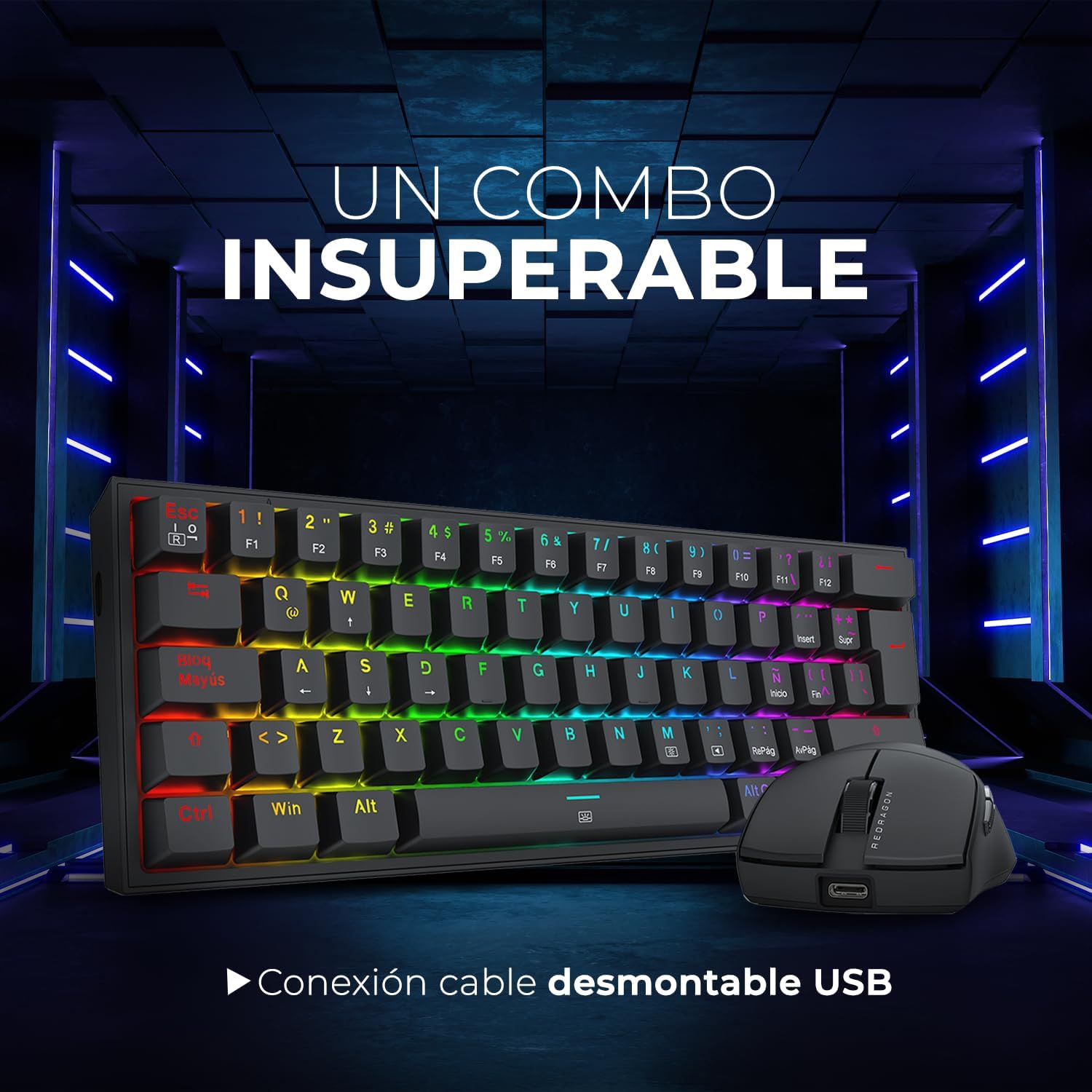
Image: The Redragon S143 Combo highlighting the detachable USB cable connection for both keyboard and mouse, ensuring easy setup and portability.
4. Instrucciones de funcionamiento
4.1. Fizz K617 RGB Keyboard Functions
- Diseño compacto del 60 %: The keyboard features a compact 60% layout. Many standard keys are accessed via the Function (Fn) key combinations. Refer to the keyboard's keycap legends for specific Fn key functions.
- Retroiluminación RGB:
- Cambio de modos de iluminación: Use specific Fn key combinations (e.g., Fn + \ |) to cycle through 13 dynamic RGB lighting profiles.
- Ajuste de brillo/velocidad: Use Fn key combinations (e.g., Fn + Arrow keys) to adjust the brightness and speed of the lighting effects.
- Personalización: Further customization is available through the Redragon software.
- Anti-efecto fantasma y N-Key Rollover: The keyboard supports full N-key rollover, allowing all 61 keys to be pressed simultaneously without conflict, ensuring accurate input during intense gaming.
- Bloqueo de tecla de Windows: Use the Fn key combination to lock the Windows key, preventing accidental presses during gameplay.

Image: The Redragon Fizz K617 Pro keyboard, showcasing its 60% compact size, vibrant RGB illumination, and USB Type-C connection.
4.2. K1ng M724 Mouse Functions
- Ajuste de PPP: The mouse features a dedicated DPI button, typically located on the underside or top, to cycle through preset DPI levels (200-12400 DPI).
- Botones programables: The K1ng M724 has 5 programmable buttons. Use the Redragon software to assign custom functions, macros, or key binds to these buttons.
- Diseño ergonómico: The symmetrical design supports various grip styles (palm, claw, fingertip) for comfortable use.

Image: The Redragon K1ng M724 mouse, highlighting its Pixart 3327 sensor, maximum 12400 DPI, lightweight design (42g), and 5 macro buttons.
5. Mantenimiento
5.1. Limpieza
- Teclado: Use a soft, dry cloth to wipe the surface. For deeper cleaning, use the provided keycap puller to remove keycaps and clean dust or debris with compressed air. The keyboard is splash-proof, but avoid submerging it in liquids.
- Ratón: Use a soft, dry cloth to clean the mouse surface. Use a cotton swab lightly dampened with isopropyl alcohol to clean the sensor area if performance degrades.
5.2. Switch Replacement (Keyboard)
The Fizz K617 RGB keyboard supports hot-swappable switches. Use the provided switch removal tool to carefully extract switches. Align new switches with the pins and gently press them into place until they click.
6. Solución de problemas
- Dispositivo no detectado:
- Asegúrese de que el cable USB esté conectado de forma segura tanto al dispositivo como a la computadora.
- Intente conectarse a un puerto USB diferente.
- Reinicie su computadora.
- Las teclas del teclado no responden:
- Check for physical obstructions under the keycap.
- If a specific switch is faulty, use the provided tool to replace it with a spare switch.
- El cursor del mouse salta o es errático:
- Limpie el sensor del ratón con un hisopo de algodón.
- Asegúrese de utilizar el mouse sobre una superficie limpia y uniforme (por ejemplo, un mouse pad).
- Problemas de iluminación RGB:
- Asegúrese de que el teclado esté conectado correctamente.
- Recorra los modos de iluminación utilizando combinaciones de teclas Fn.
- Consulte el software Redragon para conocer la configuración de iluminación.
7. Especificaciones
7.1. Redragon Fizz K617 RGB Mechanical Gaming Keyboard
| Tipo | Mecánico |
| Interruptores | Redragon Red (50 Million Clicks Durability) |
| Disposición | 60% Compact, Latin American Spanish (QWERTY) |
| Contraluz | RGB (13 Dynamic Profiles) |
| Conectividad | Wired, Detachable USB-C Cable |
| Cambio de clave | Full N-Key Rollover, Anti-Ghosting |
| Construcción | Reinforced ABS Plastic, Splash-Proof |
| Dimensiones | 29.17 x 10.17 x 3.6 cm |
| Peso | 0.57 kilogramos |
| Soporte de software | Sí |
7.2. Redragon K1ng M724 Gaming Mouse
| Modelo de sensor | Pixart 3327 (Optical) |
| Interruptores | Huano Blue Shell Blue Dot (20 Million Clicks Durability) |
| Rango de DPI | 200 - 12400 ppp |
| Tasa de sondeo | 125/1000 Hz |
| Botones | 5 botones programables |
| Conectividad | Wired, Paracord USB-C to USB-A Cable |
| Tipo de agarre | Palm, Claw, Fingertip (Symmetrical) |
| Dimensiones | 120.8 x 64.3 x 37.9 mm |
| Peso | 42 g (Ultra-light) |
| Soporte de software | Sí |
8. Garantía y soporte
8.1. Información de garantía
The Redragon S143 Gaming Combo is covered by a Garantía del fabricante de 1 años A partir de la fecha de compra. Esta garantía cubre defectos de materiales y mano de obra en condiciones normales de uso. Conserve su comprobante de compra para reclamaciones de garantía.
8.2. Soporte técnico
For technical assistance, troubleshooting beyond this manual, or warranty inquiries, please visit the official Redragon website or contact their customer support. You can find more information and resources at the Redragon Mexico Store.