
Introducción
Thank you for choosing the GOBOULT XO Pro Wired Earphones. This manual provides essential information for setting up, operating, maintaining, and troubleshooting your new earphones. Please read it carefully to ensure optimal performance and longevity of your device.
Contenido del paquete
Verifique que todos los artículos estén presentes en su paquete:
- GOBOULT XO Pro Earphones
- Par adicional de tapones para los oídos (varios tamaños)
- Tarjeta de garantía
Configuración
1. Conexión a su dispositivo
The GOBOULT XO Pro earphones feature a Type-C connector for direct digital audio transmission.
- Locate the Type-C port on your smartphone, tablet, laptop, or gaming device.
- Insert the Type-C connector of the earphones firmly into the device's Type-C port.
- Your device should automatically recognize the earphones. If not, check your device's audio output settings.
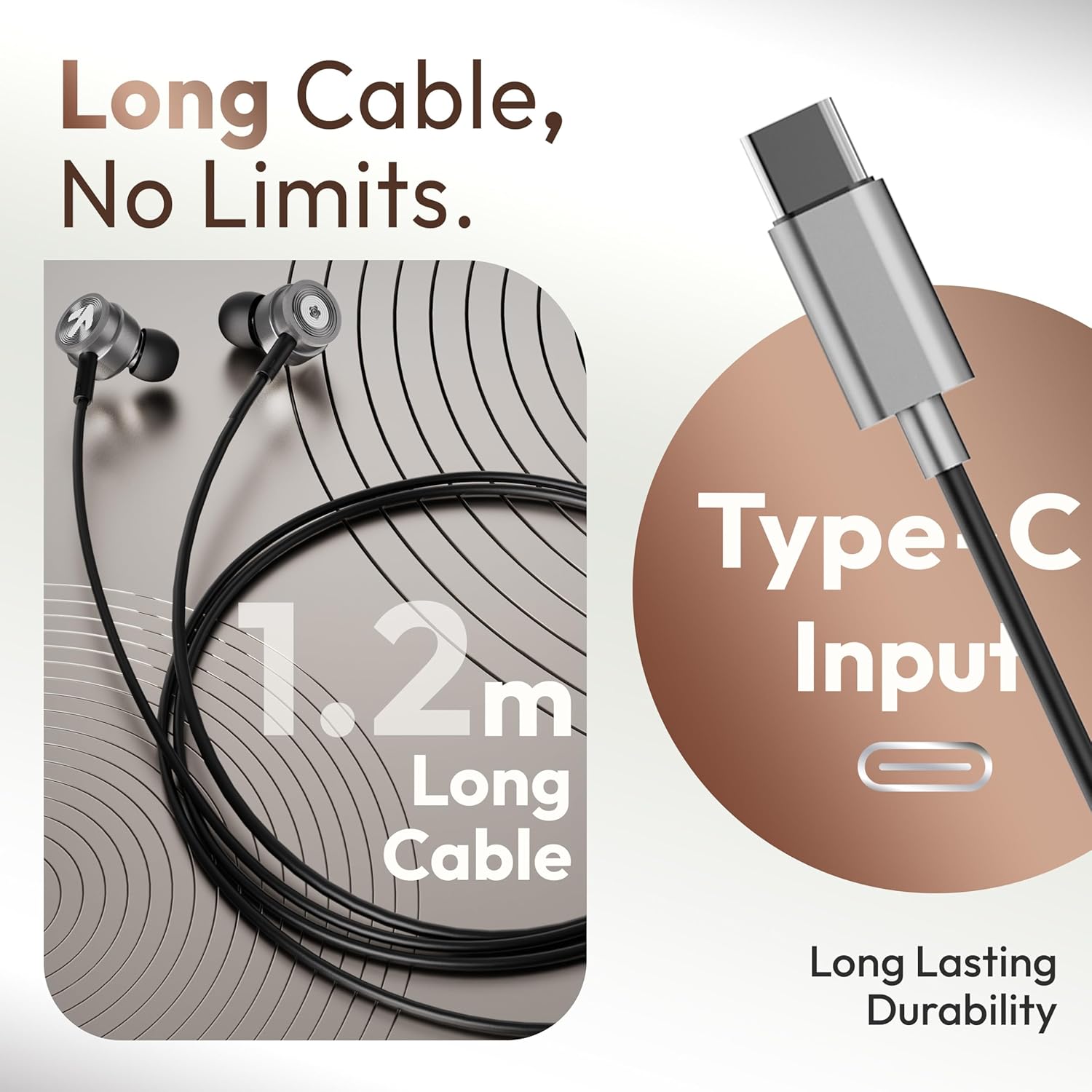
Image: The GOBOULT XO Pro earphones feature a 1.2m long Type-C cable for reliable connectivity.
2. Cómo elegir las olivas adecuadas
Properly sized eartips are crucial for comfort, sound quality, and noise isolation.
- Experiment with the different sizes of eartips provided.
- Select the size that creates a snug seal in your ear canal without causing discomfort. A good seal enhances bass response and blocks external noise.
3. Cómo usar los auriculares
Insert the earphones gently into your ears. The ergonomic design ensures a secure and comfortable fit for extended listening sessions.

Image: The earphones are designed for comfort with an ergonomic, feather-light, and snug fit.
Instrucciones de funcionamiento
The GOBOULT XO Pro earphones are equipped with an in-line remote for easy control of audio and calls.

Image: The in-line connector provides convenient access to music and call controls.
Reproducción de música
- Reproducir/Pausa: Presione el botón multifunción una vez.
- Pista siguiente: Presione el botón multifunción dos veces rápidamente.
- Pista anterior: Presione el botón multifunción tres veces rápidamente.
- Control de volumen: Use the volume up (+) and volume down (-) buttons on the in-line remote.
Gestión de llamadas
- Responder/Finalizar llamada: Presione el botón multifunción una vez durante una llamada entrante o una llamada activa.
- Rechazar llamada: Mantenga presionado el botón multifunción durante aproximadamente 2 segundos durante una llamada entrante.
Asistente de voz
- Activar asistente de voz: Press and hold the multi-function button for approximately 2 seconds (when not on a call) to activate your device's voice assistant (e.g., Google Assistant, Siri).

Image: The earphones offer IPX5 water resistance and support voice assistant activation.
Mantenimiento
Limpieza
- Gently wipe the earphones and cable with a soft, dry, lint-free cloth.
- Remove eartips and clean them separately with mild soap and water if necessary. Ensure they are completely dry before reattaching.
- No utilice productos químicos agresivos, disolventes de limpieza ni detergentes fuertes.
Almacenamiento
- Store the earphones in a clean, dry place when not in use.
- Evite temperaturas extremas y luz solar directa.
- Do not wrap the cable too tightly to prevent damage. The tangle-free cable design helps maintain its integrity.
Resistencia al agua (IPX5)
The GOBOULT XO Pro earphones are IPX5 water resistant, meaning they can withstand splashes and sweat. This makes them suitable for workouts and light rain exposure.
- No sumerja los auriculares en agua.
- Avoid exposing them to pressurized water or high-velocity water streams.
- Ensure the Type-C port is dry before connecting to a device.
Solución de problemas
| Problema | Posible causa | Solución |
|---|---|---|
| Sin sonido o volumen bajo |
|
|
| El micrófono no funciona |
|
|
| Sound quality is poor (e.g., weak bass, tinny sound) |
|
|
| Los controles en línea no responden |
|
|
Presupuesto

Image: The GOBOULT XO Pro features 10mm dynamic drivers for enhanced bass and high-fidelity sound.
| Característica | Detalle |
|---|---|
| Nombre del modelo | XO Pro |
| Tecnología de conectividad | Con cable (Tipo C) |
| Tipo de controlador de audio | Controlador dinámico |
| Tamaño del controlador de audio | 10 milímetros |
| Respuesta de frecuencia | 20 Hz |
| Sensibilidad | 102 dB |
| Nivel de resistencia al agua | Resistente al agua IPX5 |
| Tipo de control | Pulsar botón, voz |
| Funciones de control de ruido | Aislamiento de sonido |
| Longitud del cable | Aproximadamente 1.2 metros |
| Material | Metal, Silicona |
| Peso del artículo | 13 gramos |
| Dispositivos compatibles | Cellphones, Desktops, Laptops, Tablets (with Type-C audio output) |
Garantía y soporte
Your GOBOULT XO Pro earphones come with a warranty. Please refer to the included Warranty Card for detailed information regarding warranty terms, conditions, and duration.
For technical support, service, or further inquiries, please contact GOBOULT customer service through the contact information provided on your Warranty Card or the official GOBOULT websitio.