
1. Introducción
This manual provides essential information for the safe and efficient operation of your Next YE-65GFSG8-QLED 65-inch UHD 4K Google QLED TV. Please read this manual thoroughly before using the television and retain it for future reference. Your new television combines QLED display technology with the Google TV operating system, offering a high-quality viewing experience and smart features.
2. Información importante de seguridad
Always follow these basic safety precautions when operating your television:
- Fuente de energía: Asegúrese de que el televisor esté conectado a una fuente de alimentación dentro del volumen especificado.tage rango.
- Ventilación: No bloquee las aberturas de ventilación. Deje suficiente espacio alrededor del televisor para una ventilación adecuada.
- Agua y humedad: No exponga el televisor a la lluvia ni a la humedad. No coloque objetos con líquidos, como jarrones, sobre él.
- Limpieza: Desconecte el televisor de la toma de corriente antes de limpiarlo. Utilice un paño suave y seco. No utilice limpiadores líquidos ni en aerosol.
- Colocación: Coloque el televisor sobre una superficie estable y nivelada. Evite exponerlo a la luz solar directa o cerca de fuentes de calor.
- Iluminación: Durante tormentas eléctricas o cuando no se utilice durante períodos prolongados, desenchufe el televisor del tomacorriente y desconecte la antena.
- Servicio: No intente reparar este producto usted mismo. Refiera todo el servicio a personal de servicio calificado.
3. Contenido del paquete
Verify that all items are present in your TV package:
- Next YE-65GFSG8-QLED 65-inch UHD 4K Google QLED TV
- Mando a distancia
- Cable de alimentación
- Soporte de TV (2 piezas) y tornillos
- Manual de usuario (este documento)
- Guía de inicio rápido
4. Configuración
4.1 Instalación física
You can install your TV on a stand or mount it on a wall. Ensure the TV is placed on a stable surface or securely mounted.

Imagen: TV Dimensions. This image illustrates the physical dimensions of the 65-inch television, including its width, height, and diagonal screen size of 164 cm (65 inches).
Instalación de soporte:
- Coloque con cuidado el televisor boca abajo sobre una superficie suave y plana para evitar dañar la pantalla.
- Attach the two stand pieces to the designated slots on the bottom of the TV.
- Fije los soportes con los tornillos proporcionados.
- Levante con cuidado el televisor a su posición vertical sobre una superficie estable.
Montaje en pared:
For wall mounting, use a VESA-compatible wall mount kit (sold separately) that matches the TV's VESA pattern. Follow the instructions provided with your wall mount kit. It is recommended to have professional assistance for wall mounting.
4.2 Conexión de periféricos
Connect your external devices to the appropriate ports on the back of your TV.
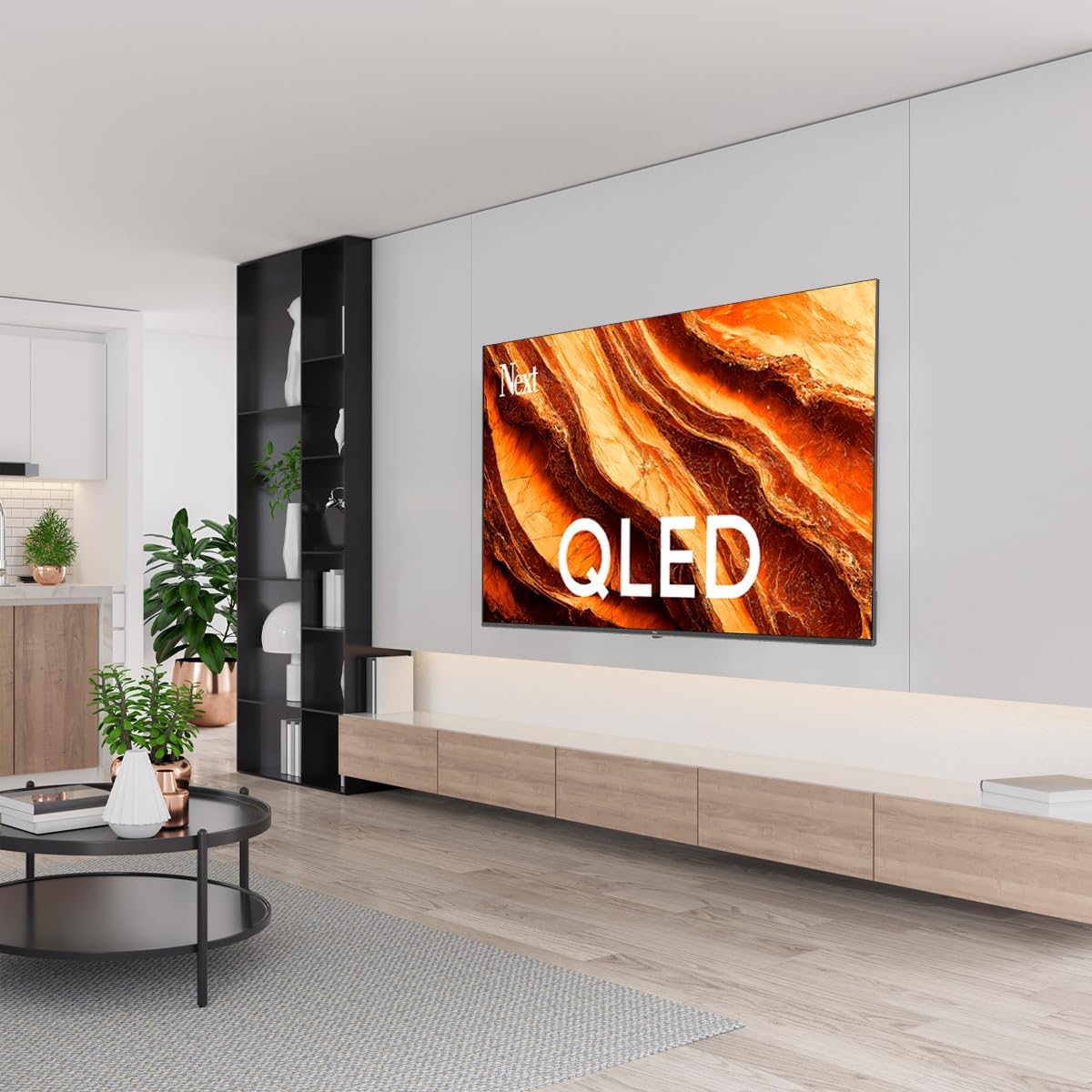
Imagen: Rear Panel Connections. This image displays the various input and output ports located on the back of the television, including HDMI, USB, DVB-S, DVB-T, CI Module, Mini AV-IN, Optical Out, and Ethernet.
- HDMI (ARCO): Connect Blu-ray players, game consoles, or other HDMI devices. HDMI 1 supports Audio Return Channel (ARC).
- USB (2x): Conecte dispositivos de almacenamiento USB para reproducción multimedia.
- DVB-S / DVB-T: Connect satellite (DVB-S) or terrestrial (DVB-T) antenna cables.
- CI Module: Insert a Common Interface (CI) module for encrypted digital channels.
- Mini entrada AV: Connect older devices using an AV adapter cable.
- Salida óptica: Conéctese a un sistema de audio externo para salida de audio digital.
- Ethernet: Conecte un cable Ethernet para una conexión a Internet por cable.
- Fuerza: Conecte el cable de alimentación al televisor y luego a una toma de pared.
4.3 Encendido inicial y configuración inicial
- After connecting all cables, plug the power cord into an electrical outlet.
- Presione el botón de encendido en el control remoto o en el televisor.
- The TV will guide you through the initial setup process, which includes:
- Selección de idioma
- Conexión a Wi-Fi o Ethernet
- Signing in with your Google Account (required for Google TV features)
- Aceptando términos y condiciones
- Channel scanning (for DVB-S/T)
- Siga las instrucciones en pantalla para completar la configuración.
5. Uso de su televisor
5.1 Funciones de control remoto
The remote control allows you to navigate the TV's features. Familiarize yourself with its buttons:
- Fuerza: Enciende o apaga el televisor.
- Asistente de Google: Activa comandos de voz.
- Panel de navegación (Arriba/Abajo/Izquierda/Derecha/OK): Navega por los menús y selecciona opciones.
- Atrás: Regresa a la pantalla anterior.
- Hogar: Accede a la pantalla de inicio de Google TV.
- Volumen +/-: Ajusta el nivel de volumen.
- Canal +/-: Cambia los canales de televisión.
- Aporte: Selecciona fuentes de entrada (HDMI, AV, etc.).
- Botones de la aplicación: Acceso directo a aplicaciones de streaming populares.
5.2 Navegación por la interfaz de Google TV
Google TV organizes your entertainment with a personalized home screen. Content from your apps is brought together and organized for easy discovery.

Imagen: Google TV Interface. This image shows the main Google TV home screen with various streaming app icons and content recommendations, demonstrating the user interface.
- Pantalla de inicio: Displays personalized recommendations, installed apps, and quick access to content.
- Pestaña Para ti: Provides tailored content suggestions based on your viewhábitos alimenticios.
- Tablatura en vivo: Accesses live TV channels from integrated services.
- Pestaña Aplicaciones: Shows all installed applications. You can download more from the Google Play Store.
- Pestaña Biblioteca: Accesses your purchased or rented content from Google Play.
5.3 Configuración de imagen y sonido
Para ajustar la configuración de imagen y sonido:
- Presione el Ajustes button (usually a gear icon) on your remote.
- Navegar a Pantalla y sonido.
- Configuración de imagen: Adjust brightness, contrast, color, sharpness, and select picture modes (e.g., Standard, Vivid, Movie, Game). Your QLED TV offers enhanced color saturation.
- Configuración de sonido: Adjust bass, treble, balance, and select sound modes (e.g., Standard, Music, Movie, Speech).

Imagen: QLED Color Saturation. This image visually demonstrates the high color saturation achieved with QLED technology, showing a vibrant and rich color display.

Imagen: HDR (High Dynamic Range). This image illustrates the visual impact of HDR, showcasing improved contrast and color detail in a scene when HDR is enabled versus when it is off.
5.4 Configuración de red
Para conectar su televisor a Internet:
- Presione el Ajustes botón en su control remoto.
- Navegar a Red e Internet.
- Seleccionar Wifi to connect to a wireless network or ensure Ethernet is connected for a wired connection.
- Para Wi-Fi, seleccione su red de la lista e ingrese la contraseña.
6. Mantenimiento
6.1 Limpieza del televisor
- Desenchufe siempre el televisor antes de limpiarlo.
- Utilice un paño suave, seco y sin pelusa para limpiar suavemente la pantalla y el cuerpo del televisor.
- Para marcas difíciles, aplique ligeramenteampen the cloth with water or a specialized screen cleaner (ensure it's safe for TV screens). Never spray cleaner directly onto the screen.
- Evite utilizar limpiadores abrasivos, ceras o disolventes.
6.2 Actualizaciones de software
Your TV may receive software updates to improve performance and add new features. It is recommended to keep your TV's software updated.
- Asegúrese de que su televisor esté conectado a Internet.
- Presione el Ajustes botón en su control remoto.
- Navegar a Sistema > Acerca de > Actualización del sistema.
- Seleccionar Buscar actualizaciones.
- Siga las instrucciones en pantalla para descargar e instalar las actualizaciones disponibles.
7. Solución de problemas
Si tiene problemas con su televisor, consulte los siguientes problemas y soluciones comunes:
| Problema | Posible causa / solución |
|---|---|
| Sin poder | Compruebe que el cable de alimentación esté bien enchufado al televisor y a la toma de corriente. Asegúrese de que la toma funcione. |
| No hay imagen, pero hay sonido | Verifique la fuente de entrada. Asegúrese de que el dispositivo conectado esté encendido y funcionando correctamente. |
| No hay sonido, pero hay imagen | Check the volume level and mute status. Verify audio cable connections for external devices. Check TV sound settings. |
| El control remoto no funciona | Reemplace las pilas. Asegúrese de que no haya obstrucciones entre el control remoto y el sensor infrarrojo del televisor. |
| No se puede conectar al wifi | Ensure your Wi-Fi router is on and within range. Re-enter the Wi-Fi password carefully. Try restarting the TV and router. |
| Las aplicaciones son lentas o se congelan | Close unused apps. Clear app cache (Settings > Apps > See all apps > [App Name] > Clear cache). Ensure a stable internet connection. |
Si el problema persiste después de probar estas soluciones, comuníquese con el servicio de atención al cliente.
8. Especificaciones
Technical specifications for the Next YE-65GFSG8-QLED 65-inch UHD 4K Google QLED TV:
- Marca: Próximo
- Año del modelo: 2025
- Resolución: 4K (3840x2160)
- Tecnología de visualización: LED Q
- Tamaño de pantalla: 65 pulgadas (165 cm)
- Relación de aspecto: 16:9
- Frecuencia de actualización: 60 Hz
- Características principales: Diseño sin marco
- Conectividad: Bluetooth, Ethernet, HDMI (ARC), USB (2x), Wi-Fi
- Dimensiones del producto: 27.8 cm de profundidad x 144.6 cm de ancho x 88.9 cm de alto
- Peso: 16.3 kilogramos
- Sistema operativo: Google TV
- Componentes incluidos: Mando a distancia
- País natal: Pavo
9. Garantía y soporte
Your Next YE-65GFSG8-QLED TV comes with a manufacturer's warranty. Please refer to the warranty card included in your package for specific terms and conditions, including the warranty period and coverage details.
For technical support, service requests, or further assistance, please contact Next customer service. Contact information can typically be found on the manufacturer's websitio o en la documentación de la garantía.
- Soporte en línea: Visit the official Next website for FAQs, troubleshooting guides, and support contact details.
- Centros de servicio: For hardware issues, locate an authorized service center near you.