
Introducción
The One For All Big Button Remote Control (URC6821) is designed for simplified control of your television and other audio/video devices. Its ergonomic design features large, blue keys for optimal navigation and ease of use. This remote can combine the functions of two remotes into one, offering a streamlined experience for controlling your entertainment system.
The URC6821 remote control is packaged in new eco-friendly, recyclable packaging, free of single-use plastics.
Configuración
1. Instalación de la batería
The remote requires 2 AAA alkaline batteries (not included). To install, open the battery compartment cover on the back of the remote and insert the batteries, ensuring correct polarity (+/-). Close the cover securely.
2. Device Pairing (Easy Setup)
The URC6821 remote offers a simple 3-step setup process. It is compatible with hundreds of TV brands, soundbars, home theaters, TV boxes, cable boxes, and DVD players. The remote supports both automatic and manual pairing modes.
Refer to the included quick setup guide or the comprehensive code list for specific device codes and detailed instructions on how to program your remote for your TV and a second device (e.g., cable box, soundbar).
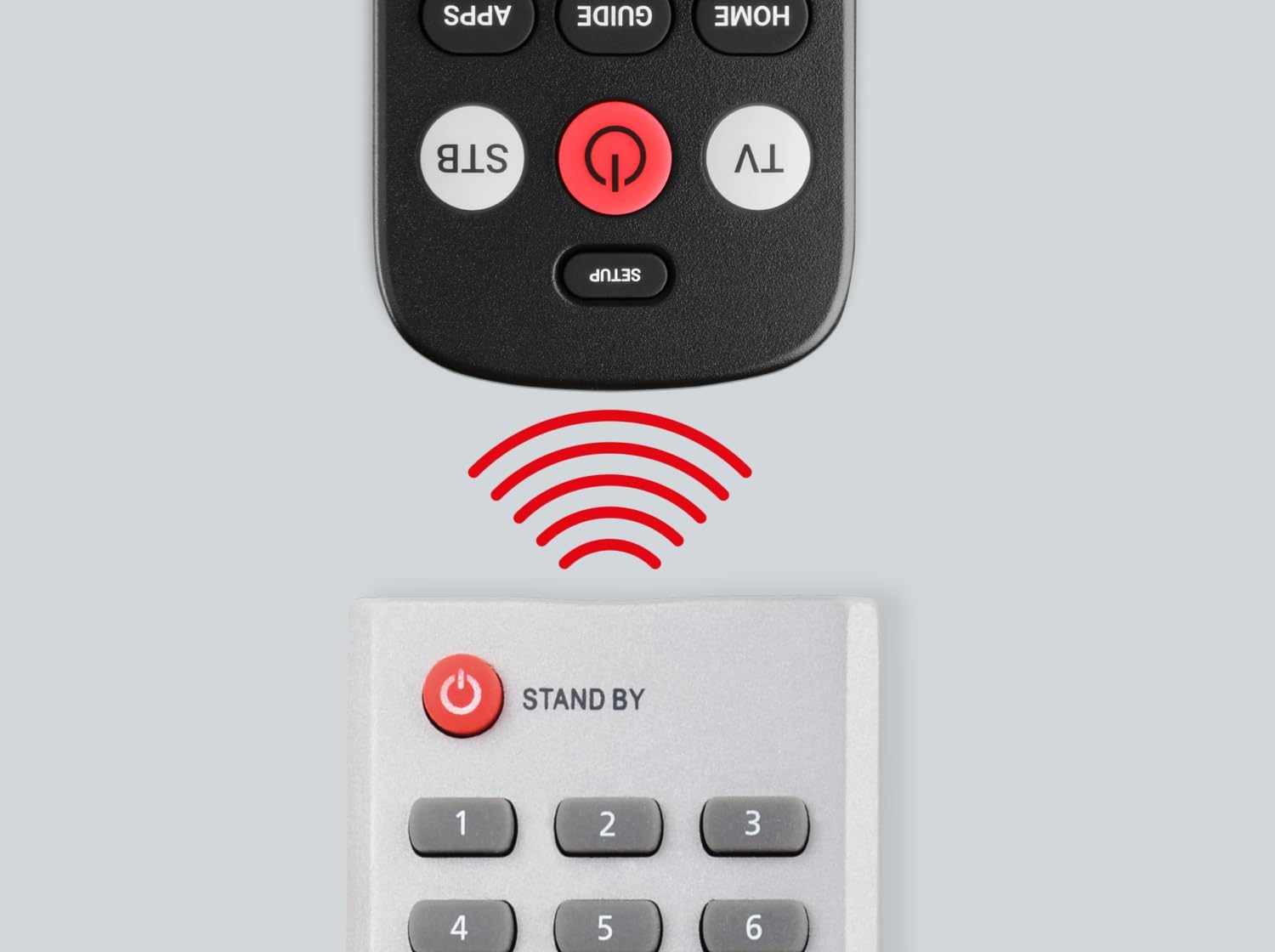
Image: The One For All Big Button Remote Control being used to set up a television, illustrating the simple three-step pairing process on the TV screen.
3. Función de aprendizaje
The remote includes a learning feature, allowing you to customize its functions to your specific needs. This ensures you can replicate any key from your original remote that might not be pre-programmed.
4. Simple Audio Connect
To connect your soundbar or other audio device, follow the four simple steps outlined in the manual. This feature allows you to control the volume of your audio device directly from the URC6821 remote.
Instrucciones de funcionamiento
The One For All Big Button Remote Control provides intuitive control over your devices with clearly labeled, large buttons.

Imagen: Frente view of the One For All Big Button Remote Control, showcasing its ergonomic design and prominent buttons for easy operation.
- Botón de encendido: Enciende o apaga tu dispositivo.
- TV/STB Buttons: Selects which device (TV or Set-Top Box/Cable Box) the remote is currently controlling.
- Botones de volumen (+/-): Ajusta el nivel de volumen.
- Channel (CH ^/v) Buttons: Cambia el canal hacia arriba o hacia abajo.
- Botón de silencio: Silencia o reactiva el audio.
- Botones de navegación (flecha) y OK: Se utiliza para navegar por los menús y confirmar selecciones.
- Home/Menu/Exit/Back Buttons: Provides access to device menus, home screens, and navigation back functions.
- Teclado numérico (0-9): Para entrada directa al canal.
The remote is designed to allow simultaneous volume control for both paired devices if desired, eliminating the need to switch between TV and audio device modes for volume adjustments.
Mantenimiento
To ensure optimal performance, replace the AAA batteries when the remote's indicator light becomes dim or unresponsive. Use a soft, dry cloth to clean the remote control. Avoid using liquid cleaners or abrasive materials.
Solución de problemas
- El control remoto no responde: Asegúrese de que las baterías estén correctamente instaladas y no agotadas. Reemplácelas si es necesario.
- Specific functions not working after setup: The learning feature can be used to program individual buttons that may not have been correctly configured during initial setup.
- El dispositivo no responde al control remoto: Ensure the remote is pointed directly at the device and there are no obstructions. Verify that the correct device mode (TV or STB) is selected. If issues persist, try re-programming the remote using a different code from the provided code list for your device brand.
Helpful Setup Videos:
Video: Demonstrates the setup and use of an elderly-friendly large button TV remote control, similar in concept to the One For All Big Button Remote.
Video: Provides instructions on how to use the EZclicker remote, which shares similar large button features and universal control capabilities.
Video: Guide on how to sync a Flipper remote to your TV, offering general steps applicable to universal remote setup.
Video: Instructions for syncing a Flipper remote to a cable set-top box, providing useful guidance for multi-device control.
Presupuesto
| Marca | Uno para todos |
| Modelo | URC6821 |
| Nombre del modelo | OFA BIG BUTTON REMOTE |
| Dispositivos compatibles | Television, Audio Devices (Soundbars, Home Theaters, TV Boxes, Cable Boxes, DVD Players) |
| Características especiales | Ergonomic, Universal, Learning Feature, Big Buttons |
| Número de artículos | 1 |
| Descripción de la batería | Alcalino |
| Pilas necesarias | Yes (2x AAA) |
| Tipo de conector | Infrarrojo |
| Dimensiones del producto | 4.6 x 2 x 20.5 cm; 150 g |
| Color | Negro |
Apoyo
For further assistance, including a complete list of compatible audio devices or detailed troubleshooting, please refer to the full product manual or visit the official One For All support websitio.