
Introducción
This manual provides essential information for the safe and efficient operation of your SYLVOX Elf S3 Outdoor Soundbar. The Elf S3 is designed to deliver immersive audio with Dolby Atmos technology, featuring IP65 waterproofing for outdoor use, Bluetooth 5.3 connectivity, and a 2.1 channel sound system with 120W peak power. It includes 4 EQ modes and a Digital Signal Processor (DSP) for customized sound. Please read this manual thoroughly before using the product and retain it for future reference.
Información de seguridad
- Fuente de energía: Utilice únicamente el adaptador de corriente especificado. Asegúrese de que la toma de corriente coincida con el voltaje.tagy requisitos.
- Resistencia al agua: The soundbar is IP65 waterproof. However, avoid submerging it in water or exposing it to high-pressure water jets. Ensure all port covers are securely closed when exposed to moisture.
- Colocación: Install the soundbar in a stable location, away from direct heat sources, strong magnetic fields, or excessive vibrations. Ensure proper ventilation.
- Limpieza: Desconecte la alimentación antes de limpiar. Utilice un paño suave y seco. No utilice limpiadores líquidos ni aerosoles.
- Servicio: No intente reparar este producto usted mismo. Deje todas las reparaciones a personal técnico cualificado.
¿Qué hay en la caja?
Al desembalar, asegúrese de que todos los elementos enumerados a continuación estén presentes y en buenas condiciones:
- SYLVOX Elf S3 Soundbar
- Mando a distancia
- Cable de alimentación
- Manual de usuario
- Mounting Brackets (for wall mounting)
- AAA Batteries (2, for remote)
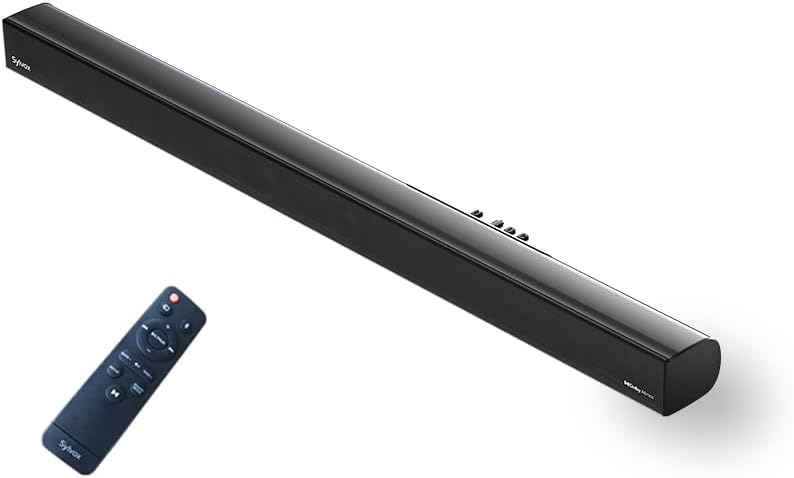
Image: The SYLVOX Elf S3 Soundbar and its accompanying remote control.
Producto terminadoview
The SYLVOX Elf S3 features a sleek, ultra-slim design with a durable metal and plastic construction. The rear panel houses various input ports for versatile connectivity.
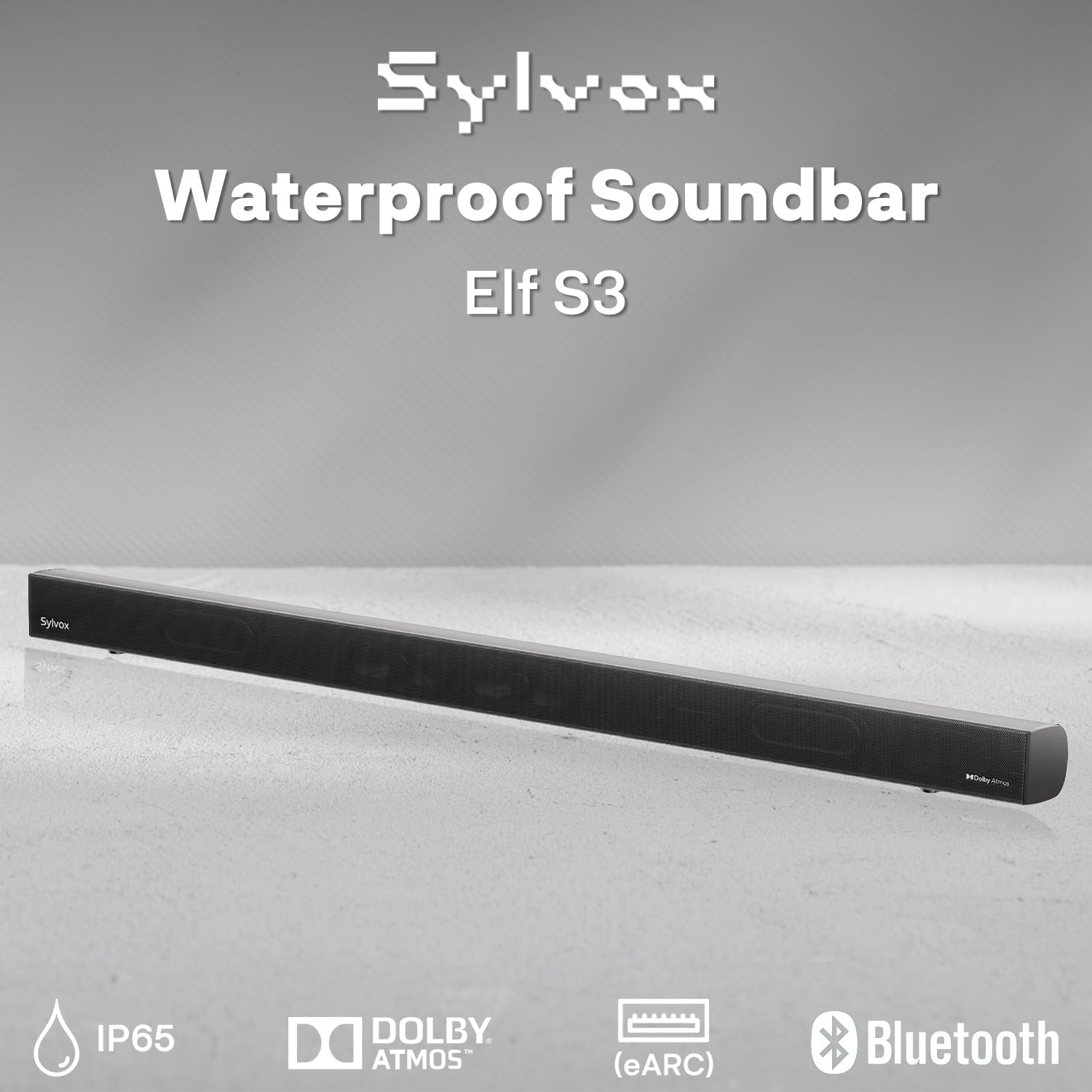
Image: Close-up of the soundbar's rear panel, highlighting the various input ports including Optical, HDMI eARC, and USB.
Configuración
Opciones de montaje
The SYLVOX Elf S3 Soundbar can be wall-mounted for optimal placement with your outdoor TV. Use the included mounting brackets and follow the instructions provided in the separate mounting guide for secure installation.

Image: The soundbar is shown mounted directly beneath an outdoor television, illustrating a typical installation scenario.
Conexión a su televisor
The soundbar offers multiple connectivity options to integrate with your television:
- eARC HDMI: For the best audio quality and control, connect an HDMI cable from the soundbar's HDMI eARC port to your TV's HDMI eARC/ARC port. This allows for seamless audio return and control.
- Óptico: Conecte un cable óptico desde el puerto ÓPTICO de la barra de sonido a la salida de audio óptica de su televisor.
- Auxiliar: Use an AUX cable to connect the soundbar to your TV's audio output.
- USB: Para reproducir medios directamente desde una unidad USB.

Image: A visual diagram illustrating how to connect the soundbar to various devices using HDMI, Optical, AUX, and Bluetooth.
Emparejamiento Bluetooth
To connect your smartphone, tablet, or PC via Bluetooth 5.3:
- Enciende la barra de sonido.
- Press the Bluetooth button on the remote control or the soundbar's control panel to enter Bluetooth pairing mode. The indicator light will flash.
- On your device, enable Bluetooth and search for 'SYLVOX Elf S3'.
- Select the soundbar from the list of available devices to pair. Once connected, the indicator light will turn solid.
Operación de la barra de sonido
Encendido/apagado
Press the Power button on the remote control or the soundbar's control panel to turn the unit on or off.
Selección de entrada
Use the 'Source' button on the remote or soundbar to cycle through available input sources (HDMI eARC, Optical, AUX, Bluetooth, USB).
Modos de ecualización
The soundbar features 4 preset EQ modes to optimize audio for different content types. Use the 'EQ' button on the remote to switch between modes:
- Modo de película Mejora los efectos de sonido cinematográficos y los diálogos.
- Modo música: Optimiza el audio para la reproducción de música.
- Modo Noticias: Aclara el diálogo para noticias y programas de entrevistas.
- Modo de juego: Proporciona un sonido envolvente para juegos.
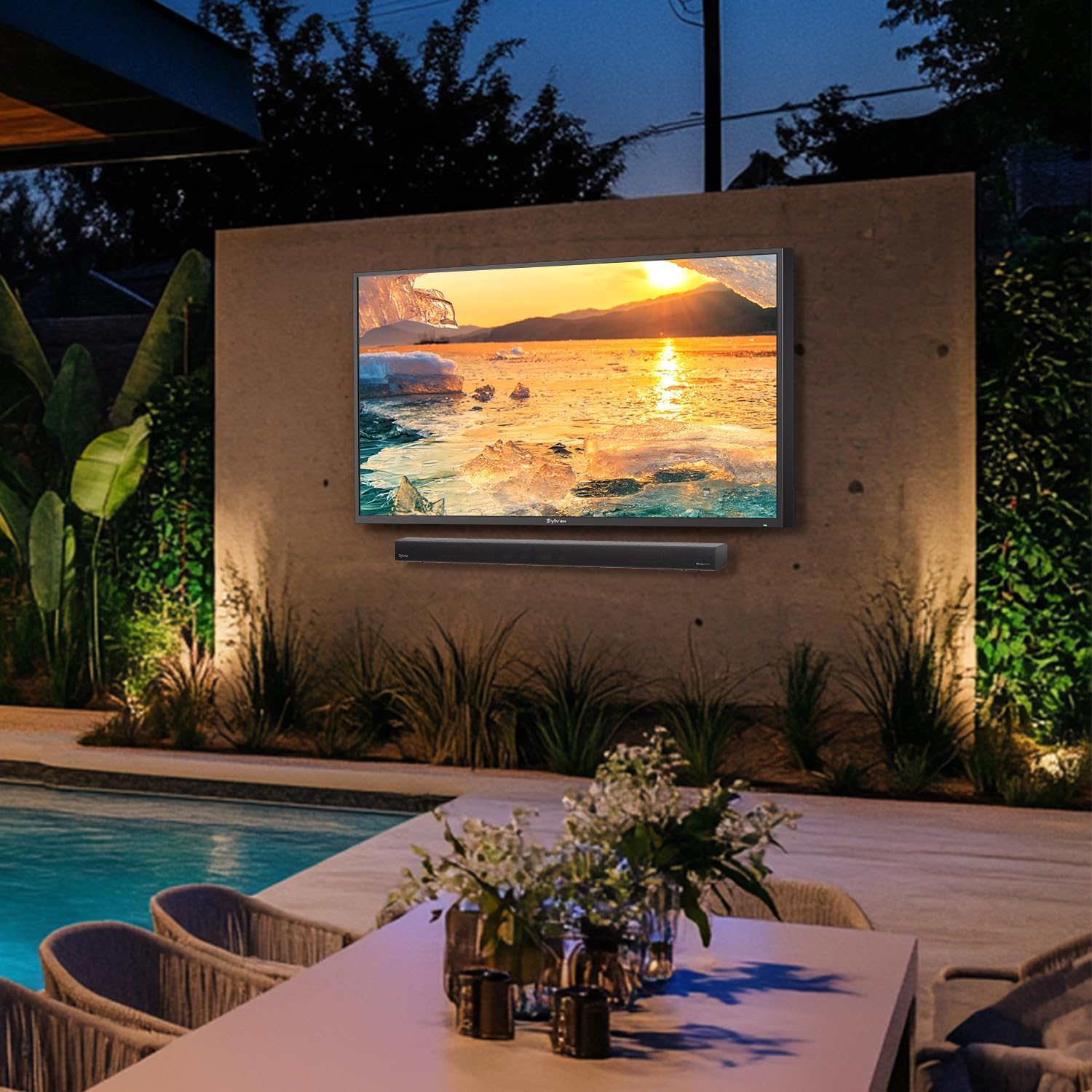
Image: Visual representation of the soundbar's four EQ modes, each tailored for different audio experiences.
Control de volumen
Adjust the volume using the Volume Up (+) and Volume Down (-) buttons on the remote control or the soundbar's control panel.
Mando a distancia
The included remote control provides full functionality for managing your soundbar settings and inputs.

Image: The remote control for the SYLVOX Elf S3 Soundbar, showing various buttons for power, input, volume, and EQ modes.
Mantenimiento
The SYLVOX Elf S3 Soundbar is designed with an IP65 waterproof rating, making it suitable for outdoor environments. This rating ensures protection against dust ingress and low-pressure water jets from any direction.
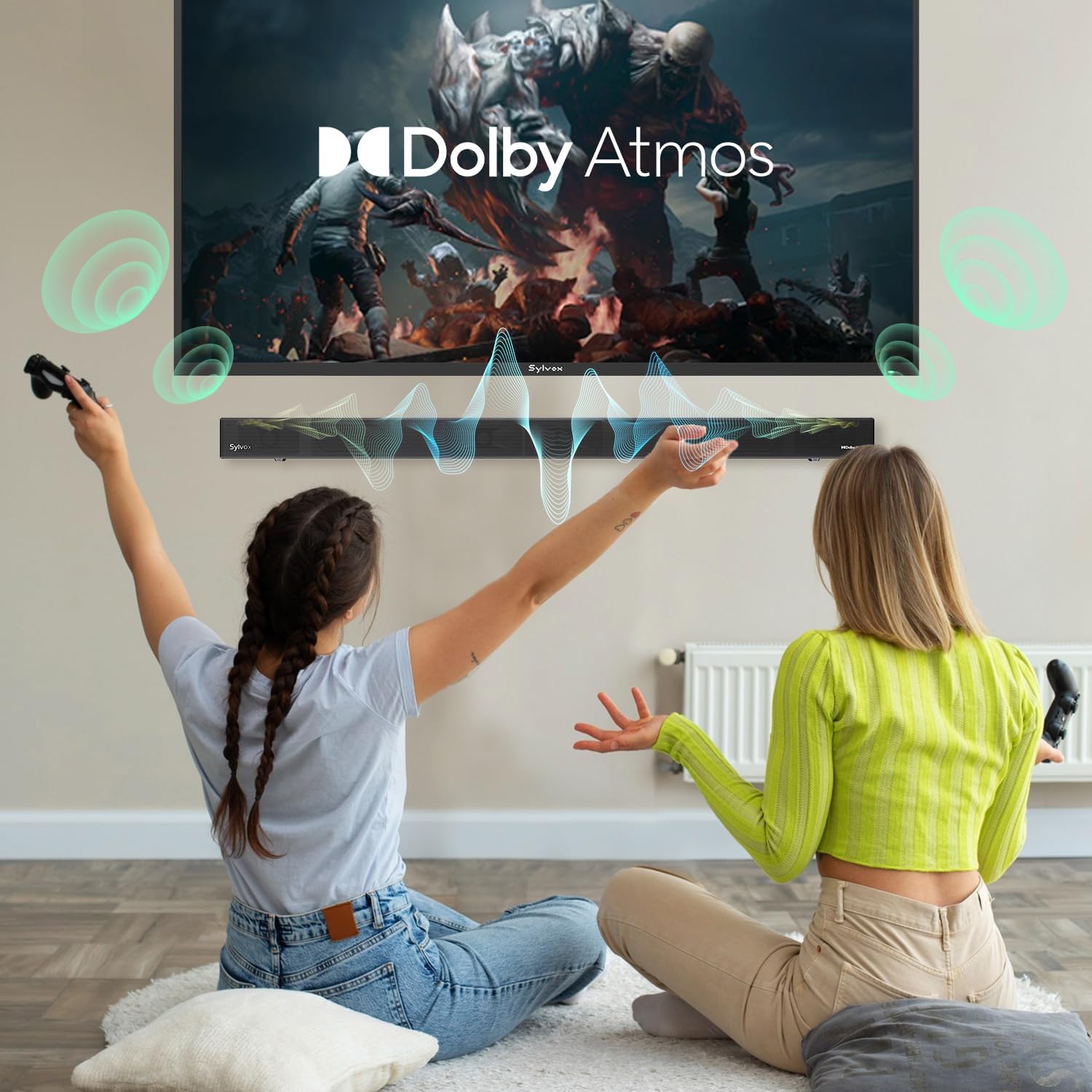
Image: The soundbar is shown with water splashing on its surface, illustrating its IP65 waterproof capability.
Video: A demonstration of the SYLVOX Outdoor TV and Sound Bar undergoing a waterproof test, showcasing its durability against water exposure.
To clean the soundbar, gently wipe the surface with a soft, damp cloth. Avoid using harsh chemicals or abrasive materials that could damage the finish or waterproof seals. Ensure all port covers are properly sealed after use or cleaning to maintain water resistance.
Solución de problemas
| Problema | Posible causa | Solución |
|---|---|---|
| Sin poder | Cable de alimentación no conectado; toma de corriente no activa. | Verifique la conexión del cable de alimentación; pruebe con una toma de corriente diferente. |
| Sin sonido | Incorrect input source selected; TV volume too low; cables not connected properly. | Select correct input source; increase TV volume; check cable connections. |
| El Bluetooth no se conecta | La barra de sonido no está en modo de emparejamiento; el dispositivo está demasiado lejos; hay interferencia. | Ensure soundbar is in pairing mode; move device closer; restart both devices. |
| El control remoto no funciona | Pilas agotadas; obstrucción entre el control remoto y la barra de sonido. | Reemplace las baterías; elimine cualquier obstrucción. |
Presupuesto
| Característica | Detalle |
|---|---|
| Nombre del modelo | Elfo S3 |
| Tipo de montaje | Montaje en pared |
| Material | Metal, Plástico |
| Tipo de altavoz | Barra de sonido |
| Configuración de canales de sonido envolvente | 2.1 |
| Potencia máxima de salida del altavoz | 80 Watts (60W RMS, 120W Peak) |
| Tecnología de conectividad | Bluetooth 5.3, HDMI eARC, Optical, AUX, USB |
| Nivel de resistencia al agua | IP65 resistente al agua |
| Dimensiones del producto | 3.5" de profundidad x 20" de ancho x 2.5" de alto |
| Peso del artículo | 4.85 libras |
| Componentes incluidos | Soundbar, Remote, Power Cable, User Manual |
| Baterías | Se requieren 2 pilas AAA (incluidas) |
Garantía y soporte
The SYLVOX Elf S3 Outdoor Soundbar comes with a limited warranty. Please refer to the warranty card included in your product packaging for specific terms and conditions. For technical support, troubleshooting assistance, or warranty claims, please contact SYLVOX customer service through their official websitio o la información de contacto proporcionada en la documentación de su producto.


