
Introducción
Gracias por la compraasing the EBTOOLS Portable AM FM SW Shortwave Radio. This device offers versatile listening options, including AM, FM, and Shortwave radio bands, Bluetooth connectivity, and playback from USB drives or storage cards. Designed for portability and clear sound, this radio is suitable for home, outdoor, and travel use. This manual provides detailed instructions for setup, operation, maintenance, and troubleshooting to ensure optimal performance and longevity of your radio.
Información de seguridad
- No exponga la radio a la lluvia, la humedad o temperaturas extremas.
- Evite desmontar la unidad. Encargue cualquier reparación a personal cualificado.
- Mantenga la radio alejada de campos magnéticos fuertes.
- Use only the provided charging cable or a compatible Type-C cable for charging.
- No bloquee las aberturas de ventilación.
Contenido del paquete
Por favor revise el paquete para ver los siguientes artículos:
- 1 x Portable Radio (Model MK-178BT)
- 1 x Manual de usuario
- 1 x Cordón
- 1 x Cable de carga (Tipo C)

Image: The EBTOOLS Portable Radio shown with its included lanyard and Type-C charging cable.
Producto terminadoview
Familiarícese con las distintas partes y controles de su radio.
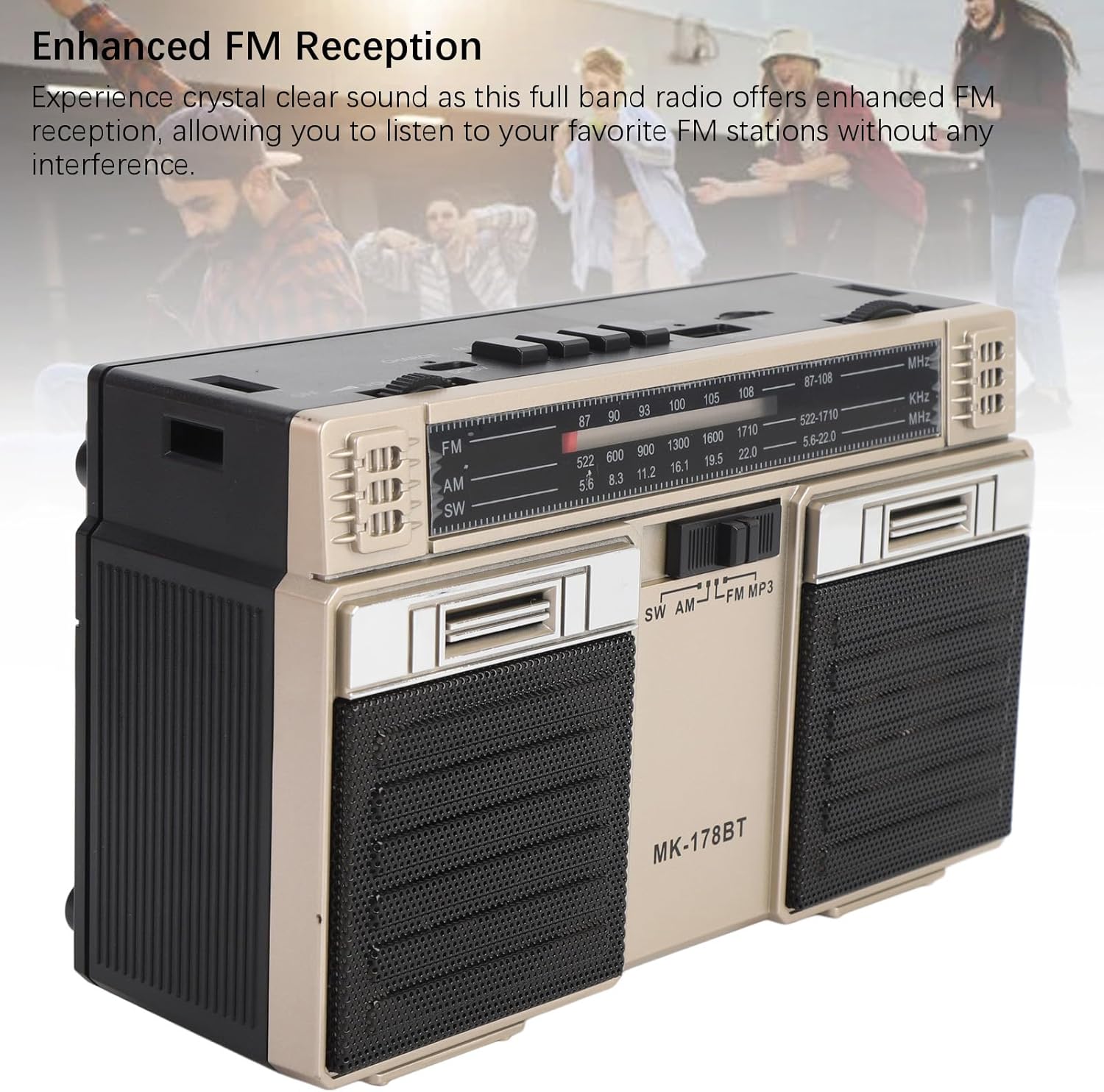
Imagen: Frente view of the radio, highlighting the dual speakers and the frequency display panel.
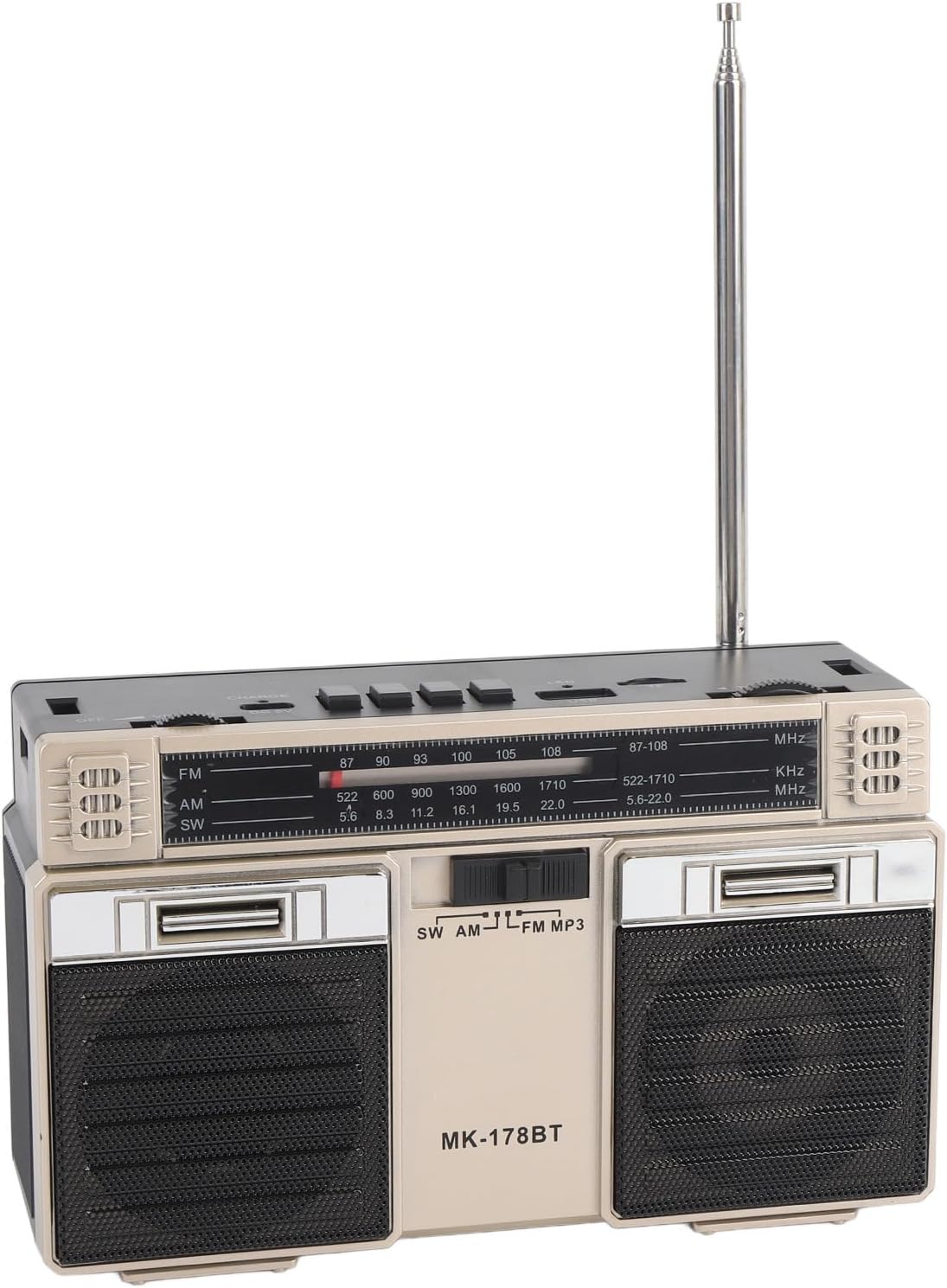
Imagen: Arriba view of the radio, detailing the power switch, volume knob, mode/playback controls, charging port, LED indicator, USB port, and TF card slot.

Imagen: Un primer plano view of the tuning knob, USB port, and TF (Micro SD) card slot, located on the top panel of the radio.
Controles clave:
- Interruptor APAGADO/ENCENDIDO: Located on the top left, controls power.
- Perilla de VOLUMEN: Ajusta el nivel de salida de audio.
- CHARGE (DC 5V) Port: Puerto tipo C para cargar la batería.
- M/* Button: Mode selection / Bluetooth pairing.
- ◀◀ / ►► Buttons: Previous/Next track in media modes, or fine-tuning in radio modes.
- ►█ Button: Play/Pause for media playback.
- Indicador LED: Muestra el estado o modo de carga.
- Ranura TF: For Micro SD (storage) cards.
- Puerto USB: For USB drives.
- Perilla de SINTONIZACIÓN: Ajusta la frecuencia de radio.
- Antena: Extensible para una mejor recepción de radio.
Configuración
1. Carga de la batería
- Conecte el cable de carga tipo C provisto al CHARGE (DC 5V) puerto en la radio.
- Conecte el otro extremo del cable a un adaptador de corriente USB estándar (no incluido) o a un puerto USB de una computadora.
- El indicador LED se iluminará durante la carga. Cambiará de color o se apagará una vez cargada por completo.
- Una carga completa proporciona hasta 18 horas de duración de la batería.
2. Encendido / apagado
- Para encender la radio, deslice el APAGADO/ENCENDIDO Cambie a la posición 'ON'.
- Para apagar, deslice el interruptor nuevamente a la posición "APAGADO".
Instrucciones de funcionamiento
1. Seleccionar un modo
Presione el M/* button repeatedly to cycle through the available modes: FM, AM, SW, Bluetooth, USB, and TF Card (if inserted).
2. Funcionamiento de la radio (FM/AM/SW)
- Extienda la antena telescópica para una recepción óptima, especialmente para las bandas FM y SW.
- Select the desired radio band (FM, AM, or SW) using the M/* botón.
- Gire lentamente el SINTONIZACIÓN knob to scan for stations. The frequency will be displayed on the front panel.
- Ajustar el VOLUMEN perilla a su nivel de escucha preferido.
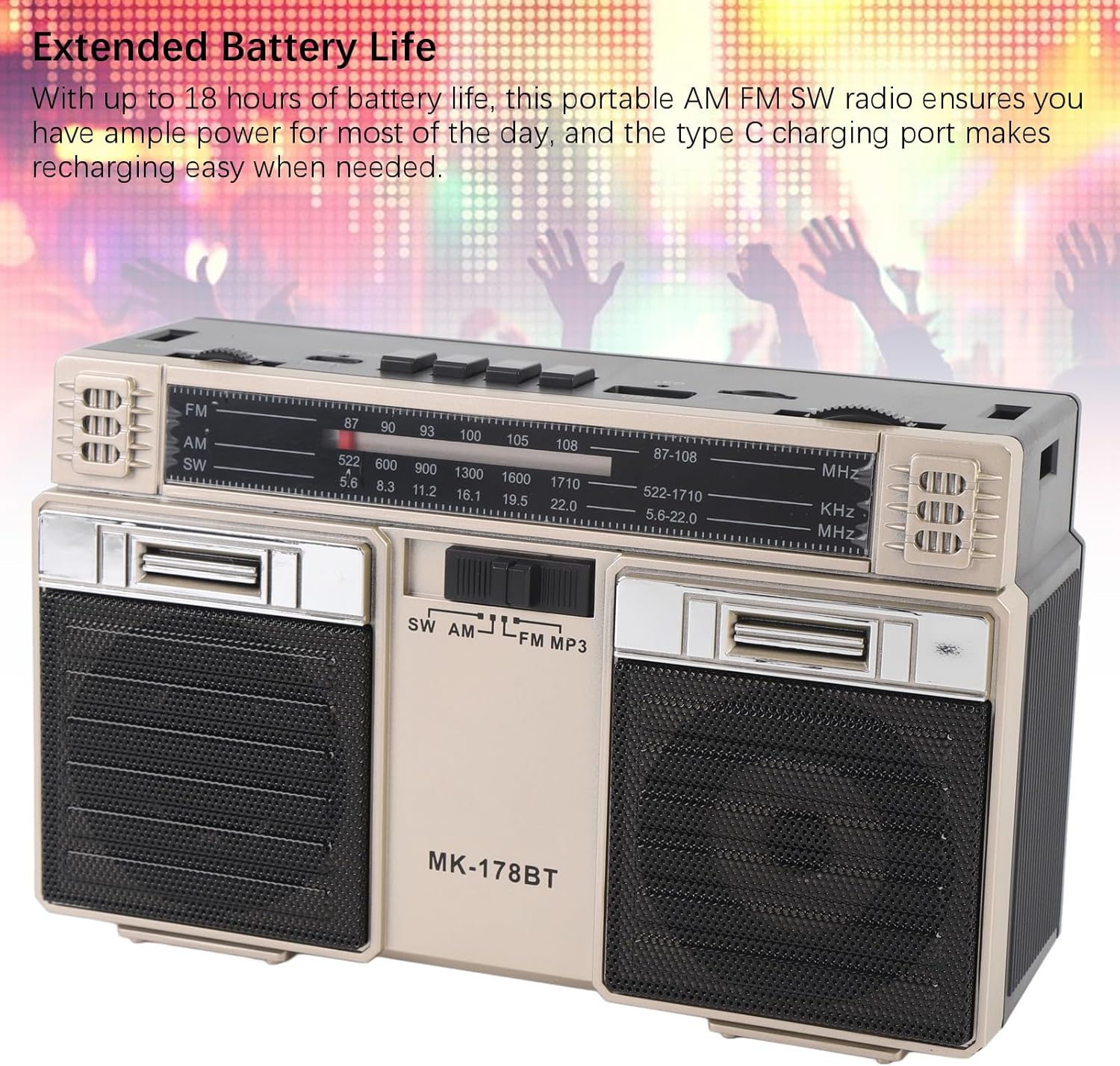
Image: The radio with its telescopic antenna fully extended, demonstrating optimal setup for radio reception.
3. Operación Bluetooth
- Presione el M/* button until the radio enters Bluetooth mode (an audible prompt or indicator may confirm this).
- En su dispositivo con Bluetooth habilitado (por ejemplo, teléfono inteligente, tableta), busque dispositivos Bluetooth disponibles.
- Select "MK-178BT" (or similar name) from the list to pair.
- Once paired, you can stream audio from your device to the radio. Use the ►█, ◀◀, y ►► Botones para controlar la reproducción.
4. USB/Storage Card Playback
- Inserte una unidad USB en el Puerto USB or a Micro SD (TF) card into the Ranura TF.
- The radio should automatically switch to USB or TF card mode. If not, press the M/* Botón para seleccionar el modo correcto.
- The radio will begin playing audio files del dispositivo de almacenamiento insertado.
- Utilice el ►█ botón para reproducir/pausar, y el ◀◀ / ►► Botones para saltar pistas.
Mantenimiento
1. Limpieza
- Limpie el exterior de la radio con un paño suave y seco.
- No utilice limpiadores abrasivos, disolventes ni productos químicos fuertes.
2. Cuidado de la batería
- Cargue la batería completamente antes del primer uso.
- Evite descargar completamente la batería con frecuencia para prolongar su vida útil.
- If storing the radio for an extended period, charge it to about 50% every few months.
3. Almacenamiento
- Guarde la radio en un lugar fresco y seco, alejado de la luz solar directa y de temperaturas extremas.
- Manténgalo alejado del polvo y la humedad.
Solución de problemas
| Problema | Posible causa | Solución |
|---|---|---|
| La radio no se enciende. | La batería está agotada. El interruptor de encendido está apagado. | Charge the battery. Ensure the power switch is in the 'ON' position. |
| Mala recepción de radio. | Antena no extendida. Zona de señal débil. Interferencia. | Fully extend the telescopic antenna. Try repositioning the radio. Move away from electronic devices causing interference. |
| Bluetooth no se conecta. | Radio not in Bluetooth mode. Device not discoverable. Already paired with another device. | Ensure radio is in Bluetooth mode. Make sure your device's Bluetooth is on and discoverable. Disconnect from other devices. |
| La tarjeta USB/TF no se reproduce. | Incorrect mode selected. Incompatible file format. Corrupted storage device. | Prensa M/* to select USB/TF mode. Ensure audio files are in a compatible format (e.g., MP3). Try a different USB drive or TF card. |
| No hay sonido o volumen bajo. | Volume too low. Mute activated (if applicable). | Aumentar la VOLUMEN knob. Check if the connected Bluetooth device's volume is also up. |
Presupuesto
- Número de modelo: MK-178BT (Internal SKU: EBTOOLSshukg7o0ny-12)
- Material: abdominales
- Rango de frecuencia de FM: 87 a 108 MHz
- Rango de frecuencia AM: 522 a 1710 kHz
- Rango de frecuencia SW: 5.6 a 22 MHz
- Storage Card/Small Memory Card Support: Máximo 32 GB (no incluido)
- Batería incorporada: Polímero de litio 1200mAh
- Fuente de energía: Alimentado por batería (carga tipo C)
- Tecnología de conectividad: Bluetooth
- Dimensiones del producto: 7.48 x 4.72 x 3.14 pulgadas (19 x 12 x 8 cm)
- Peso del artículo: 1.35 libras (0.61 kg)
- Características especiales: Portable, Bluetooth, Rechargeable
Garantía y soporte
For warranty information or technical support, please refer to the purchase platform or contact EBTOOLS customer service directly. Keep your purchase receipt as proof of purchase.