
Introducción
Thank you for choosing the GOBOULT Flex On-Ear Bluetooth Headphones. This manual provides essential information for setting up, operating, and maintaining your headphones to ensure optimal performance and longevity. Please read this manual thoroughly before using the product.
¿Qué hay en la caja?
- GOBOULT Flex On-Ear Bluetooth Headphones
- Cable de carga rápida tipo C
- Manual de usuario
- Tarjeta de garantía
Producto terminadoview
The GOBOULT Flex headphones are designed for comfort and high-quality audio. They feature 40mm bass-boosted drivers, Bluetooth 5.4 connectivity, and an adjustable, foldable design.

Imagen: Más alláview of GOBOULT Flex features including 40mm drivers, Bluetooth 5.4, 4 EQ modes, 60ms low latency, 80-hour battery, and ENC calling.
Componentes clave:
- Auriculares: Soft, cushioned earcups for comfort.
- Diadema ajustable: Permite un ajuste personalizado.
- Botones de control: Located on the earcups for power, volume, playback, and call management.
- Puerto de carga tipo C: Para cargar los auriculares.
- Entrada auxiliar: Para conexión de audio por cable.
- Micrófono: Integrated Zen™ ENC mic for clear calls.

Image: The adjustable headband and earcups of the GOBOULT Flex headphones, designed for a comfortable fit.
Configuración
1. Carga de los auriculares
Before first use, fully charge your GOBOULT Flex headphones. Use the provided Type-C charging cable.
- Connect the Type-C cable to the charging port on the headphones.
- Conecte el otro extremo del cable a una fuente de alimentación USB (por ejemplo, adaptador de pared, puerto USB de computadora).
- The LED indicator will show charging status (refer to product for specific light patterns).
- Una carga completa tarda aproximadamente 60 minutos y proporciona hasta 80 horas de tiempo de reproducción.
- Fast charging provides 5 hours of playtime with just 10 minutes of charging.
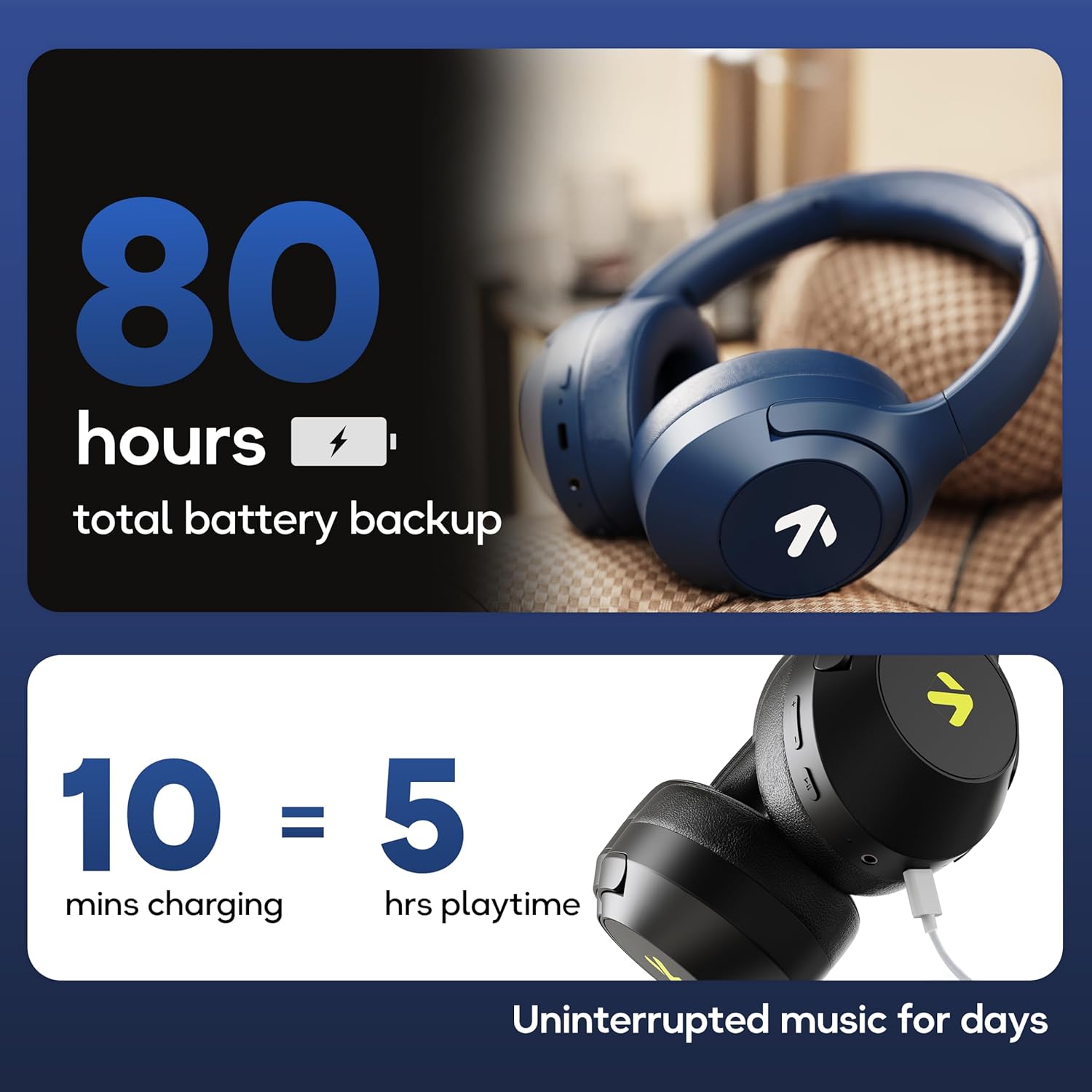
Image: Visual representation of the 80-hour battery life and fast charging capability (10 minutes charge for 5 hours playback).
2. Emparejamiento Bluetooth
Empareje sus auriculares con su dispositivo para obtener audio inalámbrico.
- Asegúrese de que los auriculares estén cargados y apagados.
- Press and hold the Power button until the LED indicator flashes (usually blue and red alternately), indicating pairing mode.
- En su dispositivo (teléfono inteligente, tableta, computadora portátil), habilite Bluetooth y busque los dispositivos disponibles.
- Select "GOBOULT Flex" from the list of devices.
- Una vez conectado, el indicador LED normalmente mostrará una luz azul fija o parpadeará lentamente.
- The headphones feature Bluetooth 5.4 and Blink & Pair™ technology for fast and stable connections.

Image: The headphones connected via Bluetooth 5.4, highlighting the Blink & Pair feature for quick device connection.
Instrucciones de funcionamiento
Encendido/apagado
- Encendido: Mantenga presionado el botón de encendido durante aproximadamente 3 segundos.
- Apagado: Mantenga presionado el botón de encendido durante aproximadamente 5 segundos.
Control de música
- Reproducir/Pausa: Presione el botón multifunción una vez.
- Pista siguiente: Mantenga presionado el botón para subir el volumen.
- Pista anterior: Mantenga presionado el botón para bajar el volumen.
- Sube el volumen: Presione brevemente el botón para subir el volumen.
- Bajar volumen: Presione brevemente el botón para bajar el volumen.
Control de llamadas
The Zen™ ENC mic ensures clear communication by reducing environmental noise.

Imagen: Detallada view of the Zen™ ENC microphone technology for effective environmental noise cancellation during calls.
- Responder/Finalizar llamada: Presione el botón multifunción una vez.
- Rechazar llamada: Mantenga presionado el botón multifunción durante 2 segundos.
- Volver a marcar el último número: Presione dos veces el botón multifunción.
Asistente de voz
Activate your device's voice assistant (e.g., Google Assistant) directly from the headphones.
- Activar asistente de voz: Presione tres veces el botón multifunción.

Image: The headphones featuring voice assistant compatibility and IPX5 water resistance for protection against sweat and splashes.
Modo de juego (baja latencia de 60 ms)
Engage Combat™ Gaming Mode for ultra-low latency audio, ideal for gaming.
- Activar el modo de juego: Refer to the specific button combination in your quick start guide (often a dedicated button or a long press of a volume button).
- This mode reduces audio latency to 60ms for a synchronized gaming experience.
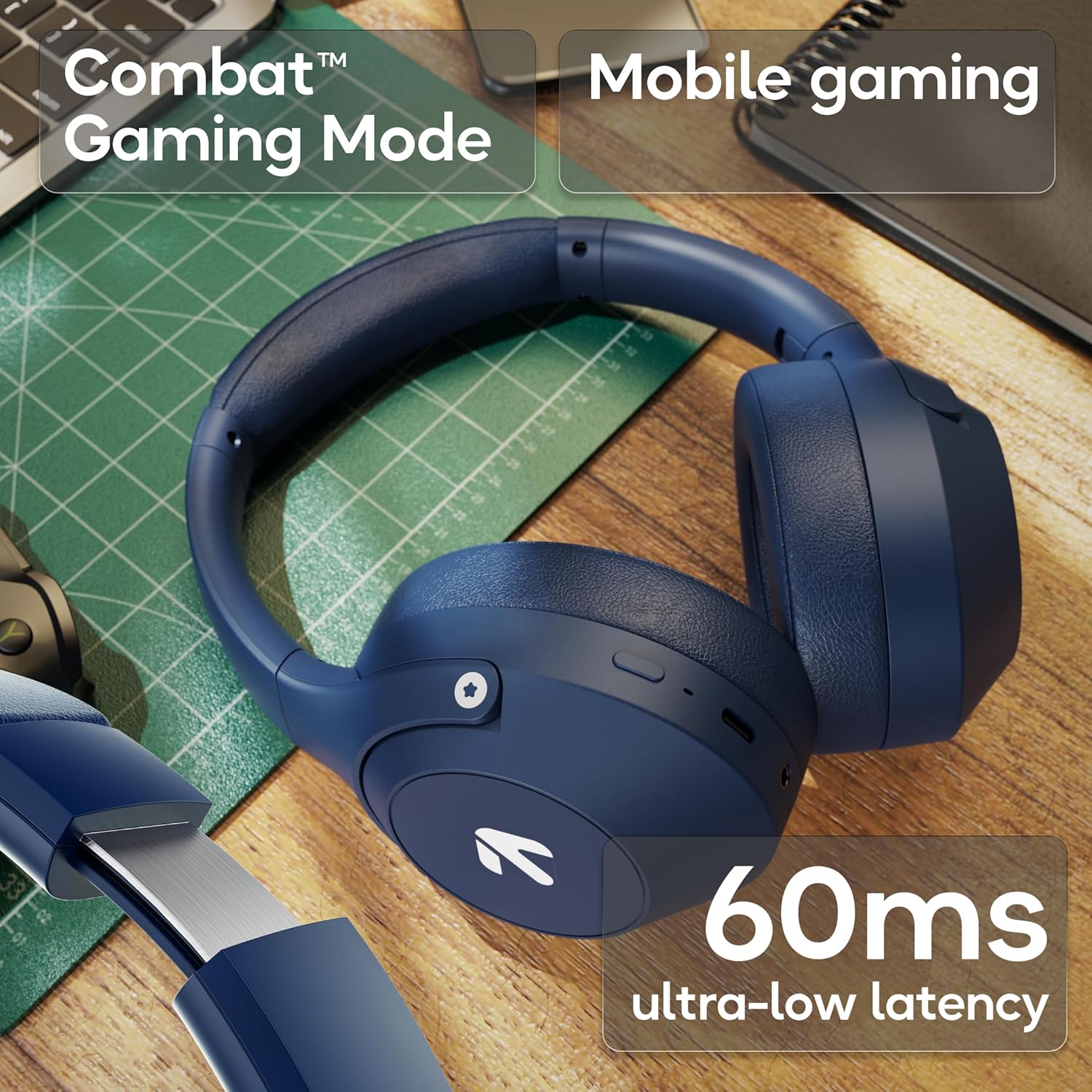
Image: The headphones highlighting the Combat™ Gaming Mode with 60ms ultra-low latency for an enhanced gaming experience.
Modo cableado
Use the included AUX cable for a wired connection when wireless is not preferred or the battery is low. Note that the microphone is typically off in wired mode.
- Conecte un extremo del cable AUX de 3.5 mm al puerto AUX de los auriculares.
- Connect the other end to your audio source's 3.5mm jack.
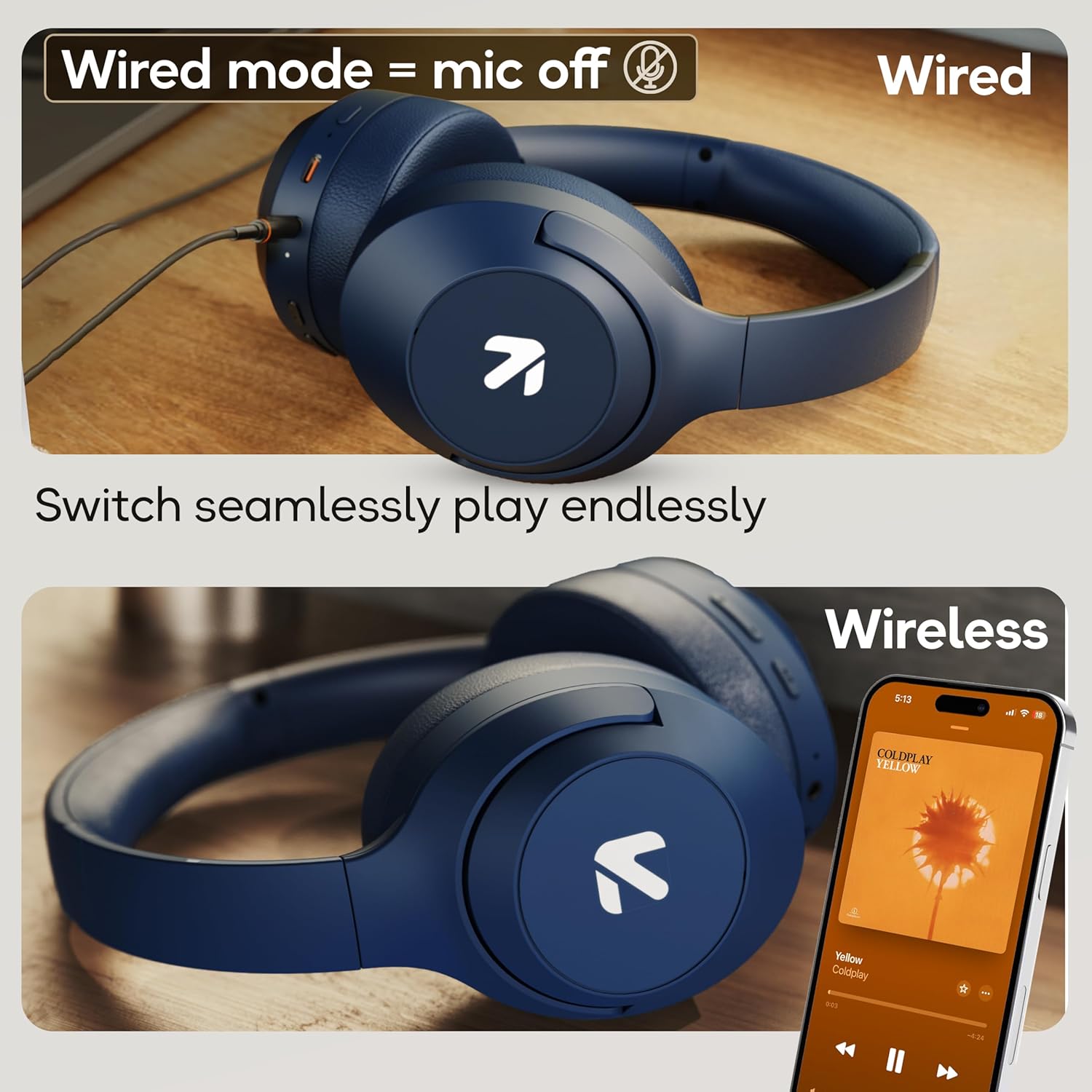
Image: Comparison of wired mode (with mic off) and wireless mode, demonstrating the flexibility of connection options.
Modos de ecualización
The headphones offer 4 Equalizer (EQ) modes to customize your audio experience.
- Modos disponibles: Bass, Rock, Pop, Vocal.
- Modos de conmutación: Refer to the specific button combination in your quick start guide (often a dedicated EQ button or a combination press).

Image: The headphones emphasizing powerful bass delivered by 40mm boosted drivers with Boomx™ technology, and support for AAC/SBC codecs.

Imagen: interna view of the headphones showing the DSP processor, indicating features like seamless VoIP calls, adaptive audio equalization, and 16-bit dual-audio processing.
Mantenimiento
Proper maintenance ensures the longevity of your headphones.
- Limpieza: Limpie los auriculares con un paño suave y seco. No utilice productos químicos agresivos ni materiales abrasivos.
- Almacenamiento: Guarde los auriculares en un lugar fresco y seco, alejados de la luz solar directa y temperaturas extremas. Su diseño plegable permite un almacenamiento compacto.
- Resistencia al agua: The headphones are IPX5 rated, meaning they are resistant to sweat and light splashes. Do not submerge them in water or expose them to heavy rain.
Solución de problemas
Sin poder
- Asegúrese de que los auriculares estén completamente cargados.
- Verifique el cable de carga y la fuente de alimentación.
No se puede emparejar a través de Bluetooth
- Ensure the headphones are in pairing mode (LED flashing blue/red).
- Asegúrese de que Bluetooth esté habilitado en su dispositivo y que se encuentre a 10 metros de los auriculares.
- Forget "GOBOULT Flex" from your device's Bluetooth list and try pairing again.
- Reinicie tanto los auriculares como el dispositivo.
Sin sonido
- Verifique los niveles de volumen tanto en los auriculares como en el dispositivo conectado.
- Asegúrese de que los auriculares estén correctamente emparejados y conectados.
- If using wired mode, ensure the AUX cable is fully inserted into both the headphones and the audio source.
Mala calidad de llamada
- Asegúrese de que el micrófono no esté obstruido.
- Move to a quieter environment to allow the ENC mic to function optimally.
- Verifique la configuración de llamadas de su dispositivo.
Presupuesto
| Característica | Especificación |
|---|---|
| Nombre del modelo | Doblar |
| Marca | GOBOULT |
| Tecnología de conectividad | Bluetooth, inalámbrico |
| Versión de Bluetooth | 5.4 (Product Title says 5.4, Specs say 5.3, using 5.4 as per title) |
| Alcance de Bluetooth | 10 metros |
| Tamaño del controlador de audio | 40 milímetros |
| Tipo de controlador de audio | Controlador dinámico |
| Duración de la batería | 80 horas (tiempo de juego) |
| Tiempo de carga | 60 minutos |
| Carga rápida | 10 minutos para 5 horas de juego |
| Toma de auriculares | Type-C Fast Charging Jack, 3.5mm AUX |
| Micrófono | Micrófono Zen™ ENC |
| Modo de baja latencia | 60 ms (modo de juego Combat™) |
| Nivel de resistencia al agua | IPX5 (Sweatproof, Water-resistant, Splashproof) |
| Control de ruido | Cancelación pasiva de ruido |
| Peso del artículo | 214 gramos |
| Dimensiones del producto | 5 x 19 x 20 cm |
| Componentes incluidos | Cable, Headphone, Type-C Fast Charging Cable, User Manual, Warranty Card |
Garantía y soporte
The GOBOULT Flex On-Ear Bluetooth Headphones come with a Garantía de 1 años.
For warranty registration, technical support, or customer service inquiries, please visit the official GOBOULT website or contact their customer support team using the information provided on the warranty card.


