
Introducción
Welcome to the instruction manual for your Dubstep Buzz X8 Wireless Earbuds. These earbuds are designed to provide a high-quality audio experience with advanced features. This manual will guide you through the setup, operation, and maintenance of your device.
¿Qué hay en la caja?
El paquete contiene los siguientes elementos:
- Auriculares inalámbricos
- Estuche de carga inalámbrica
- Cable tipo C
- Manual de usuario
- Almohadillas para los oídos (varios tamaños)

Image: Contents of the Dubstep Buzz X8 Earbuds box, showing the earbuds, charging case, Type-C charging cable, and additional ear cushions.
Producto terminadoview
The Dubstep Buzz X8 Wireless Earbuds feature a sleek design and are equipped with 13mm dynamic drivers for powerful sound. The charging case provides extended battery life and convenient storage.

Image: Dubstep Buzz X8 Wireless Earbuds in Neon Green, placed within their open charging case.
Componentes de los auriculares
- Área de control táctil: Para administrar la reproducción, las llamadas y el asistente de voz.
- Micrófonos: Dual microphones with Environmental Noise Cancellation (ENC) for clear calls.
- Consejos para los oídos: Silicone ear tips for a comfortable and secure fit.
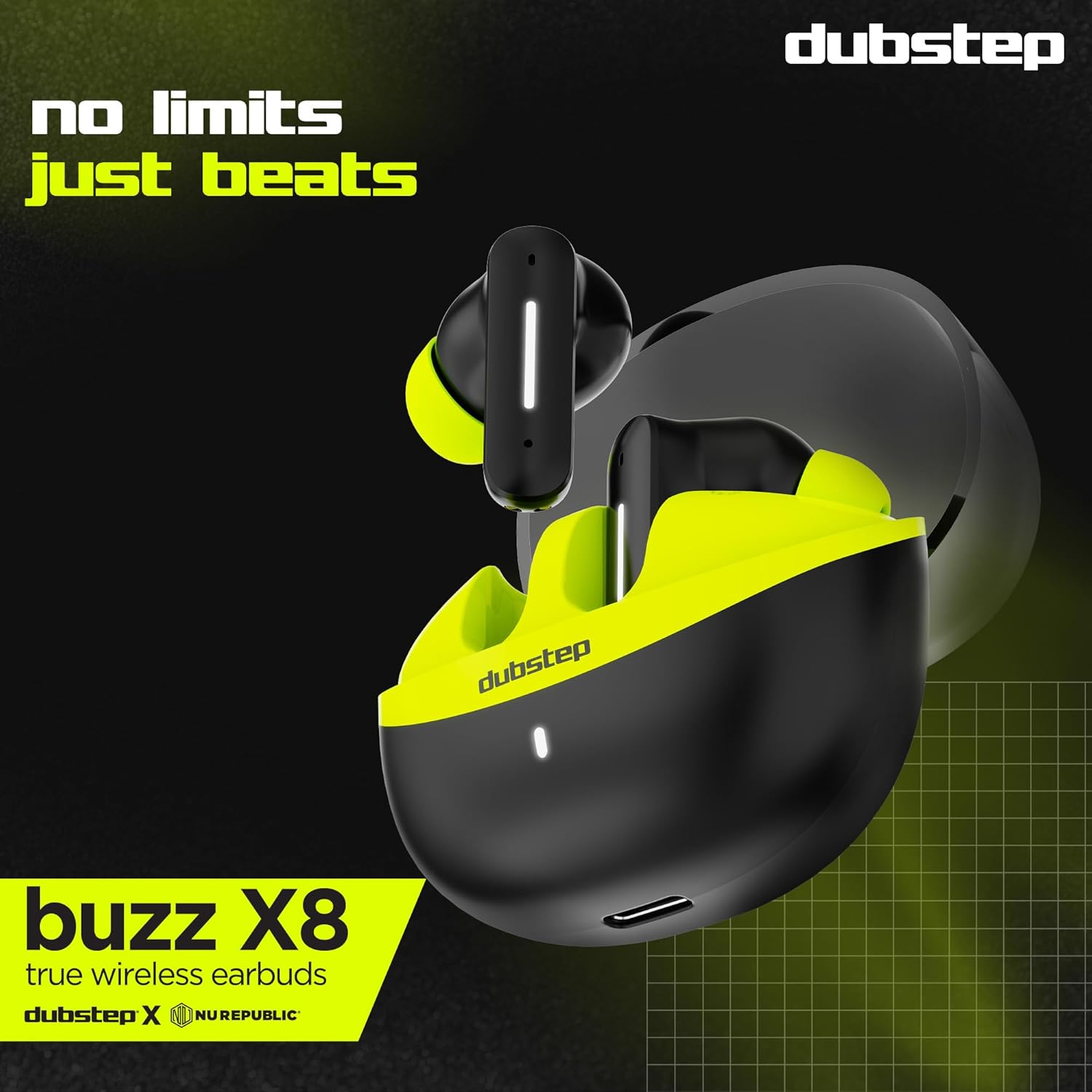
Imagen: Detallada view of the earbuds and charging case, illustrating their internal and external features.
Configuración
1. Carga de los auriculares y el estuche
Antes del primer uso, cargue completamente los auriculares y el estuche de carga. Conecte el cable tipo C incluido al puerto de carga del estuche y a una fuente de alimentación USB compatible. El indicador LED del estuche mostrará el estado de carga.
- A 15-minute quick charge provides approximately 200 minutes of playtime.
- El tiempo total de reproducción con el estuche de carga es de hasta 56 horas.
- Earbuds provide 7 hours of continuous music playback on a single charge.

Image: The charging case of the Dubstep Buzz X8 earbuds connected to a Type-C cable for charging.
2. Emparejamiento con su dispositivo
- Abre el estuche de carga. Los auriculares entrarán automáticamente en modo de emparejamiento.
- En su dispositivo (teléfono inteligente, tableta, computadora portátil), habilite Bluetooth.
- Buscar "Dubstep Buzz X8" in the list of available Bluetooth devices.
- Select "Dubstep Buzz X8" to connect. Once connected, you will hear an audio prompt.
- The earbuds feature Bluetooth v5.3 for stable and efficient wireless connectivity.

Image: A smartphone displaying the Bluetooth connection screen, showing the Dubstep Buzz X8 earbuds successfully paired.
Instrucciones de funcionamiento
Controles táctiles
The Dubstep Buzz X8 earbuds feature intuitive touch controls on each earbud. Refer to the following table for common functions:
| Acción | Función |
|---|---|
| Un solo toque | Reproducir / Pausar música, Responder / Finalizar llamada |
| Doble toque | Subir volumen (+) / Bajar volumen (-) |
| Triple toque | Pista anterior / Pista siguiente |
| Pulsación larga | Activar/Desactivar Asistente de Voz |
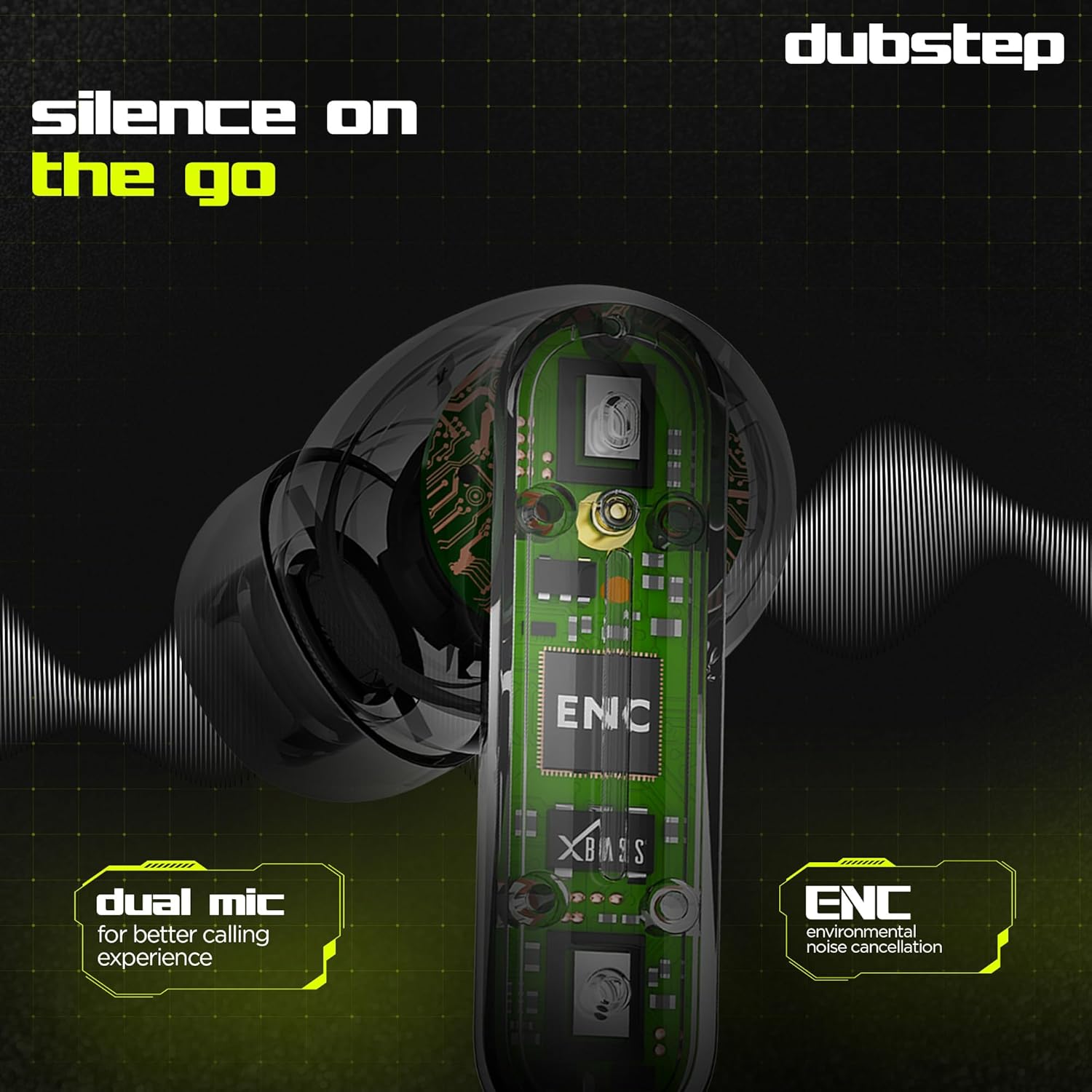
Image: Visual guide to the touch control gestures on the earbuds and their corresponding functions.
Cancelación de ruido ambiental (ENC)
The earbuds are equipped with ENC technology and dual microphones to reduce ambient noise during calls, ensuring clear communication.
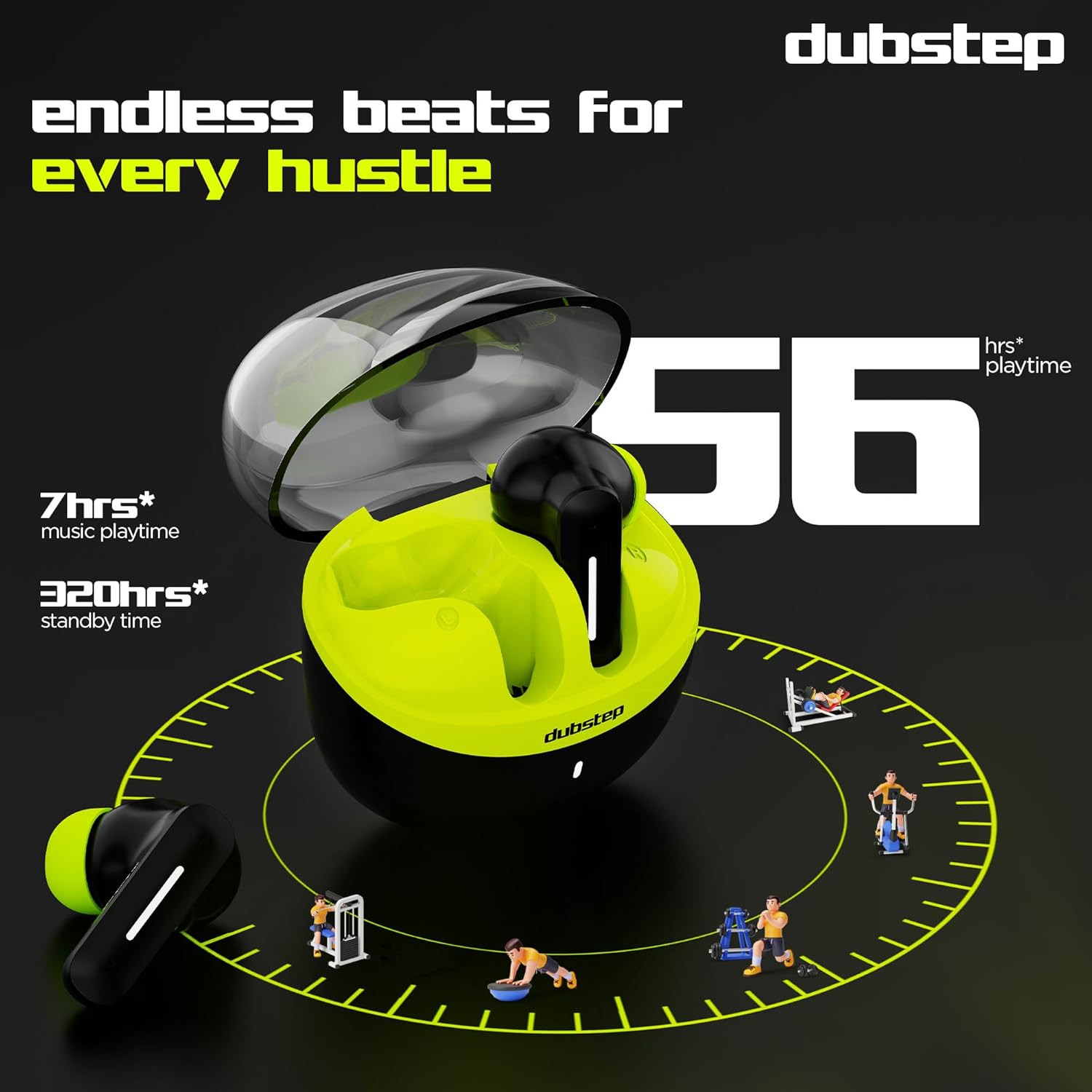
Imagen: Un interno view of the earbud highlighting the ENC technology and dual microphone system.
Mantenimiento
To ensure the longevity and optimal performance of your Dubstep Buzz X8 Wireless Earbuds, follow these maintenance guidelines:
- Limpieza: Limpie regularmente los auriculares y el estuche de carga con un paño suave, seco y sin pelusa. No utilice productos químicos agresivos ni materiales abrasivos.
- Consejos para los oídos: Retire y limpie periódicamente las puntas de los oídos con agua y jabón suave, luego séquelas completamente antes de volver a colocarlas.
- Resistencia al agua: The earbuds are splash and sweat resistant, making them suitable for workouts. However, they are not waterproof. Avoid submerging them in water.
- Almacenamiento: Cuando no los utilice, guarde los auriculares en su estuche de carga para protegerlos y mantenerlos cargados.
- Temperatura: Evite exponer los auriculares a temperaturas extremas (calor o frío) o a la luz solar directa durante períodos prolongados.
Solución de problemas
If you encounter issues with your Dubstep Buzz X8 Wireless Earbuds, refer to the following common solutions:
| Problema | Solución |
|---|---|
| Los auriculares no se emparejan | Asegúrate de que los auriculares estén cargados. Desactiva y activa el Bluetooth en tu dispositivo. Guarda los auriculares en su estuche, ciérralo y vuelve a abrirlo para volver al modo de emparejamiento. |
| Sin sonido de un auricular | Check battery level of both earbuds. Try re-pairing the earbuds with your device. Clean earbud mesh for any blockages. |
| Bajo volumen | Adjust volume on both your device and the earbuds. Ensure ear tips provide a good seal. |
| El estuche de carga no carga | Verify the Type-C cable is properly connected to both the case and the power source. Try a different cable or power adapter. |
| Asistente de voz no responde | Ensure the earbuds are connected to your device. Check your device's settings for voice assistant activation. Perform a long press on the earbud touch area. |
Presupuesto
| Característica | Detalle |
|---|---|
| Nombre del modelo | Buzz X8 |
| Tecnología de conectividad | Bluetooth 5.3 |
| Tamaño del controlador de audio | 13 milímetros |
| Tiempo total de juego | Hasta 56 horas (con estuche de carga) |
| Tiempo de reproducción de los auriculares (una sola carga) | 7 horas |
| Tiempo de espera | 320 horas |
| Carga rápida | 15 minutos de carga = 200 minutos de tiempo de reproducción |
| Puerto de carga | Tipo C |
| Control de ruido | Cancelación de ruido ambiental (ENC) |
| Micrófonos | Sistema de micrófono dual |
| Tipo de control | Touch Control, Voice Assistant |
| Nivel de resistencia al agua | Splash and Sweat Resistant |
| Peso del artículo | 40 gramos |
| Dimensiones del producto | 3.5 x 2.5 x 4.5 cm |
Garantía y soporte
Your Dubstep Buzz X8 Wireless Earbuds come with a standard brand warranty. For detailed warranty information, troubleshooting guides, and further support, please visit the official user manuals page: