
Introducción
This manual provides detailed instructions for the installation, operation, maintenance, and troubleshooting of your Ossuret 10.1-inch Android 13 Autoradio. This multimedia system is specifically designed for Renault Clio 4 models manufactured between 2012 and 2019, offering advanced features such as GPS navigation, wireless Carplay, Android Auto, Bluetooth, and USB connectivity. Please read this manual thoroughly before installation and use to ensure proper functionality and safety.
Modelos y años aplicables
This Ossuret Autoradio is compatible with Renault Clio 4 vehicles produced from 2012 to 2019. Please confirm your vehicle's center console matches the compatible configurations shown below before proceeding with installation.

Image: Compatible Renault Clio 4 dashboards (2012-2019) and a visual guide for locating the original power plug.
Contenido del paquete
Verifique que todos los artículos enumerados a continuación estén incluidos en su paquete:
- Main Autoradio Unit
- Marco
- Antena GPS
- Arnés RCA
- Micrófono externo
- Cable RCA de entrada para cámara trasera
- Cable USB de 4 pines
- Cable USB de 6 pines
- Back Cover Frame
- Cable de alimentación-1
- Cable de alimentación-2
- Cable de alimentación-3
- Canbus Decoder (if included or purchased separately)
- Adaptador USB de fábrica
- Cable adaptador de antena de radio
- Air Outlet Frames
- 2*AC Knobs Frames

Imagen: Todos los componentes incluidos en el paquete del producto.
Configuración e instalación
Proper installation is crucial for the optimal performance of your autoradio. It is recommended that installation be performed by a qualified professional.
Comprobaciones previas a la instalación
- Asegúrese de que el encendido del vehículo esté apagado y la batería esté desconectada antes de comenzar la instalación.
- Verify the compatibility of the autoradio with your specific Renault Clio 4 model (2012-2019).
- Locate the original car power plug. In some Renault Clio 4 models, it may be found by opening the storage box in front of the passenger seat.
Pasos de instalación (Guía general)
- Retire con cuidado la radio original del automóvil y la moldura del tablero.
- Connect the provided power cables, RCA harness, and other necessary cables to the autoradio and the vehicle's wiring. Ensure all connections are secure.
- Instale la antena GPS en un lugar despejado. view del cielo, generalmente en el tablero o debajo del parabrisas.
- If your vehicle's original radar sound is emitted by the factory speakers, you may need to purchase and install the RN-SS-11 Canbus decoder and a small speaker to retain this functionality.
- Mount the new autoradio unit into the dashboard opening using the provided frame and back cover frame.
- Vuelva a conectar la batería del vehículo y pruebe la funcionalidad de la unidad antes de volver a ensamblar completamente el tablero.

Image: Dashboard appearance before and after installation of the Ossuret Autoradio.
Instrucciones de funcionamiento
1. Encendido/apagado y navegación básica
Press the power button to turn the unit on or off. Use the touchscreen to navigate through the Android 13 interface. The home screen provides access to various applications and settings.
2. Carplay inalámbrico/Android Auto
This autoradio supports wireless Carplay and Android Auto via the pre-installed and activated Zlink application. To connect:
- Asegúrese de que el Wi-Fi y el Bluetooth de su teléfono inteligente estén habilitados.
- Open the Zlink app on the autoradio.
- Follow the on-screen instructions to pair your smartphone via Bluetooth first, then establish the Wi-Fi connection for wireless Carplay or Android Auto.
- Once connected, you can access your phone's navigation, music, calls, and messages directly on the autoradio screen.

Image: Carplay and Android Auto system support.

Imagen: Funcionalidad inalámbrica Carplay y Android Auto.
3. Funcionalidad Bluetooth
El Bluetooth incorporado permite realizar llamadas manos libres y transmitir música de forma inalámbrica.
- Llamadas manos libres: Pair your phone via Bluetooth to make and receive calls directly through the autoradio. The integrated microphone captures your voice, and car speakers provide audio.
- Sincronización de la agenda telefónica: Download your mobile phone's contacts to the autoradio for easy access.
- Transmisión auditiva: Reproduzca música desde su teléfono inteligente emparejado de forma inalámbrica.

Image: Bluetooth music streaming interface.
4. Conexión USB
Connect external storage devices via the USB ports to play video and audio files. The unit supports USB devices up to 2TB.
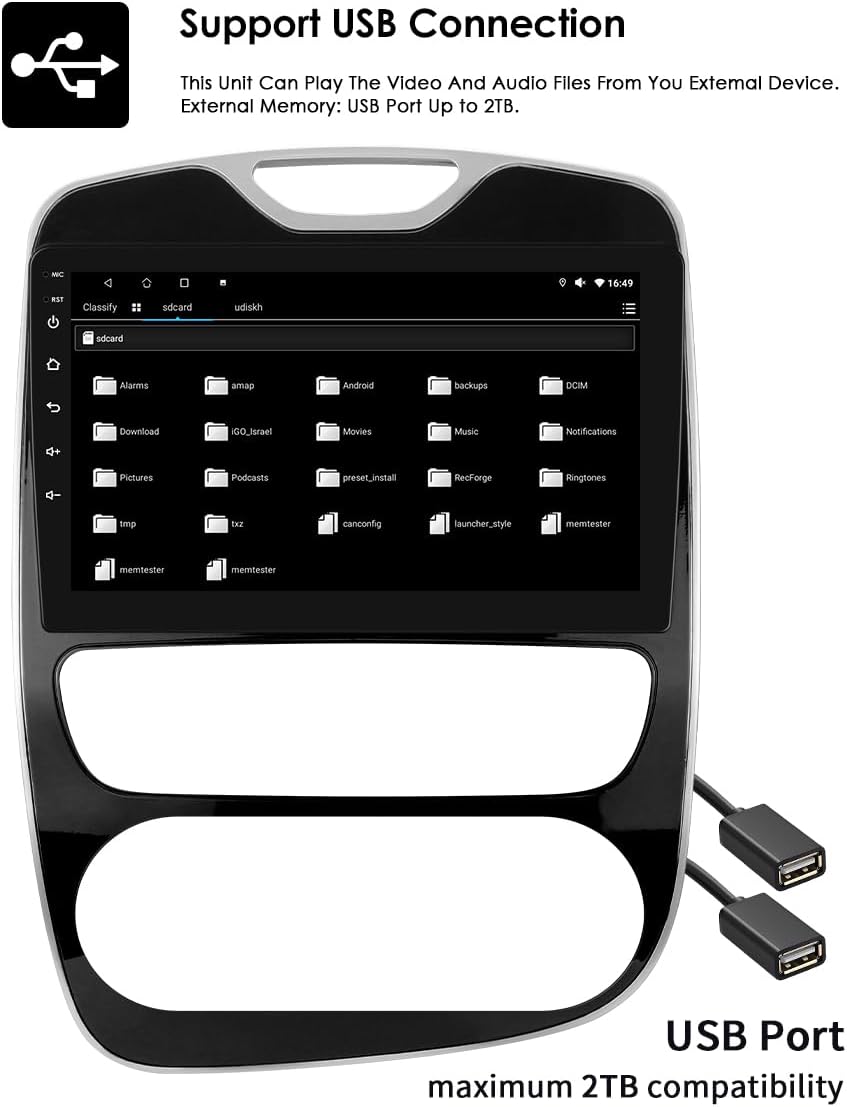
Image: USB connection support for media playback.
5. 10.1-inch Capacitive Touch Screen
The large 10.1-inch capacitive touch screen offers multi-touch functionality, providing a sensitive and flexible user experience. Its clear and translucent display ensures excellent visibility.

Image: Multi-touch capacitive screen functionality.
6. Navegación GPS
The autoradio features an integrated GPS navigator running on Android OS. It supports 2D/3D map views, dual-zone functionality (allowing navigation while playing music), offline map data, and various online navigation applications.
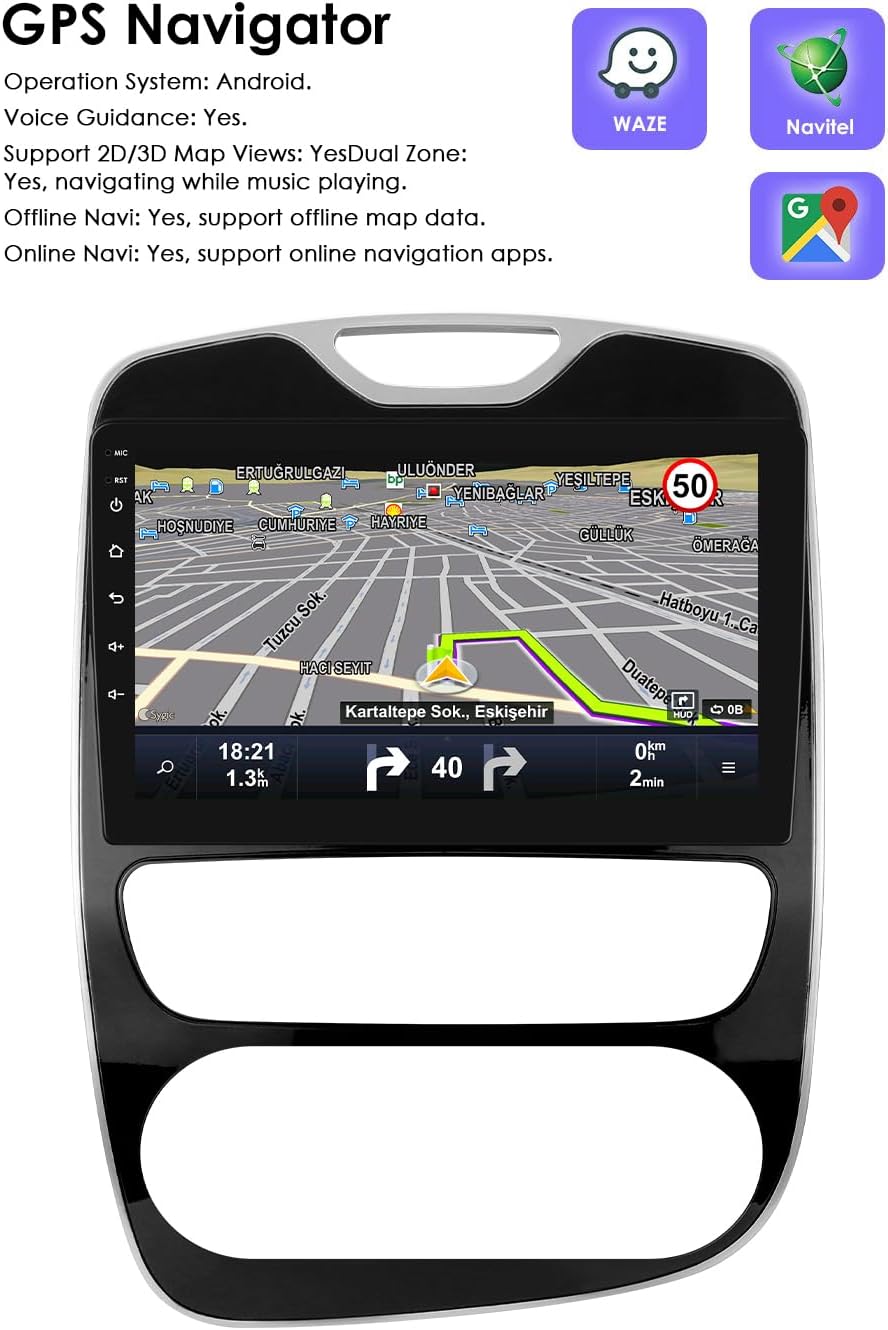
Imagen: Interfaz de navegación GPS.
7. Control del volante (SWC)
The unit is compatible with your vehicle's factory steering wheel controls. This allows you to easily change tracks, channels, and adjust volume, minimizing distractions while driving.

Image: Steering Wheel Control icon.
8. Visualización en pantalla dividida
Utilize the split-screen feature to display multiple applications simultaneously, such as navigation and music, or an ADAS camera view alongside other functions.

Image: Split Screen Display functionality.
9. Control por voz
The system features enhanced voice control sensitivity, allowing for convenient hands-free operation of various functions, such as navigation and calling.
Image: Voice control interaction with the autoradio.
10. Entrada de la cámara retrovisora
The autoradio supports a rearview camera input. When the vehicle is put into reverse, the display automatically switches to the camera interface, showing blind spots and assisting with parking maneuvers.

Image: Backup Camera support icon.
11. Reproducción multimedia
The unit supports a wide range of multimedia formats:
- Formatos de música: MP3, WMA, AAC, RM, FLAC, etc.
- Formatos de vídeo: MPEG-1/2/4, H264, H263, VC1, RV, RMVB, DivX, Sorenson Spark, VP8 AVS Stream, etc.

Image: Multimedia playback capabilities.
12. Función de radio FM
Accede y sintoniza emisoras de radio FM. La interfaz facilita la selección de emisoras y el almacenamiento de presintonías.

Image: FM Function icon.
13. Enlace espejo
The Mirror Link function allows you to mirror your smartphone's screen directly onto the autoradio display, providing access to your phone's apps and content on a larger screen.

Imagen: Funcionalidad Mirror Link.
14. Built-in DSP with 48 EQ Adjustment
The integrated Digital Sound Processor (DSP) allows for precise audio customization with 48 equalization adjustments, enabling you to fine-tune the sound output to your preference.

Imagen: Interfaz de ajuste de ecualización 48.
Mantenimiento
To ensure the longevity and optimal performance of your Ossuret Autoradio, follow these maintenance guidelines:
- Limpieza: Utilice un paño suave y seco para limpiar la pantalla y el exterior. Evite limpiadores abrasivos o disolventes que puedan dañar la superficie.
- Actualizaciones de software: Compruebe periódicamente si hay actualizaciones de software disponibles para garantizar que el sistema funcione de manera eficiente y tenga las últimas funciones y parches de seguridad.
- Temperatura: Evite exponer la unidad a temperaturas extremas, tanto calientes como frías, ya que esto puede afectar sus componentes electrónicos.
- Conexiones: Asegúrese de que todos los cables y conexiones estén bien sujetos. Las conexiones sueltas pueden causar problemas intermitentes.
Solución de problemas
Si tiene problemas con su autorradio, consulte los siguientes problemas y soluciones comunes:
- Unit does not power on or blows fuses:
- Check all power connections and ensure they are correctly wired.
- Verify the vehicle's fuses. If fuses repeatedly blow, there might be a short circuit or incorrect wiring. Consult a professional.
- Ensure the original car power plug is correctly located and connected (refer to the Setup section for potential location).
- Wireless Carplay/Android Auto disconnects or does not work:
- Ensure your smartphone's Wi-Fi and Bluetooth are active and properly paired with the autoradio.
- Check the Zlink application status on the autoradio.
- Reinicie tanto la radio como su teléfono inteligente.
- Ensure there are no other devices interfering with the Wi-Fi or Bluetooth connection.
- Steering wheel controls are not functioning:
- Verify that the steering wheel control wires are correctly connected to the autoradio.
- Access the autoradio's settings to configure or calibrate the steering wheel controls.
- No radar sound from the vehicle after installation:
- If your original vehicle's radar sound was emitted through the factory speakers, you will need to purchase and install the RN-SS-11 Canbus decoder and a small speaker to restore this functionality.
- USB connection issues (e.g., device not recognized, intermittent connection):
- Ensure the USB cable is securely connected to both the autoradio and the external device.
- Try a different USB cable or external device to rule out a faulty accessory.
- Comprueba el file system format of your USB device; some formats may not be supported.
- La señal GPS es débil o inexacta:
- Asegúrese de que la antena GPS esté instalada en un lugar con una vista despejada. view del cielo, libre de obstrucciones.
- Check the GPS antenna connection to the autoradio.
Presupuesto
| Marca | Ossuret |
| Número de modelo | 6946cbde-ec23-470d-9f79-e4a4ffba77b7 |
| Color/Tamaño | 10.1 inches, 2GB RAM + 64GB Storage |
| Sistema operativo | Androide 13 |
| Tecnología de conectividad | Bluetooth, USB, Wi-Fi |
| Características especiales | Wireless Carplay/Android Auto, GPS Navigation, Steering Wheel Control, Split Screen, Voice Control, Backup Camera Input, Built-in DSP (48 EQ) |
| Dispositivos compatibles | Teléfono inteligente |
| Tipo de conector | USB, 3.5 mm jack, HDMI |
| Modo de salida de audio | Estéreo |
| Configuración de canales de sonido envolvente | 2.0 |
| Codificación de vídeo | RM |
Garantía y soporte
Your Ossuret Autoradio comes with a Garantía del fabricante de 1 añosEsta garantía cubre defectos de materiales y mano de obra en condiciones normales de uso.
For technical support, warranty claims, or further assistance, please contact your retailer or the Ossuret customer service department. Please have your product model number and purchase information ready when contacting support.
Information regarding spare parts availability and software updates is not available at this time. Please refer to the manufacturer's official webSitio o comuníquese con el soporte para obtener la información más actualizada.