
1. Introducción
Gracias por la compraasing the Heatz Sound Light Pro ZS24 Portable Bluetooth Speaker. This manual provides essential information for setting up, operating, and maintaining your speaker. Please read it carefully before use to ensure optimal performance and longevity of your device.
2. Información de seguridad
- No exponga el altavoz a temperaturas extremas, luz solar directa o humedad alta.
- Evite dejar caer o someter el altavoz a impactos fuertes.
- No desmonte, repare ni modifique el dispositivo usted mismo. Contacte con personal de servicio técnico cualificado para obtener ayuda.
- Mantenga el altavoz alejado del agua y otros líquidos.
- Utilice únicamente el cable de carga proporcionado o un equivalente certificado.
- Limpie el altavoz con un paño suave y seco. No utilice limpiadores abrasivos ni disolventes.
3. Contenido del paquete
Por favor, compruebe que todos los artículos estén presentes en su paquete:
- Heatz Sound Light Pro ZS24 Portable Bluetooth Speaker
- Cable de carga USB
- Manual de usuario
4. Producto terminadoview
Familiarícese con los componentes y controles del altavoz.

Image: The Heatz Sound Light Pro ZS24 speaker, highlighting its various connection options including Bluetooth, FM Radio, Micro SD Card slot, USB port, and Type C charging port. Control buttons are located on the top panel.
Controles y Puertos:
- Botón de encendido: Mantenga presionado para encender/apagar.
- Subir volumen / Pista siguiente: Presione brevemente para subir el volumen, presione prolongadamente para la siguiente pista.
- Bajar volumen / Pista anterior: Presione brevemente para bajar el volumen, presione prolongadamente para la pista anterior.
- Play/Pause/Call Answer: Press to play/pause music or answer/end calls.
- Botón de modo: Press to switch between Bluetooth, USB, TF Card, AUX, and FM Radio modes.
- Botón de luz LED: Presione para recorrer los modos de luz LED.
- Puerto USB: Para reproducción de unidad USB.
- Ranura para tarjetas TF: Para reproducción de tarjeta TF (Micro SD).
- Entrada auxiliar: Para conectar dispositivos de audio externos mediante un cable de audio de 3.5 mm.
- Puerto de carga tipo C: Para cargar el altavoz.
5. Configuración
Carga inicial:
Before first use, fully charge the speaker. Connect the provided USB charging cable to the Type C port on the speaker and the other end to a USB power adapter (not included) or a computer's USB port. The LED indicator will show charging status and turn off when fully charged.
6. Instrucciones de funcionamiento
Encendido/apagado:
- Para encender, mantenga presionado el botón de encendido hasta que escuche una indicación audible.
- Para apagar, mantenga presionado el botón de encendido nuevamente hasta que el altavoz se apague.
Emparejamiento Bluetooth:
- Encienda el altavoz. Entrará automáticamente en modo de emparejamiento Bluetooth, lo que se indicará mediante un LED parpadeante.
- Habilite Bluetooth en su teléfono inteligente, tableta u otro dispositivo.
- Buscar available Bluetooth devices and select "Heatz ZS24" from the list.
- Una vez emparejado, escuchará un sonido de confirmación y el indicador LED dejará de parpadear.
Emparejamiento True Wireless Stereo (TWS):
TWS allows you to connect two Heatz ZS24 speakers for an enhanced stereo sound experience.
- Ensure both ZS24 speakers are powered on and not connected to any other Bluetooth device.
- On one of the speakers, double-press the Mode button. You will hear a prompt indicating it's searching for another speaker.
- Los dos altavoces se emparejarán automáticamente. Un sonido de confirmación indicará que el emparejamiento TWS se ha realizado correctamente.
- Ahora, conecta tu dispositivo a uno de los altavoces emparejados por Bluetooth, como se describe arriba. Ambos altavoces reproducirán audio en estéreo.
Reproducción de tarjeta USB/TF:
Inserte una unidad USB o una tarjeta TF (Micro SD) que contenga audio MP3 files into the respective port. The speaker will automatically switch to USB or TF card mode and begin playback. Use the Volume/Track buttons to control playback.
Modo AUX:
Connect an external audio device (e.g., MP3 player, laptop) to the speaker's AUX input using a 3.5mm audio cable (not included). Press the Mode button until you enter AUX mode. Audio will be played from the connected device.
Llamadas manos libres:
When connected to your phone via Bluetooth, the speaker's built-in microphone allows for hands-free calls.

Image: A woman is shown using the Heatz Sound Light Pro ZS24 speaker for hands-free calling, demonstrating its convenience during daily activities.
- Responder llamada: Presione el botón Reproducir/Pausa una vez.
- Finalizar llamada: Presione el botón Reproducir/Pausa una vez durante una llamada.
- Rechazar llamada: Mantenga presionado el botón Reproducir/Pausar.
Modos de luz LED:
Press the LED Light button to cycle through various lighting effects or turn the lights off.
7. Carga
When the battery is low, the speaker will emit an audible warning. Connect the USB charging cable to the Type C port on the speaker and a power source. The LED indicator will illuminate during charging and turn off when the battery is full. A full charge provides up to 6 hours of continuous music playback.
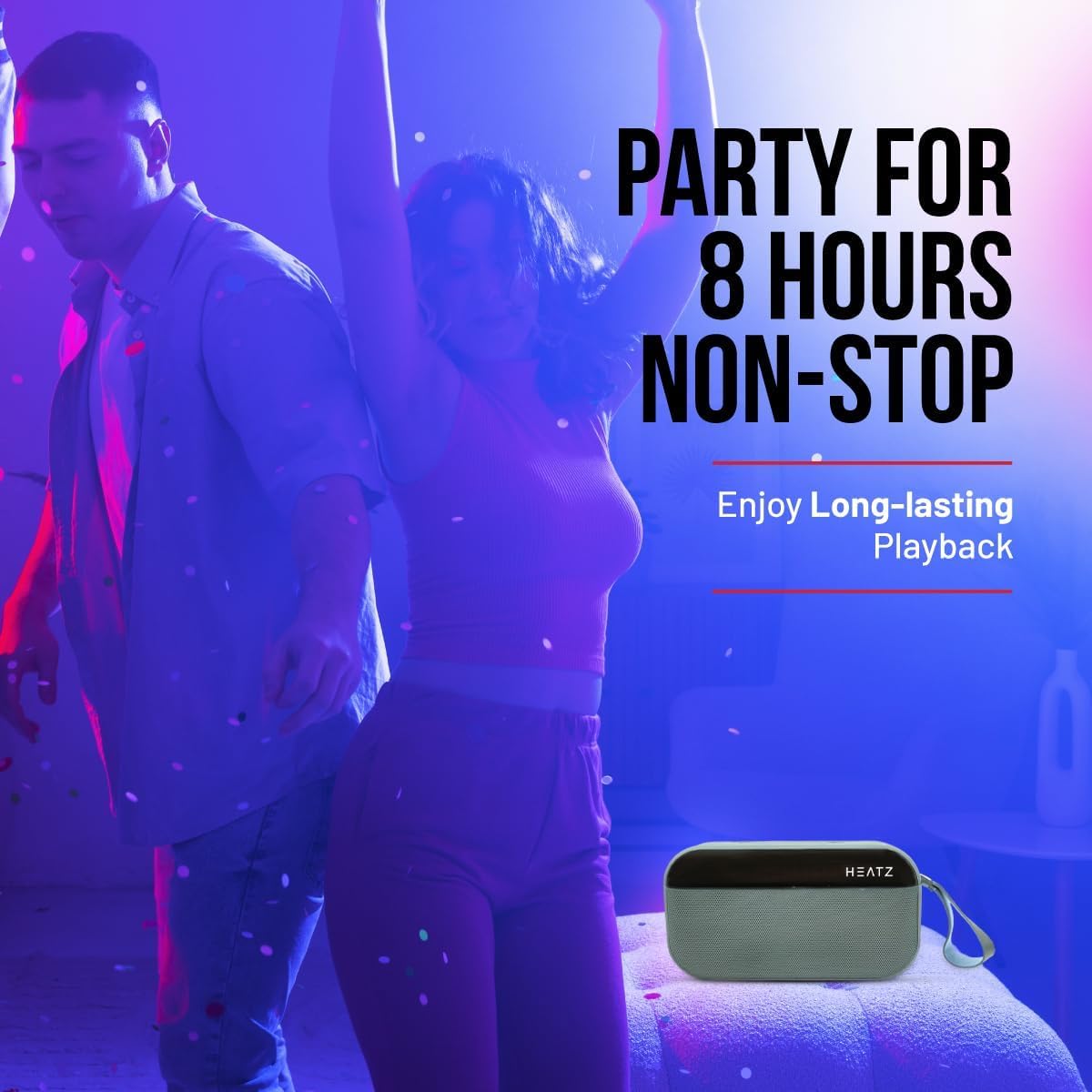
Image: The Heatz Sound Light Pro ZS24 speaker, illustrating its long-lasting playback capability for extended enjoyment.
8. Mantenimiento
- Limpieza: Use a soft, dry, lint-free cloth to clean the speaker's exterior. Do not use liquid cleaners or sprays.
- Almacenamiento: Guarde el altavoz en un lugar fresco y seco, alejado de la luz solar directa y de temperaturas extremas cuando no lo utilice durante períodos prolongados.
- Cuidado de la batería: Para prolongar la vida útil de la batería, evite descargarla por completo con frecuencia. Cargue el altavoz regularmente, incluso si no lo usa.
9. Solución de problemas
| Problema | Posible causa | Solución |
|---|---|---|
| El altavoz no se enciende. | La batería está agotada. | Cargue el altavoz completamente. |
| No se puede emparejar a través de Bluetooth. | El altavoz no está en modo de emparejamiento; el Bluetooth está desactivado en el dispositivo; el dispositivo está demasiado lejos. | Asegúrate de que el altavoz esté en modo de emparejamiento. Activa el Bluetooth en tu dispositivo. Acércalo al altavoz (a menos de 10 metros). |
| No hay sonido. | Volume is too low; Incorrect input mode; Device not playing. | Increase speaker and device volume. Switch to correct input mode (Bluetooth, USB, TF, AUX). Ensure audio is playing on your connected device. |
| El emparejamiento de TWS falla. | Speakers are already paired to another device; Incorrect TWS pairing procedure. | Asegúrate de que ambos altavoces estén desconectados de otros dispositivos. Sigue atentamente los pasos de emparejamiento de TWS. |
10. Especificaciones
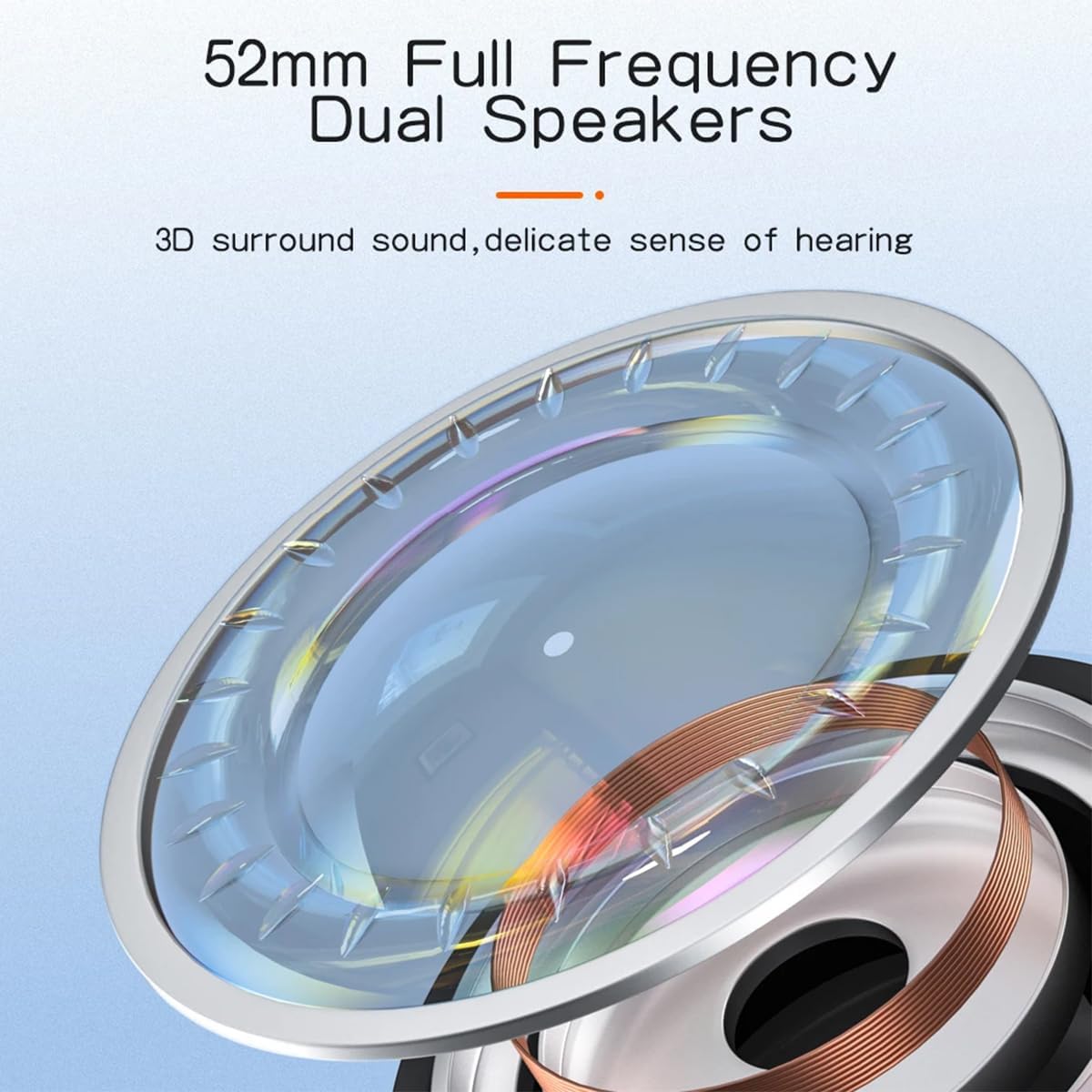
Imagen: Un detalle view of the 52mm full-frequency dual speakers, designed for 3D surround sound and a delicate sense of hearing.
| Característica | Detalle |
|---|---|
| Modelo | ZS24 |
| Potencia de salida | 12W (2 x 6W) |
| Versión de Bluetooth | 5.4 |
| Capacidad de la batería | 2400 mAh |
| Tiempo de reproducción | Hasta 6 horas |
| Tamaño del altavoz | 57mm (52mm Full Frequency Dual Speakers) |
| Soporte TWS | Sí |
| Opciones de conectividad | Bluetooth, USB, tarjeta TF, AUX |
| Iluminación | Modo de luz LED |
| Controles | Power, Volume, Play/Pause, Mode, Light |
| Llamadas manos libres | Micrófono incorporado |
| Dimensiones | 16.8 x 12.5 x 6.5 cm |
| Peso | 450 gramos |
| Impedancia | 4 ohmios |
11. Garantía y soporte
This product comes with a standard manufacturer's warranty. Please refer to the warranty card included in your package for specific terms and conditions. For technical support, troubleshooting assistance, or warranty claims, please contact your retailer or the Heatz customer service department.
Conserve su recibo de compra como comprobante de compra para fines de garantía.