
Introducción
This manual provides essential information for the HP 15 Smartchoice Laptop, model fc1038AU. It covers initial setup, basic operation, maintenance tips, troubleshooting common issues, and detailed product specifications. Please read this manual thoroughly to ensure proper use and longevity of your device.

Imagen: Frente view of the HP 15 Smartchoice Laptop.
1. Configuración
1.1 Desembalaje e inspección inicial
Retire con cuidado todos los componentes del embalaje. Compruebe que todos los artículos enumerados en la sección "Contenido de la caja" estén presentes y sin daños.
- Computadora portátil
- Power Adapter (65 W USB Type-C®)
- Manual de usuario (este documento)
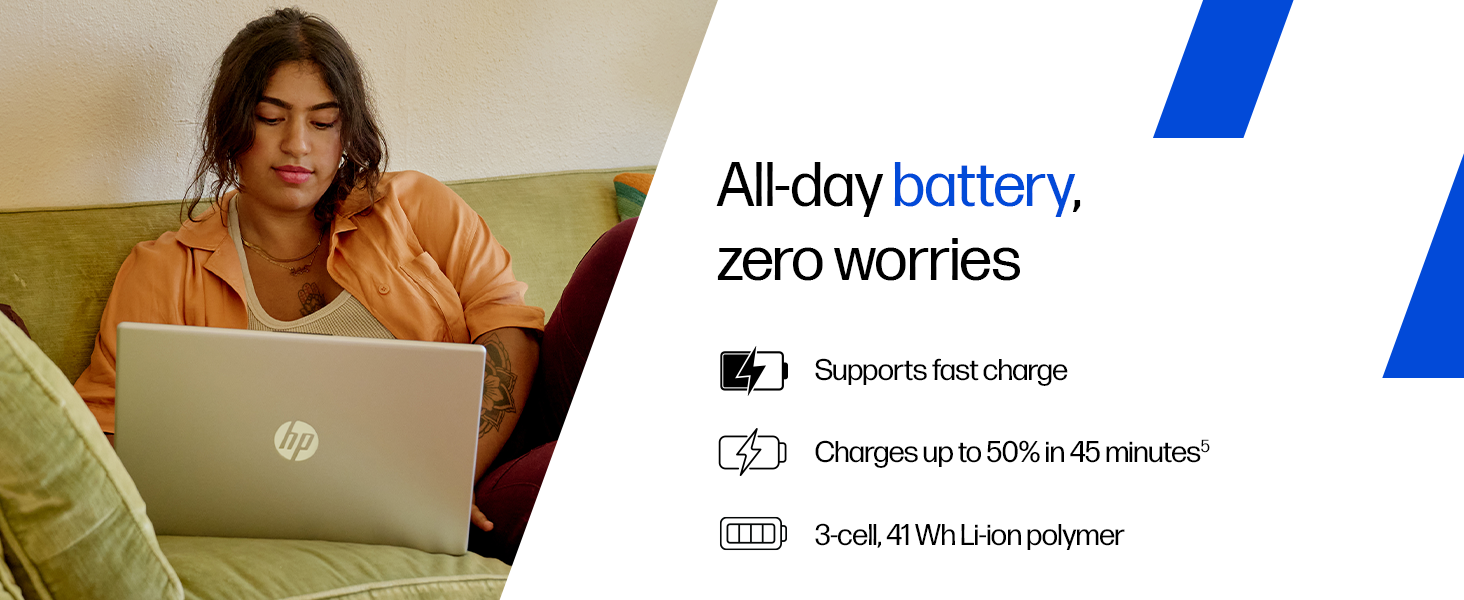
Image: Contents of the HP laptop box, including the laptop, power adapter, and user manual.
1.2 Conexión de la alimentación
Connect the power adapter to the laptop's AC smart pin port and then plug it into a power outlet. The laptop battery supports fast charging, reaching approximately 50% charge in 45 minutes.
Image: Illustration of connecting the power adapter to the laptop.
1.3 Arranque inicial y configuración de Windows
Press the power button to turn on the laptop. Follow the on-screen instructions to complete the Windows 11 Home setup. This includes setting up your region, language, network connection, and user account.
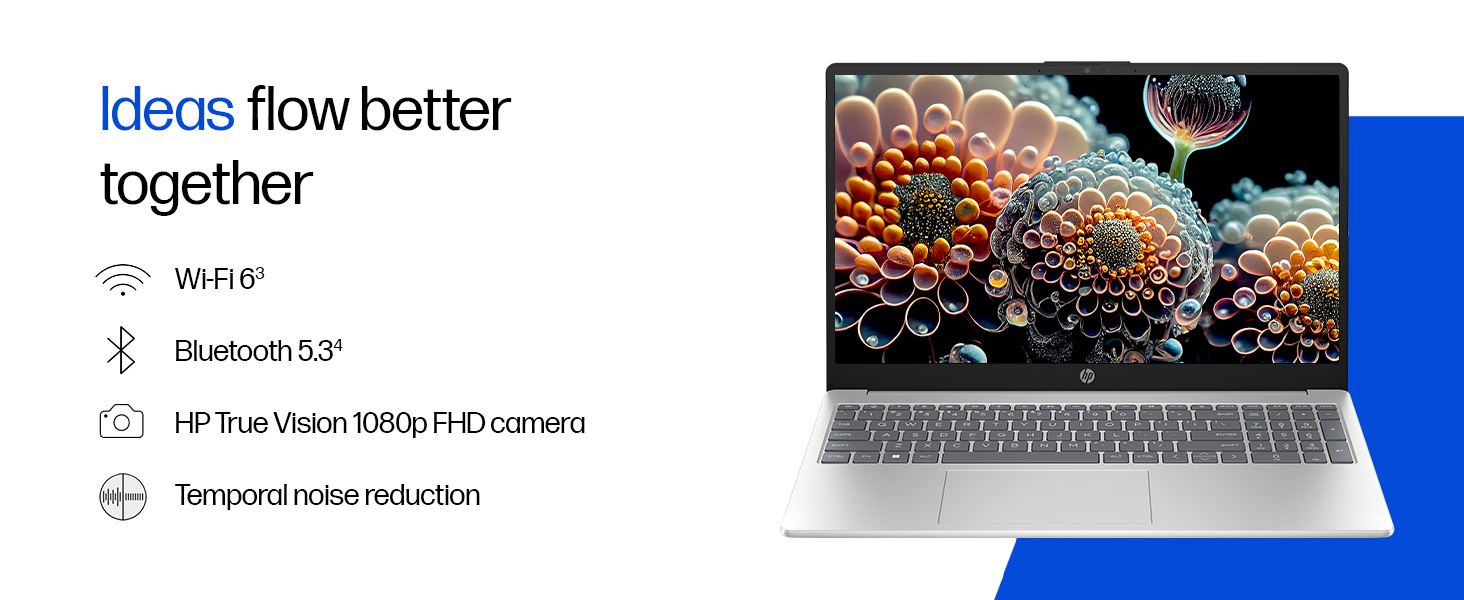
Image: A user interacting with the Windows 11 setup on the HP laptop.
2. Operación de su computadora portátil
2.1 Encendido/Apagado y Suspensión
- Encendido: Presione el botón de encendido ubicado en el teclado.
- Cerrar: Haga clic en el botón Inicio, luego en Encendido y seleccione “Apagar”.
- Dormir: Cierre la tapa o haga clic en el botón Inicio, luego en Encendido y seleccione "Suspender".
2.2 Teclado y panel táctil
The laptop features a full-size, backlit, soft grey keyboard with a numeric keypad for comfortable typing and data entry. The HP Imagepad provides precise navigation.
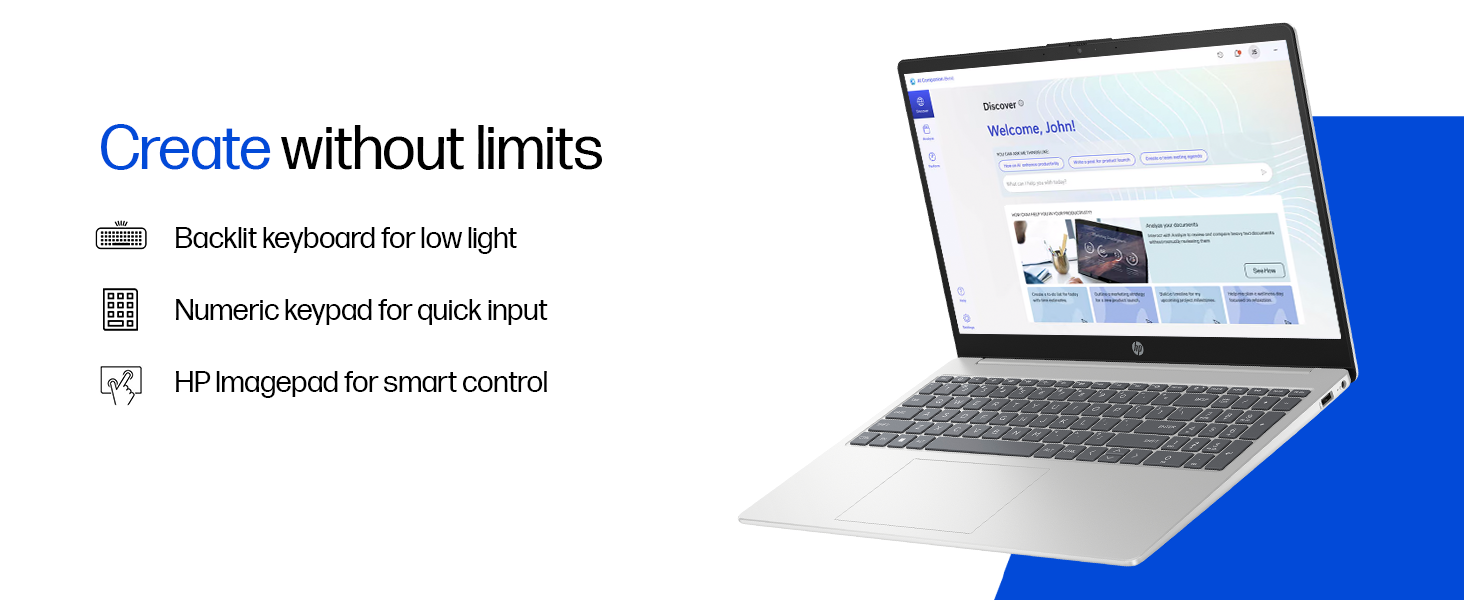
Imagen: Primer plano view of the backlit keyboard and numeric keypad.
2.3 Pantalla
Your laptop is equipped with a 39.6 cm (15.6") diagonal FHD (1920 x 1080) micro-edge, anti-glare display with 250 nits brightness and 45% NTSC color gamut. This design minimizes reflections and provides a wide viewÁrea de ing.
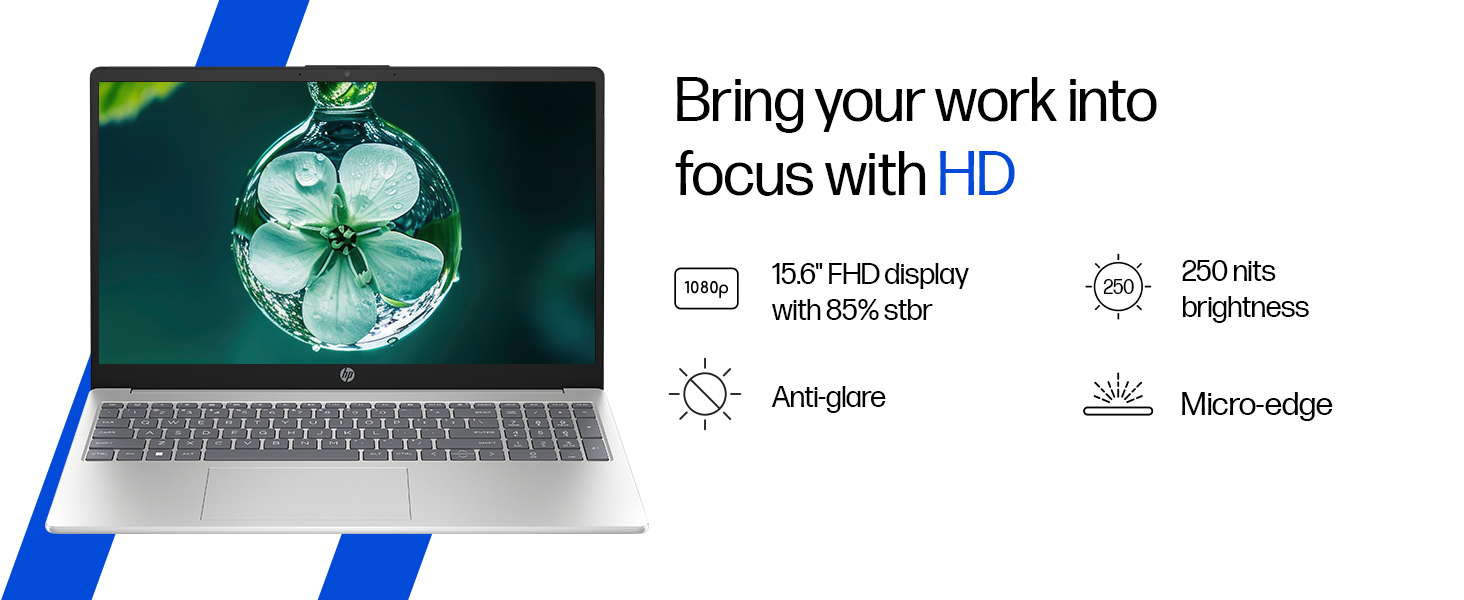
Image: The laptop's 15.6-inch FHD micro-edge display.
2.4 Puertos y conectividad
The laptop offers various ports for connecting peripherals and external devices:
- 1 USB Type-C 10Gbps signaling rate (supports USB Power Delivery, DisplayPort 1.4, HP Sleep and Charge)
- 2 USB tipo A con velocidad de señalización de 5 Gbps
- 1 clavija inteligente de CA
- 1 HDMI-out 1.4b
- 1 conector combinado de auriculares/micrófono
For wireless connectivity, it includes Realtek Wi-Fi 6 (2x2) and Bluetooth 5.3.

Imagen: Lateral view of the laptop highlighting the various ports available.
2.5 Cámara y audio
The HP True Vision 1080p FHD camera features temporal noise reduction and an integrated privacy shutter. Dual array digital microphones and dual speakers provide clear audio for communication and entertainment.
Image: Close-up of the HP True Vision 1080p FHD camera with its privacy shutter.
3. Mantenimiento
3.1 Limpieza de su computadora portátil
- Pantalla: Utilice un paño suave y sin pelusa ligeramenteampLimpiar con agua o un limpiador de pantallas. Evitar productos químicos agresivos.
- Teclado y chasis: Utilice un paño suave y seco. Para la suciedad difícil, un paño ligeramente seco.amp cloth can be used. Compressed air can help remove debris from between keys.
- Asegúrese de que la computadora portátil esté apagada y desenchufada antes de limpiarla.
3.2 Cuidado de la batería
The laptop uses a 3-cell, 41 Wh Li-ion polymer battery. To maximize battery lifespan:
- Evite temperaturas extremas.
- No descargue completamente la batería con frecuencia.
- If storing the laptop for an extended period, charge the battery to about 50% and store it in a cool, dry place.
4. Solución de problemas
Esta sección aborda problemas comunes que puede encontrar con su computadora portátil HP.
4.1 Problemas de energía
- La computadora portátil no enciende: Asegúrese de que el adaptador de corriente esté bien conectado tanto a la laptop como a una toma de corriente que funcione. Pruebe con otra toma de corriente. Si la batería está completamente descargada, puede tardar unos minutos en mostrar signos de carga después de enchufarla.
- La batería no se carga: Verify the power adapter is functioning. Check the charging indicator light on the laptop. If issues persist, contact support.
4.2 Problemas de visualización
- Pantalla en blanco: Connect an external monitor to check if the display output works. If it does, the laptop screen might have an issue. If not, there might be a graphics card or system issue.
- Pantalla parpadeante: Actualiza tus controladores gráficos. Ajusta la frecuencia de actualización de la pantalla en la configuración de Windows.
4.3 Problemas de conectividad
- Wi-Fi no se conecta: Ensure Wi-Fi is enabled in Windows settings. Restart your router and the laptop. Update Wi-Fi drivers.
- El dispositivo Bluetooth no se empareja: Ensure Bluetooth is enabled on both devices. Make sure the device is in pairing mode. Remove and re-add the device in Windows Bluetooth settings.
4.4 Problemas de rendimiento
- Rendimiento lento: Cierre las aplicaciones innecesarias. Revise el Administrador de tareas para detectar un uso elevado de CPU/RAM. Asegúrese de tener suficiente espacio libre en el SSD. Ejecute un análisis de virus.
- Calentamiento excesivo: Ensure ventilation vents are clear. Use the laptop on a hard, flat surface. Consider reducing heavy workload if persistent.
5. Especificaciones
| Característica | Detalle |
|---|---|
| Marca | HP |
| Nombre del modelo | HP Laptop (fc1038AU) |
| Procesador | AMD Ryzen 7 7735HS (up to 4.75 GHz max boost clock, 8 cores, 16 threads, 16 MB L3 cache) |
| RAM | 16 GB DDR5-4800 MT/s (2 x 8 GB) |
| Almacenamiento | SSD PCIe Gen4 NVMe M.2 de 512 GB |
| Gráficos | Gráficos AMD Radeon 680M |
| Mostrar | 39.6 cm (15.6") diagonal, FHD (1920 x 1080), micro-edge, anti-glare, 250 nits, 45% NTSC |
| Sistema operativo | Windows 11 Inicio Único Idioma |
| Software preinstalado | MS Office Home 2024, 1 year Microsoft 365 Basic Free |
| Puertos | 1 USB Type-C (10Gbps, PD, DP 1.4, HP Sleep and Charge), 2 USB Type-A (5Gbps), 1 AC smart pin, 1 HDMI-out 1.4b, 1 Headphone/microphone combo |
| Conectividad inalámbrica | Realtek Wi-Fi 6 (2x2), Bluetooth 5.3 |
| Cámara | HP True Vision 1080p FHD camera with temporal noise reduction and privacy shutter |
| Audio | Dual speakers, Integrated dual array digital microphones |
| Teclado | Full-size, backlit, soft grey keyboard with numeric keypad |
| Batería | 3-cell, 41 Wh Li-ion polymer (supports fast charge: approx. 50% in 45 minutes) |
| Peso | 1.59 kilogramos |
| Color | Plata natural |
| Dimensiones (L x An x Al) | 23.6 x 36 x 1.9 cm |
6. Garantía y soporte
6.1 Información de garantía
Your HP 15 Smartchoice Laptop comes with a Garantía del fabricante por 1 año from the date of purchase. This warranty covers manufacturing defects and hardware failures under normal use conditions.
Para conocer los términos y condiciones detallados, consulte la documentación de garantía incluida con su producto o visite el soporte técnico oficial de HP. websitio.
6.2 Atención al cliente
If you encounter any technical issues or have product-related queries, please contact HP Customer Support:
- Números gratuitos: 1800-258-7170 or 1860-258-3079
- Soporte en línea: Visita el soporte oficial de HP webSitio para controladores, manuales y guías de solución de problemas.
When contacting support, please have your laptop's model number (fc1038AU) and serial number ready. The serial number is typically located on a sticker on the bottom of the laptop or can be found in the system information within Windows.