
Introducción
The Sudio N3 Pro Wireless Earbuds are designed to provide a high-definition listening experience with active noise cancelling. These earbuds offer up to 30 hours of total playtime, are sweat and splashproof, and feature an eco-friendly design incorporating recycled plastics. Their comfortable fit and premium metallic finish make them suitable for all-day wear, seamlessly transitioning from work to leisure activities.
The pebble-inspired charging case is smooth to the touch and compact, fitting easily into your pocket. With multipoint connection, the Sudio N3 Pro allows convenient sharing across multiple devices.
¿Qué hay en la caja?
- Sudio N3 Pro Earbuds and Charging Case
- Cable de carga USB-C
- Eartip Card with 4 Silicone Eartip Sizes
- Manual de usuario

Image: Contents of the Sudio N3 Pro package, showing the earbuds, charging case, USB-C cable, and different sized silicone eartips.
Producto terminadoview
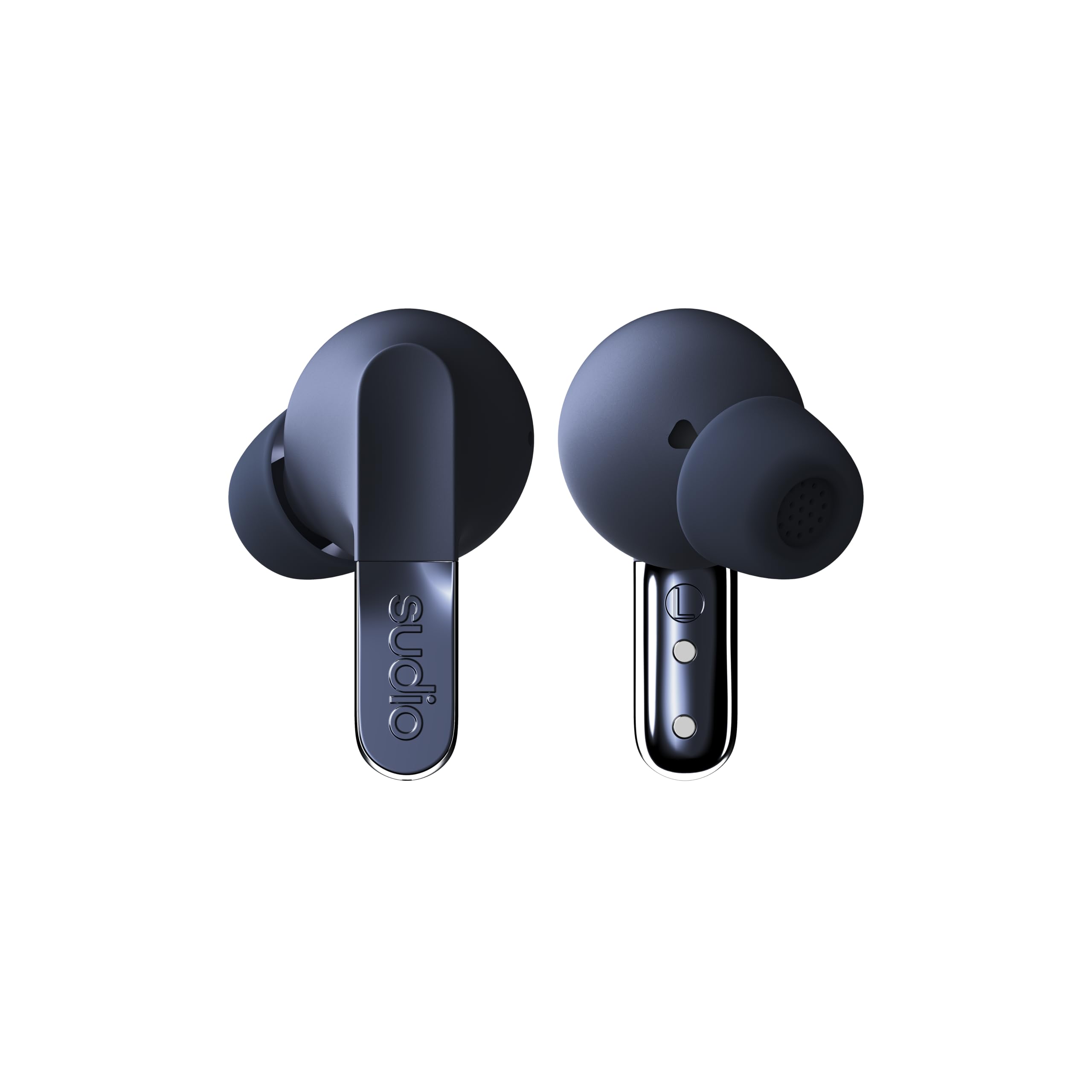
Image: The Sudio N3 Pro earbuds and their pebble-shaped charging case.
The Sudio N3 Pro earbuds are designed for a comfortable in-ear fit, featuring a stem design with touch controls. The compact charging case not only protects the earbuds but also provides additional battery life and features a USB-C charging port.
Configuración
Uso inicial
- Deshacer: Retire con cuidado los auriculares y el estuche de carga del embalaje.
- Retire la película protectora: Before first use, remove any protective film covering the charging contacts on the earbuds.
- Cargar: Place the earbuds into the charging case and connect the USB-C cable to a power source to fully charge the device. The LED indicator on the case will show charging status.
- Seleccionar tapones para los oídos: Choose the silicone eartips that provide the most comfortable and secure fit for your ears. A good seal is crucial for optimal sound quality and Active Noise Cancelling performance.
Emparejamiento Bluetooth
- Abre el estuche de carga. Los auriculares entrarán automáticamente en modo de emparejamiento.
- En su dispositivo (teléfono inteligente, tableta, etc.), vaya a la configuración de Bluetooth.
- Seleccione “Sudio N3 Pro” de la lista de dispositivos disponibles.
- Una vez conectado, escuchará un mensaje de audio que confirmará que el emparejamiento fue exitoso.

Image: A user wearing the Sudio N3 Pro earbuds, illustrating the in-ear fit.
Instrucciones de funcionamiento
Encendido/apagado
- Encendido: Abra el estuche de carga y los auriculares se encenderán automáticamente e intentarán conectarse al último dispositivo emparejado.
- Apagado: Vuelve a colocar los auriculares en el estuche de carga y cierra la tapa. Se apagarán automáticamente y comenzarán a cargarse.
Reproducción de música
- Reproducir/Pausa: Toque cualquiera de los auriculares una vez.
- Pista siguiente: Toca dos veces el auricular derecho.
- Pista anterior: Toca dos veces el auricular izquierdo.
Gestión de llamadas
- Responder/Finalizar llamada: Toque cualquiera de los auriculares una vez.
- Rechazar llamada: Mantenga presionado cualquiera de los auriculares durante 2 segundos.
Asistente de voz
- Activar asistente de voz: Toca tres veces cualquiera de los auriculares.
Cancelación activa de ruido (ANC)
The Sudio N3 Pro features adaptive hybrid Active Noise Cancelling technology, capable of reducing ambient noise by up to -50dB. This allows you to focus on your audio content without distractions from your surroundings.
Modos ANC
- ANC en: Bloquea la mayor parte del ruido externo.
- Modo de transparencia: Allows ambient sounds to pass through, keeping you aware of your surroundings while still enjoying your audio.
- ANC desactivado: Disables noise cancelling and transparency modes.
Toggling ANC Modes
Press and hold the touch sensor on either earbud for 2 seconds to cycle through ANC On, Transparency Mode, and ANC Off.

Image: Sudio N3 Pro earbuds in their charging case, illustrating the Active Noise Cancelling feature.
Controles táctiles
The Sudio N3 Pro earbuds feature intuitive touch controls on both earbuds for easy management of music, calls, and noise cancelling modes.
| Acción | Función |
|---|---|
| Un solo toque (cualquiera de los auriculares) | Reproducir/Pausar música, Responder/Finalizar llamada |
| Doble toque (auricular derecho) | Pista siguiente |
| Doble toque (auricular izquierdo) | Pista anterior |
| Triple toque (cualquier auricular) | Activar Asistente de Voz |
| Press & Hold (2s, Either Earbud) | Cycle ANC Modes (ANC On / Transparency / ANC Off), Reject Call |
Batería y carga
The Sudio N3 Pro earbuds offer extended listening times, ensuring your music accompanies you throughout the day.
- Tiempo de reproducción de auriculares: Hasta 5.5 horas con una sola carga.
- Tiempo total de juego: Hasta 30 horas con el estuche de carga.
- Interfaz de carga: USB-C.
Cargando el estuche
- Connect the provided USB-C charging cable to the port on the charging case.
- Conecte el otro extremo del cable a un adaptador de corriente USB compatible (no incluido).
- The LED indicator on the case will illuminate to show charging status and turn off when fully charged.

Image: Sudio N3 Pro charging case and earbuds, highlighting battery life and USB-C charging.
Cuidado y mantenimiento
Proper care ensures the longevity and optimal performance of your Sudio N3 Pro earbuds.
- Limpieza: Regularly clean the earbuds, especially the eartips and charging contacts, with a soft, dry cloth. Avoid using harsh chemicals or abrasive materials.
- Resistencia al agua: The earbuds are sweat and splashproof (IPX4 equivalent). Avoid submerging them in water or exposing them to heavy rain. Dry them thoroughly before placing them back in the charging case.
- Almacenamiento: Guarde los auriculares en su estuche de carga cuando no los use para protegerlos y mantenerlos cargados.
- Temperatura: Avoid exposing the earbuds to extreme temperatures, as this can affect battery life and overall performance.
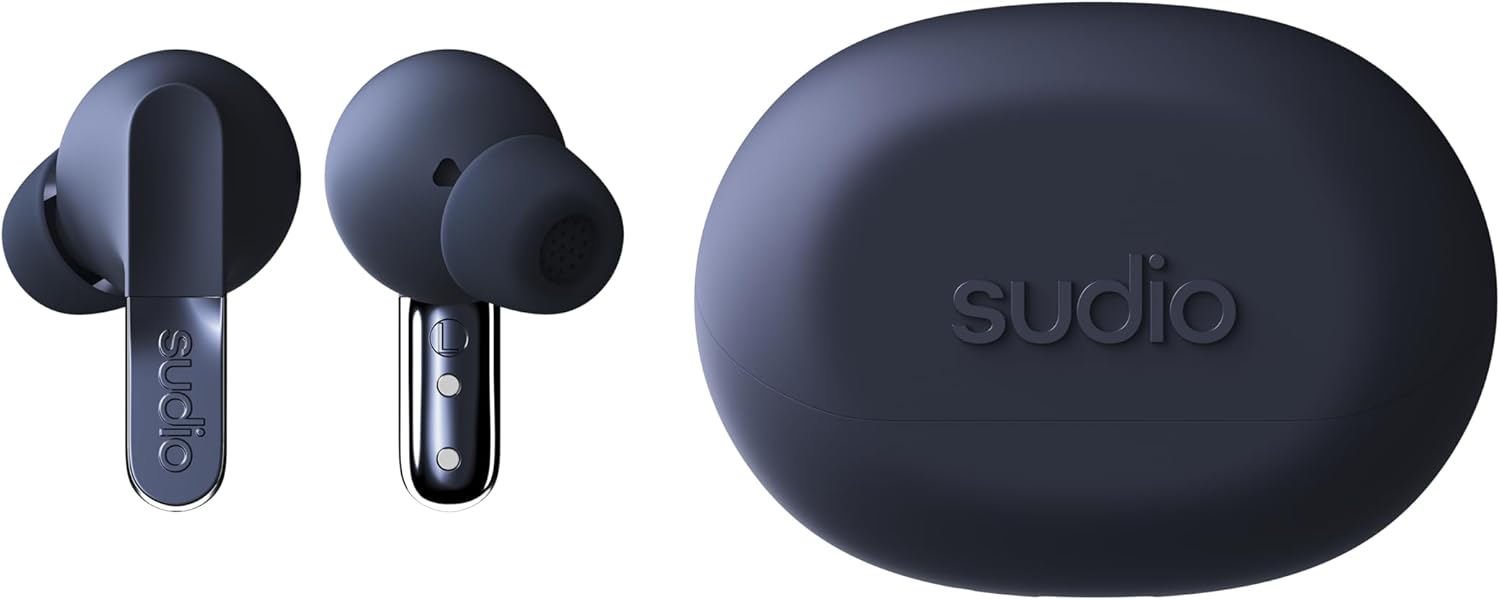
Imagen: Detallada view of the Sudio N3 Pro earbuds, emphasizing their design and eartips.
Solución de problemas
If you encounter any issues with your Sudio N3 Pro earbuds, refer to the following common solutions:
- Sin sonido/mala calidad de sonido:
- Asegúrese de que los auriculares estén cargados.
- Check Bluetooth connection and ensure earbuds are paired correctly.
- Ajuste el volumen tanto en su dispositivo como en los auriculares.
- Pruebe distintos tamaños de tapones para los oídos para lograr un mejor sellado.
- Problemas de emparejamiento:
- Asegúrese de que los auriculares estén en modo de emparejamiento (estuche abierto).
- Desactive y active el Bluetooth en su dispositivo.
- Forget "Sudio N3 Pro" from your device's Bluetooth list and re-pair.
- Asegúrese de que los auriculares estén completamente cargados.
- Problemas de carga:
- Asegúrese de que el cable USB-C esté conectado de forma segura tanto al estuche como a la fuente de alimentación.
- Compruebe que los contactos de carga de los auriculares y del interior del estuche estén limpios y libres de residuos.
- Pruebe con un cable USB-C o un adaptador de corriente diferente.
Presupuesto
| Característica | Detalle |
|---|---|
| Nombre del modelo | SUDIO N3 Pro |
| Control de ruido | Cancelación activa de ruido |
| Duración de la batería | Hasta 30 horas (con estuche de carga) |
| Tecnología de conectividad | Inalámbrico (Bluetooth) |
| Versión de Bluetooth | 5.4 |
| Nivel de resistencia al agua | Water Resistant (Sweat & Splashproof) |
| Material | Plastic, Silicone (20% recycled plastics) |
| Método de control | Tocar |
| Tipo de controlador de audio | Controlador dinámico |
| Peso del artículo | 94.7 gramos (3.34 onzas) |
Garantía y soporte
For warranty information, product support, or to register your Sudio N3 Pro earbuds, please visit the official Sudio websitio o comuníquese directamente con su servicio de atención al cliente.
Fabricante: Estudio
Websitio: www.sudio.com