
1. Introducción
The Molczov ZigBee & Bluetooth Dual Mode Gateway is a smart bridge designed to connect and control a wide range of ZigBee 3.0 and Bluetooth 5.0 smart devices. This intelligent hub enables seamless integration with your home network, allowing for remote control via the Smart Life or Tuya Smart App, and voice control through Amazon Alexa and Google Assistant. Its compact design and stable connection capabilities make it an essential component for a modern smart home ecosystem.
Contenido del paquete:
- 1 x Smart Zigbee & Bluetooth Gateway
- 1 x cable de datos
- 1 x Manual de usuario (este documento)

Image 1.1: The Molczov ZigBee & Bluetooth Dual Mode Gateway alongside a smartphone showing its interface for managing connected devices.
2. Características principales
- Conectividad de modo dual: Supports both ZigBee 3.0 and Bluetooth 5.0 for broad device compatibility.
- Control remoto de la aplicación: Monitor and control smart devices from anywhere using the Smart Life or Tuya Smart App (requires 2.4GHz WiFi connection).
- Integración de control de voz: Compatible con Amazon Alexa y Google Assistant para operación manos libres.
- Fácil configuración: Simple pairing process with the Smart Life app, requiring only power connection and WiFi.
- Conexión estable y confiable: Offers wide coverage and strong signal reception with low power consumption.
- Compartir en familia: Allows multiple family members to manage devices by sharing the account.
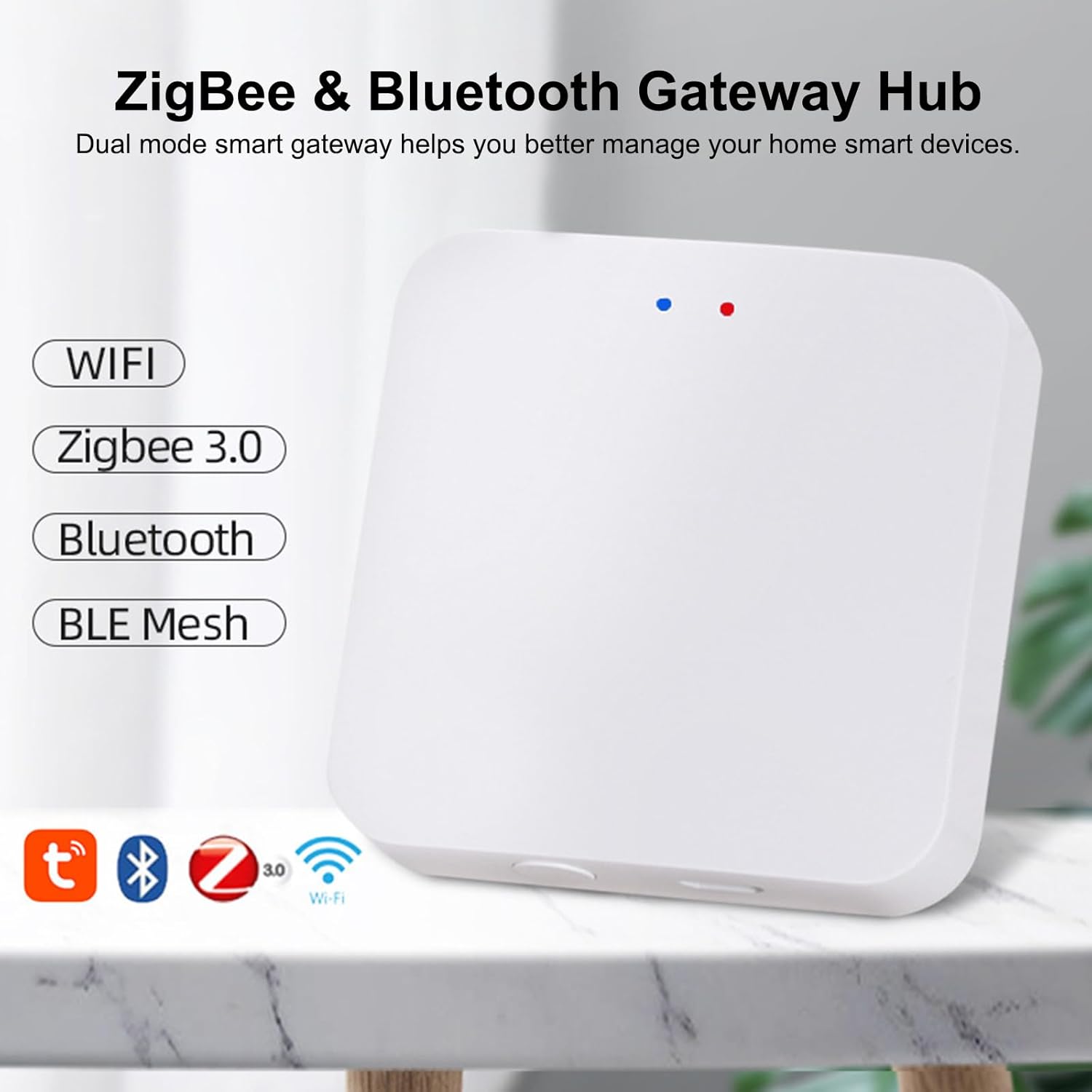
Image 2.1: Visual representation of the gateway's dual-mode capabilities, supporting WiFi, Zigbee 3.0, Bluetooth, and BLE Mesh.
3. Guía de configuración
Follow these steps to set up your Molczov ZigBee & Bluetooth Dual Mode Gateway:
- Encendido: Connect the provided data cable to the Micro USB port on the gateway and plug it into a DC5V 1A power source. The indicator light on the gateway will illuminate.
- Instalación de la aplicación: Descargue e instale la aplicación "Smart Life" o "Tuya Smart" desde la tienda de aplicaciones de su dispositivo móvil (disponible para iOS y Android).
- Registro de cuenta: Abra la aplicación y regístrese para obtener una nueva cuenta o inicie sesión si ya tiene una.
- Agregar dispositivo:
- Asegúrese de que su dispositivo móvil esté conectado a una red WiFi de 2.4 GHz.
- En la aplicación, toque el ícono "+" (generalmente en la esquina superior derecha) para agregar un nuevo dispositivo.
- Select "Gateway Control" or "Others" and then choose "Wireless Gateway" or "ZigBee Gateway" from the list.
- The app will guide you through the pairing process. Ensure the gateway's indicator light is blinking, indicating it's in pairing mode. If not, press and hold the reset button (if available, refer to device diagram) for a few seconds until it blinks.
- Confirm your WiFi network and enter the password when prompted.
- The app will search for and connect to the gateway. Once connected, you will see a confirmation message.
- Add Smart Devices: After the gateway is successfully added, you can start adding your ZigBee and Bluetooth smart devices through the gateway's interface within the app.
Video 3.1: This video demonstrates the step-by-step process of setting up the Molczov ZigBee & Bluetooth Dual Mode Gateway and connecting it to the mobile application. It shows the physical connection, app navigation, and successful device pairing.
4. Instrucciones de funcionamiento
Once your Molczov Gateway is set up and devices are connected, you can begin controlling your smart home.
4.1 Control remoto de la aplicación
The Smart Life or Tuya Smart app provides comprehensive control over your connected devices:
- Administración de dispositivos: View all connected ZigBee and Bluetooth devices. Turn devices on/off, adjust settings, and monitor status from anywhere with an internet connection.
- Creación de escena: Create custom scenes to automate multiple devices with a single command (e.g., "Good Morning" scene to turn on lights and open curtains).
- Automatización: Set up schedules, timers, and conditional automations based on factors like time, weather, or other device states.
- Notificaciones: Receive alerts, such as power failure notifications, directly on your smartphone.

Image 4.1: The mobile app interface showing remote control options and a notification for device offline status due to power failure.
4.2 Control de voz
Integrate your gateway with Amazon Alexa or Google Home for convenient voice commands:
- Cuentas de enlace: In the Alexa or Google Home app, search for the "Smart Life" or "Tuya Smart" skill/action and link your account.
- Descubrir dispositivos: Una vez vinculado, pídale a su asistente de voz que "Descubra dispositivos" o inicie manualmente el descubrimiento en la aplicación.
- Comandos de voz: Use simple voice commands to control your devices. For exampen:
- "Alexa, enciende la luz de la sala".
- "Ok Google, establece la temperatura del dormitorio a 22 grados".
- "Alexa, apaga el ventilador."
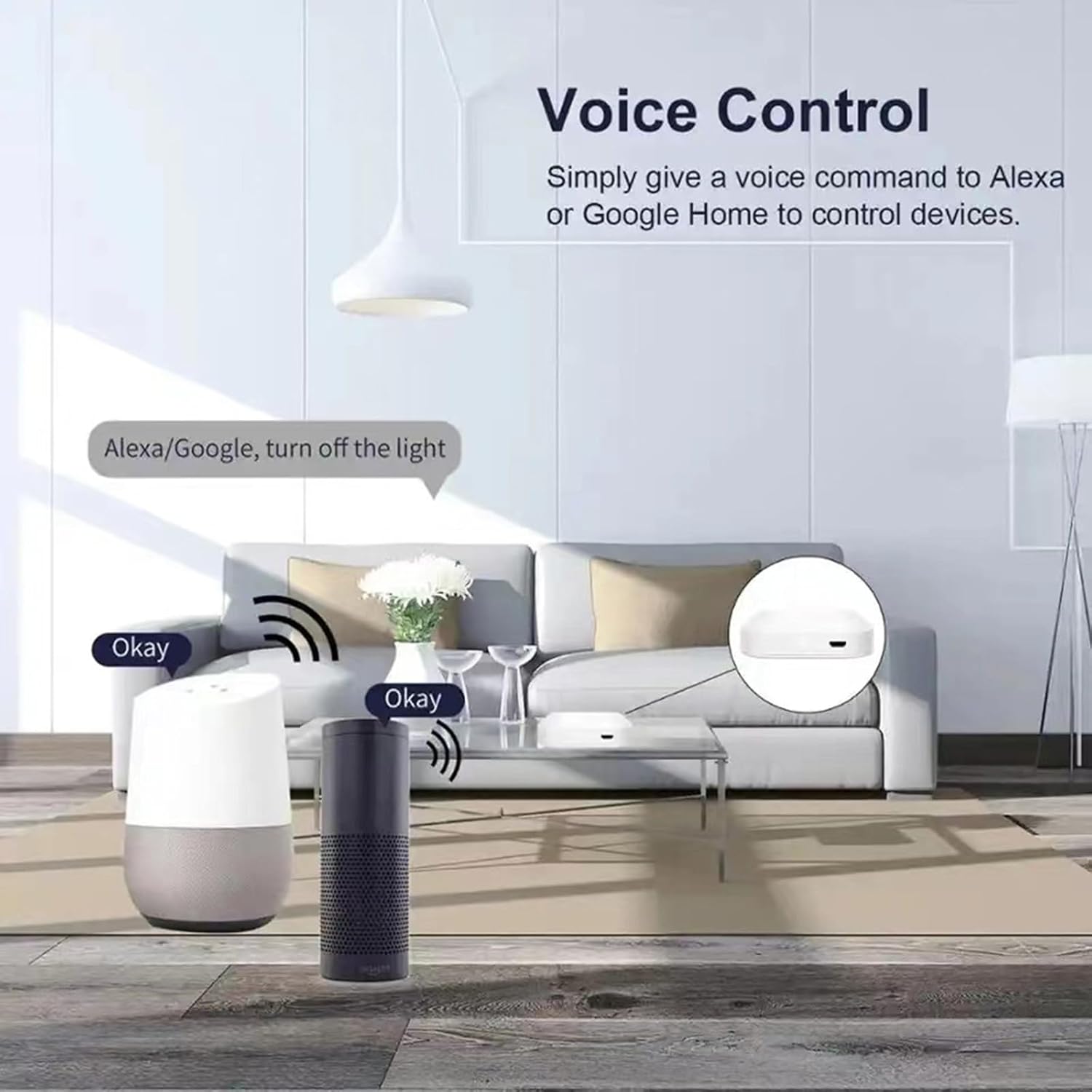
Image 4.2: An illustration of how voice commands through Amazon Alexa or Google Home can control devices connected via the gateway.
4.3 Compatibilidad de dispositivos
The Molczov Gateway supports a wide array of ZigBee and Bluetooth devices, including but not limited to:
- Zigbee Light Bulbs
- Zigbee Sockets
- Zigbee Curtain Switches
- Zigbee Switches
- Termohigrómetros
- Various other ZigBee 3.0 and Bluetooth 5.0 enabled smart home sensors and actuators.

Imagen 4.3: Examples of widely compatible smart home devices that can be connected to the dual-mode gateway.

Image 4.4: Depiction of the gateway's stable and reliable connection, providing wide coverage throughout a home.

Image 4.5: Illustration of the family sharing control feature, allowing multiple users to manage smart devices.
5. Mantenimiento
To ensure optimal performance and longevity of your Molczov ZigBee & Bluetooth Dual Mode Gateway, consider the following maintenance tips:
- Manténlo limpio: Limpie el dispositivo regularmente con un paño suave y seco para eliminar el polvo. Evite usar limpiadores líquidos o materiales abrasivos.
- Colocación óptima: Place the gateway in a central location within your home, away from large metal objects, thick walls, or other sources of interference (like microwaves or cordless phones) to maximize signal strength and coverage.
- Actualizaciones de firmware: Check the Smart Life/Tuya Smart app periodically for firmware updates. Keeping the gateway's firmware updated ensures compatibility with new devices, improved performance, and enhanced security.
- Estabilidad de potencia: Ensure a stable power supply (DC5V 1A). Avoid frequent power interruptions, which can affect device stability.
- Condiciones ambientales: Operate the device within the specified working temperature (-10℃ to 55℃) and humidity (10%-90%RH) ranges to prevent damage.
6. Solución de problemas
If you encounter issues with your Molczov Gateway, refer to the following common troubleshooting steps:
| Problema | Posible causa | Solución |
|---|---|---|
| Gateway not connecting to WiFi. | Incorrect WiFi password; 5GHz WiFi network; Gateway too far from router. | Verify password; Ensure 2.4GHz WiFi; Move gateway closer to router. |
| Devices not pairing with the gateway. | Device not in pairing mode; Interference; Device out of range. | Put device in pairing mode (refer to device manual); Reduce interference; Move device closer to gateway. |
| El control de voz no funciona. | Smart Life/Tuya skill not enabled; Accounts not linked; Incorrect voice command. | Enable skill in Alexa/Google Home app; Link accounts correctly; Use precise commands. |
| Gateway frequently goes offline. | Unstable WiFi connection; Power supply issues. | Check router stability; Ensure stable power source; Relocate gateway. |
If the problem persists, please contact Molczov customer support for further assistance.
7. Especificaciones
| Característica | Detalle |
|---|---|
| Nombre del producto | Wireless Zigbee & Bluetooth Gateway |
| Número de modelo | ZigBee Gateway |
| Conectividad | ZigBee 3.0, Bluetooth 5.0, 2.4G WiFi Network |
| Interfaz de energía | Micro USB |
| Entrada de potencia | 5 V CC, 1 A |
| Temperatura de trabajo | -10℃ a 55℃ (14°F a 131°F) |
| Humedad de trabajo | 10% a 90% HR (sin condensación) |
| Dimensiones del producto | 6 x 6 x 1.5 cm (2 x 2 x 0.5 pulgadas) |
| Peso del producto | 60 g (3.52 onzas) |
| Color | Blanco |
| Fabricante | Molczov |
| País natal | Porcelana |
8. Garantía y soporte
Molczov products are designed for reliability and performance. For warranty information and technical support, please refer to the following:
- Garantía: This product typically comes with a standard manufacturer's warranty. Please retain your proof of purchase for warranty claims. Specific warranty terms and duration may vary by region and retailer.
- Apoyo técnico: For any technical issues, setup assistance, or questions not covered in this manual, please contact Molczov customer support.
- Soporte en línea: Visit the official Molczov webSitio para preguntas frecuentes, guías de solución de problemas y formularios de contacto.
- Soporte por correo electrónico: Refer to your product packaging or purchase documentation for specific support email addresses.
Nota: Always ensure you are using official Molczov channels for support to avoid misinformation or unauthorized service.