
TATTMUSE Portable Thermal Printer
Manual del usuario de la impresora térmica portátil TATTMUSE
Modelo: Impresora térmica portátil
1. Introducción
This manual provides essential instructions for the setup, operation, and maintenance of your TATTMUSE Portable Thermal Printer. This device offers convenient, inkless printing for various documents, making it ideal for mobile and office use. Please read this manual thoroughly to ensure proper use and to maximize the lifespan of your printer.
2. Contenido del paquete
Upon unboxing, please verify that all items listed below are present in your package:
- TATTMUSE Portable Thermal Printer
- Estuche de transporte
- 4 Rolls of Thermal Paper (1 roll letter size pre-installed, plus 4.33", 3.14", 2.08" size rolls)
- Cable USB-C
- Cable USB-A
- Guía del usuario (este documento)

Image 2.1: Contents of the TATTMUSE Portable Thermal Printer package, including the printer, carrying case, various thermal paper rolls, and cables.
3. Configuración
3.1 Carga de la impresora
The printer features a built-in 2600mAh rechargeable battery. Before first use, fully charge the printer using the provided USB-C or USB-A cable and a compatible power adapter (not included). The charging indicator light will provide status updates.
3.2 Carga de papel térmico
The printer supports thermal roll paper, folded paper, and single sheets. It has a built-in paper bin. To load paper:
- Abra la tapa del compartimento del papel.
- Insert the thermal paper roll or folded stack, ensuring the printable side faces the print head.
- Cierre la tapa de forma segura.

Image 3.1: Demonstrates the process of loading thermal paper into the printer's paper compartment.
3.3 Conexión a dispositivos
Your TATTMUSE Portable Thermal Printer offers both Bluetooth and USB connectivity.
3.3.1 Conexión Bluetooth (para dispositivos móviles)
The printer is compatible with iPhone, Android phones, iPads, and tablets via Bluetooth.
- Asegúrese de que la impresora esté encendida.
- Habilite Bluetooth en su dispositivo móvil.
- Buscar available devices and select the TATTMUSE printer.
- Siga las indicaciones que aparecen en pantalla para completar el emparejamiento.
- Download the official TATTMUSE printing application from your device's app store for optimal functionality.
3.3.2 USB Connection (for Laptops and Computers)
For Windows, macOS, Chrome OS, and Linux systems, connect the printer using the provided USB-C cable.
- Connect one end of the USB-C cable to the printer and the other to your computer.
- Importante: You must download and install the appropriate printer driver from the official TATTMUSE websitio para su sistema operativo.

Image 3.2: Illustrates the printer's compatibility with various operating systems and devices via Bluetooth and USB-C connections.
4. Instrucciones de funcionamiento
4.1 Impresión de documentos
Once connected, you can print various document types, including Word, TXT, PDF, Excel, and JPG files.
- Via Bluetooth (Mobile App): Open the TATTMUSE app, select the document or image you wish to print, adjust settings as needed, and initiate the print command.
- Via USB (Computer): After driver installation, the printer will appear as an available printer in your computer's print dialogue. Select the TATTMUSE printer and proceed with your print job as usual.
4.2 Multi-Size Printing
The printer supports multiple thermal paper sizes to accommodate diverse printing needs:
- 8.5" x 11" US Letter
- A4
- 4.33'' (110mm) width
- 3.14'' (80mm) width
- 2.08'' (53mm) width

Image 4.1: Displays the printer's capability to handle different file formats (Word, TXT, PDF, Excel, JPG) and various thermal paper types (folded, single sheet, rolls) for printing contracts, bills, notes, images, and to-do lists.
5. Especificaciones del papel
The TATTMUSE Portable Thermal Printer exclusively uses thermal paper. It is not compatible with standard inkjet or laser printer paper.
- Included Paper: The package includes 4 rolls of 8.5" x 11" US Letter size thermal paper.
- Compatibilidad: Ensure any third-party thermal paper is compatible with the printer's specifications and dimensions.
- Tecnología sin tinta: The printer utilizes advanced thermal technology, eliminating the need for ink, toner, or ribbons.

Image 5.1: Shows the dimensions of the US Letter thermal paper, measuring 8.5 inches by 256 inches (roll length).
6. Mantenimiento
Proper maintenance ensures optimal performance and longevity of your thermal printer.
- Limpieza: Periodically wipe the exterior of the printer with a soft, dry cloth. For the print head, use a specialized thermal printer cleaning pen or isopropyl alcohol on a cotton swab, ensuring the printer is off and cooled down.
- Almacenamiento: Store the printer in a cool, dry place away from direct sunlight and extreme temperatures. Store thermal paper in its original packaging to protect it from light and heat, which can degrade its print quality over time.
- Advan sin tintatage: As an inkless printer, you will not encounter issues related to ink clogging, smudging, or cartridge replacement.
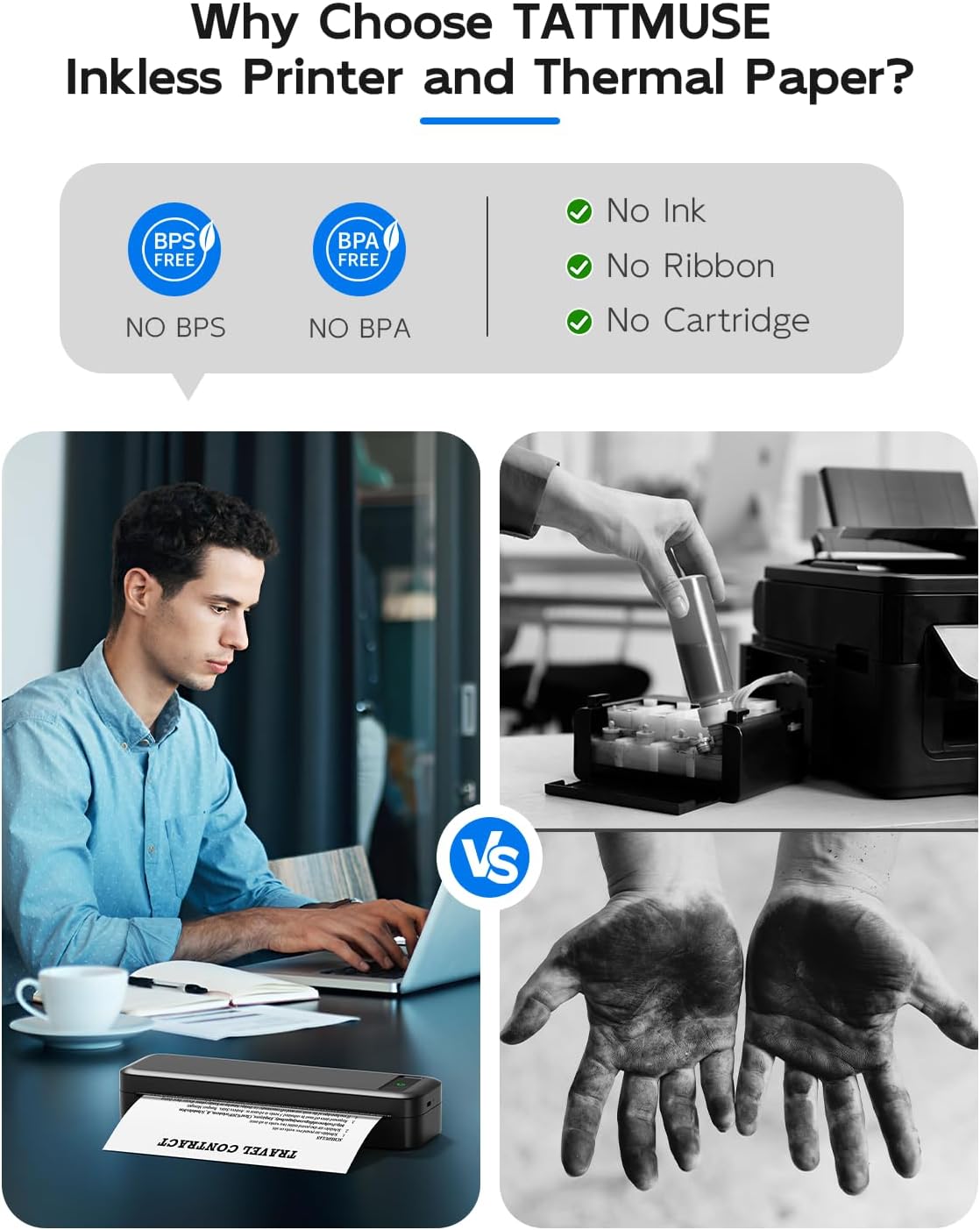
Image 6.1: Illustrates the benefits of an inkless thermal printer, highlighting the absence of ink, ribbon, or cartridge requirements compared to traditional printers.
7. Solución de problemas
If you encounter issues with your TATTMUSE Portable Thermal Printer, refer to the following common solutions:
- La impresora no se enciende: Ensure the battery is charged. Connect the printer to a power source and allow it to charge for at least 30 minutes before attempting to power it on again.
- Sin salida de impresión:
- Compruebe si el papel térmico está cargado correctamente y si el lado imprimible está orientado hacia el cabezal de impresión.
- Ensure the paper compartment cover is fully closed.
- Verify that the printer is properly connected to your device (Bluetooth paired or USB cable securely attached).
- Mala calidad de impresión:
- Ensure you are using genuine thermal paper.
- Limpie el cabezal de impresión como se describe en la sección Mantenimiento.
- Check if the thermal paper is old or has been exposed to heat/light, which can degrade its quality.
- Problemas de conexión Bluetooth:
- Asegúrese de que Bluetooth esté habilitado tanto en la impresora como en su dispositivo móvil.
- Unpair and re-pair the printer from your device's Bluetooth settings.
- Reinicie tanto la impresora como su dispositivo móvil.
- Conexión USB no reconocida:
- Verify that the correct printer driver for your operating system has been installed from the official TATTMUSE websitio.
- Pruebe con un puerto USB diferente en su computadora.
- Asegúrese de que el cable USB no esté dañado.
8. Especificaciones
| Característica | Especificación |
|---|---|
| Modelo | Impresora Térmica Portátil |
| Tecnología de impresión | Térmica directa |
| Conectividad | Bluetooth, USB-C |
| Batería | Batería recargable de iones de litio de 2600 mAh |
| Sheets per Charge | Approximately 160 sheets (8.5" x 11") |
| Peso | Aprox. 1.5 libras (0.68 kg) |
| Tamaños de papel admitidos | 8.5" x 11" US Letter, A4, 4.33" (110mm), 3.14" (80mm), 2.08" (53mm) |
| Sistemas operativos compatibles | iOS, Android, iPadOS, macOS, Windows, Chrome OS, Linux |

Image 8.1: Highlights key performance specifications including the 2600mAh battery, 30 hours standby time, lightweight design, and capacity for 160 sheets of continuous printing.
9. Garantía y soporte
Specific warranty details for the TATTMUSE Portable Thermal Printer are not provided within this document. For information regarding warranty coverage, technical support, or service, please refer to the product packaging, the official TATTMUSE website, or contact TATTMUSE customer service directly.
Ask a question about this manual
Ask about setup, troubleshooting, compatibility, parts, safety, or missing instructions. Manuals+ will review the question and use this page’s manual context to help answer it.