
1. Másview
The Roku Select Series HD TV provides a streamlined entertainment experience. This 32-inch 720p HD television integrates the Roku operating system for easy access to streaming content, live TV, and various applications. It features a voice remote for convenient control and includes technologies like Bluetooth Headphone Mode and Dolby Audio for enhanced sound.
Características principales
- Transmisión continua: Fast Wi-Fi and quick app launches for immediate entertainment access.
- Extensive Content: Access to thousands of streaming apps, free movies, shows, and live TV channels.
- Pantalla de inicio personalizable: Organize apps and content for personalized viewEn.
- Actualizaciones automáticas de software: Ensures access to the latest features and applications.
- Integración de casa inteligente: Compatible with Roku Voice, Siri, Alexa, and Google Assistant for voice control. Supports Apple AirPlay for content sharing.
- Clear HD Picture: 720p HD resolution with Roku Smart Picture technology for optimized visuals.
- Control remoto por voz: Search, play, and control streaming with voice commands.
- Audio mejorado: Designed for clear speech and louder sound with Dolby Audio technology.
- Modo de auriculares Bluetooth: Private listening with wireless headphones.
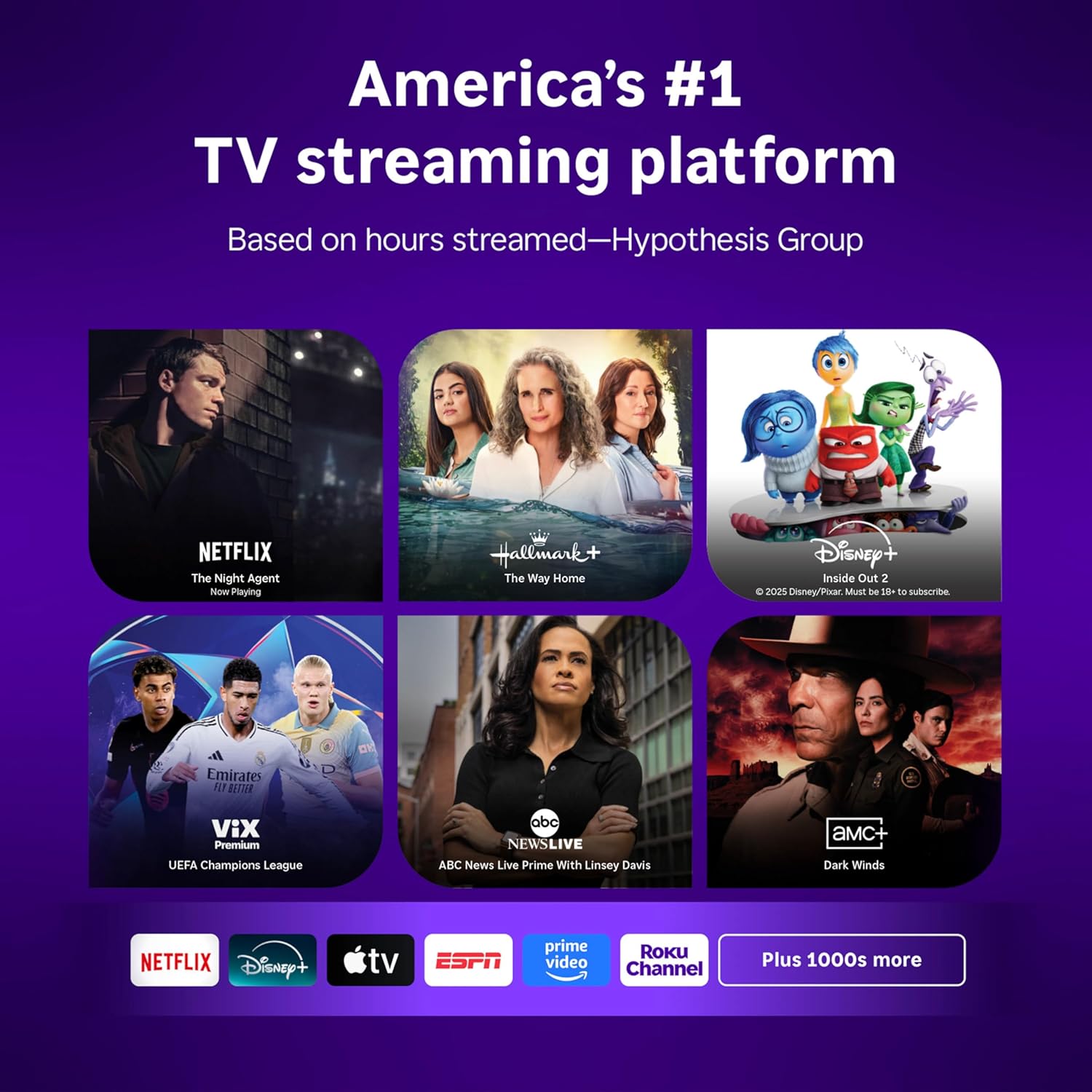
Image: Roku 32-inch Select Series HD Smart TV with included remote control.
2. ¿Qué hay en la caja?
Verifique que todos los componentes estén presentes antes de continuar con la configuración.
- Roku Select Series 32" HD TV
- Soportes y tornillos
- Roku Voice Remote with batteries (2 AAA)
- Cable de alimentación
- Manual de usuario (este documento)

Image: Contents of the Roku Select Series TV packaging.
3. Configuración
3.1 Desembalaje
Retire con cuidado el televisor y todos los accesorios del embalaje. Conserve el embalaje para futuras necesidades de transporte o mantenimiento.
3.2 Fijación del soporte
- Coloque el televisor con la pantalla hacia abajo sobre una superficie suave y limpia para evitar rayones.
- Alinee los soportes del televisor con los orificios para tornillos en la parte inferior del televisor.
- Fije los soportes con los tornillos incluidos. Asegúrese de que estén bien apretados.
3.3 Conexión de periféricos
Conecte sus dispositivos a los puertos apropiados en la parte posterior del televisor.
- HDMI: Connect up to three HDMI devices (e.g., cable box, gaming console, Blu-ray player) to the HDMI ports.
- USB: Use the USB port for media playback or connecting compatible accessories.
- Óptico (S/PDIF): Para conectar a un sistema de audio externo.
- Cable de energía: Conecte el cable de alimentación al televisor y luego a una toma de pared.
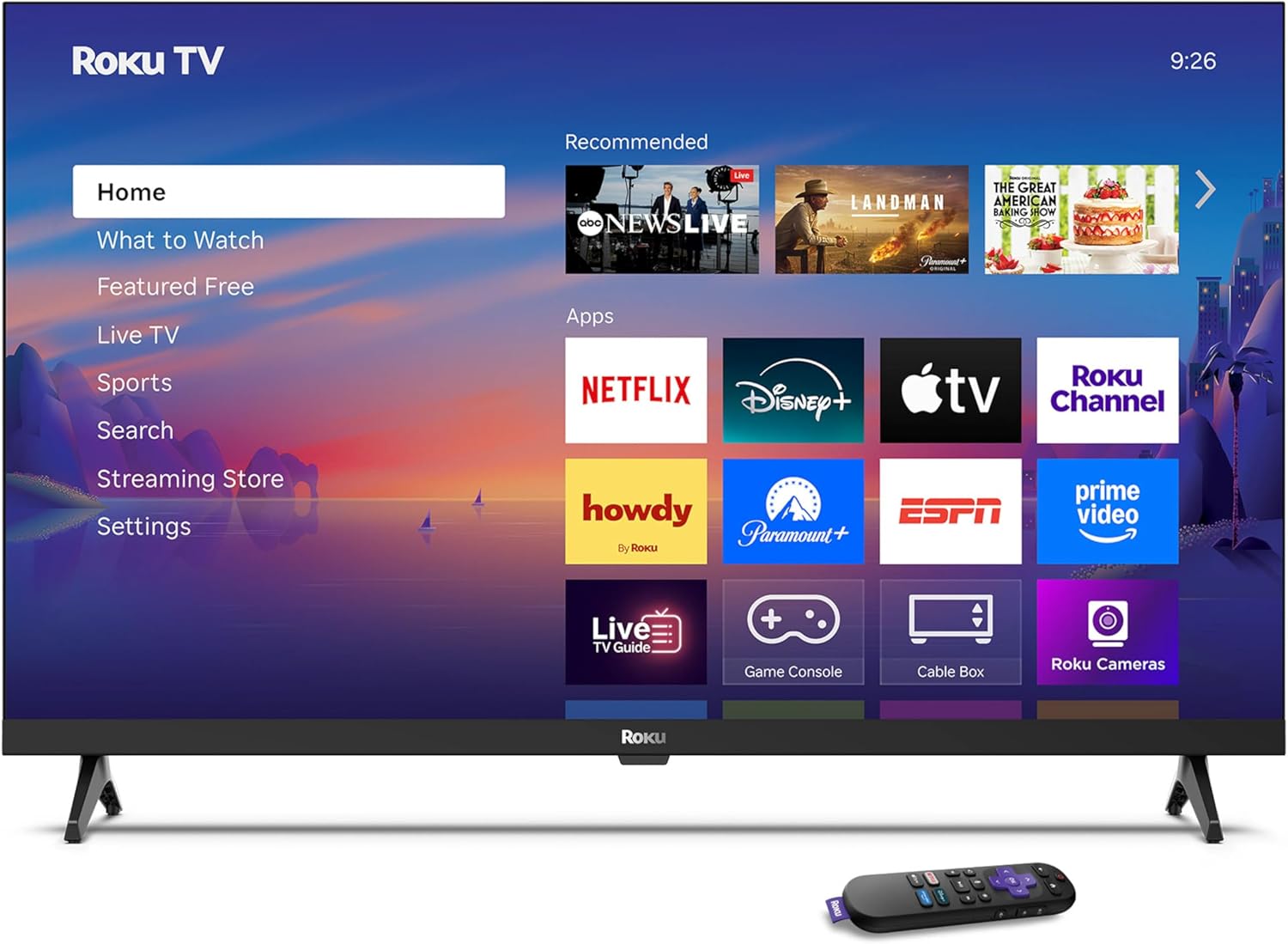
Image: Rear panel connections including HDMI, USB, and optical ports.
3.4 Encendido inicial y conexión a la red
- Plug in the TV and press the power button on the remote or TV.
- Siga las instrucciones en pantalla para seleccionar su idioma y conectarse a su red Wi-Fi.
- Activate your Roku account or create a new one.
Vídeo: Un overview of the Roku TV operating system, demonstrating its user interface and features. This video is provided by Roku, Inc.
4. Instrucciones de funcionamiento
4.1 Uso del control remoto por voz
The Roku Voice Remote allows for intuitive control of your TV and streaming content.
- Búsqueda por voz: Press and hold the voice button and speak your command to search for content, launch apps, or control playback.
- Navegación: Use the directional pad to move through menus and select items.
- Atajos de aplicaciones: Los botones dedicados brindan acceso rápido a los servicios de transmisión más populares.

Image: Features of the Roku Voice Remote, highlighting voice control and shortcut buttons.
4.2 Navigating the Home Screen
The Roku Home Screen provides access to all your installed apps, inputs, and settings.
- Hogar: Regresa a la pantalla de inicio principal.
- Qué ver: Discover recommended content.
- Televisión en vivo: Access free live television channels.
- Tienda de streaming: Explorar y agregar nuevos canales de transmisión.
- Ajustes: Adjust TV and system preferences.

Image: The Roku TV home screen interface.
4.3 Ajuste de la configuración de imagen y sonido
Personaliza tu viewDisfruta de una experiencia auditiva y auditiva mejorada a través del menú de configuración.
- Modo de imagen: Select from predefined modes like Standard, Vivid, Sports, or Movie. Roku Smart Picture automatically optimizes settings.
- Modo de sonido: Elige sonido profesionalfiles or enable features like Night Mode for reduced volume fluctuations.
- Modo de auriculares Bluetooth: Pair your wireless headphones for private audio.

Image: Picture mode settings on the Roku TV.

Image: Bluetooth Headphone Mode in use.

Image: Dolby Audio technology for clear sound.
5. Mantenimiento
5.1 Limpieza de la pantalla
Para limpiar la pantalla del televisor, límpiela suavemente con un paño suave, seco y sin pelusa. Para manchas difíciles, frote ligeramenteampEnjuague el paño con agua o una solución limpiadora segura para pantallas. Evite usar productos químicos agresivos o materiales abrasivos.
5.2 Actualizaciones de software
Your Roku TV automatically receives software updates when connected to the internet. These updates provide new features, performance improvements, and bug fixes. Ensure your TV remains connected to the internet for optimal performance.
6. Solución de problemas
If you encounter issues with your Roku TV, refer to the following common solutions:
- Sin energía: Asegúrese de que el cable de alimentación esté bien conectado tanto al televisor como a una toma de corriente que funcione. Pruebe con otra toma de corriente.
- Sin imagen/sonido: Verify that the correct input source is selected. Check all cable connections (HDMI, audio). Restart the TV by unplugging it for 30 seconds and plugging it back in.
- El control remoto no funciona: Replace the AAA batteries in the remote. Ensure there are no obstructions between the remote and the TV. For voice remote issues, re-pair the remote if necessary (refer to Roku support for specific steps).
- Problemas de conexión de red: Restart your Wi-Fi router and modem. Go to the TV's settings menu, then Network, and try reconnecting to your Wi-Fi network.
- La aplicación no se carga o se bloquea: Try restarting the app. If the issue persists, remove the app from the home screen, restart the TV, and then re-add the app from the Streaming Store.
7. Especificaciones
| Característica | Detalle |
|---|---|
| Tamaño de pantalla | 32 pulgadas |
| Tecnología de visualización | CONDUJO |
| Resolución | 720p |
| Frecuencia de actualización | 60 Hz |
| Características especiales | Bluetooth Headphone Mode, Dolby Audio, Voice Remote |
| Tecnología de conectividad | Bluetooth, wifi |
| Puertos HDMI totales | 3 |
| Puertos USB totales | 1 |
| Entrada de audio | HDMI |
| Sistema operativo | Sistema operativo Roku |
| Tipo de montaje | Montaje en mesa, montaje en pared |
| Estándar de montaje VESA | 200 x 200 mm |
| Dimensiones del producto (Pr. x An. x Al.) | 7" de profundidad x 28.3" de ancho x 18.3" de alto |
| Peso del artículo | 7.5 libras |
| Número de modelo | 32R2D5 |
| Código Postal | 829610008974 |
8. Información de garantía
8.1 Garantía limitada
Roku warrants the hardware against defects in materials and workmanship under normal use for a period of one (1) year from the date of purchase ("Warranty Period"). If Roku determines that the device’s hardware is defective during the Warranty Period, Roku’s sole obligation, and your exclusive remedy, will be to either repair or replace the unit with either a new or rebuilt device, at its option. This warranty applies if the product is used in accordance with the provided documentation.
8.2 Política de devoluciones
You may return a device for any reason:
- Within thirty (30) days from the date of purchase from Roku.
- Within the applicable return period if purchased from an authorized reseller or distributor.
Additional details regarding product returns can be found on the Roku support site.
9. Soporte
For further assistance, troubleshooting guides, and frequently asked questions, please visit the official Roku support websitio: