
1. Introducción
This manual provides detailed instructions for the operation and maintenance of your HOVOYNN M10-128G MP3 Player. This portable digital music player features Bluetooth 5.3, a 2.8-inch touchscreen, 128GB internal storage, HiFi lossless sound, FM radio, voice recording, and e-book capabilities. Please read this manual thoroughly before use to ensure optimal performance and longevity of your device.
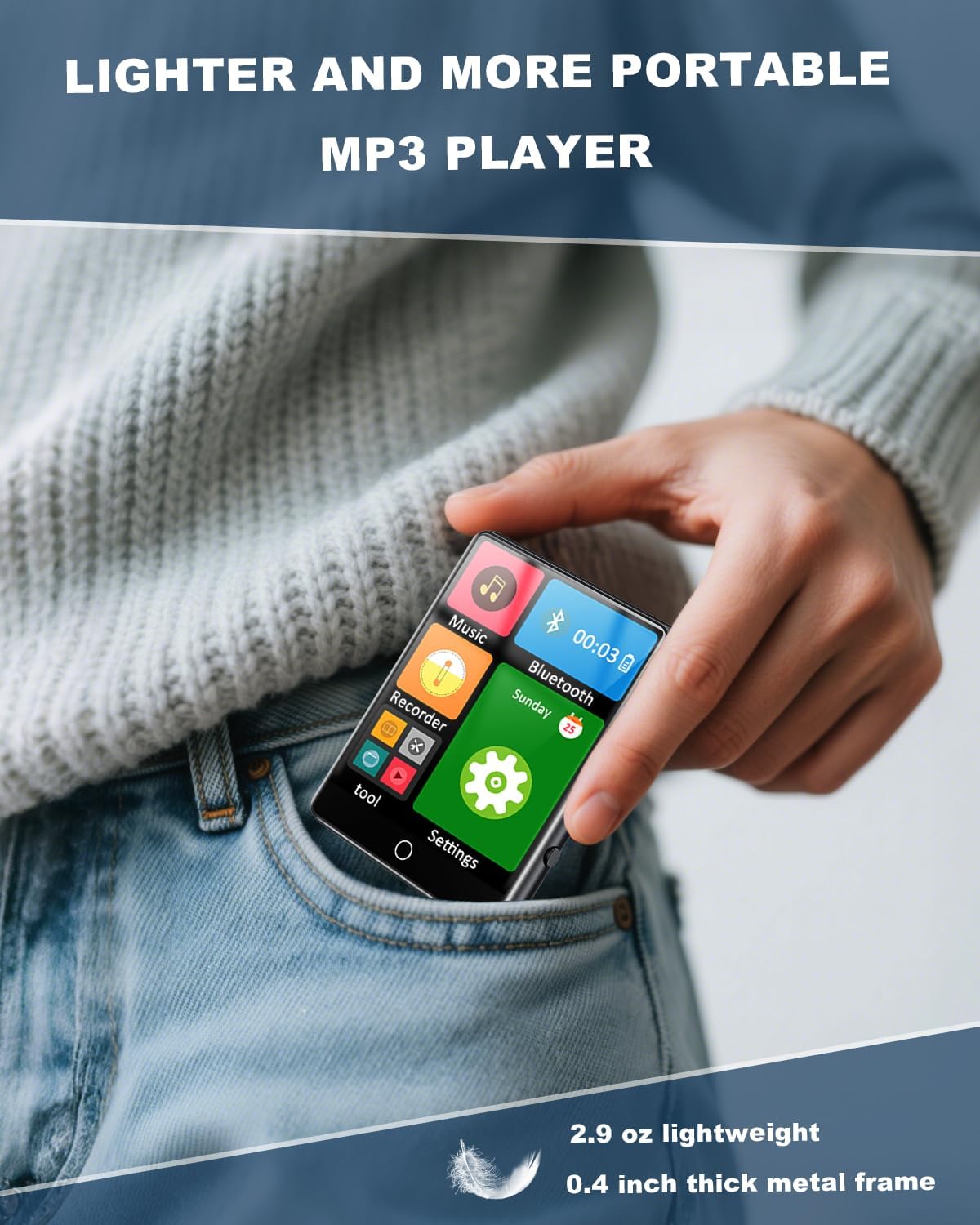
Figure 1.1: The HOVOYNN M10-128G MP3 Player, designed for portability.
Vídeo 1.1: Un finalview of the 128GB MP3 Player with Bluetooth 5.3, showcasing sus características y diseño.
2. Información de seguridad
- No exponga el dispositivo a temperaturas extremas, luz solar directa o humedad alta.
- Evite dejar caer o someter el dispositivo a impactos fuertes.
- Mantenga el dispositivo alejado del agua y otros líquidos.
- No intente desmontar ni reparar el dispositivo usted mismo. Póngase en contacto con el servicio de atención al cliente para obtener ayuda.
- Utilice únicamente el cable de carga y los accesorios proporcionados.
- La escucha prolongada a niveles de volumen altos puede causar daños auditivos.
3. Contenido del paquete
Verifique que todos los artículos estén presentes en el paquete:
- HOVOYNN M10-128G Portable MP3 Player
- Cable de carga USB-C
- Auriculares con cable
- Instrucciones de uso (este manual)
4. Producto terminadoview
Familiarize yourself with the physical components and interface of your MP3 player.

Figura 4.1: Frente view of the HOVOYNN M10-128G MP3 Player, showing the main interface and connected headphones.

Figure 4.2: Key features of the HOVOYNN M10-128G MP3 Player.
5. Configuración
5.1. Carga del dispositivo
Before first use, fully charge your MP3 player. Connect the provided USB-C cable to the device's charging port and the other end to a USB power adapter (not included) or a computer's USB port. The battery indicator on the screen will show charging status.
5.2. Gestión de la memoria
The device comes with 128GB of built-in memory. You can expand storage by inserting a Micro SD card (up to 128GB, not included) into the designated slot. Ensure the card is inserted correctly.

Figure 5.1: The MP3 player with an external Micro SD card, demonstrating memory expansion.

Figure 5.2: Storage capacity details for the MP3 player.
5.3. Connecting to a Computer & File Transferir
Para transferir files (music, videos, photos, e-books) to your MP3 player, connect it to your computer using the provided USB-C cable. The device should appear as a removable disk. Drag and drop your files en las carpetas apropiadas del dispositivo.
Vídeo 5.1: Instrucciones sobre cómo transferir files de una computadora al reproductor MP3.
6. Instrucciones de funcionamiento
6.1. Encendido y apagado
Mantenga presionado el botón de encendido en el costado del dispositivo para encenderlo o apagarlo.
6.2. Navegación por pantalla táctil
The 2.8-inch touchscreen allows for intuitive navigation. Swipe left/right or tap icons to access different functions and settings.

Figure 6.1: Demonstrating sensitive full-screen touch control.

Figure 6.2: The 2.8-inch large color screen for clear viewEn.

Figure 6.3: Easy control through the full touch screen.
6.3. Reproducción de música
Tap the 'Music' icon to access your music library. The player supports MP3, WMA, APE, FLAC, WAV, and AAC formats. Enjoy HiFi lossless sound quality through headphones or the built-in speaker.
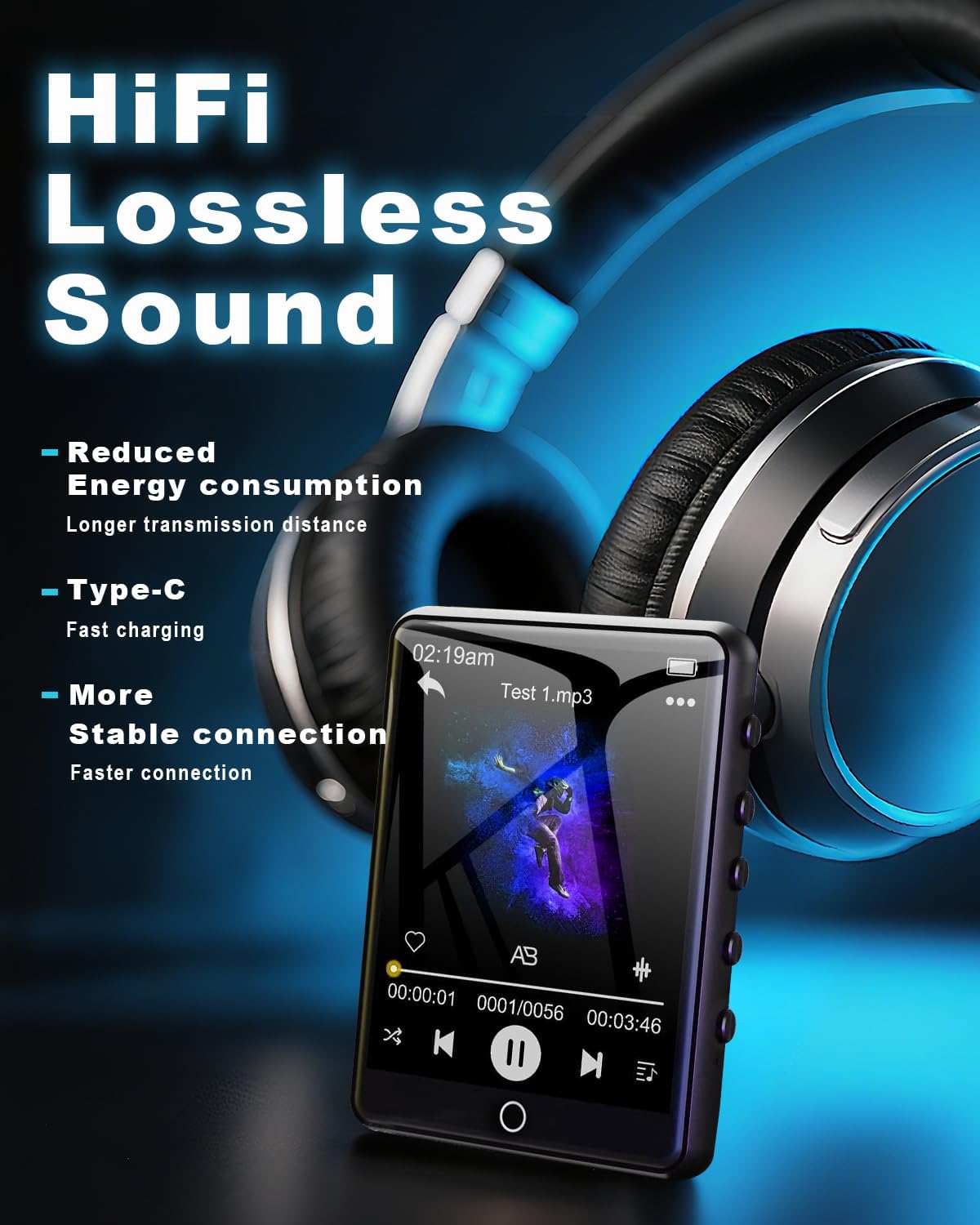
Figure 6.4: Enjoying HiFi lossless sound with headphones.

Figure 6.5: High-fidelity lossless sound quality experience.

Figure 6.6: The built-in speaker for audio playback without headphones.

Figure 6.7: Music playback options and controls.

Figure 6.8: Supported media formats for the MP3 player.
6.4. Conectividad Bluetooth
Activate Bluetooth by tapping the 'Bluetooth' icon. Pair with compatible Bluetooth headphones or speakers for wireless audio streaming. The device features Bluetooth 5.3 for faster data transfer and stable connections.
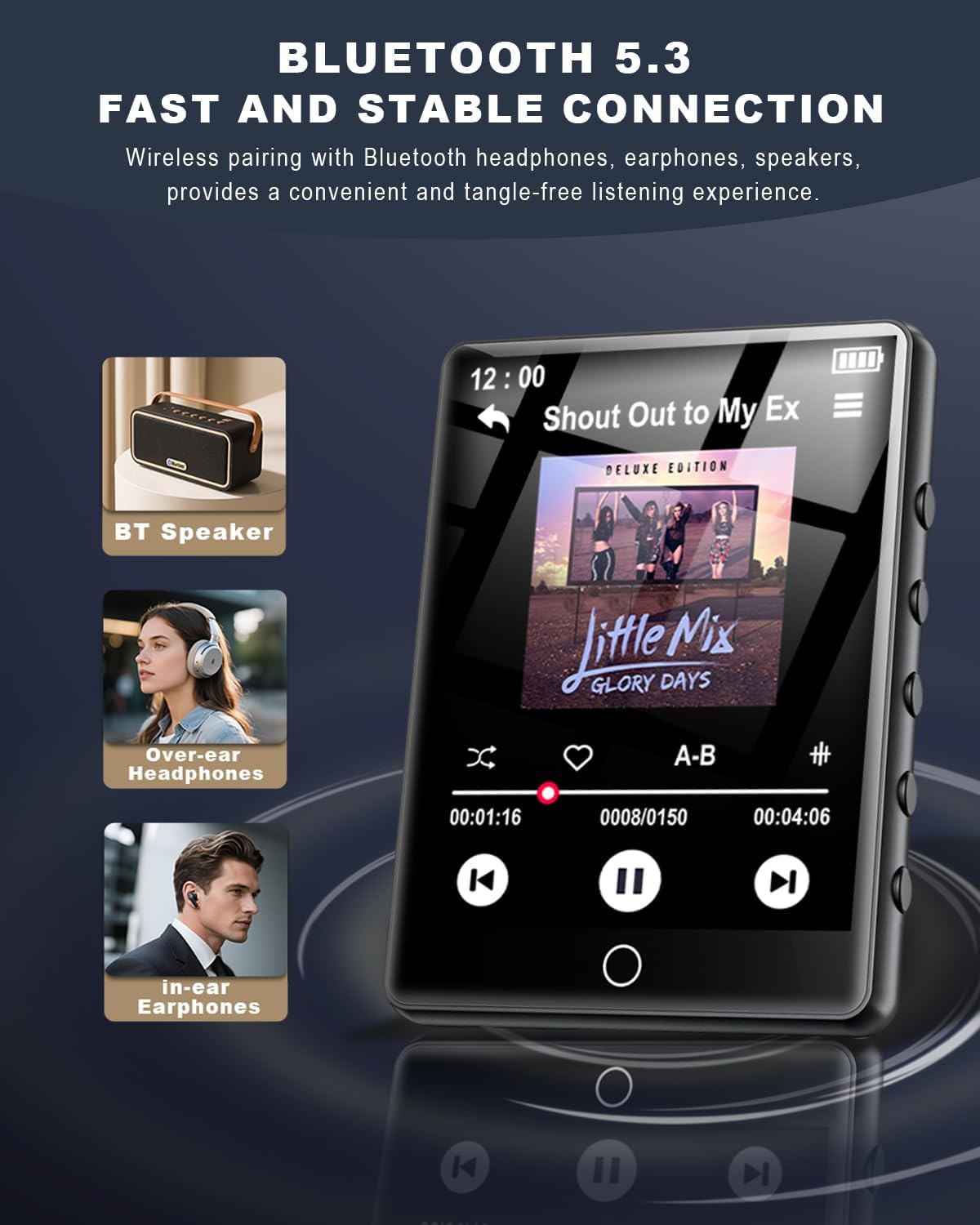
Figure 6.9: Bluetooth 5.3 connectivity with various audio devices.

Figure 6.10: Fast and stable Bluetooth 5.3 connection.
6.5. Radio FM
To use the FM radio, connect the wired headphones (included) as they act as an antenna. Tap the 'FM Radio' icon to access radio functions. You can scan for stations and save your favorites.

Figure 6.11: FM Radio icon.
6.6. Grabadora de voz
Tap the 'Recorder' icon to access the voice recording function. You can record audio memos and save them directly to the device's memory.

Figure 6.12: Voice Recorder icon.
6.7. Lector de libros electrónicos
Tap the 'E-Book' icon to read TXT format e-books. The touchscreen allows for easy page navigation.

Figure 6.13: E-Book icon.
6.8. Otras funciones
The MP3 player includes additional tools such as a pedometer, alarm clock, calendar, and stopwatch. Access these features through the main menu or 'Tool' section.

Figure 6.14: Alarm Clock function settings.

Figura 6.15: Sobreview of multi-functional capabilities.
7. Mantenimiento
- Clean the device regularly with a soft, dry cloth. Avoid using abrasive cleaners or solvents.
- Keep the screen free from dust and fingerprints for optimal touch response.
- Guarde el dispositivo en un lugar fresco y seco cuando no esté en uso.
- Para prolongar la vida útil de la batería, evite descargarla por completo con frecuencia.
8. Solución de problemas
| Asunto | Posible solución |
|---|---|
| El dispositivo no enciende | Asegúrese de que la batería esté cargada. Conéctela a una fuente de alimentación y vuelva a intentarlo. |
| no se puede transferir files | Ensure the USB-C cable is securely connected. Try a different USB port or computer. Verify the device is in 'File Modo 'Transferencia' si se le solicita. |
| El dispositivo Bluetooth no se empareja | Ensure the Bluetooth device is in pairing mode and within range. Restart both devices and try again. |
| No FM radio signal | Ensure wired headphones are plugged in, as they function as the antenna. Adjust your location for better reception. |
| La pantalla táctil no responde | Reinicie el dispositivo. Asegúrese de que la pantalla esté limpia y seca. |
9. Especificaciones
- Nombre del modelo: MP3 Player M10-128G
- Marca: HOVOYNN
- Capacidad de almacenamiento de memoria: 128 GB (ampliable hasta 128 GB mediante Micro SD)
- Tamaño de pantalla: 2.8 pulgadas
- Tecnología de conectividad: Bluetooth 5.3, USB
- Características especiales: Built-In Speaker, FM Radio, Touch Screen, Voice Recorder, E-Book, Pedometer, Alarm Clock, Calendar, Stopwatch, A-B Repeat
- Dispositivos compatibles: Auriculares, Altavoces
- Tipo de medio: Micro SD
- Peso del artículo: 2.96 onzas
- Baterías: 1 batería de iones de litio (incluida)
10. Garantía y soporte
For warranty information and technical support, please refer to the contact details provided with your purchase documentation or visit the official HOVOYNN webSitio. Conserve su comprobante de compra para reclamaciones de garantía.