
Introducción
The Skullcandy Crusher Evo Wireless Bluetooth Headphones deliver a powerful audio experience with patented Multi-Sensory Crusher Bass technology. Designed for comfort and extended use, these headphones feature up to 40 hours of battery life, Rapid Charge, and personalized sound tuning through the Skullcandy App. This manual provides essential information for setting up, operating, maintaining, and troubleshooting your Crusher Evo headphones.
¿Qué hay en la caja?
Upon opening your Skullcandy Crusher Evo package, you should find the following items:
- Auriculares inalámbricos Crusher® Evo
- Cable de carga USB-C
- Cable de audio auxiliar
- Estuche protector
- Guías de inicio rápido y del usuario

Image: The Skullcandy Crusher Evo headphones, USB-C charging cable, auxiliary cable, protective case, and user guide are neatly arranged, illustrating the complete package contents.
Configuración
1. Carga de sus auriculares
Before initial use, fully charge your Crusher Evo headphones. Connect the provided USB-C charging cable to the headphone's charging port and a compatible USB power source. A full charge provides up to 40 hours of listening time. The Rapid Charge feature allows for 4 hours of listening with just a 10-minute charge.
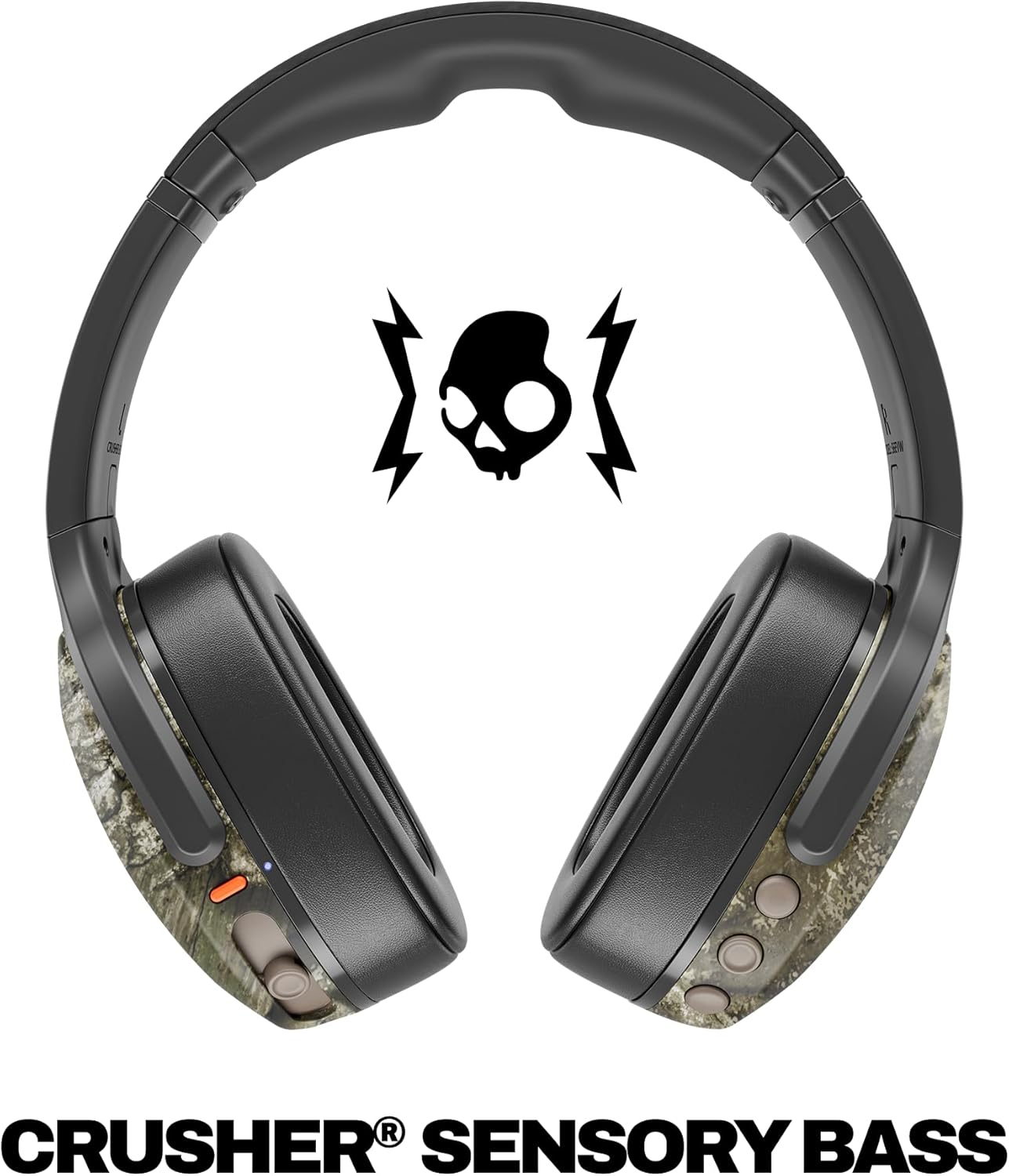
Image: A close-up of the Skullcandy Crusher Evo headphones showing the USB-C charging port and cable connected, indicating the charging process.
2. Emparejamiento Bluetooth
- Asegúrese de que sus auriculares estén apagados.
- Press and hold the main power button for 3-5 seconds until the LED indicator flashes blue and red, indicating pairing mode.
- En su dispositivo (teléfono inteligente, tableta, computadora), habilite Bluetooth y busque los dispositivos disponibles.
- Select "Crusher Evo" from the list of available devices.
- Una vez conectado, el indicador LED parpadeará en azul periódicamente.
3. Personal Sound Tuning (Skullcandy App)
Enhance your listening experience by downloading the Skullcandy App. The app features a Personal Sound analysis that customizes audio levels to your unique hearing profile, ensuring optimal sound quality.

Image: A woman wearing the headphones, illustrating the personalized sound feature. The accompanying text highlights the "Personal Sound tuned to you" capability via the Skullcandy app.
Uso de los auriculares
1. Controles básicos
The Crusher Evo headphones feature intuitive button controls located on the earcups:
- Encendido/apagado: Mantenga presionado el botón de encendido principal.
- Reproducir/Pausa: Single press the main power button.
- Subir/Bajar volumen: Utilice los botones de volumen dedicados.
- Omitir pista: Presione dos veces para la siguiente pista, presione tres veces para la pista anterior.
- Responder/Finalizar llamada: Single press the main power button during a call.
- Activar asistente de voz: Mantenga presionado el botón de encendido principal durante 2 segundos.
2. Multi-Sensory Crusher Bass
Experience deep, adjustable bass that you can feel. Use the slider on the earcup to increase or decrease the intensity of the Crusher Bass. This feature provides a tactile feedback that enhances your audio experience.
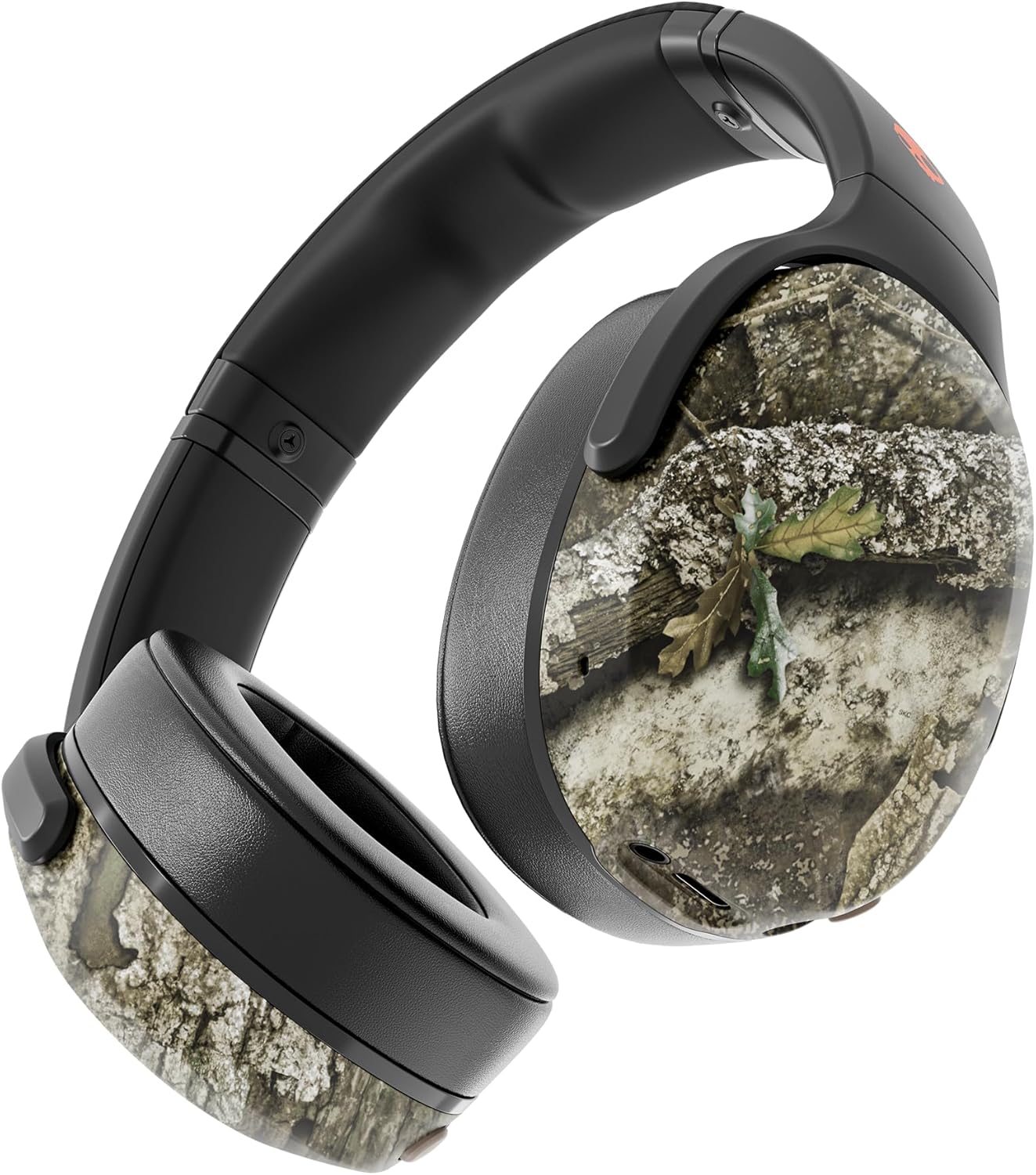
Image: The Skullcandy Crusher Evo headphones, highlighting the "Crusher Sensory Bass" feature, which allows users to feel the bass.
Video: This video demonstrates the multi-sensory bass feature of the Crusher Evo headphones by showing its effect on water, creating ripples. This illustrates how the bass can be physically felt.
Video: This video captures various individuals reacting to the Crusher Bass, showcasing the immersive and impactful experience provided by the headphones' unique bass technology.
3. Flat-Folding and Collapsible Design
The headphones are designed to fold flat and collapse for easy storage and portability. This compact design makes them convenient for travel and daily commutes.
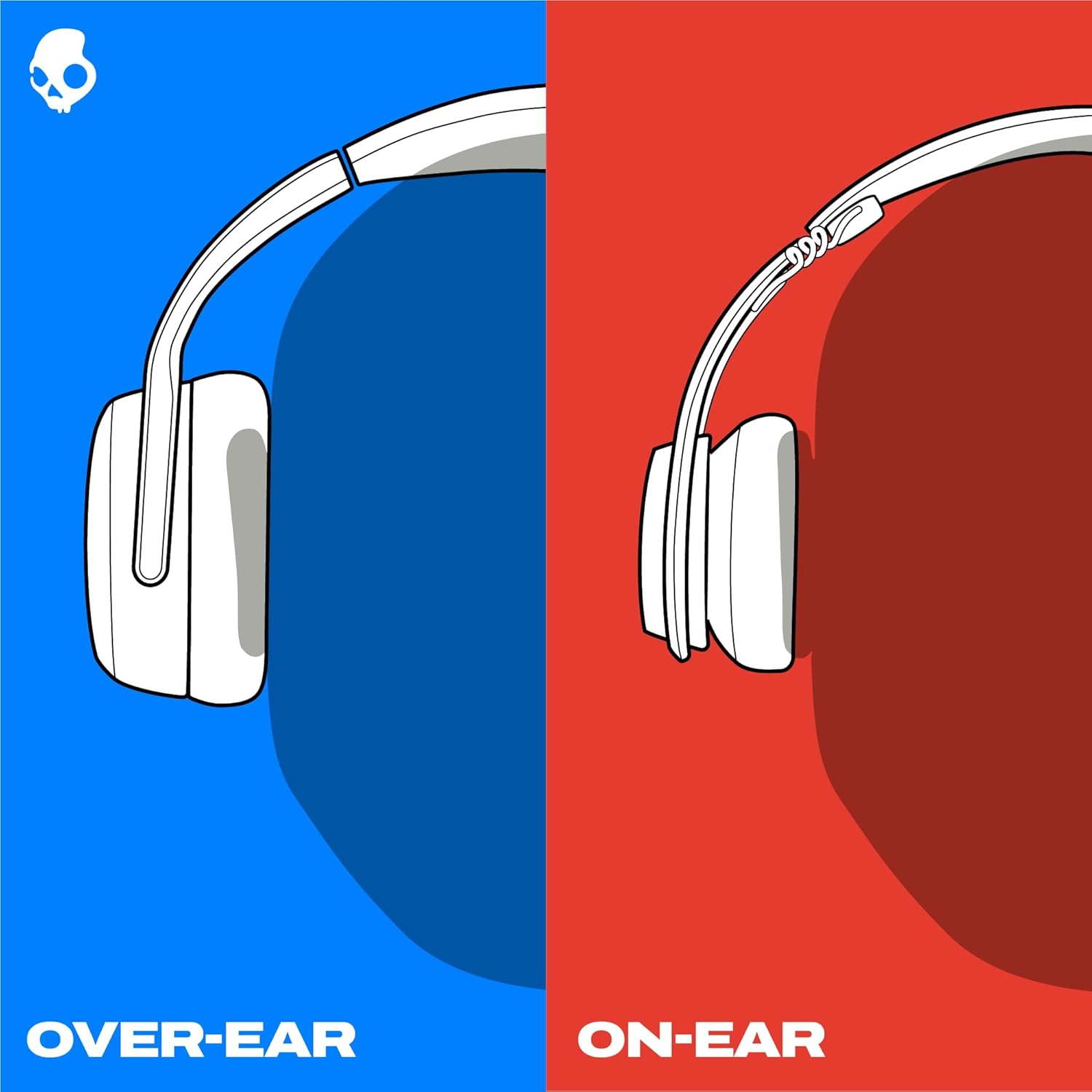
Image: The Skullcandy Crusher Evo headphones are shown folded flat, demonstrating their compact design for easy storage and travel.
Mantenimiento
- Limpieza: Utilice un paño suave y seco para limpiar los auriculares. Evite utilizar productos químicos agresivos o materiales abrasivos.
- Almacenamiento: When not in use, store the headphones in their protective case to prevent damage. Keep them in a cool, dry place away from extreme temperatures.
- Cuidado de la batería: Para prolongar la vida útil de la batería, evite descargar completamente los auriculares con frecuencia. Cárguelos regularmente, incluso si no los usa durante periodos prolongados.
Solución de problemas
Sin energía/No carga
- Ensure the USB-C charging cable is securely connected to both the headphones and a working power source.
- Pruebe con un cable USB-C y un adaptador de corriente diferentes.
- Verifique que el puerto de carga no tenga residuos ni daños.
Problemas de conexión Bluetooth
- Asegúrese de que los auriculares estén en modo de emparejamiento (LED azul y rojo parpadeantes).
- Asegúrese de que Bluetooth esté habilitado en su dispositivo.
- Forget "Crusher Evo" from your device's Bluetooth settings and attempt to re-pair.
- Move the headphones closer to your device to ensure they are within range.
No hay sonido / volumen bajo
- Verifique los niveles de volumen tanto en los auriculares como en el dispositivo conectado.
- Asegúrese de que los auriculares estén correctamente emparejados y conectados.
- If using the auxiliary cable, ensure it is fully plugged into both the headphones and the audio source.
- Pruebe con una fuente o dispositivo de audio diferente.
Presupuesto
| Marca | Calavera caramelo |
| Nombre del modelo | Trituradora Evo |
| Número de modelo | S6EVW-T991 |
| Tecnología de conectividad | Inalámbrico (Bluetooth 5.0) |
| Colocación de orejas | Sobre la oreja |
| Duración de la batería | Hasta 40 horas |
| Cargo rápido | 10 minutos de carga para 4 horas de reproducción |
| Impedancia | 32 ohmios |
| Respuesta de frecuencia | 20 Hz - 20,000 Hz |
| Sensibilidad | 100 dB |
| Control de ruido | Aislamiento de sonido |
| Peso | 0.01 onzas (aproximadamente 0.28 gramos) |
Garantía y soporte
The Skullcandy Crusher Evo headphones come with a Garantía limitada de 1 año en EE. UU.Esta garantía cubre defectos de fabricación y asegura que su producto funcione como está previsto bajo un uso normal.
Para reclamos de garantía, soporte técnico o asistencia adicional, visite el soporte oficial de Skullcandy. webSitio web o contacte con el servicio de atención al cliente. Conserve su comprobante de compra para validar la garantía.