
1. Introducción
Thank you for choosing the MFVLP LC210 Smart Watch. This manual provides essential information for setting up, operating, and maintaining your device. Please read it carefully to ensure proper use and to fully utilize all features of your new smartwatch.
2. Producto terminadoview
The MFVLP LC210 Smart Watch features a 1.85-inch AMOLED HD display, Bluetooth calling capabilities, and comprehensive health and fitness tracking. Its slim design and comfortable silicone strap make it suitable for all-day wear.
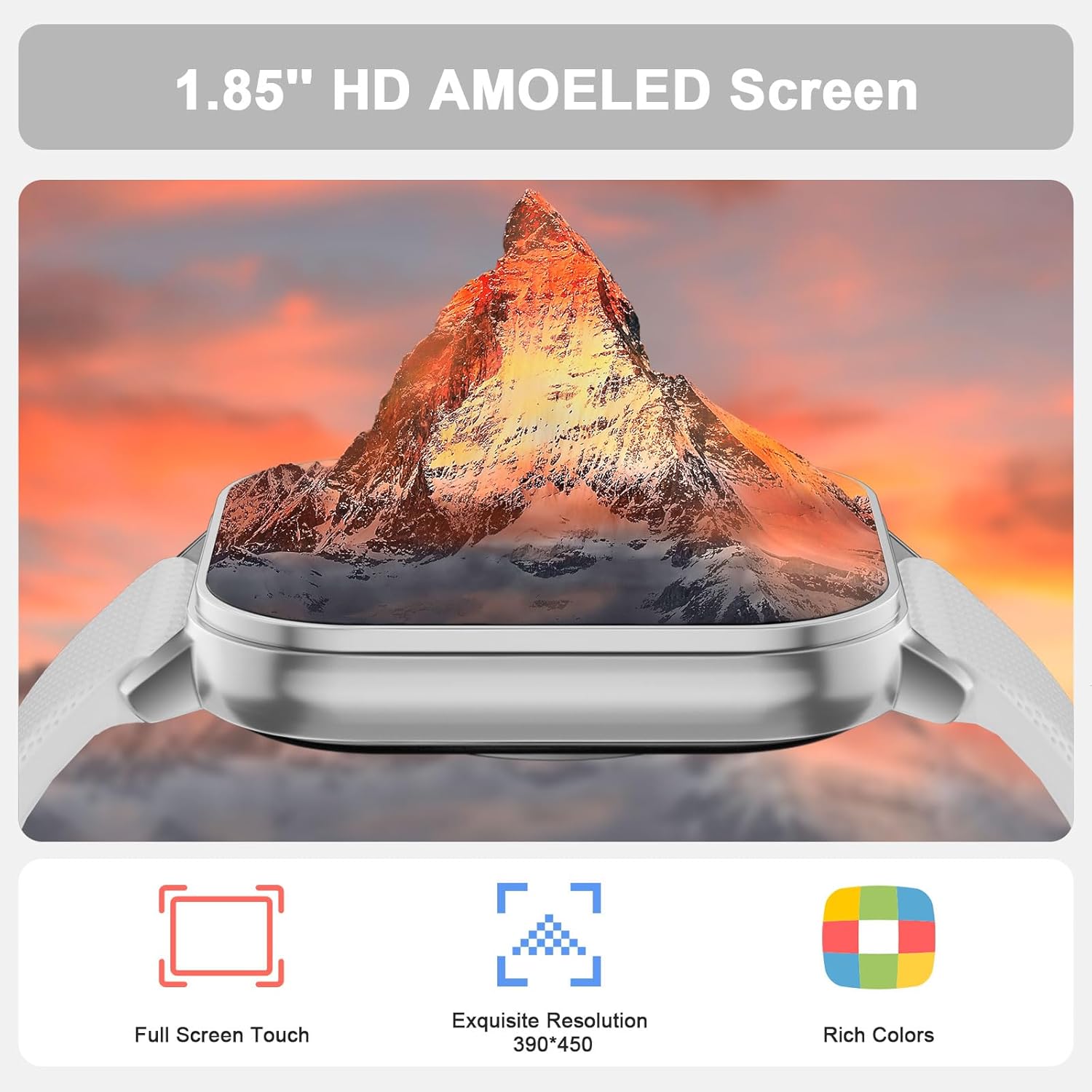
Figure 2.1: The MFVLP LC210 Smart Watch features a vibrant 1.85-inch AMOLED HD screen with full touch capabilities and high resolution.

Figure 2.2: Detailed dimensions of the MFVLP LC210 Smart Watch, including watch face size and strap measurements.
3. Configuración
3.1 Descarga e instalación de aplicaciones
To unlock the full potential of your MFVLP LC210 Smart Watch, download the "Da Fit" app on your smartphone. The app is available for both Android and iOS devices.
- Para iOS: Buscar "Da Fit" in the Apple App Store.
- Para Android: Buscar "Da Fit" in the Google Play Store.
- Alternatively, scan the QR code below to directly access the download page:

Figure 3.1: Scan this QR code to download the Da Fit app. You can also visit http://plus.crrepa.com/app-download/dafit.
3.2 Emparejamiento de dispositivos
After installing the "Da Fit" app, follow these steps to pair your smartwatch with your phone:
- Asegúrese de que Bluetooth esté habilitado en su teléfono inteligente.
- Open the "Da Fit" app and create an account or log in.
- Navegue a la sección "Agregar dispositivo" dentro de la aplicación.
- Select "LC210" from the list of available devices.
- Confirme la solicitud de emparejamiento tanto en su teléfono como en el reloj inteligente.
Video 3.1: This video illustrates the process of installing the Da Fit app, pairing the MFVLP LC210 Smart Watch with an iOS device, and adjusting language settings within the app and on the watch.
Video 3.2: This video demonstrates the process of installing the Da Fit app, pairing the MFVLP LC210 Smart Watch with an Android device, and adjusting language settings within the app and on the watch.
3.3 ajustes de idioma
You can change the language of your smartwatch through the "Da Fit" app:
- Abra la aplicación "Da Fit".
- Go to the device settings or "Others" section.
- Select "Language" and choose your preferred language. The watch will synchronize with the app's language setting.
4. Instrucciones de funcionamiento
4.1 Notificaciones de llamadas y mensajes por Bluetooth
The LC210 Smart Watch allows you to make and receive calls directly from your wrist and receive notifications from various apps.
- Realizar/Recibir llamadas: Once paired via Bluetooth, you can answer incoming calls or dial numbers from the watch interface.
- Notificaciones de mensajes: Enable notifications for apps like SMS, WhatsApp, Facebook, and Twitter in the "Da Fit" app to receive alerts on your watch.

Figure 4.1: The smartwatch functions as a call assistant, allowing you to answer calls and receive message reminders directly on your wrist.
4.2 Monitoreo de salud 24/7
Your smartwatch is equipped with advanced sensors to monitor your health continuously.
- Monitoreo del ritmo cardíaco: Tracks your heart rate in real-time throughout the day.
- Monitoreo del sueño: Automatically records sleep duration and analyzes sleep quality (light, deep, awake sleep).
- Monitoreo de oxígeno en sangre: Mide tus niveles de oxígeno en sangre.
- Medición del nivel de estrés: Le ayuda a comprender y gestionar sus niveles de estrés.
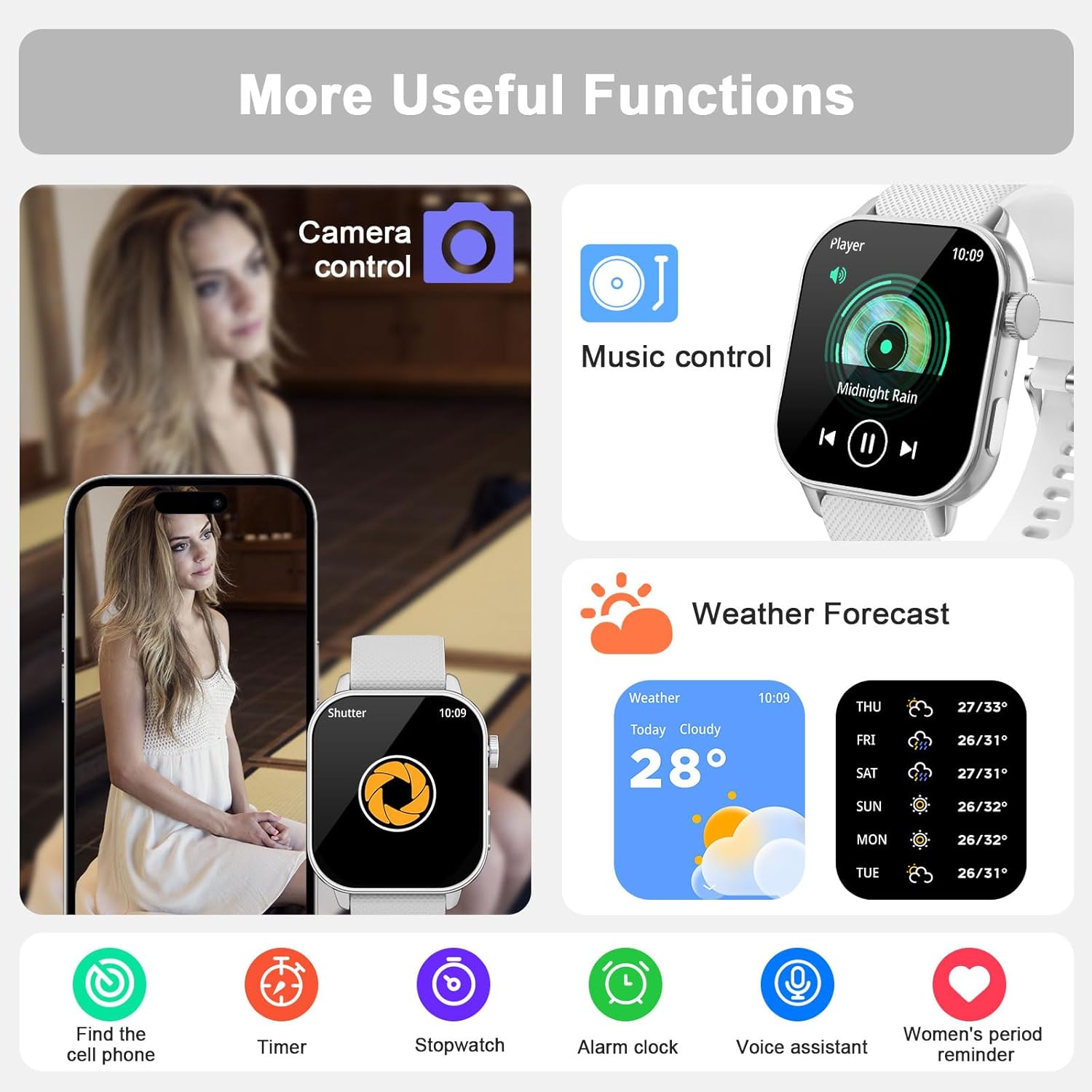
Figure 4.2: The watch provides continuous health monitoring for sleep, heart rate, and blood oxygen levels.
4.3 120+ Sport Modes & Activity Tracking
The watch supports a wide range of sports and tracks your daily activity.
- Modos deportivos: Choose from over 120 built-in sport modes (e.g., running, walking, cycling, yoga, dance) to track specific workouts.
- Rastreador de actividad: Records daily activity data such as steps, distance, calories burned, and active time.

Figure 4.3: Track your fitness with over 120 sport modes and comprehensive activity data.
4.4 Personalización de las esferas del reloj
Personaliza tu reloj con una variedad de esferas.
- Caras preinstaladas: Select from over 190 stylish watch faces available in the "Da Fit" app.
- Caras personalizadas: Upload your own photos to create a unique watch face.
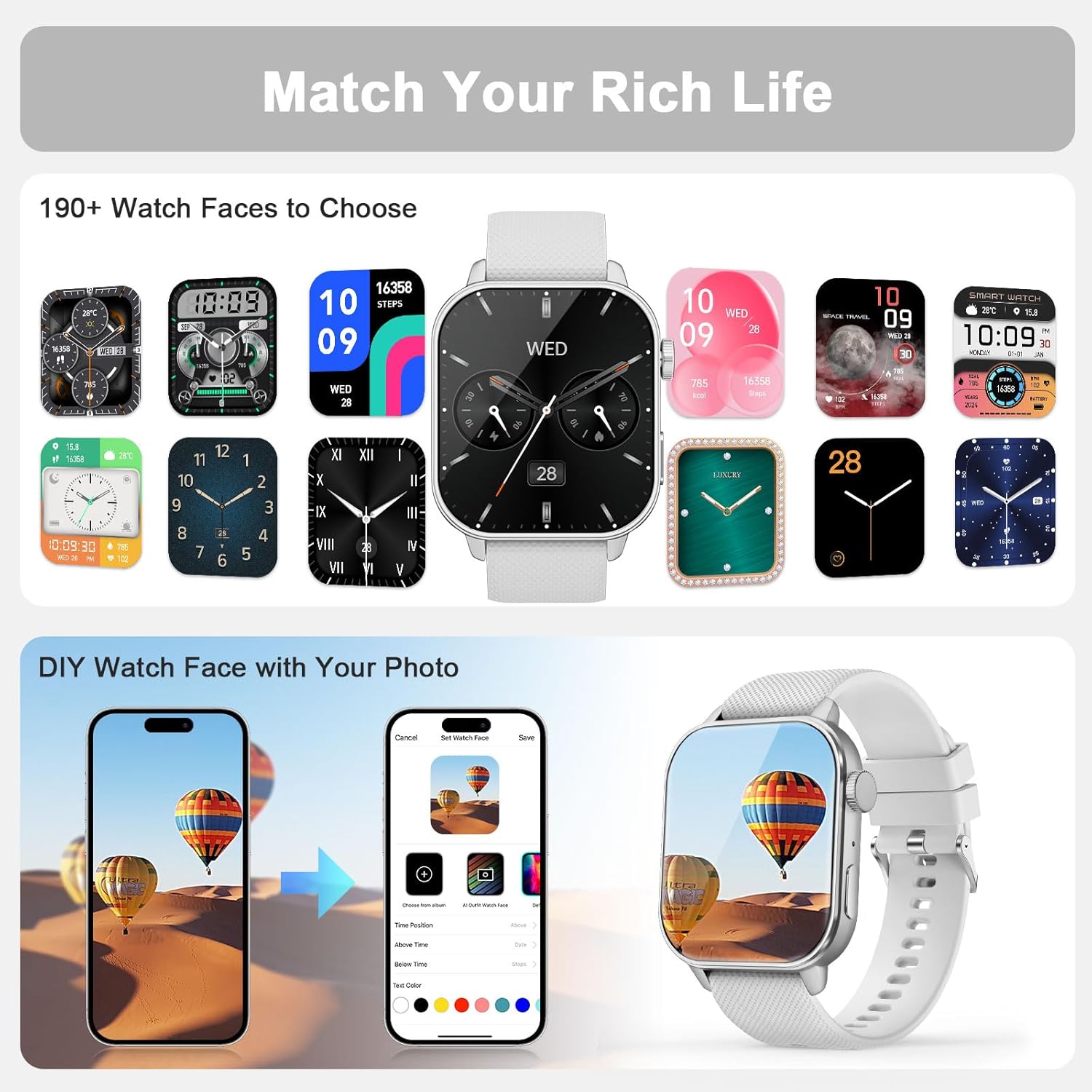
Figure 4.4: Choose from a wide selection of watch faces or create your own using personal photos.
4.5 funciones adicionales
The MFVLP LC210 Smart Watch includes several convenient daily tools:
- Pantalla siempre activa (AOD): Check the time instantly without raising your wrist.
- Buscador de teléfono: Localice su teléfono inteligente emparejado.
- Pronóstico del tiempo: Obtenga actualizaciones meteorológicas en tiempo real.
- Calculadora: Realizar cálculos básicos.
- Control de cámara: Controla de forma remota la cámara de tu teléfono.
- Control de música: Administra la reproducción de música en tu teléfono.
- Cronómetro y temporizador: Para actividades de cronometraje.
- Alarma: Configura alarmas directamente desde tu reloj.
- Reloj mundial: View Hora en diferentes zonas horarias.
- Flash: Use the watch screen as a light source.
- Recordatorio del ciclo menstrual de la mujer: Seguimiento y predicción de los ciclos menstruales.
- Recordatorios de sedentarismo e hidratación: Incita a moverse y beber agua.

Figure 4.5: Explore a variety of useful functions integrated into your smartwatch for daily convenience.
5. Mantenimiento
5.1 Clasificación de impermeabilidad
The MFVLP LC210 Smart Watch is IP68 waterproof. This means it is resistant to sweat, rain, hand washing, and can even be used for swimming in a pool. However, it is not recommended for hot showers, saunas, or diving, as steam and high water pressure may compromise the seal.
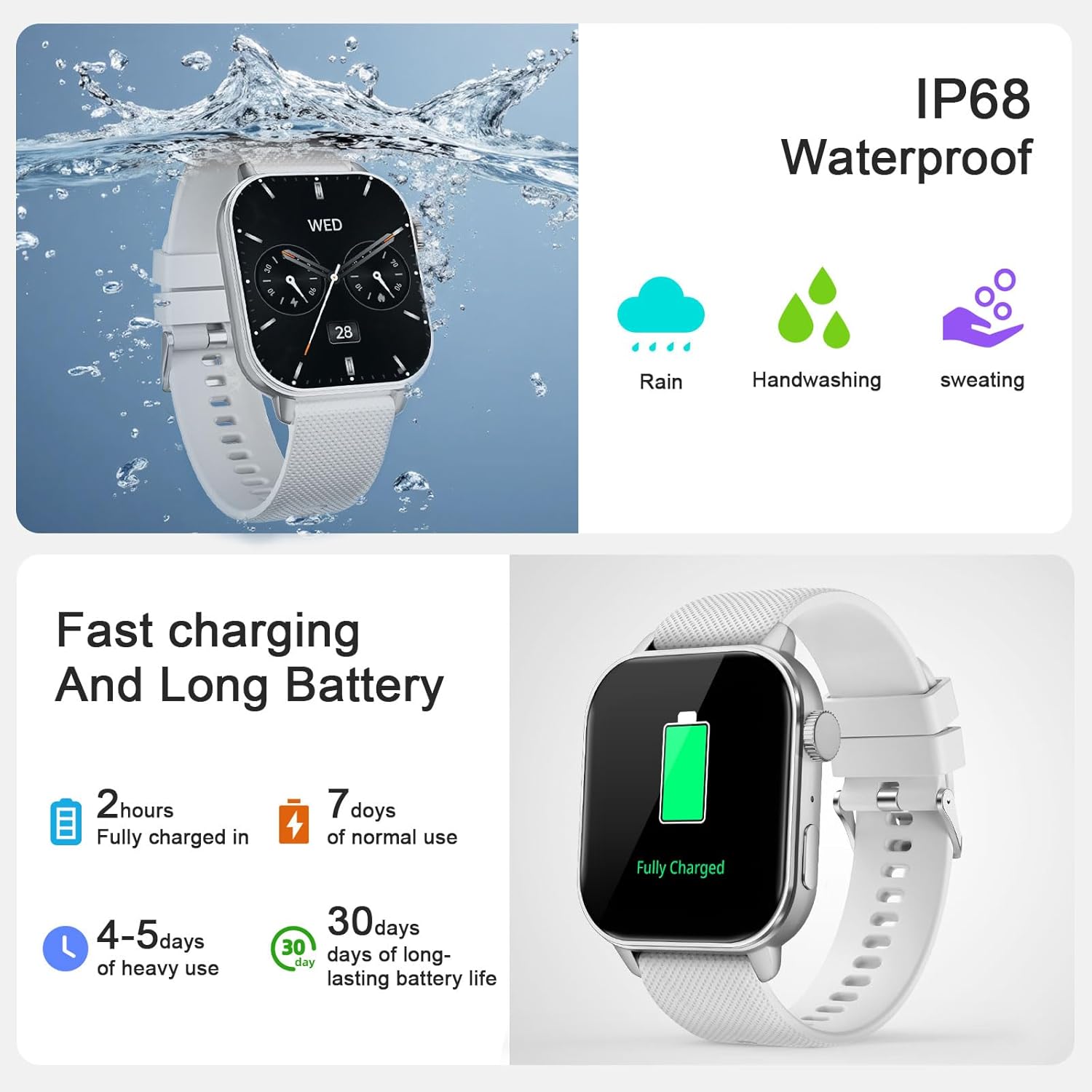
Figure 5.1: The watch is IP68 waterproof, suitable for daily exposure to water like rain and handwashing.
5.2 Carga y duración de la batería
Your smartwatch features magnetic charging for convenience.
- Cargando: Connect the magnetic charging cable to the charging points on the back of the watch and a USB power source. A full charge typically takes approximately 2 hours.
- Duración de la batería: Expect 3-6 days of active use on a single charge, and up to 30 days of standby time.
6. Solución de problemas
If you encounter issues with your MFVLP LC210 Smart Watch, please try the following common solutions:
- Problemas de conexión: Ensure Bluetooth is enabled on your phone and the watch is within range. Try restarting both your phone and the watch.
- Sincronización de aplicaciones: Make sure the "Da Fit" app is running in the background and has all necessary permissions.
- Lecturas inexactas: Asegúrese de que el reloj esté bien ajustado a su muñeca, ni demasiado apretado ni demasiado suelto. Limpie los sensores con regularidad.
- La batería se agota rápidamente: Reduce el brillo de la pantalla, desactiva las notificaciones innecesarias y limita el monitoreo continuo de la frecuencia cardíaca si no es necesario.
- El reloj no se enciende: Conecte el reloj a su cargador durante al menos 30 minutos para asegurarse de que tenga suficiente energía.
Para problemas persistentes, consulte la sección de soporte o comuníquese con el servicio de atención al cliente.
7. Especificaciones
| Característica | Especificación |
|---|---|
| Número de modelo | LC210 |
| Tamaño de pantalla | 1.85 pulgadas AMOLED |
| Resolución | 390 x 390 |
| Espesor | 8.8 milímetros |
| Peso del artículo | 5.3 onzas (aprox. 150 g) |
| Ancho de banda | 20 mm (0.78 pulgadas) |
| Circunferencia de la muñeca | 150 mm - 195 mm (5.9 pulgadas - 7.67 pulgadas) |
| Resistencia al agua | IP68 (1.5 Meters depth) |
| Versión de Bluetooth | 5.3 |
| Duración de la batería (uso activo) | 3-6 días |
| Duración de la batería (en espera) | Hasta 30 días |
| Tiempo de carga | Aproximadamente 2 horas |
| Sistema operativo compatible | Android, iOS |
| Supported Satellite Navigation | GPS |
8. Garantía y soporte
MFVLP is committed to providing quality service and support for your product.
- Garantía: Your MFVLP LC210 Smart Watch comes with a 1-year free replacement service.
- Atención al cliente: Expect a rapid response to inquiries within 24 hours. We aim to provide long-term support with satisfactory solutions.
For any questions or assistance, please refer to the contact information provided with your product packaging or visit the official MFVLP websitio.