
Introducción
The GOBOULT W60 True Wireless Earbuds provide a high-quality audio experience with advanced features designed for daily use, gaming, and communication. This manual provides instructions for setup, operation, maintenance, and troubleshooting to ensure optimal performance of your device.
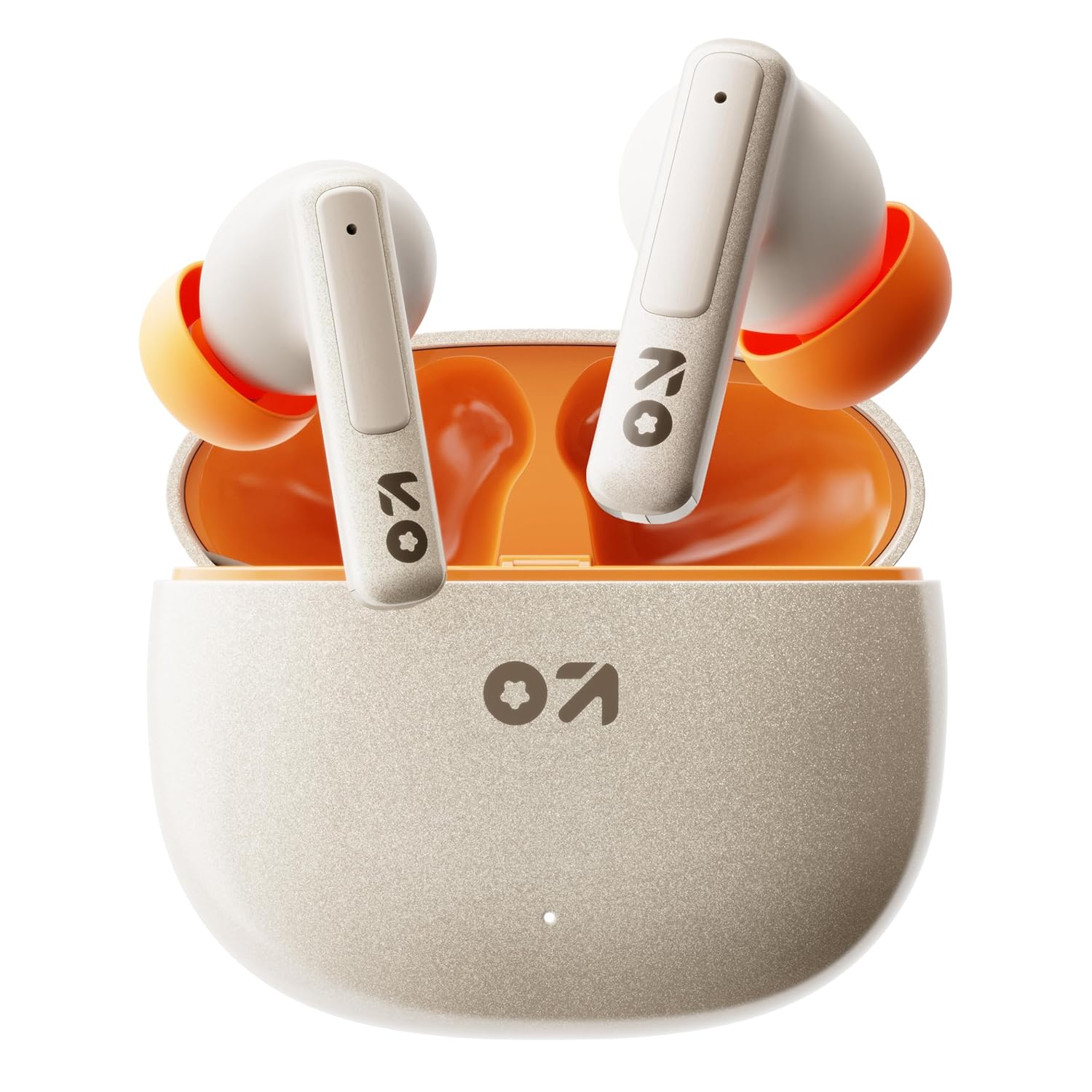
Image: GOBOULT W60 True Wireless Earbuds in their charging case.
¿Qué hay en la caja?
- GOBOULT W60 True Wireless Earbuds
- Estuche de carga inalámbrica
- Par adicional de almohadillas para los oídos
- Cable de carga rápida tipo C
- Manual de usuario
- Tarjeta de garantía
Configuración
1. Carga de los auriculares y el estuche
Before first use, fully charge the GOBOULT W60 earbuds and their charging case.
- Conecte el cable de carga tipo C provisto al puerto de carga del estuche y a una fuente de alimentación USB compatible.
- La luz indicadora del estuche mostrará el estado de carga. Una vez cargada por completo, la luz cambiará o se apagará.
- Coloca los auriculares en el estuche de carga. Se cargarán automáticamente.
A 10-minute charge provides approximately 4 hours of playtime. The case offers up to 60 hours of total playtime for the earbuds.
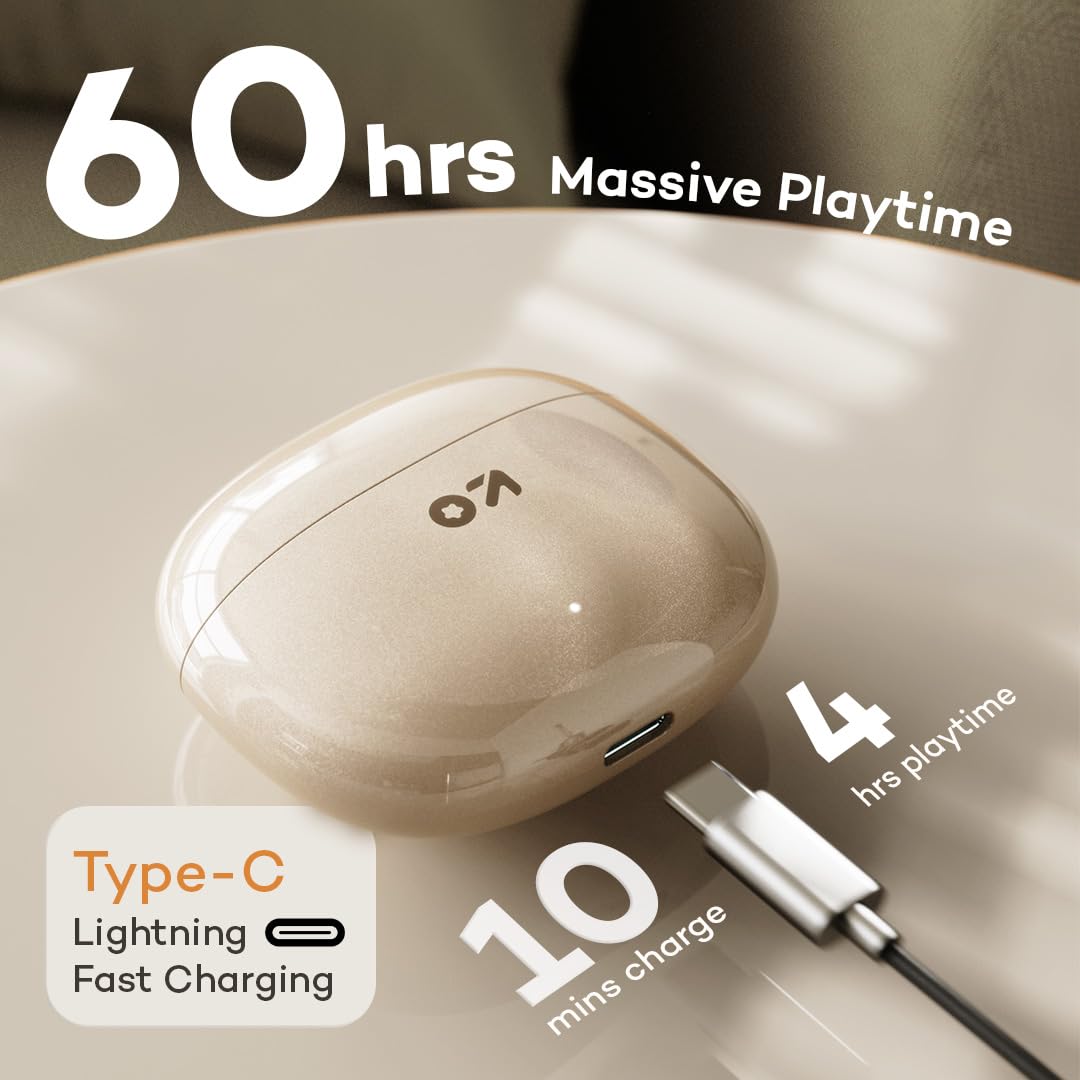
Image: GOBOULT W60 charging case with Type-C cable, highlighting fast charging capabilities.
2. Emparejamiento con un dispositivo
The GOBOULT W60 earbuds utilize Bluetooth 5.4 for a fast and stable connection.
- Abre el estuche de carga. Los auriculares entrarán automáticamente en modo de emparejamiento.
- En su dispositivo (teléfono inteligente, tableta, computadora portátil), habilite Bluetooth.
- Buscar available Bluetooth devices and select "GOBOULT W60" from the list.
- Una vez conectado, escuchará un aviso de audio y los auriculares estarán listos para usar.
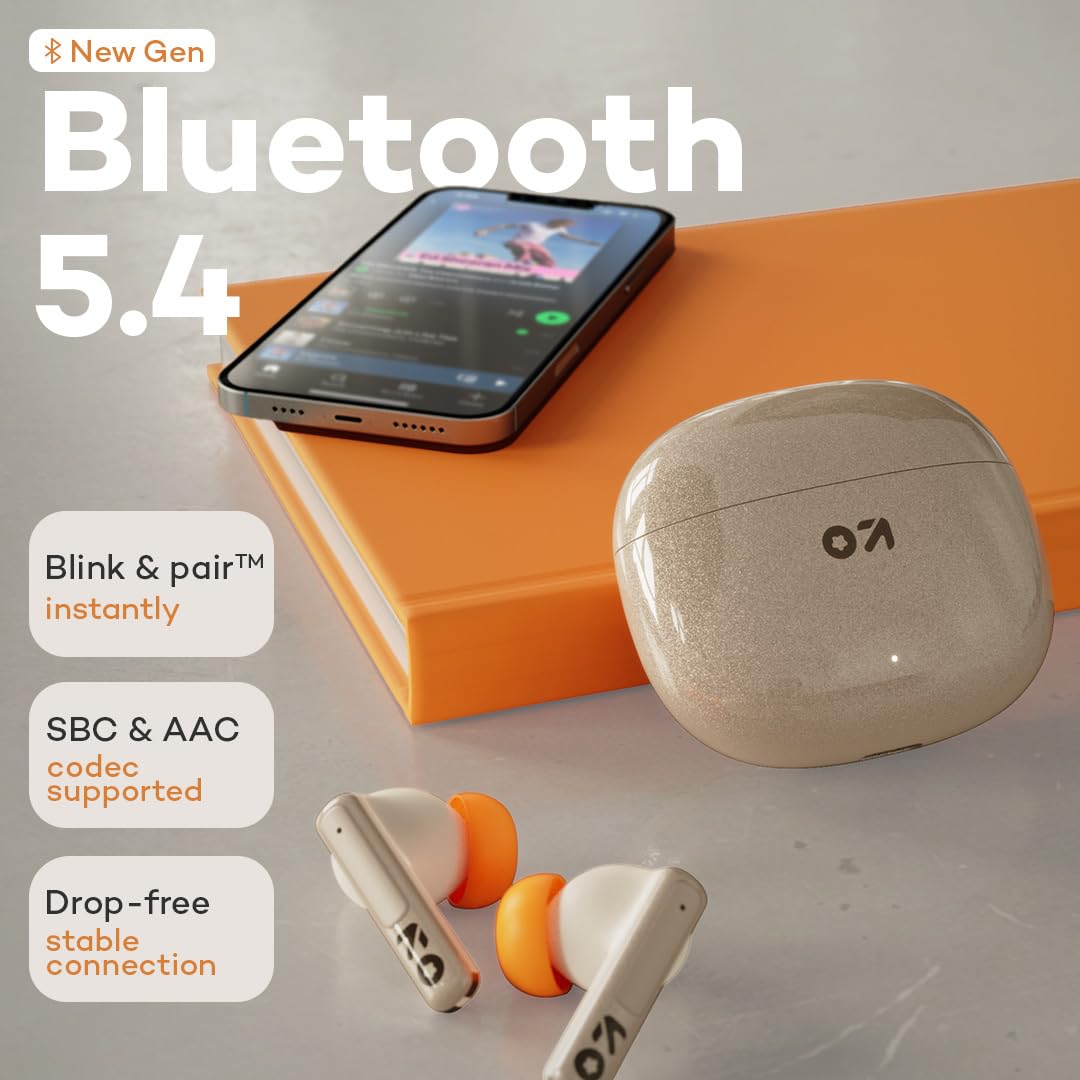
Image: GOBOULT W60 earbuds demonstrating Bluetooth 5.4 connectivity.
Instrucciones de funcionamiento
Controles táctiles
The GOBOULT W60 earbuds feature intuitive touch controls for managing audio playback, calls, and voice assistant activation.

Image: GOBOULT W60 earbuds highlighting touch control areas.
- Reproducir/Pausa: Un solo toque en cualquiera de los auriculares.
- Pista siguiente: Toque dos veces el auricular derecho.
- Pista anterior: Toque dos veces el auricular izquierdo.
- Responder/Finalizar llamada: Un solo toque en cualquiera de los auriculares.
- Rechazar llamada: Mantenga presionado cualquiera de los auriculares.
- Activar asistente de voz: Triple tap on either earbud (supports Google Assistant and Siri).
- Control de volumen: Long press the right earbud to increase volume, long press the left earbud to decrease volume.
Funcionalidad de llamada
Equipped with ZEN Quad Mic ENC (Environmental Noise Cancellation), the W60 earbuds ensure clear communication by filtering out background noise during calls.
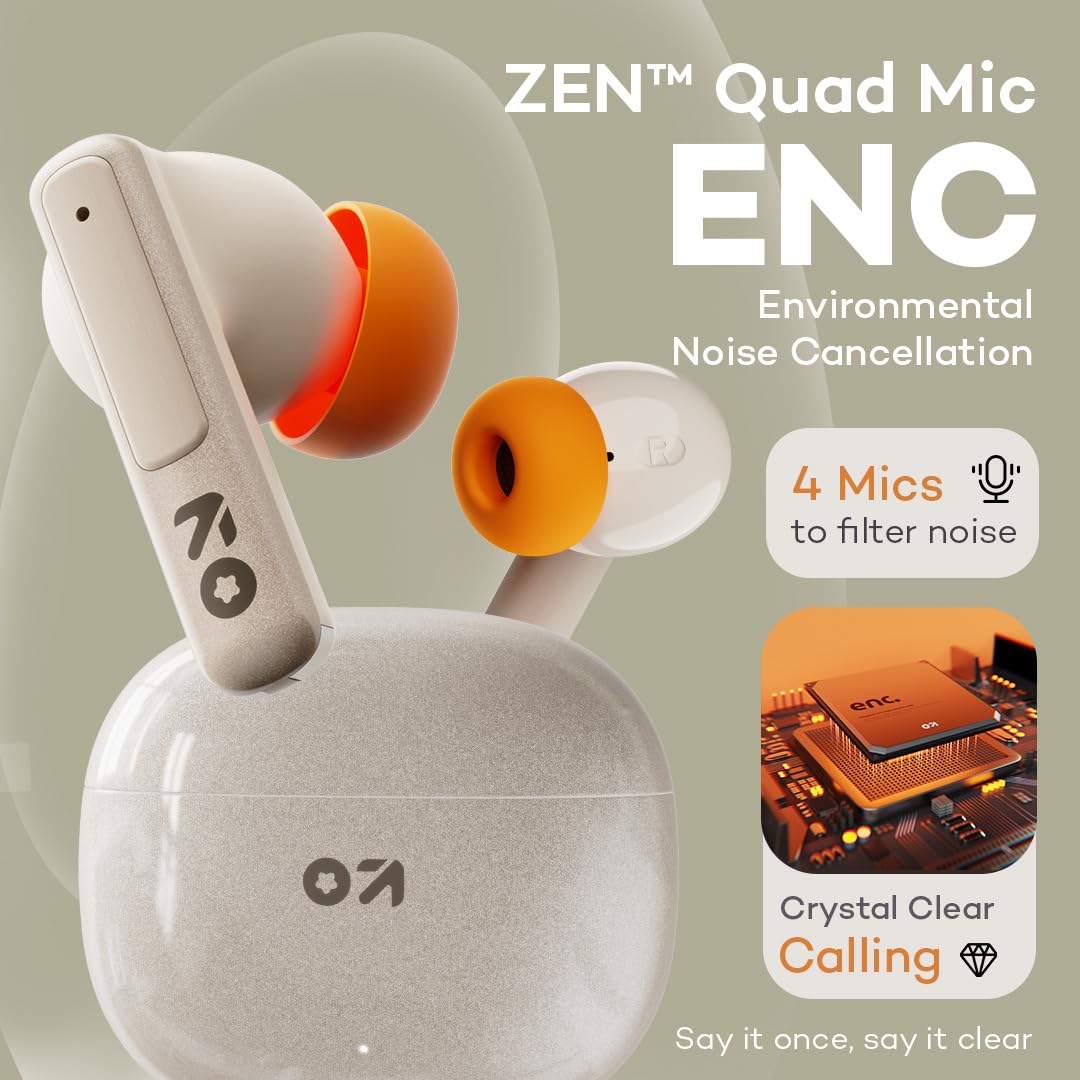
Image: GOBOULT W60 earbuds showcasing ZEN Quad Mic ENC for crystal-clear calls.
Modo de juego
Activate the Combat Gaming mode for an ultra-low latency experience of 50ms, providing synchronized audio during gaming or video playback.
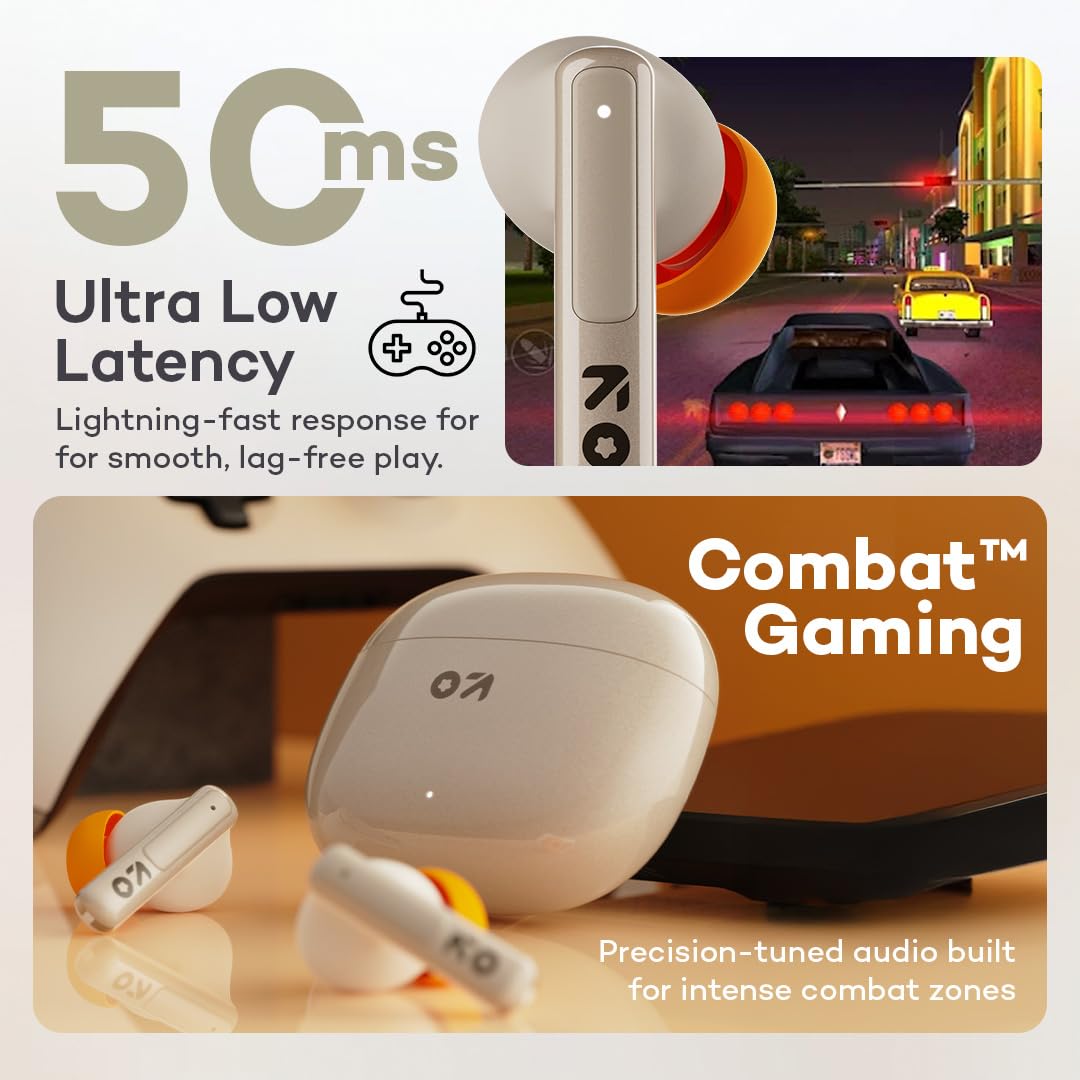
Image: GOBOULT W60 earbuds illustrating low latency for gaming.
Rendimiento de audio
The W60 earbuds feature 13mm dynamic drivers with BoomX technology, delivering supreme bass and immersive sound for an enhanced listening experience.

Image: GOBOULT W60 earbuds highlighting 13mm punchy bass drivers.
Mantenimiento
Limpieza y cuidado
- Limpie periódicamente los auriculares y el estuche de carga con un paño suave, seco y sin pelusa.
- Evite utilizar materiales abrasivos, disolventes o aerosoles.
- Asegúrese de que los contactos de carga de ambos auriculares y del estuche estén limpios y libres de residuos.
Resistencia al agua
The GOBOULT W60 earbuds are IPX5 water resistant, meaning they are protected against sweat and splashes. They are not designed for submersion in water.

Image: GOBOULT W60 earbuds demonstrating IPX5 water resistance.
Solución de problemas
If you encounter issues with your GOBOULT W60 earbuds, refer to the following common solutions:
- Sin sonido: Ensure earbuds are charged, properly paired, and volume is adjusted on both the earbuds and your connected device.
- Problemas de emparejamiento: Turn off Bluetooth on your device, place earbuds back in the case, close and reopen the case, then try pairing again. Ensure no other devices are actively connected to the earbuds.
- Un auricular no funciona: Place both earbuds in the charging case, close the lid, wait a few seconds, then open the lid and try reconnecting. Check for debris on charging contacts.
- Problemas de carga: Verify the Type-C cable and power adapter are working correctly. Ensure the charging contacts on the earbuds and case are clean.
- Mala calidad de llamada: Ensure the microphones are not obstructed. Check your network signal.
If problems persist, consult the support section or contact customer service.
Presupuesto
| Característica | Detalle |
|---|---|
| Nombre del modelo | W60 (AirBass) |
| Tecnología de conectividad | Bluetooth 5.4, inalámbrico |
| Alcance de Bluetooth | 10 metros |
| Tamaño del controlador de audio | Controlador dinámico de 13 mm |
| Control de ruido | ZEN Quad Mic ENC (Environmental Noise Cancellation) |
| Latencia de audio | 50 milisegundos (modo de juego) |
| Tiempo de reproducción (auriculares) | Hasta 60 horas (con estuche de carga) |
| Tiempo de carga | 10 Minutes for 4 Hours Playtime |
| Puerto de carga | Tipo C |
| Nivel de resistencia al agua | IPX5 (resistente al sudor y a las salpicaduras) |
| Tipo de control | Touch Controls, Voice Assistant (Google Assistant, Siri) |
| Peso del artículo | 51.6 gramos |
| País natal | India |
Garantía y soporte
Your GOBOULT W60 True Wireless Earbuds come with a warranty. Please refer to the included Warranty Card for details regarding coverage and terms. For further assistance, technical support, or warranty claims, please visit the official GOBOULT store or contact customer service.
GOBOULT Store: Visit GOBOULT Store on Amazon.in