
1. Introducción
This manual provides instructions for the HOVOYNN MP3 Player M30. It covers device setup, operation, maintenance, and troubleshooting to ensure optimal use of your player. The device features an 8-core processor, 2GB RAM, 16GB internal storage, and includes a 64GB SD card, offering a total of 80GB storage capacity, expandable up to 512GB. It supports Wi-Fi and Bluetooth connectivity, allowing for online music streaming and versatile audio connections.
2. Producto terminadoview
2.1 Componentes del dispositivo
The HOVOYNN MP3 Player M30 features a compact design with a 4.02-inch touch screen. Key components include:
- Pantalla táctil de 4.02 pulgadas: For interactive navigation and media display.
- Botón giratorio: Located on the side, used for power control and volume adjustment.
- Puerto USB-C: Para carga y transferencia de datos.
- Conector de audio de 3.5 mm: Para conectar auriculares con cable.
- Micrófono: Para grabar audio.
- Vocero: Built-in for audio playback without external devices.
- Ranura para tarjeta micro SD: Para expansión de memoria.

Imagen: Anverso y reverso view of the HOVOYNN MP3 Player M30, highlighting the touch screen and the rotary control knob on the side.
2.2 Controles
- Pantalla táctil: Navigate menus, select applications, and control media playback by tapping, swiping, and pinching.
- Botón giratorio:
- Pulsación larga: Para encender o apagar el dispositivo.
- Girar: Para ajustar el nivel de volumen.

Image: Illustration of the MP3 player's touch screen interface and the rotary knob for volume and power control.
3. Configuración
3.1 Carga del dispositivo
Before first use, fully charge the MP3 player. Connect the included USB-C cable to the device's charging port and a compatible USB power adapter (not included) or computer USB port. The device is equipped with a 2000mAh battery.
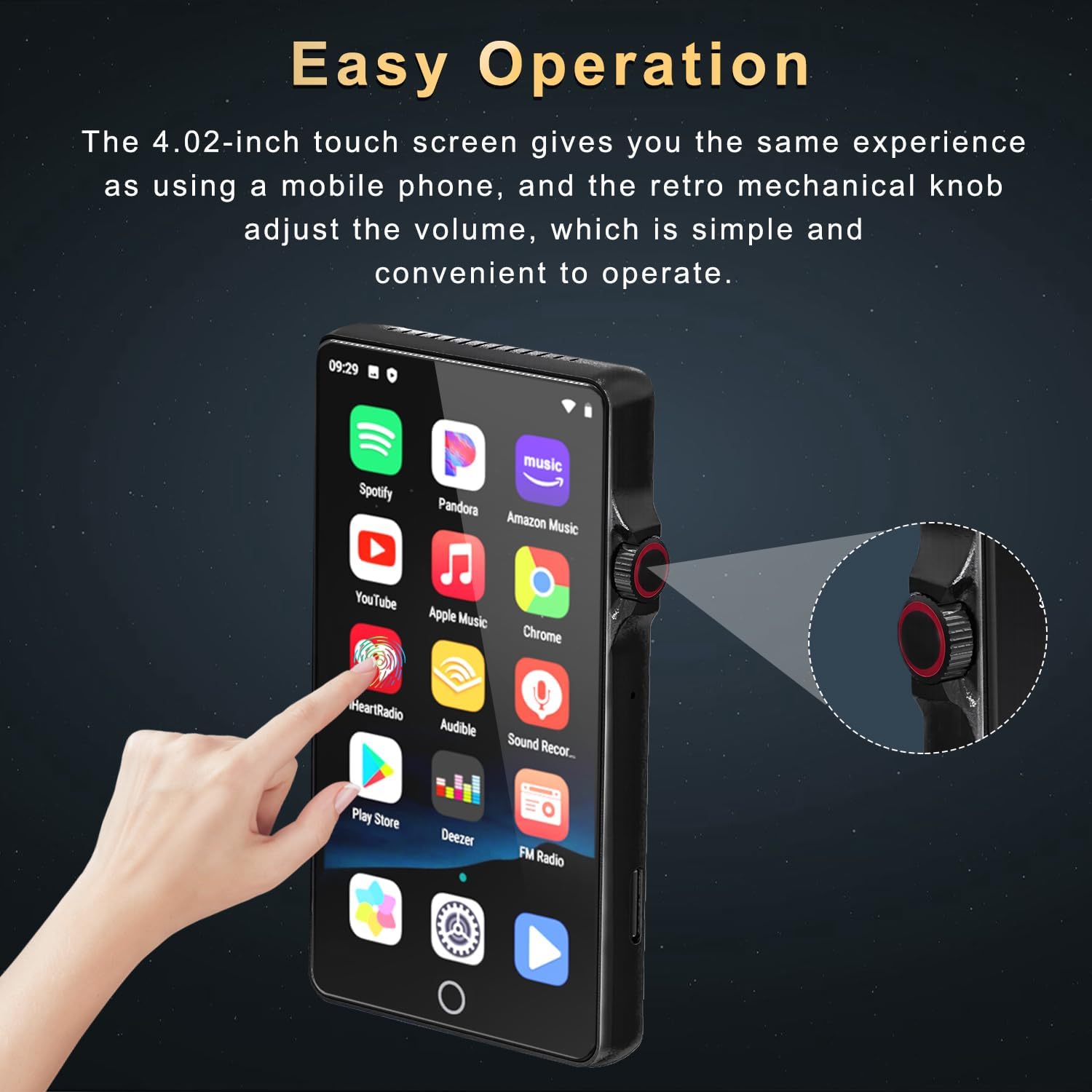
Image: The MP3 player connected to a USB-C charging cable, illustrating its 2000mAh battery capacity and charging capabilities.
3.2 Encendido y apagado
To power on the device, long press the rotary knob until the screen illuminates. To power off, long press the rotary knob again and follow the on-screen prompts.
3.3 Almacenamiento y memoria
The player comes with 16GB of internal ROM and 2GB of RAM for smooth operation. A 64GB SD card is included, providing a total of 80GB storage. The device supports memory expansion via a Micro SD card slot, up to 512GB.

Image: The MP3 player with an inserted SD card, detailing its 16GB ROM, 2GB RAM, 64GB included SD card, and support for up to 512GB expansion.
4. Instrucciones de funcionamiento
4.1 Navegación básica
The device operates on an Android 9.0 OS, providing a familiar touch screen interface. Swipe to navigate between screens, tap icons to open applications, and use gestures for various functions.

Image: The MP3 player displaying its Android 9.0 operating system interface with various application icons.
4.2 Reproducción de música
The player supports a wide range of audio formats including MP3, WAV, FLAC, APE, OGG, AAC, and WMA. You can play local music files or stream from pre-installed online music applications.
- Música local: Use the built-in music player app to scan for songs, create playlists, and search for tracks by name.
- Música en línea: Pre-installed applications such as Spotify, Pandora, Amazon Music, and Deezer allow for online music streaming via Wi-Fi.
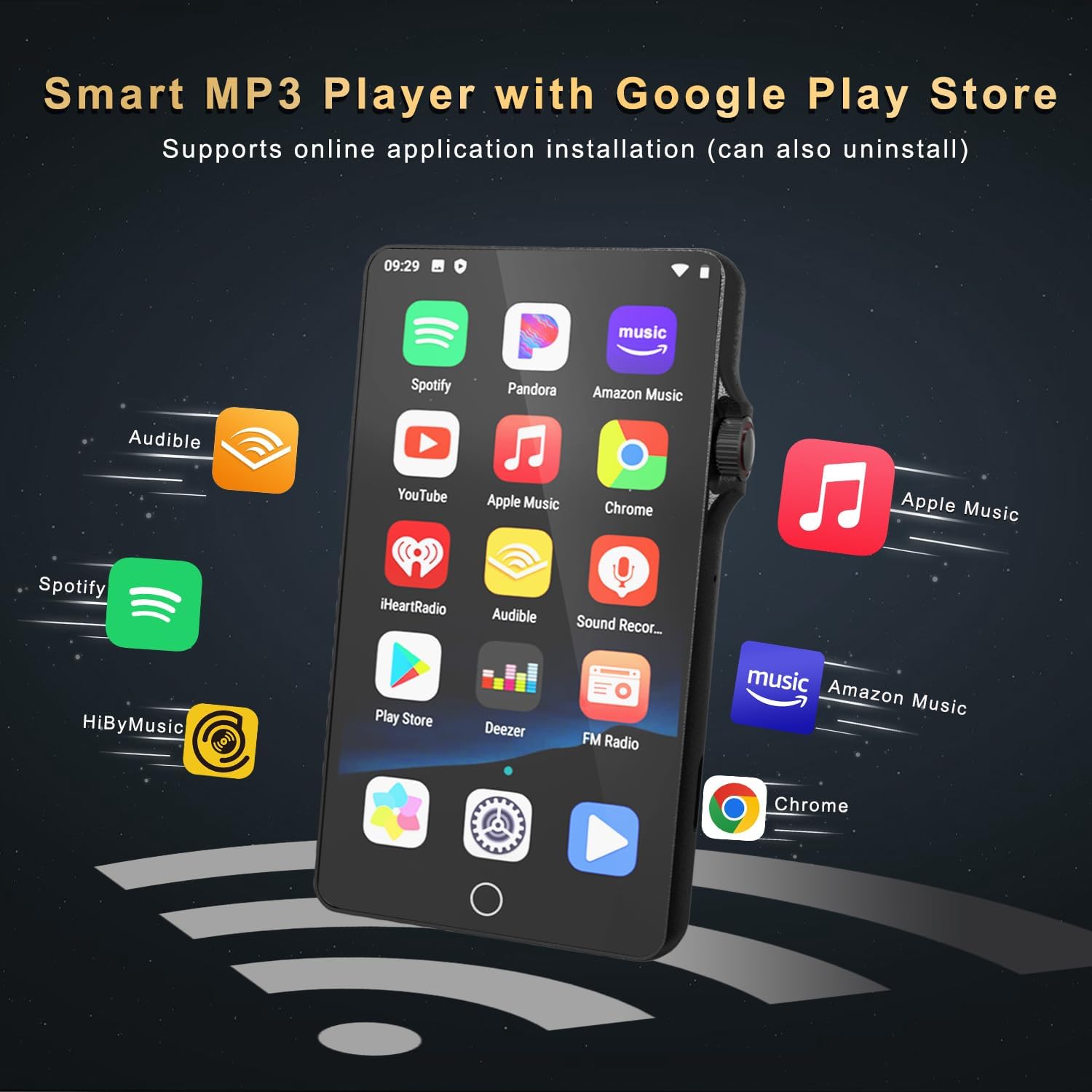
Image: The MP3 player's screen displaying icons for various music streaming applications like Spotify, Pandora, and Amazon Music.

Image: The music player interface on the MP3 player, showing song categories, search function, playlist creation, and equalizer options.
4.3 Reproducción de video
The 4.02-inch high-definition touch screen supports 1080P full-format video playback, providing a clear viewing experience. The device includes a video player application for managing and playing video files.

Image: A person holding the HOVOYNN MP3 Player M30, which is displaying a high-definition video on its 4.02-inch screen.
4.4 Gestión de aplicaciones
You can install additional applications and update existing ones. To save memory, unused applications can be deleted. Nota: This MP3 player does not include Google Play Services and cannot install apps that require its support, such as YouTube or HiByMusic.
4.5 Conectividad
- Bluetooth: The device features Bluetooth 4.0 with two-way sending and receiving capabilities. This allows for stable connections to Bluetooth headphones, speakers, and car audio systems.
- Wifi: Built-in Dual Band 2.4 & 5GHz Wi-Fi provides a stable wireless signal for internet browsing and online streaming.
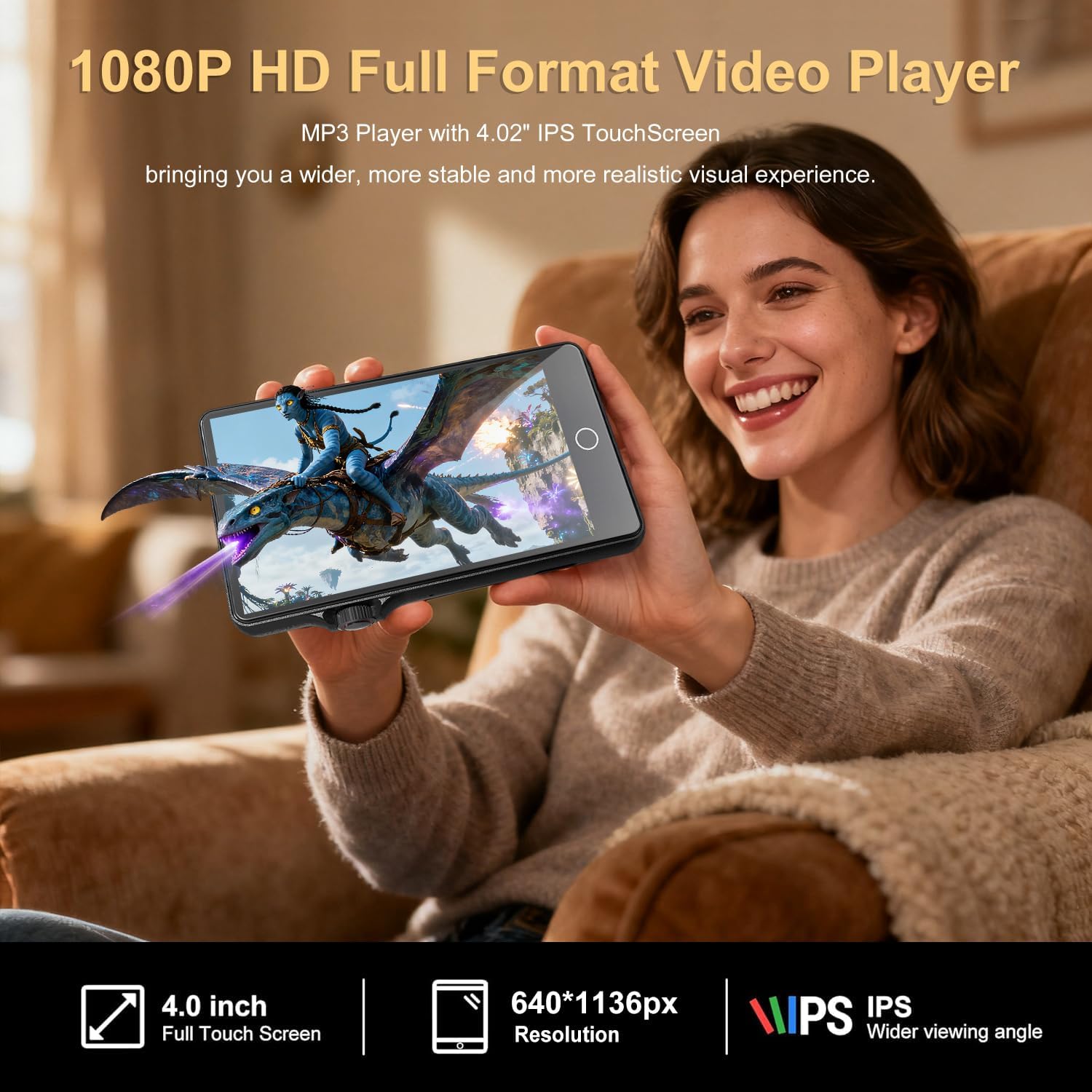
Image: The MP3 player demonstrating its Bluetooth connectivity by pairing with headphones and a portable speaker.
4.6 Otras funciones
The MP3 Player M30 includes several utility applications:
- Grabadora de sonido: Para capturar audio.
- Radio FM: Para escuchar transmisiones de radio locales.
- Libro electrónico: Para leer libros digitales.
- File Transfer del aeropuerto: For managing and moving files.
- Reloj, Calendario, Calculadora, Galería, File Gerente: Aplicaciones de utilidad estándar.
5. Mantenimiento
To ensure the longevity and optimal performance of your HOVOYNN MP3 Player M30, follow these maintenance guidelines:
- Limpieza: Utilice un paño suave, seco y sin pelusa para limpiar la pantalla y el cuerpo. Evite limpiadores abrasivos o disolventes.
- Almacenamiento: Guarde el dispositivo en un lugar fresco y seco, alejado de la luz solar directa y de temperaturas extremas.
- Protección: Avoid dropping the device or exposing it to excessive moisture. Consider using a protective case.
- Cuidado de la batería: To preserve battery health, avoid fully discharging the battery frequently. Charge the device regularly.
6. Solución de problemas
If you encounter issues with your MP3 player, try the following steps:
- El dispositivo no se enciende: Ensure the battery is charged. Connect the device to a power source and try long-pressing the rotary knob again.
- La pantalla no responde: Try restarting the device by long-pressing the rotary knob. If unresponsive, allow the battery to fully drain and then recharge.
- No se puede conectar a Bluetooth: Ensure Bluetooth is enabled on both the MP3 player and the target device. Make sure both devices are within range and in pairing mode.
- Problemas de conexión Wi-Fi: Verify that Wi-Fi is enabled and you are entering the correct password. Check your router for connectivity issues.
- Music/Video Playback Problems: Asegúrese de que los medios de comunicación files are in a supported format. Check if the files están corruptos.
- Rendimiento lento: Close unnecessary background applications. Clear cache or free up storage space if needed.
7. Especificaciones
| Nombre del modelo | MP3 Player M30 |
| Marca | HOVOYNN |
| Dimensiones | 0.47 x 2.32 x 4.21 pulgadas |
| Peso | 8.4 onzas |
| Tamaño de pantalla | 4.02 pulgadas |
| Tipo de pantalla | Pantalla táctil |
| Procesador | 8 núcleos |
| RAM | 2 GB |
| Almacenamiento interno (ROM) | 16 GB |
| Tarjeta SD incluida | 64 GB |
| Almacenamiento expandible | Hasta 512 GB (Micro SD) |
| Capacidad de la batería | 2000 mAh |
| Conectividad | Bluetooth 4.0, Wi-Fi (2.4 & 5GHz), USB-C |
| Formatos de audio compatibles | MP3, WAV, FLAC, APE, OGG, AAC, WMA |
| Componentes incluidos | MP3 Player, USB-C Cable, Earphones, User Manual |
8. Garantía y soporte
For warranty information and customer support, please refer to the warranty card included with your product or visit the official HOVOYNN webSitio. Conserve su recibo de compra como comprobante para reclamaciones de garantía.