
1. Introducción
This manual provides essential information for the safe and effective operation of your Digitek LED-D432 Bi-Color LED Video Light Studio. Please read this manual thoroughly before using the product and retain it for future reference. The Digitek LED-D432 is a versatile lighting solution designed for photography, videography, and content creation, offering adjustable color temperature and brightness control.
2. Información de seguridad
Para evitar dañar el producto o causar lesiones a usted o a otras personas, observe las siguientes precauciones de seguridad:
- Seguridad eléctrica: Do not operate the light with wet hands. Ensure the power adapter and cables are undamaged. Disconnect power before cleaning or maintenance.
- Calor: The LED panel may become warm during extended use. Do not block ventilation openings. Avoid touching the LED surface directly when hot.
- Protección ocular: Do not look directly into the illuminated LED panel for prolonged periods, as it may cause eye strain or damage.
- Uso de la batería: If using external batteries (F-960/F-770 type), ensure they are compatible and correctly installed. Do not short-circuit, disassemble, or expose batteries to extreme temperatures.
- Ambiente: Use the light in a dry environment. Protect it from water, moisture, and corrosive liquids. Avoid dropping or subjecting the light to strong impacts.
- Niños: Mantener el producto fuera del alcance de los niños.
3. Contenido del paquete
Verifique que todos los artículos enumerados a continuación estén incluidos en su paquete:
- Digitek LED-D432 Bi-Color Light
- Adaptador de zapata fría
- Manual de usuario
Note: Battery is not included with this product and must be purchased separately.

Image: The package includes the LED D432 Bi-Color Light, a Cold Shoe Adapter, and this User Manual. Batteries are sold separately.
4. Producto terminadoview
The Digitek LED-D432 Bi-Color LED Video Light features 432 high-quality LEDs, providing a powerful 35W output. It is designed for consistent and bright illumination, suitable for various shooting conditions.
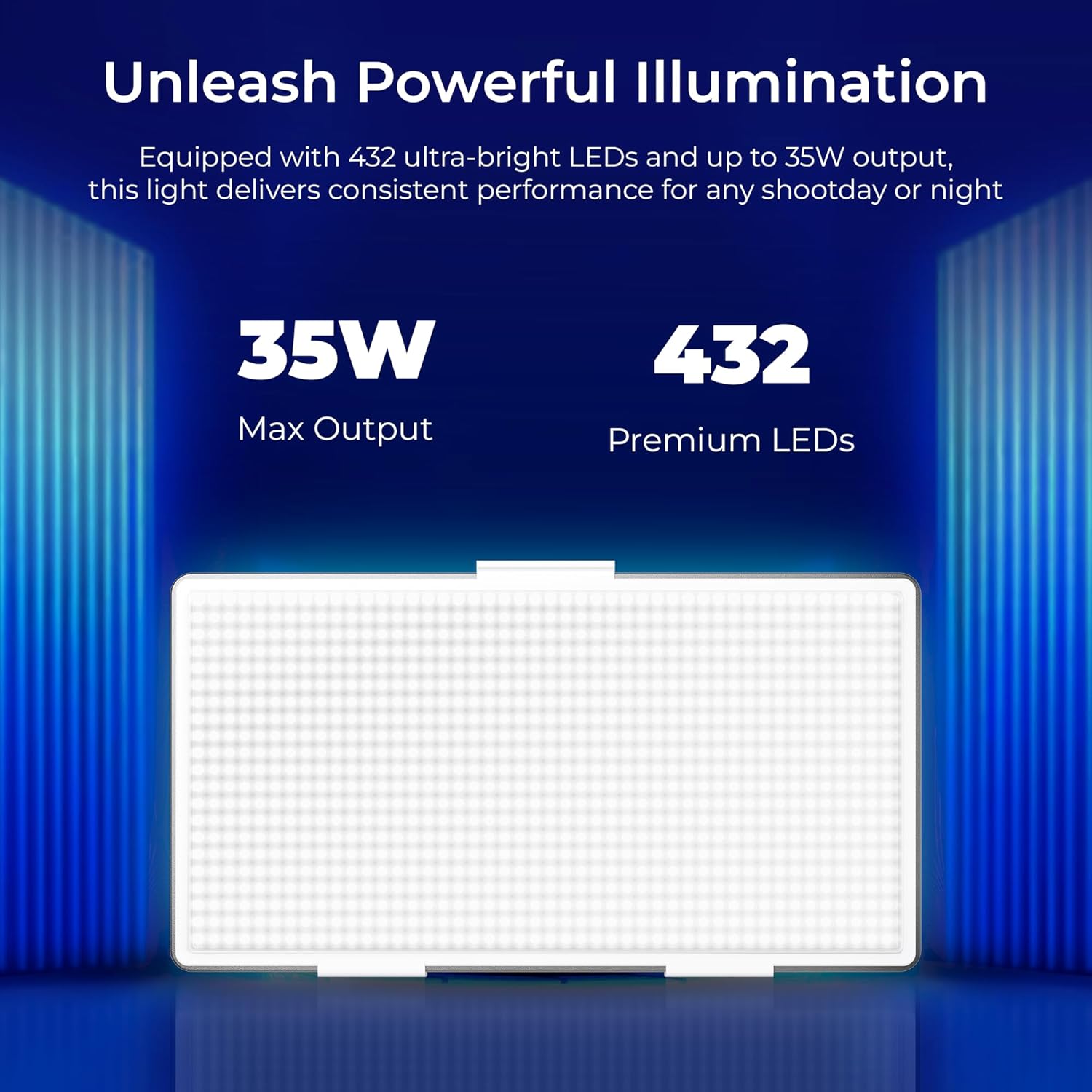
Image: The Digitek LED-D432 light delivers a maximum output of 35W using 432 premium LEDs for powerful illumination.
Características principales:
- Iluminación potente: 35W output with 432 LEDs.
- Temperatura de color ajustable: Range from 2500K (warm) to 9900K (cool daylight).
- Control de brillo: Smooth dimming from 1% to 100%.
- Opciones de montaje: Integrated 1/4" screw port for tripods, light stands, or camera rigs.
- Versatilidad de energía: Compatible with F-960 and F-770 external batteries (not included) for portable use.
- Ángulo de haz amplio: 120° for uniform lighting.
- Diseño duradero: Constructed from ABS+PC material for portability and resilience.
5. Configuración
5.1 Montaje de la luz
The LED-D432 features a standard 1/4" screw port for easy attachment to various photographic accessories.
- Locate the 1/4" screw port at the bottom of the light unit.
- Attach the light to a compatible tripod, light stand, or camera rig by screwing it onto the 1/4" mounting screw until secure.
- If using the cold shoe adapter, attach it to the 1/4" screw port first, then mount it onto a camera's hot shoe or cold shoe mount.

Image: The Digitek LED-D432 light can be mounted on a light stand or tripod using its built-in 1/4" screw port.
5.2 Encendiendo la luz
The LED-D432 can be powered using either an AC adapter (not included) or compatible external batteries.
- Usando energía CA: Connect a compatible DC power adapter (check product specifications for voltage and current requirements) to the DC input port on the light. Plug the adapter into a wall outlet.
- Usando baterías: Insert a fully charged F-960 or F-770 type battery (not included) into the battery slot on the back of the light, ensuring correct polarity.
6. Instrucciones de funcionamiento
6.1 Encendido y apagado
Locate the power switch on the side or back of the unit. Toggle the switch to the 'ON' position to turn on the light. Toggle to 'OFF' to power down.
6.2 Ajuste del brillo
The LED-D432 offers precise brightness control from 1% to 100%.
- Once the light is on, locate the brightness control knob (often labeled 'DIM' or with a brightness icon).
- Gire la perilla en el sentido de las agujas del reloj para aumentar el brillo y en el sentido contrario a las agujas del reloj para disminuirlo.
- The current brightness level will be displayed on the unit's screen (if available).

Image: The Digitek LED-D432 provides full dimming from 0% to 100% with uniform brightness and no flickering.
6.3 Ajuste de la temperatura del color
The bi-color feature allows you to adjust the color temperature from warm (2500K) to cool daylight (9900K).
- Locate the color temperature control knob (often labeled 'CCT' or with a color temperature icon).
- Rotate the knob to adjust the color temperature. Turning it towards lower Kelvin values will produce warmer light, while higher Kelvin values will produce cooler light.
- The selected color temperature will be displayed on the unit's screen (if available).
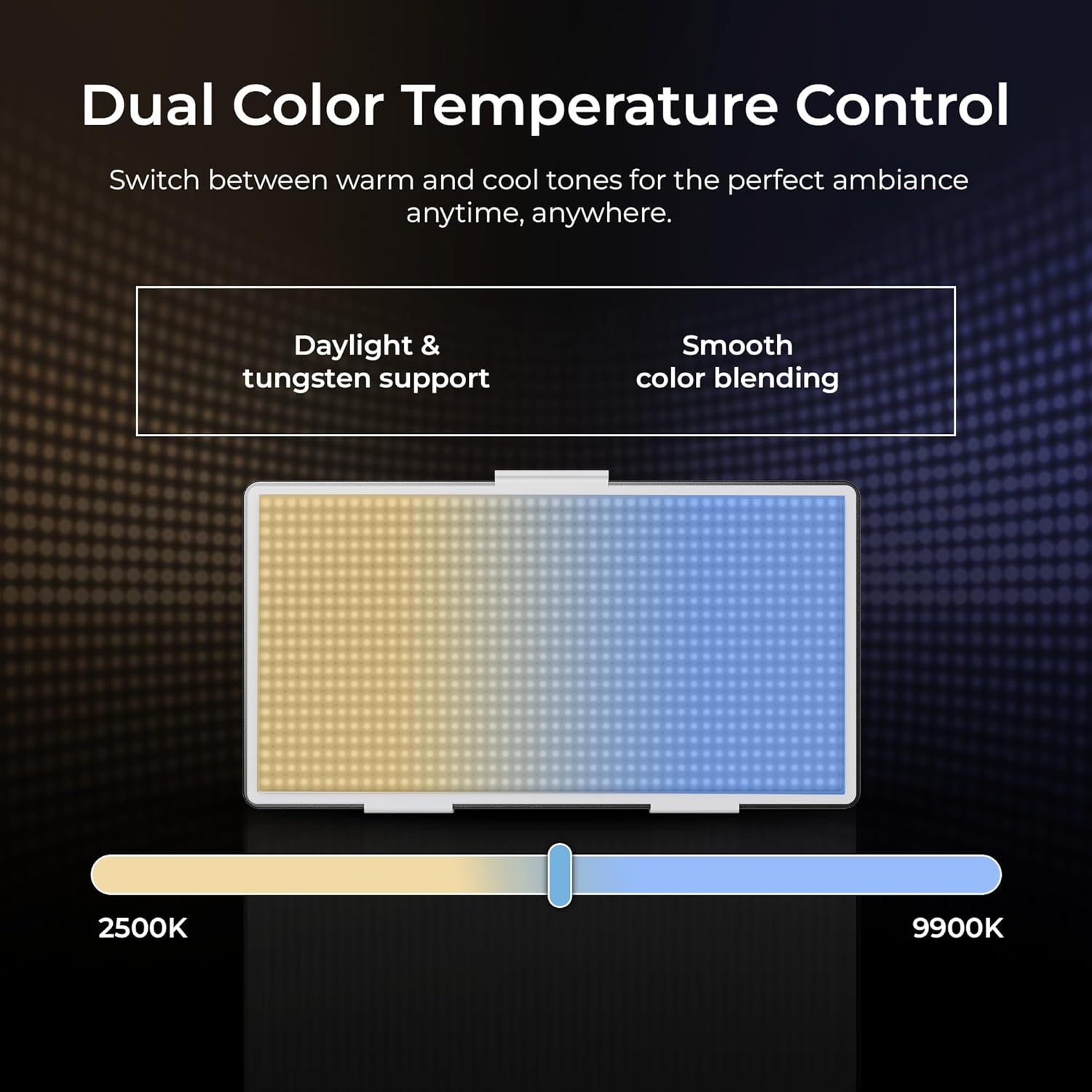
Image: The Digitek LED-D432 allows dual color temperature control, switching between warm (2500K) and cool (9900K) tones for versatile lighting.
6.4 Aplicaciones versátiles
The LED-D432 is suitable for a variety of uses, including portrait photography, product photography, and video production, providing consistent and controllable illumination.

Image: The Digitek LED-D432 is ideal for various applications such as portrait shoots, product photography, and video production.
7. Mantenimiento
7.1 Limpieza
Para mantener un rendimiento y una apariencia óptimos:
- Ensure the light is turned off and disconnected from power before cleaning.
- Utilice un paño suave y seco para limpiar el exterior de la luz.
- Para la suciedad incrustada, un paño ligeramente húmedo.amp Se puede utilizar un paño y luego un paño seco.
- No utilice productos químicos agresivos, disolventes o limpiadores abrasivos, ya que pueden dañar el acabado o los componentes internos.
7.2 Almacenamiento
When not in use, store the light in a cool, dry place, away from direct sunlight and extreme temperatures. If using external batteries, remove them from the unit before long-term storage.
8. Solución de problemas
If you encounter issues with your Digitek LED-D432, refer to the following common problems and solutions:
| Problema | Posible causa | Solución |
|---|---|---|
| La luz no se enciende. | No power, battery depleted, or power switch off. | Ensure power adapter is connected or battery is charged and inserted correctly. Check power switch position. |
| La luz parpadea o es inestable. | Low battery power or faulty power connection. | Recharge or replace battery. Check power cable connection. |
| No se puede ajustar el brillo/temperatura del color. | Control knob malfunction or unit locked. | Ensure no lock function is active (if applicable). Try restarting the unit. If problem persists, contact support. |
| La luz se calienta excesivamente. | Blocked ventilation or prolonged high-power use. | Ensure ventilation openings are clear. Reduce brightness or allow the unit to cool down. |
If the problem persists after attempting these solutions, please contact Digitek customer support.
9. Especificaciones
Technical specifications for the Digitek LED-D432 Bi-Color LED Video Light Studio:
| Característica | Especificación |
|---|---|
| Número de modelo | LED-D432 Bi-Color |
| Potencia de salida | 35 W |
| Número de LED | 432 |
| Rango de temperatura de color | 2500K - 9900K |
| Control de brillo | 1% - 100% |
| Montaje | 1/4-inch Screw Port |
| Baterías compatibles | F-960 / F-770 series (not included) |
| Dimensiones del producto | 18.1 x 4.8 x 20.6 cm |
| Peso del artículo | 1.5 kilogramos |
| Material | ABS + PC |
10. Garantía y soporte
10.1 Información de garantía
Digitek products are manufactured under strict quality standards. This product is covered by a limited warranty against manufacturing defects. Please refer to the warranty card included with your purchase or visit the official Digitek webSitio para conocer los términos y condiciones detallados de la garantía.
10.2 Atención al cliente
For technical assistance, service, or inquiries, please contact IMS Mercantiles Limited, the manufacturer and importer of Digitek products.
- Fabricante: IMS Mercantiles Limited
- DIRECCIÓN: 704, 7th floor, Ring Road Mall, Sec-3, Rohini, Delhi 110085
- Customer Helpline (Toll Free): 1800-123-544-444
- Correo electrónico: soporte@digitek.net.in